

macOS 26.2 Tahoeでは、仮想マシンに割り当てられるシリアルナンバーが”0″となりiCloudや関連アプリが利用できなくなるAVFの不具合が修正されています。詳細は以下から。

Appleが2025年11月04日にリリースした「macOS 26.1 Tahoe」では、Mac上にmacOSやLinux仮想マシンを構築するための「Apple Virtualization Framework (AVF)」に不具合があり、macOS仮想マシンのシリアルナンバーが”0″となり、
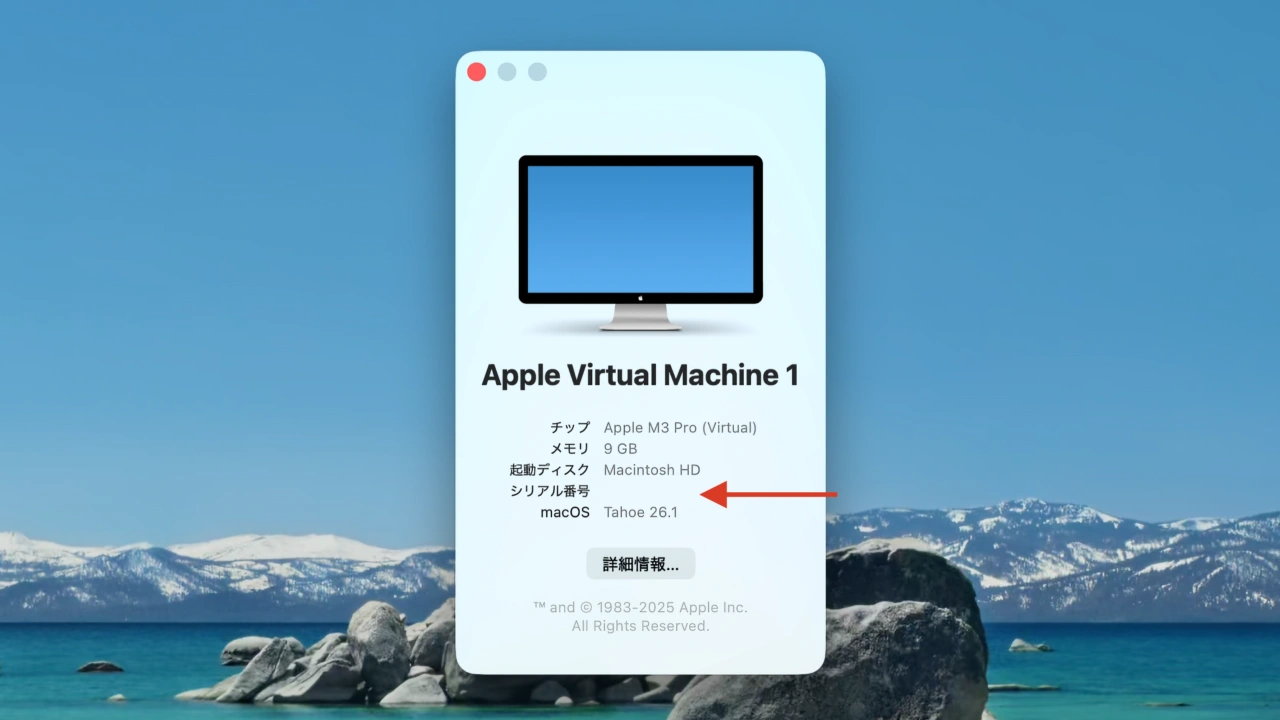
macOS 26.1 Tahoe上の仮想マシン
macOS仮想マシン上でAppleアカウントを利用したiCloudサービスや関連アプリの機能が利用できなくなっていましたが、AppleのDTS(Developer Technical Support)によると、この不具合は12月12日にリリースされた「macOS 26.2 Tahoe (25C56)」で修正されたそうです。
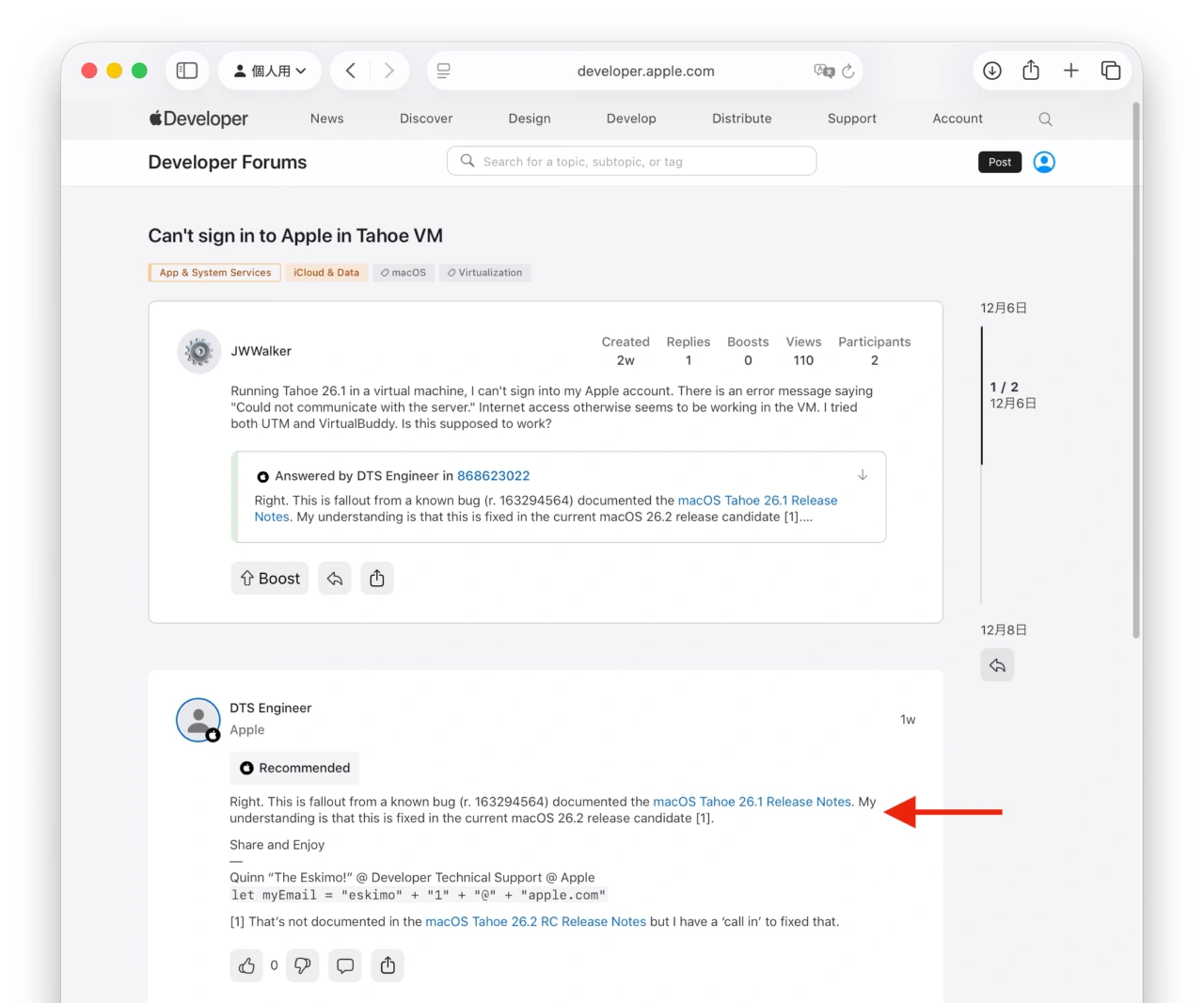
Right. This is fallout from a known bug (r. 163294564) documented the macOS Tahoe 26.1 Release Notes. My understanding is that this is fixed in the current macOS 26.2 release candidate [1].
Can’t sign in to Apple in Tahoe VM – Apple Developer Forums
これにより、macOS 26.2 Tahoeでは、macOS仮想マシン内でiCloudを利用したファイルやアプリケーションデータの共有、仮想マシン内でXcodeを利用したmacOSアプリのビルドやテストなど仮想開発環境が再び可能になっているので、macOS 26.2へアップグレードされた方は試してみてください。
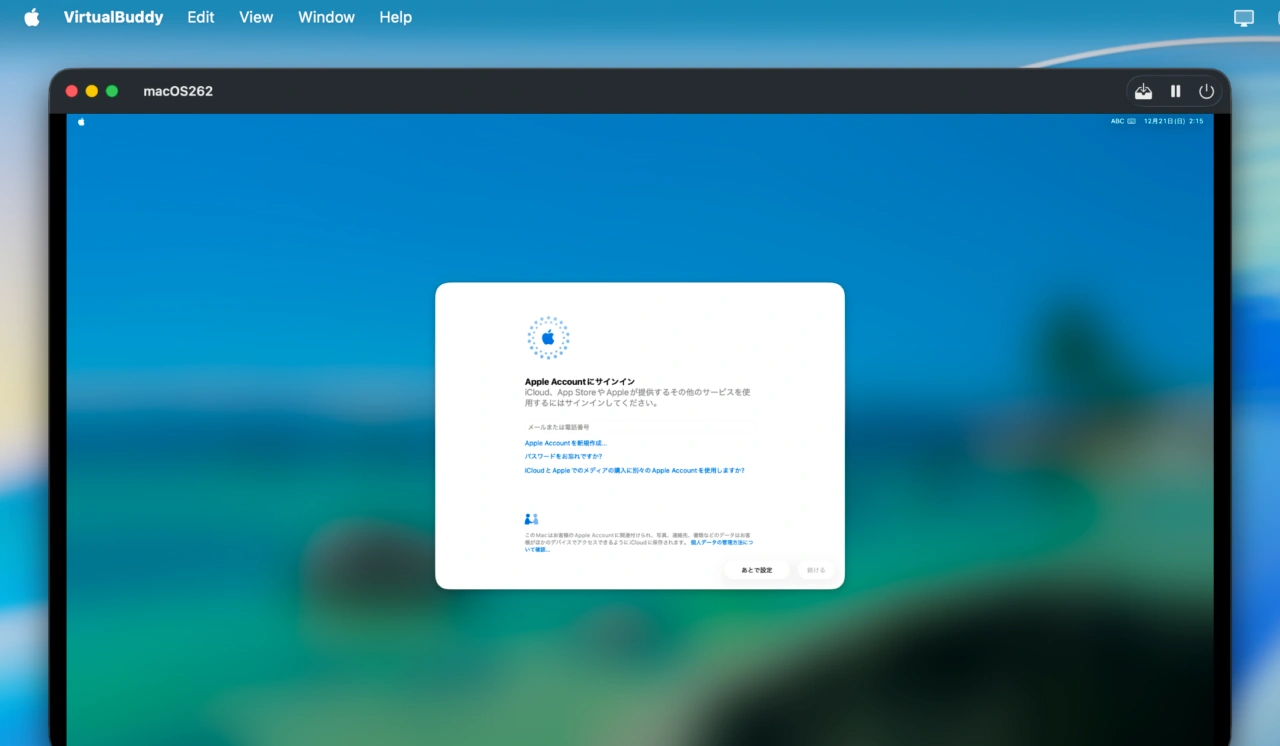
macOS 26.2 Tahoeの仮想マシン
- Can’t sign in to Apple in Tahoe VM – Apple Developer Forums

コメント