
macOS 15 Sequoia以降のMacでmacOS仮想マシン内にXcode 26で開発環境を構築することで仮想マシン内でmacOSアプリのビルドが可能になったそうです。詳細は以下から。
Appleは2020年06月に開催したWWDC20で、MacのCPUをIntel(x86_64)からApple Silicon(arm64)へ移行するのを前に、開発者がApple Silicon Macへの移行しやすいよう、macOS 11 Big SurのMacで仮想マシンを簡単に作成/管理できるハイレベルAPI「Apple Virtualization Framework (以下、AVF)」を導入し、
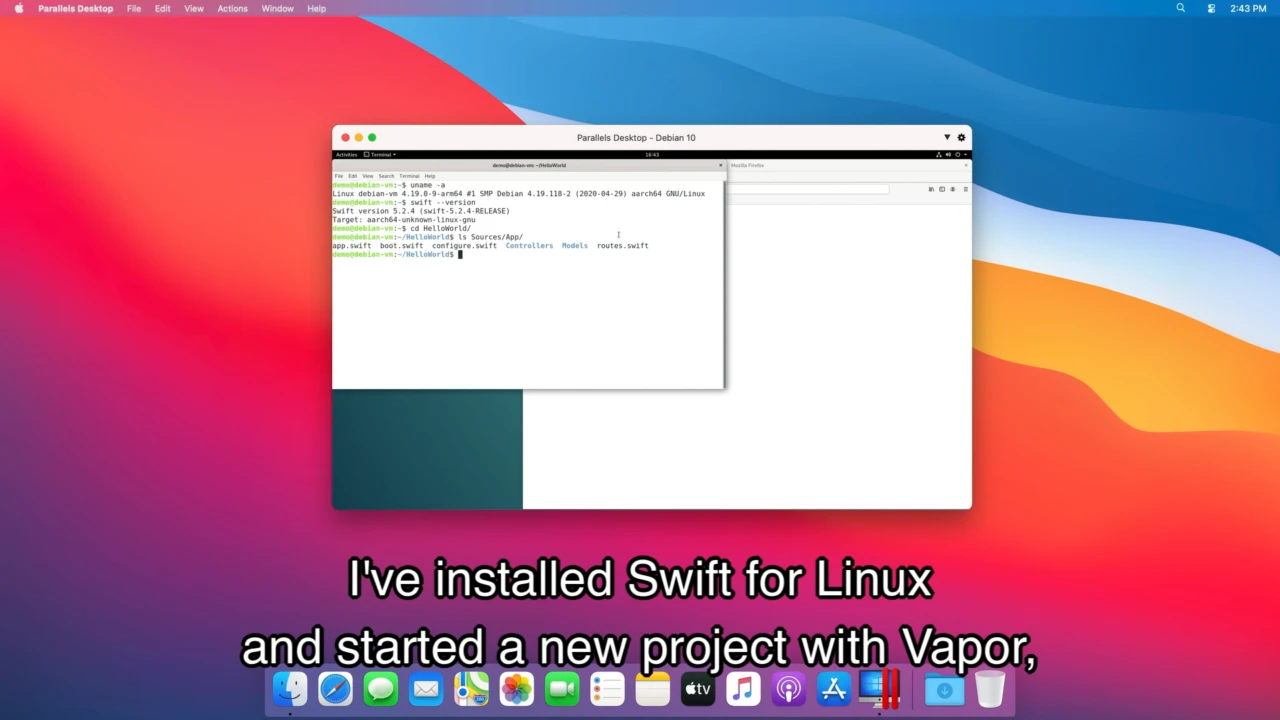
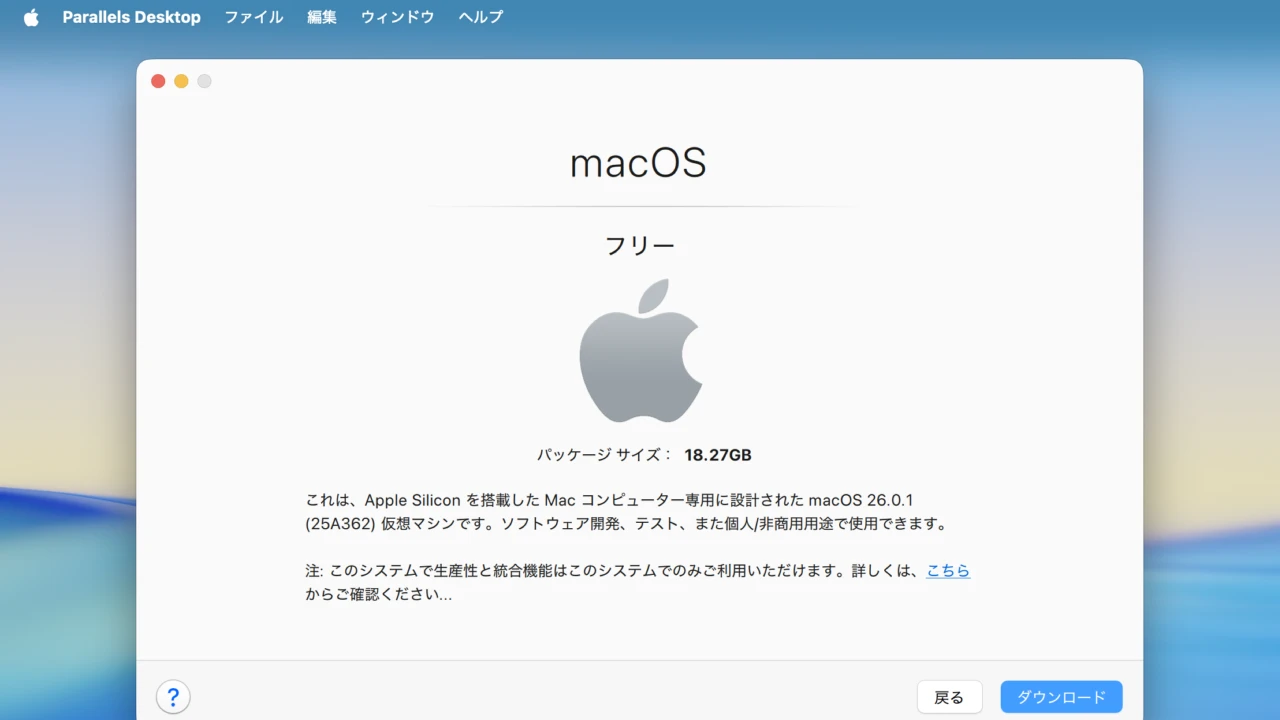
AVFを利用したParallels Desktop上で動作するLinux
4年後のWWDC24ではmacOS 15 SequoiaとともにアップデートされたAVFを利用して構築したmacOS仮想マシンでiCloudアカウントが利用可能になりましたが、Appleによると、今年リリースされたXcode 26を利用することで、macOS仮想マシン内でmacOSアプリをビルドすることが可能になっているそうです。
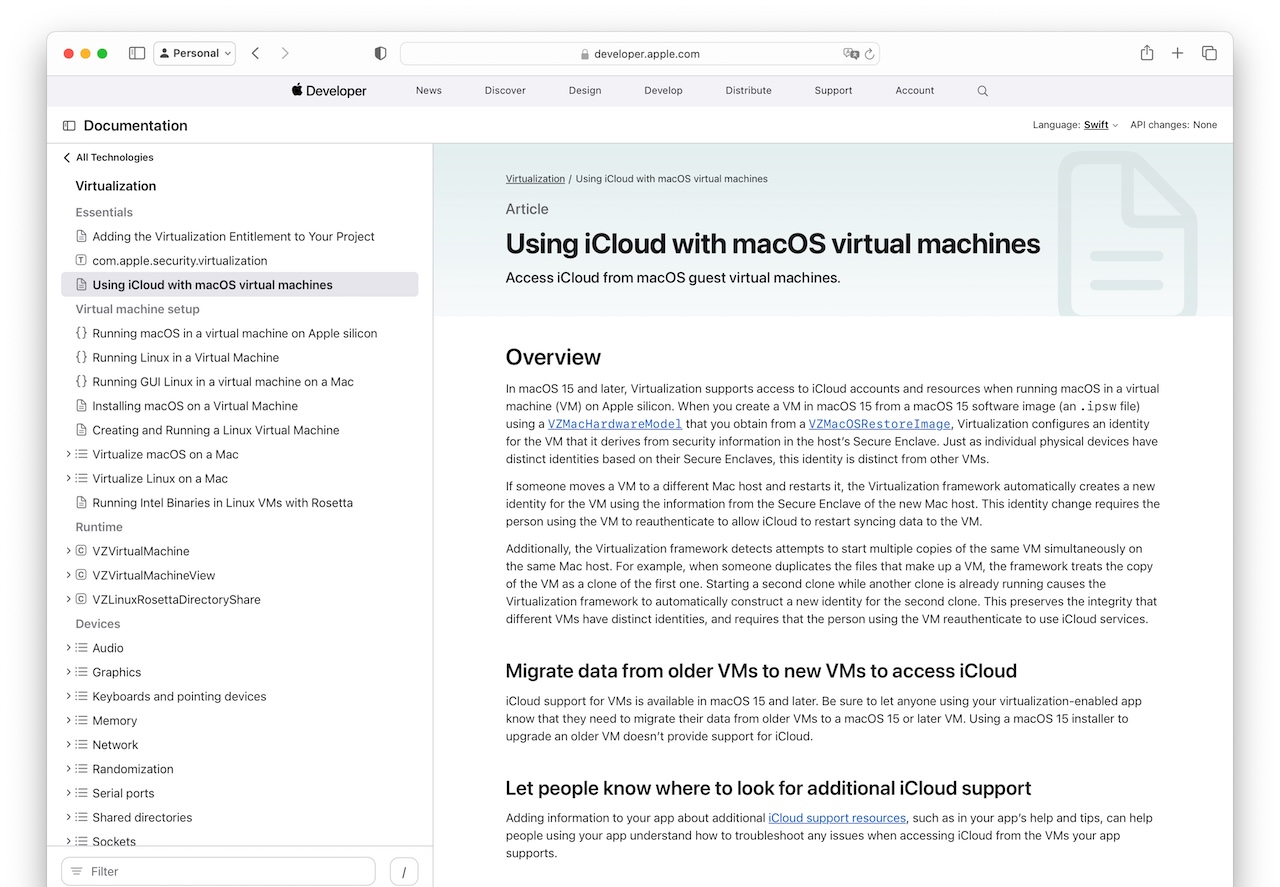
In macOS 15 and later, Virtualization supports access to iCloud accounts and resources when running macOS in a virtual machine (VM) on Apple silicon. When you create a VM in macOS 15 from a macOS 15 software image (an .ipsw file) using a VZMacHardwareModel that you obtain from a VZMacOSRestoreImage,
Using iCloud with macOS virtual machinesより
Building macOS apps with Xcode 26 on macOS 26 VM
これは、AppleのDeveloper Forumsで議論されていた話題で、AVFで構築されたmacOS仮想マシン内でXcode 26開発環境をセットアップすれば、macOS 26 Tahoeリリース後も、MacをアップグレードせずにmacOS 15 Sequoia環境でmacOS 26仮想マシン内でアプリをビルドして動作を確認できないかという疑問に対し、
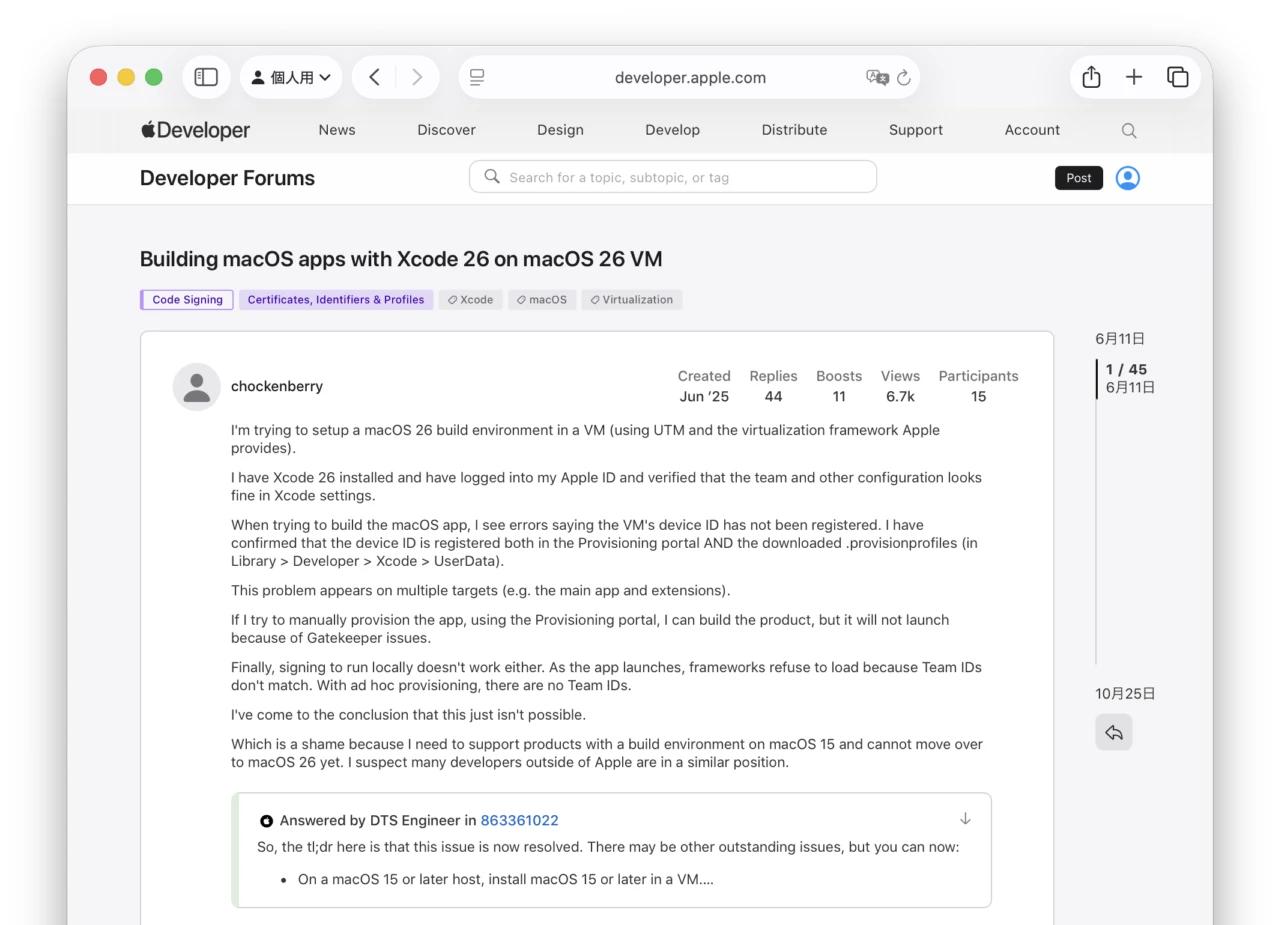
Which is a shame because I need to support products with a build environment on macOS 15 and cannot move over to macOS 26 yet. I suspect many developers outside of Apple are in a similar position.
Building macOS apps with Xcode 26 on macOS 26 VM – Apple Developer
当初、Provisioning Profile UDIDがApple Developerポータルに登録されてもXcodeのコード署名で認識されず、ビルドしたアプリが実行できないと報告されていましたが、一昨日、開発者の要望に対し、AppleがDeveloperサイト側の問題を修正し、以下の環境でmacOS仮想マシン内でmacOSアプリのビルドやテストが可能になったそうです。
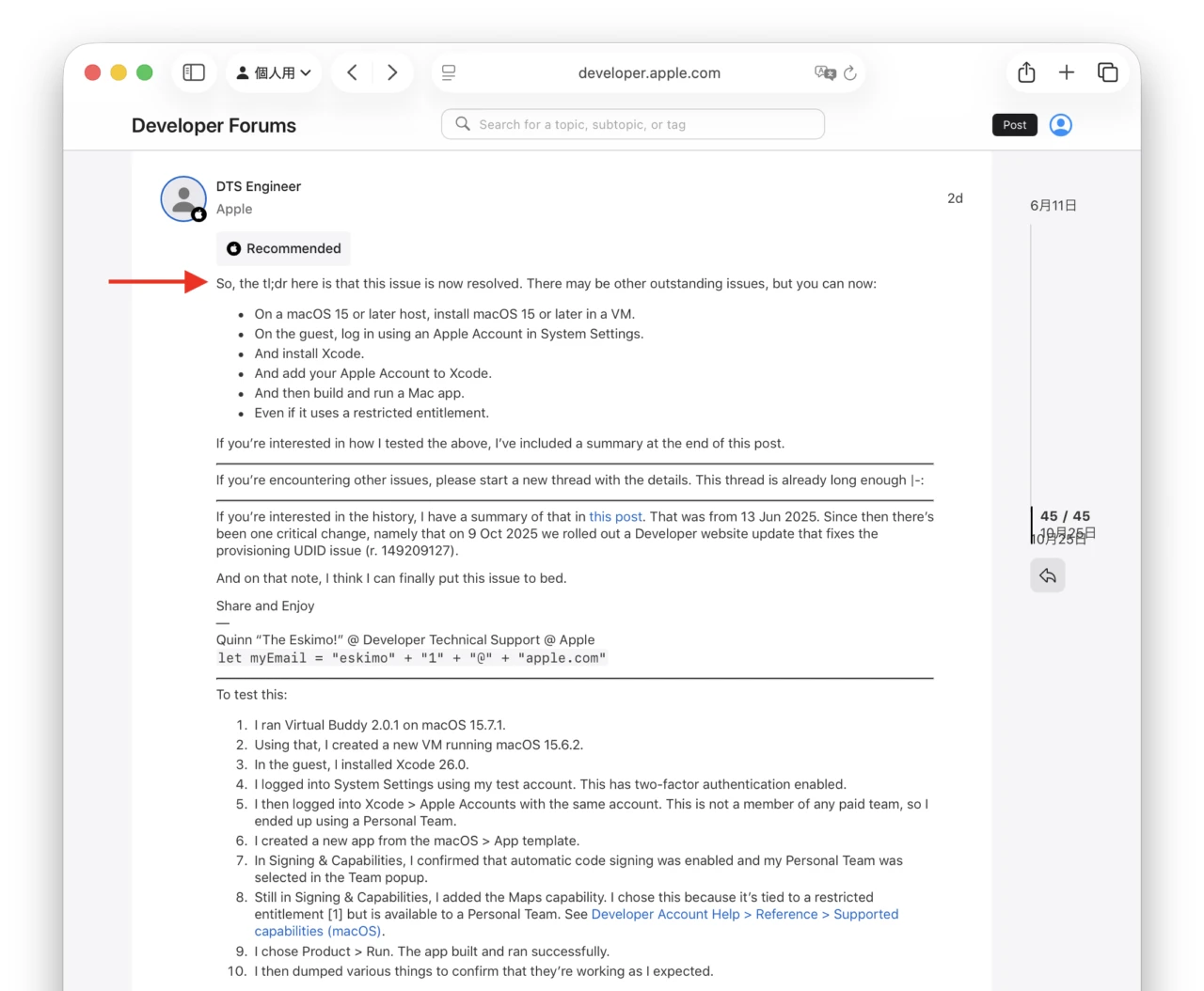
macOS仮想マシン内でmacOSアプリを開発
- macOS 15 Sequoia以降のホストMacで、AVFを利用した仮想環境構築アプリを利用しmacOS 15以降の仮想マシンを構築。
- ゲストでログインし、システム設定アプリにAppleアカウントを適用。
- Xcode (26)をインストール。
- XcodeにAppleアカウントを追加。
- Macアプリをビルドして実行。
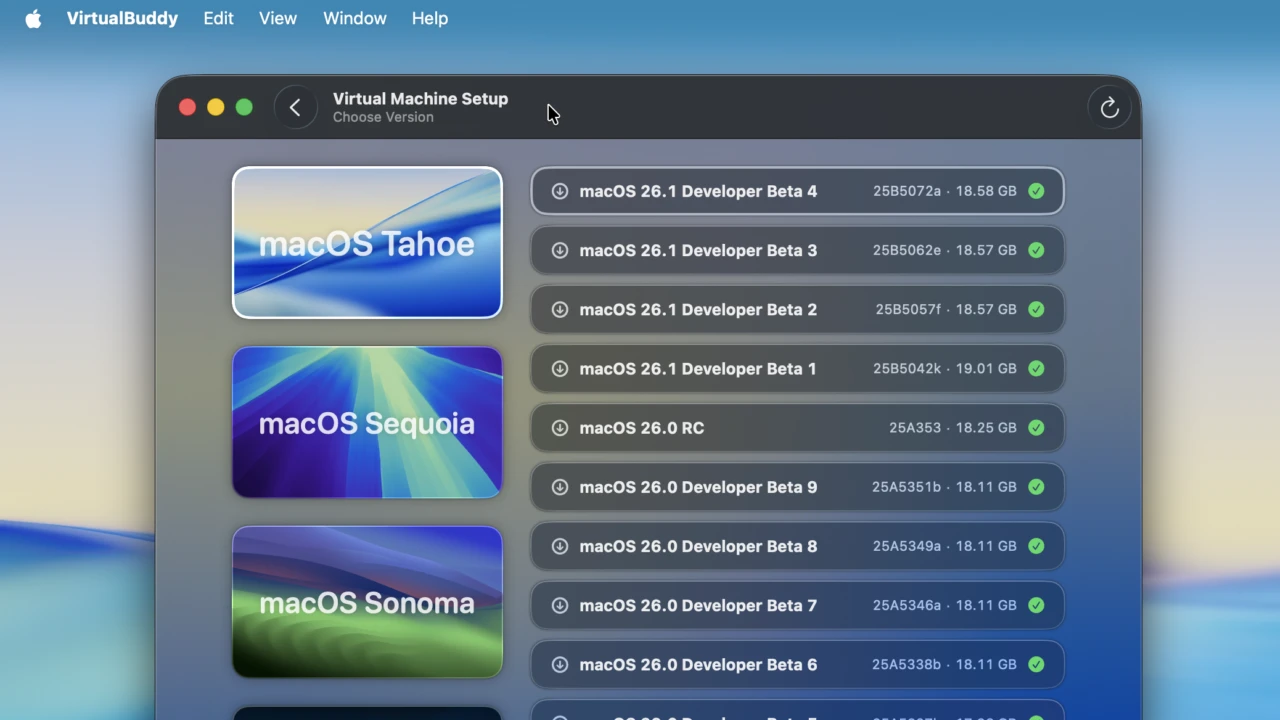
これによりUTMやVirtual BuddyなどAVFを利用した仮想環境構築アプリでmacOSの開発環境を構築しておけば、古いmacOSのMacで最新のmacOS環境に対応したアプリを開発できる、またはホストMacのmacOSをアップグレードしても古いmacOSでのアプリのサポートを継続できるので、
iOSシミュレーターのように2つのバージョンのmacOSでアプリのUIを比較したり、macOS 26のLiquid Glassに対応したmacOSアプリをmacOS 15 Sequoiaで開発したい方は試してみてください。

コメント