
macOS 26.0 Tahoeでは、CoreAudioの不具合によりMacBookのスピーカーからポップ音が鳴ったり、オーディオアプリで音声が損失する、DACから正しい音が出ないなどの不具合が確認されているので注意してください。詳細は以下から。
昨日、AppleがmacOS 26 TahoeでFireWire 400/800のサポートをシステムレベルで削除したことにより「Fireface 400/800」を利用したオーディオデバイスがmacOS 26 Tahoe以降で利用できなくなったという記事を書きましたが、macOS 26.0では、それ以前にCoreAudioの不具合により、スピーカーからポップ音が鳴ったり、正しい音が出ないなどの不具合があるそうです。
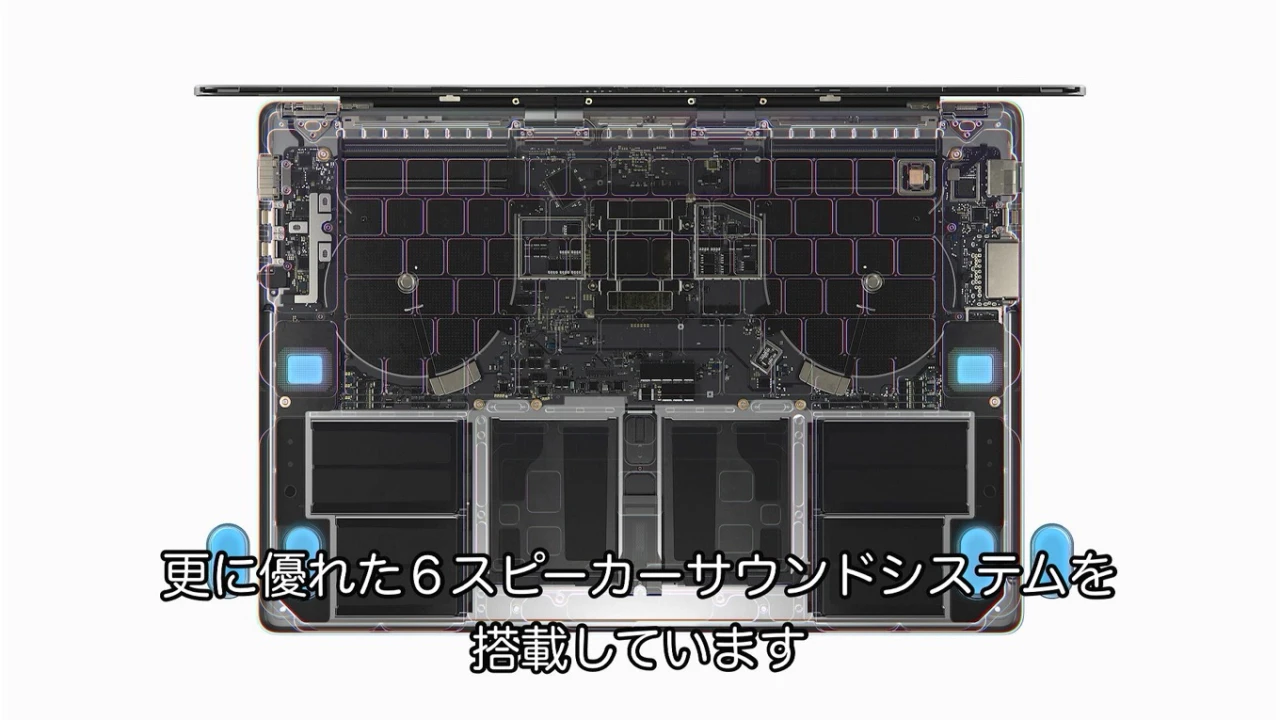
音声が失われる
Audio HijackシリーズやLoopback、SoundSourceなどMac用のオーディオユーティリティを開発する米Rogue Amoeba Software, Inc.によると、Appleが09月15日にリリースした初期バージョンのmacOS 26.0 Tahoeでは、音声にフィルターを掛けるSoundSourceアプリなどでマイクから音声を処理し、FaceTimeやFacebook Messenger、WhatsApp、新しい電話アプリに音声を送ると、音声が失われる不具合があるそうです。
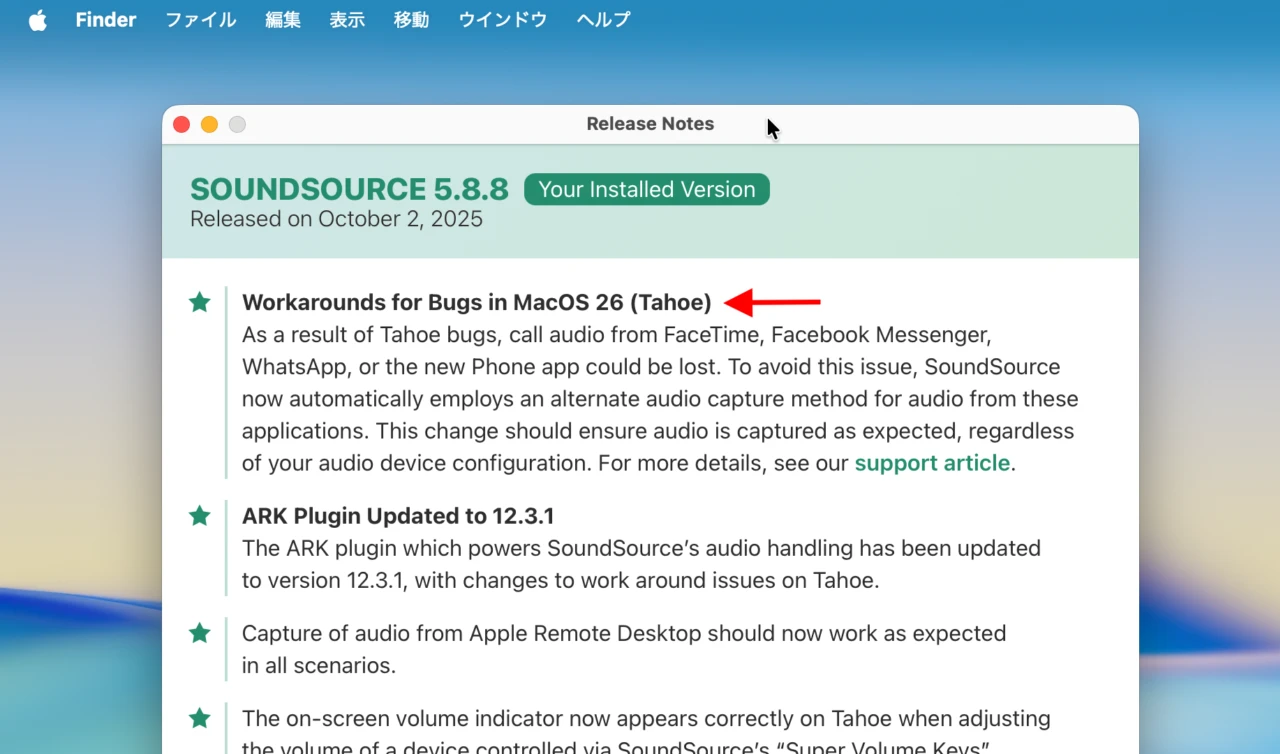
As a result of Tahoe bugs, call audio from FaceTime, Facebook Messenger, WhatsApp, or the new Phone app could be lost. To avoid this issue, SoundSource now automatically employs an alternate audio capture method for audio from these applications.
SoundSourceのリリースノートより抜粋
Rogue Amoebaは、この問題がmacOS 26.0でオーディオデバイスのサンプルレートがデバイスごとに不一致になっている場合に発生することを突き止め、Audio MIDI設定アプリでデバイスのサンプルレートを一致させることで音声が失われることがなくなるとコメントしていますが、根本的な問題の解決はAppleの修正待ちとなっているそうです。
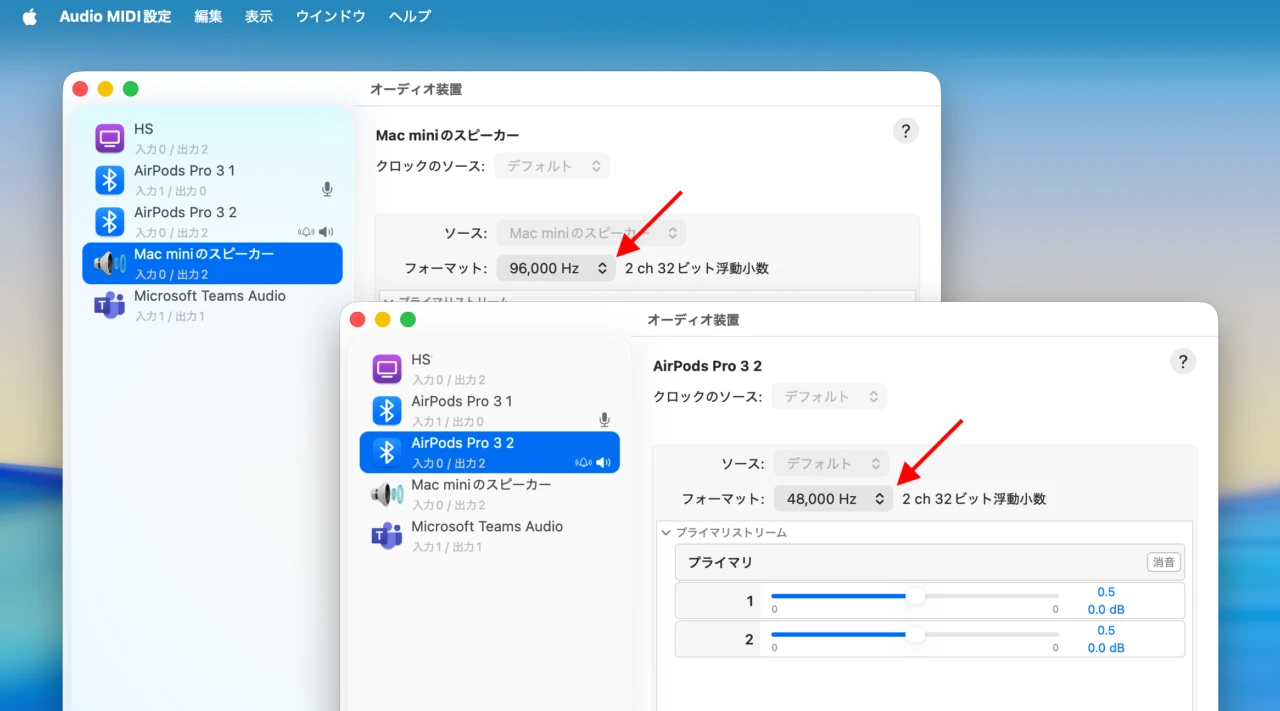
macOS 26 TahoeのAudio MIDI設定ユーティリティ
CoreAudioの仕様変更
また、macOS 26 TahoeではmacOS/iOSのオーディオを処理するCoreAudioフレームワークで仕様が変更されたそうで、この仕様の変更によりmacOS 26.0へアップグレードされた一部のMacのスピーカーやオーディオポートからの音声にポップ音や音声のクラッキングが発生するそうで、
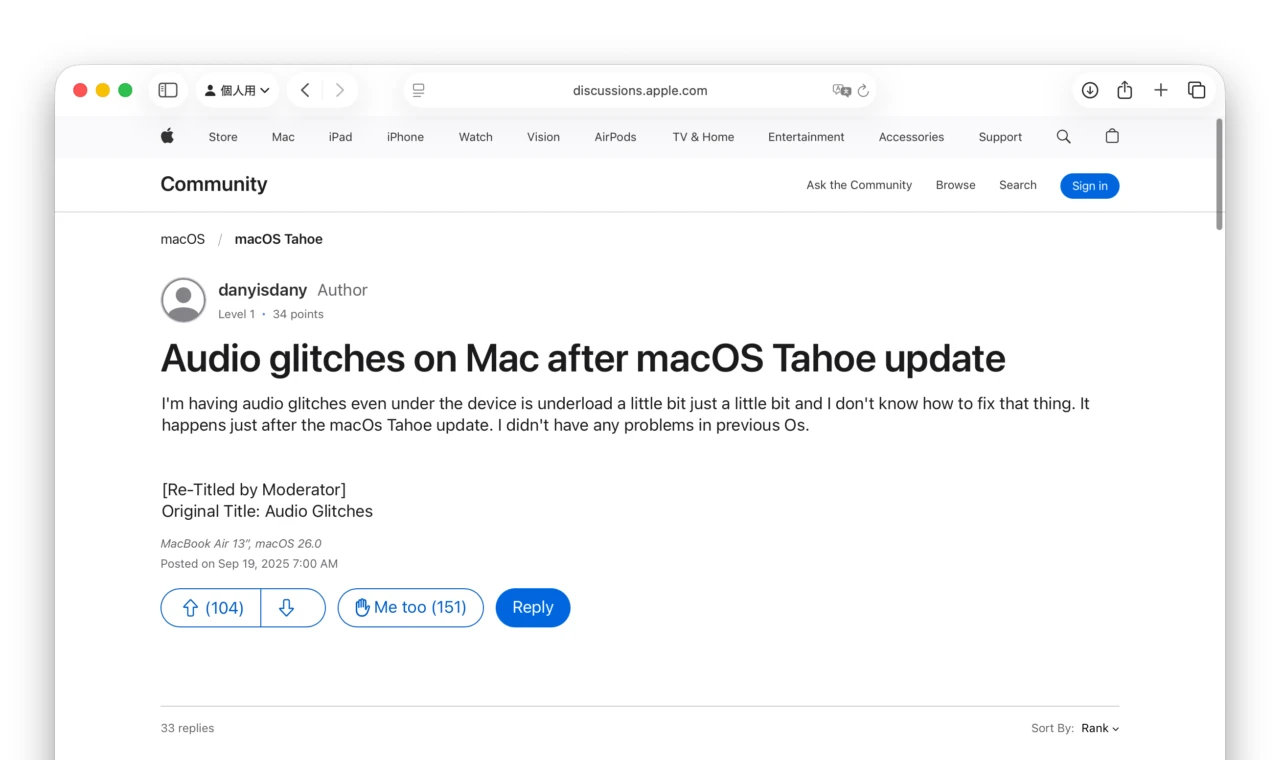
I’m having audio glitches even under the device is underload a little bit just a little bit and I don’t know how to fix that thing. It happens just after the macOs Tahoe update. I didn’t have any problems in previous Os.
Audio glitches on Mac after macOS Tahoe update – Apple Community
この問題はCoreAudioデーモンを再起動する(sudo killall coreaudiod)事で一時的に解決するそうですが、Macを使用していると問題が再発し、さらにmacOS 26.0 Tahoeアップグレード後、MacBook Pro (M4)のスピーカーの音声がチープになったという報告では実際に同じセットアップでスピーカーからの音声を比較してみたところ、Tahoeでは低音域で音声の厚みが減衰することが確認できたそうです。
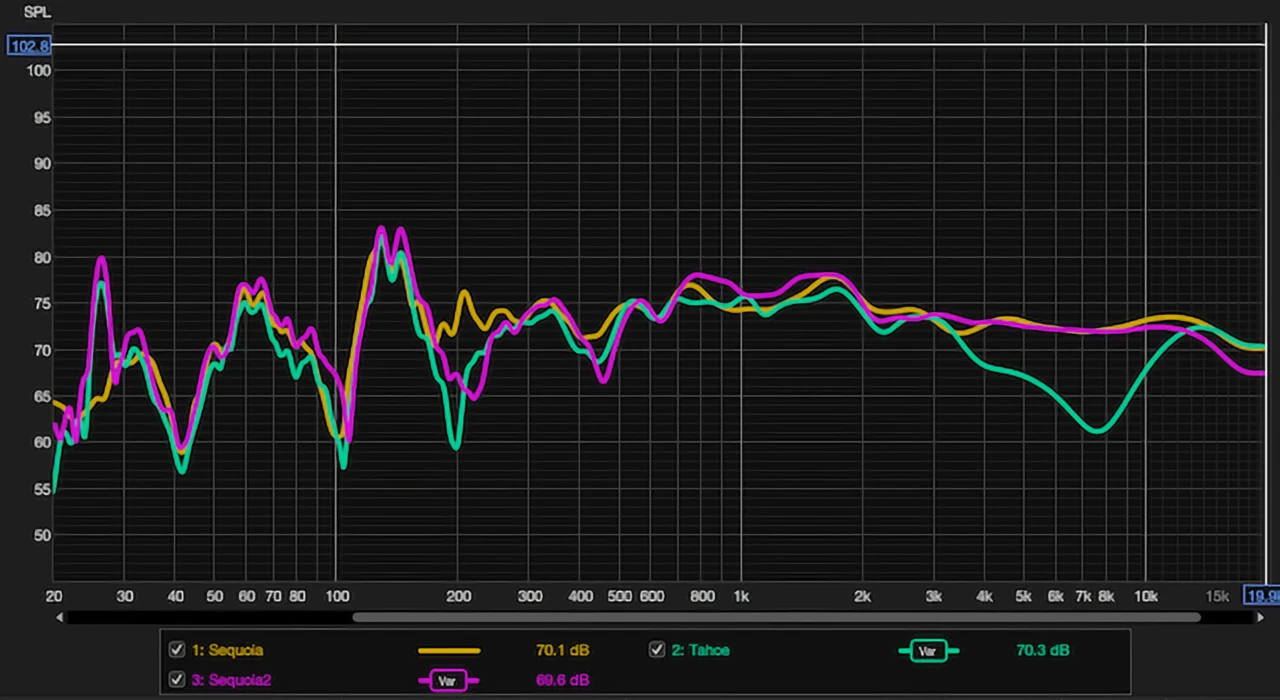
Downgrade to Sequoia, ran the same setup using the UMK-1 calibrated microphone, and the measurement came out what I expected without EQ: Teal is Tahoe, and Yellow&Pink are Sequoia. So there seems to be some sort of audio issue on certain setups on macOS Tahoe.
MacBook M4 sound quality feels cheap after Tahoe update – Apple Community
Apple Communityのユーザーの報告に対し、AppleのサポートもMacBookのスピーカーや一部のDACで問題が発生しているという報告を受けているそうで、現在のところmacOS 15 Sequoiaへのダウングレードしか解決策は無いようでが、
これらの不具合は、既に多くの開発者がAppleに報告しており、Appleも10月06日にリリースしたBeta版の「macOS 26.1 Tahoe Build 25B5057f」で問題が解決した可能性があるというコメントを出しているので、今後macOS 26.0.xへアップグレードされる方や、新しいApple M5チップ搭載のMacBook Proを購入された方はオーディオ問題に注意してください。
Apple may have finally resolved the macOS 26 audio crackling bug.
Check for build 25B5057f! (I haven't installed it yet.) pic.twitter.com/zDixF50cXL
— Jamie Birch (@birch_js) October 9, 2025
There are changes in the latest update, build 25B5057f, that may have resolved this issue.
You can see the software build your device is running and check for the latest update by clicking on the Apple logo in the upper left hand corner > About This Mac.Regression since updating to macOS 26 beta: Audio is crackling loudly and frequently when viewing videos or playing music.より
参考
- Audio glitches on Mac after macOS Tahoe update – Apple Communities
- MacBook M4 sound quality feels cheap after Tahoe update – Apple Communities
- Crackling or popping sound from speakers on macos Tahoe 26 😠 : r/MacOS – Reddit
- Details on MacOS 26 (Tahoe) bugs affecting SoundSource – Rogue Amoeba Support
- Integer mode not working on MacOS Tahoe (no sound during playback) – Audirvana Forum
コメント