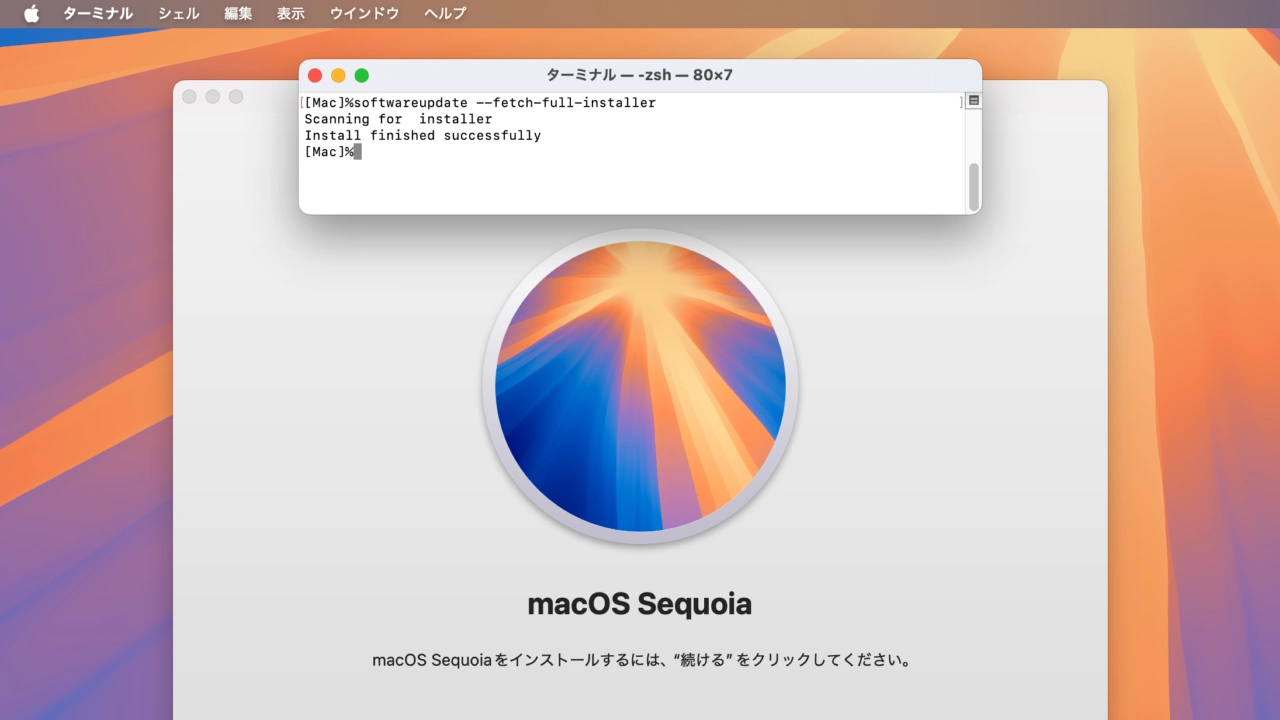

macOS 15.6 Sequoiaでは、softwareupdateコマンドでフルインストーラをダウンロードできる「–full-installer-version」が正常に動作するようになっています。詳細は以下から。

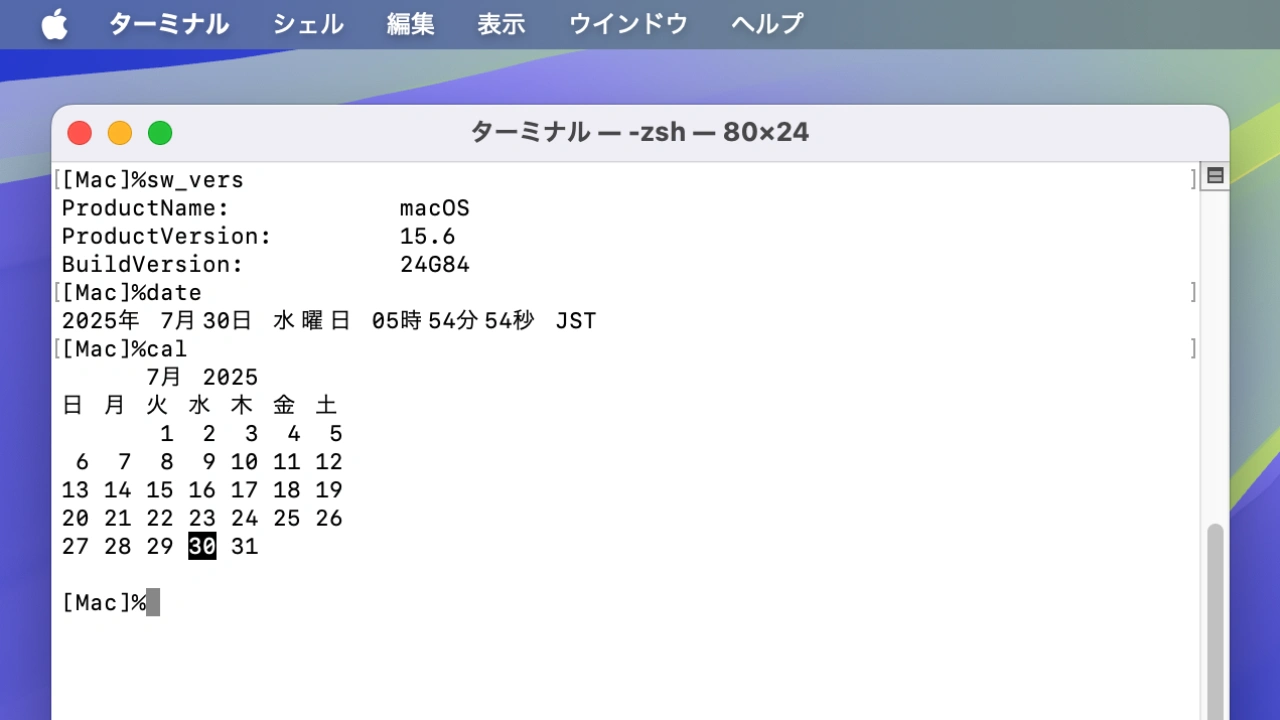
Appleは現地時間2025年07月29日にリリースした「macOS 15.6 Sequoia (24G84)」で、脆弱性の修正に加え、日本語環境でdateやcalコマンドを実行すると、正しい結果を表示しない不具合を修正しましたが、同バージョンではsoftwareupdateコマンドでの不具合も修正されています。
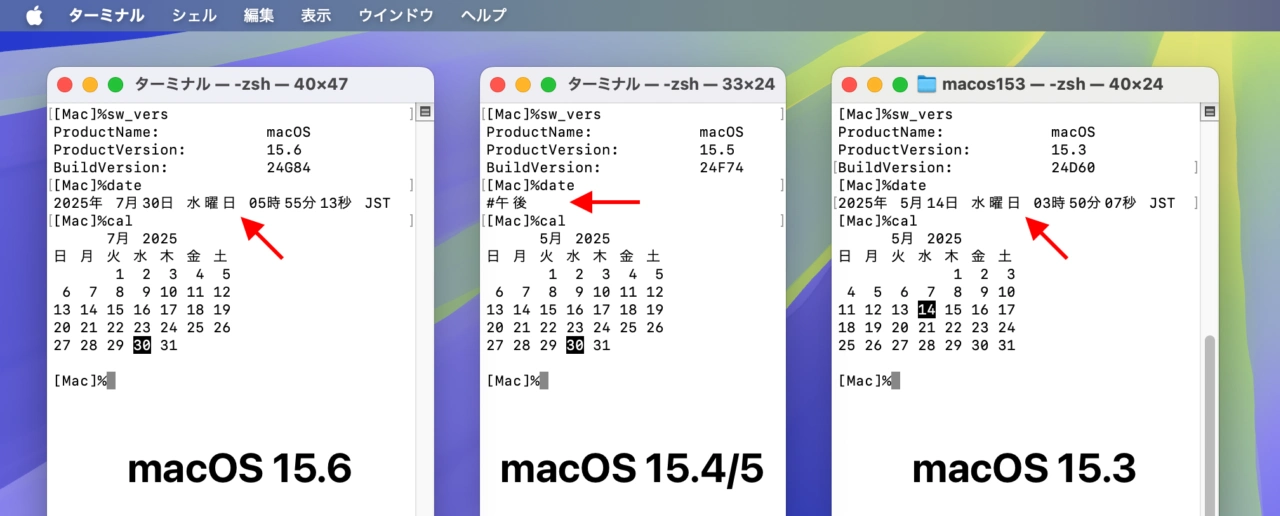
macOS 15.3からmacOS 15.6までのdateとcalコマンド
softwareupdateコマンドの不具合は、上記の不具合と同じくmacOS 15.4から報告されており、softwareupdateコマンドに“–fetch-full-installer”オプションを付けてmacOSのフルインストーラーをダウンロードしようとすると「Install failed with error: Update not found」というエラーが出て、インストーラーがダウンロードできない状態にありました。
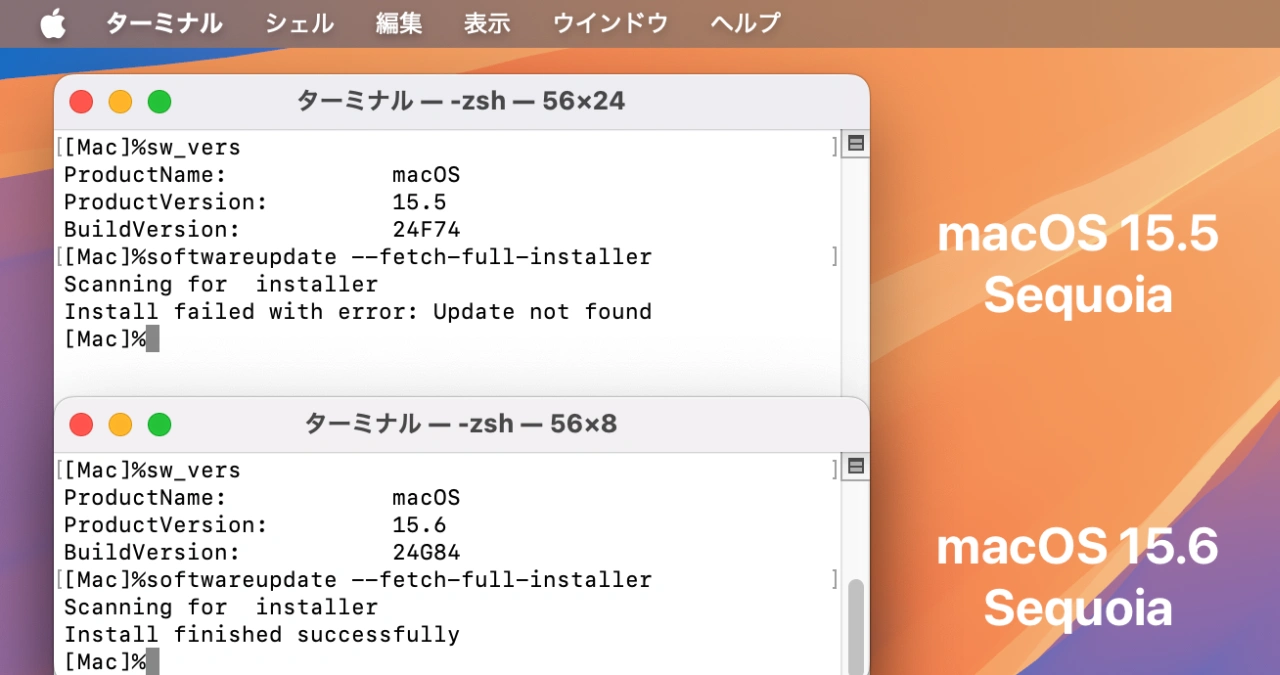
softwareupdate --fetch-full-installer
Scanning for  installer
Install failed with error: Update not found
Appleほ本日公開したエンタープライズ向けのリリースノートによると、同社はこの不具合をmacOS 15.6 Sequoiaで修正し、macOS 15.6からは”softwareupdate –fetch-full-installer”で再びmacOSのフルインストーラーがダウンロードできるようになってるので、ユーザーの方はチェックしてみてください。
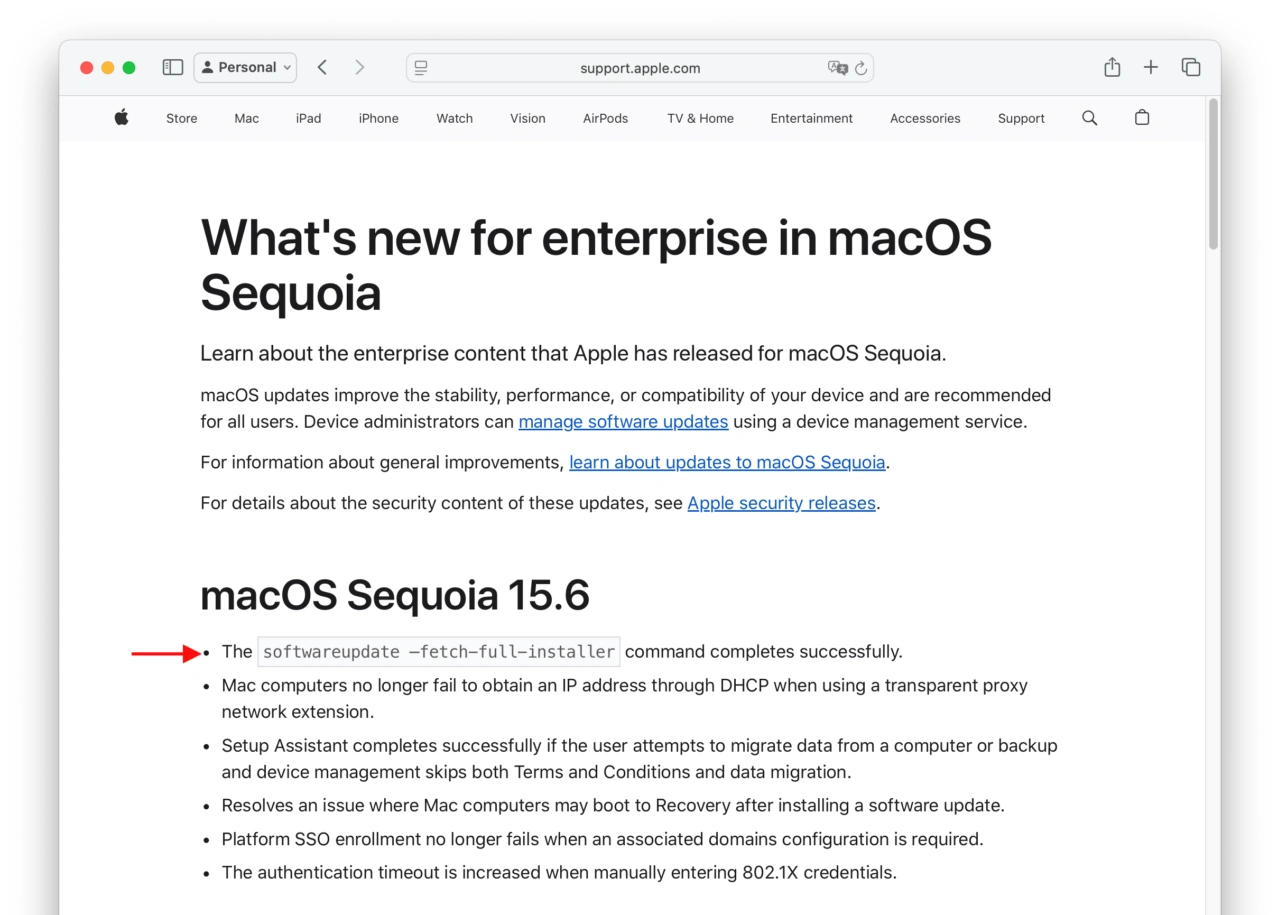
What’s new for enterprise in macOS Sequoia
The softwareupdate —fetch-full-installer command completes successfully.
What’s new for enterprise in macOS Sequoia – Apple Support
- What’s new for enterprise in macOS Sequoia – Apple Support
- softwareupdate –fetch-full-installer –full-installer-version 15.4.1 / Error – Apple Support Community

コメント