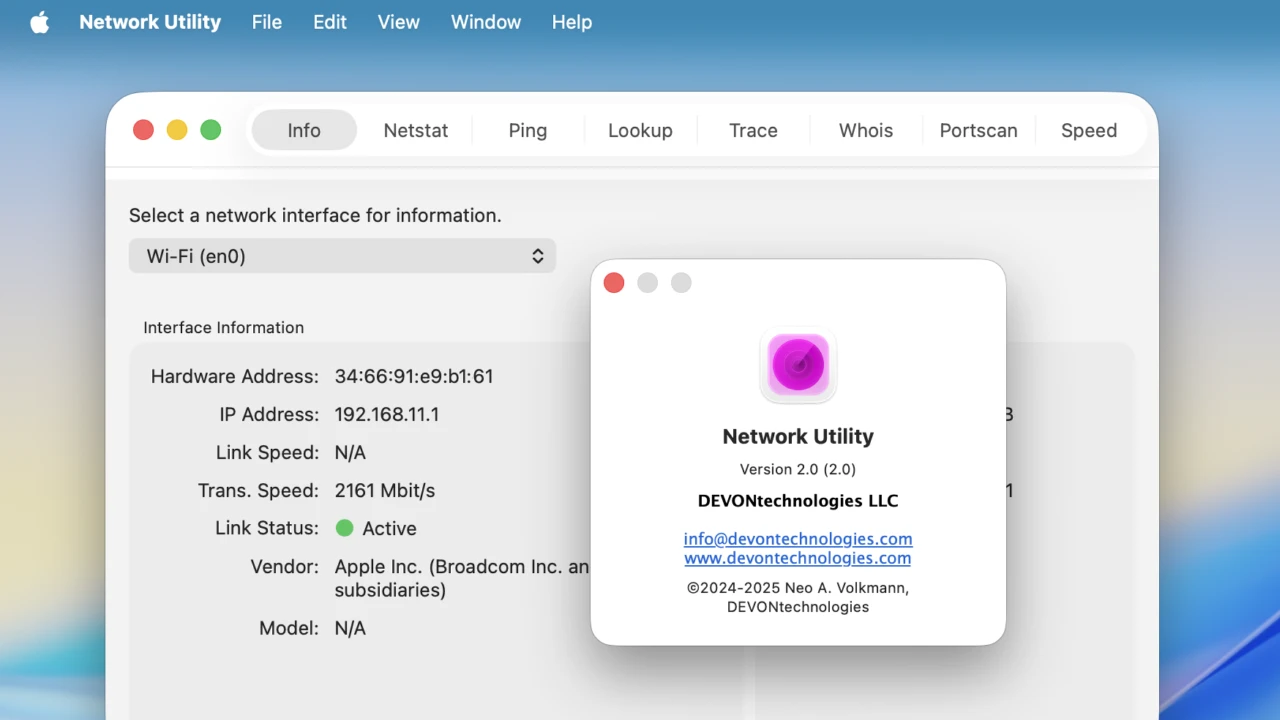

macOS Tahoeに対応し複数ウィンドウでの実行やWhoisプロバイダーにJPRSを追加た、Appleが廃止したネットワークユーティリティの代替アプリ「Neo Network Utility v2.0」がリリースされています。詳細は以下から。

Appleは2020年にリリースしたmacOS 11 Big Surで、Macのネットワーク情報の表示やnetstat、ping、lookup、traceroute、whois、fingerなどのコマンドををGUIで実行できる「ネットワークユーティリティ (Network Utility)」を廃止、
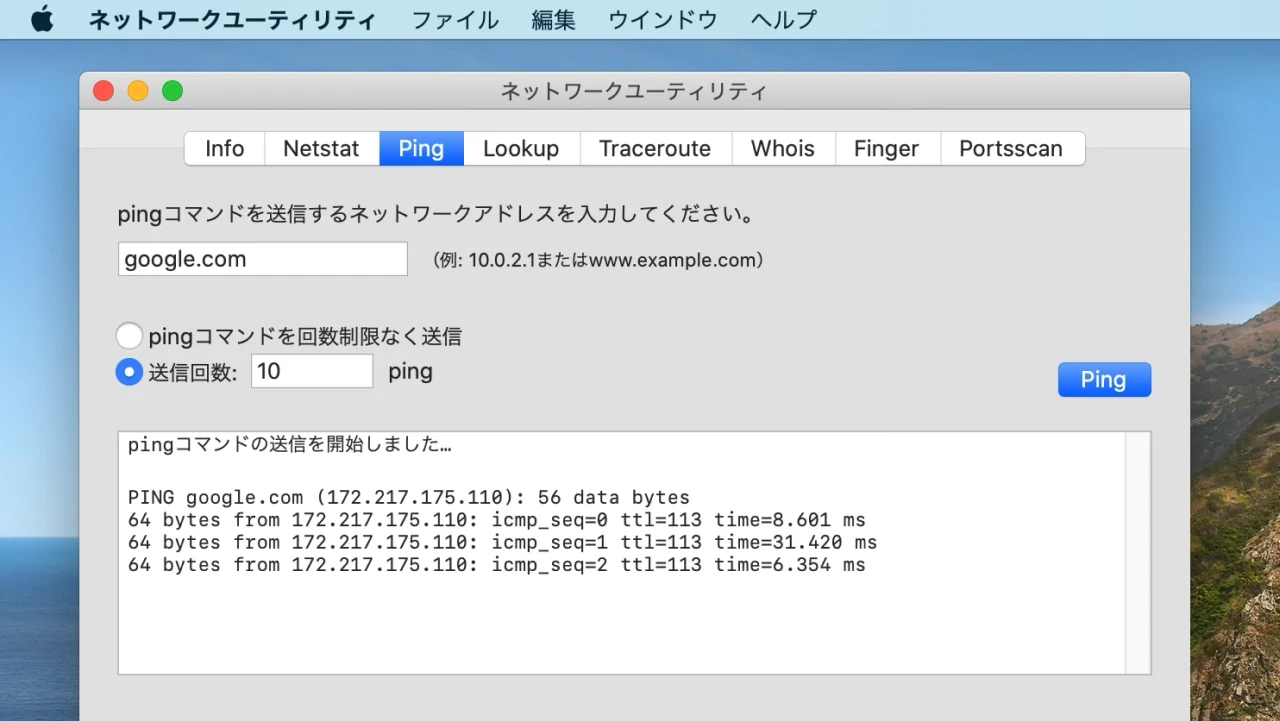
macOS 10.15 Catalinaまで利用できたネットワークユーティリティ
その後、2024年07月に論文や文献管理アプリDEVONthinkシリーズを開発&販売する独DEVONtechnologies, LLC.が、macOS Big Surで廃止されたネットワークユーティリティのクローンアプリとなる「Neo Network Utility v1.0」をリリースしていましたが、このNeo Network Utilityのメジャーアップデート版となる「Neo Network Utility v2.0」が新たにリリースされています。
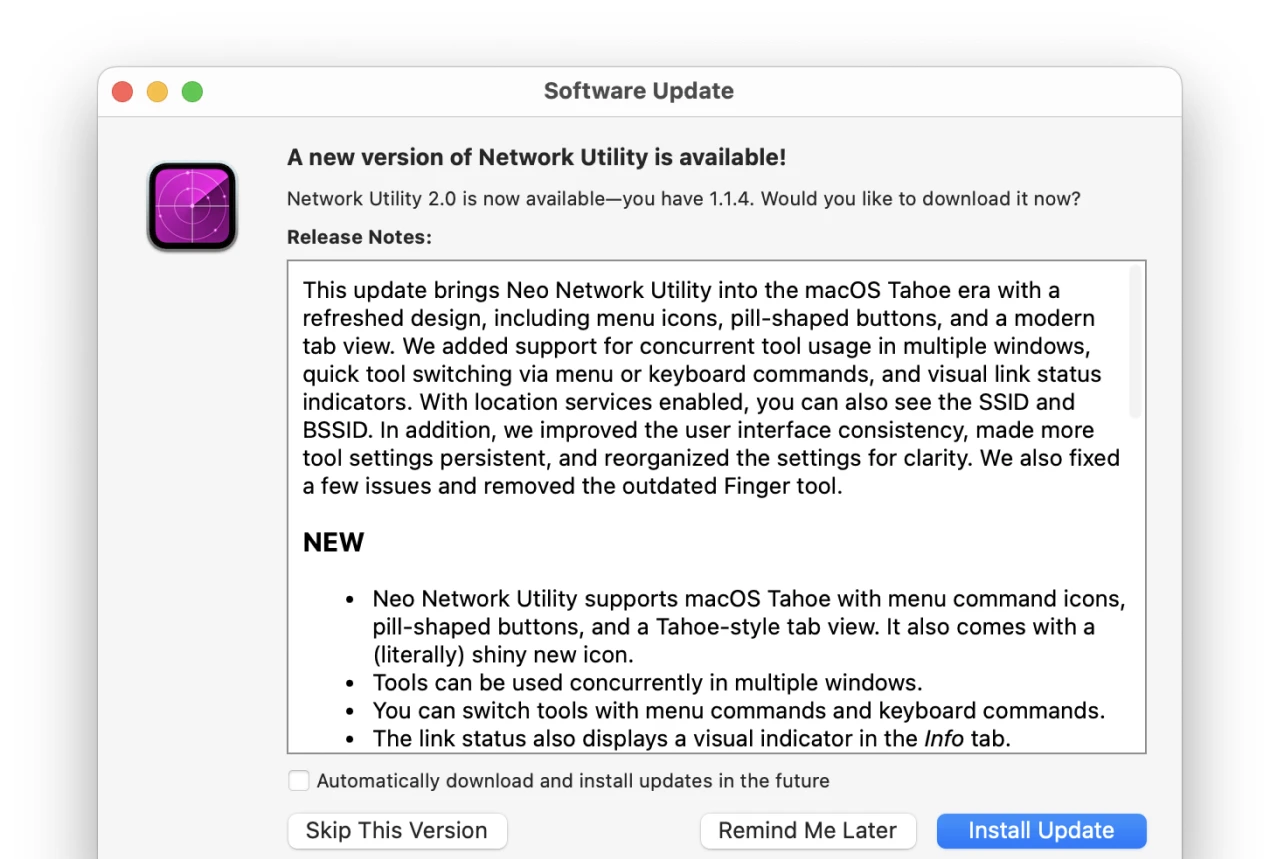
This update brings Neo Network Utility into the macOS Tahoe era with a refreshed design, including menu icons, pill-shaped buttons, and a modern tab view. We added support for concurrent tool usage in multiple windows, quick tool switching via menu or keyboard commands, and visual link status indicators.
リリースノートより抜粋
Neo Network Utility v2.0
Neo Network Utility v2.0では、macOS 26 Tahoeで導入されたLiquid Glassデザインやアイコンに対応しつつ、複数ウィンドウの表示に対応し、infoタブを見ながらnetstatやpingタブなどを使うことが可能になっています。
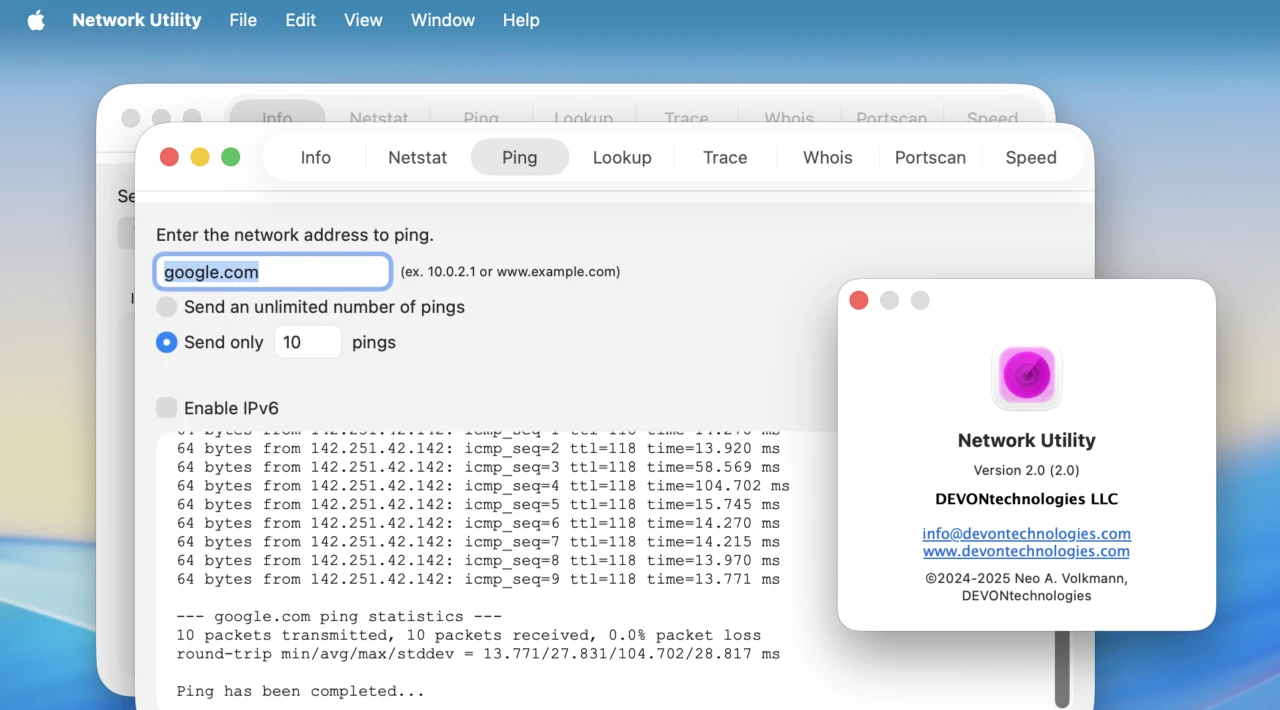
また、infoタブにネットワーク接続を視覚的に確認できるリンクステータスインジケータが追加され、位置情報サービスを有効にするとインターフェイスのSSID、BSSIDを確認することが可能で、WhoisタブはRDAPに対応しプロバイダーにはJPRSが追加され、アクセントカラーのカスタマイズやインストールされているシェルコマンドへのリンクを作成し、ターミナルからNeo Network Utilityのコマンドを使うことも可能になっています。
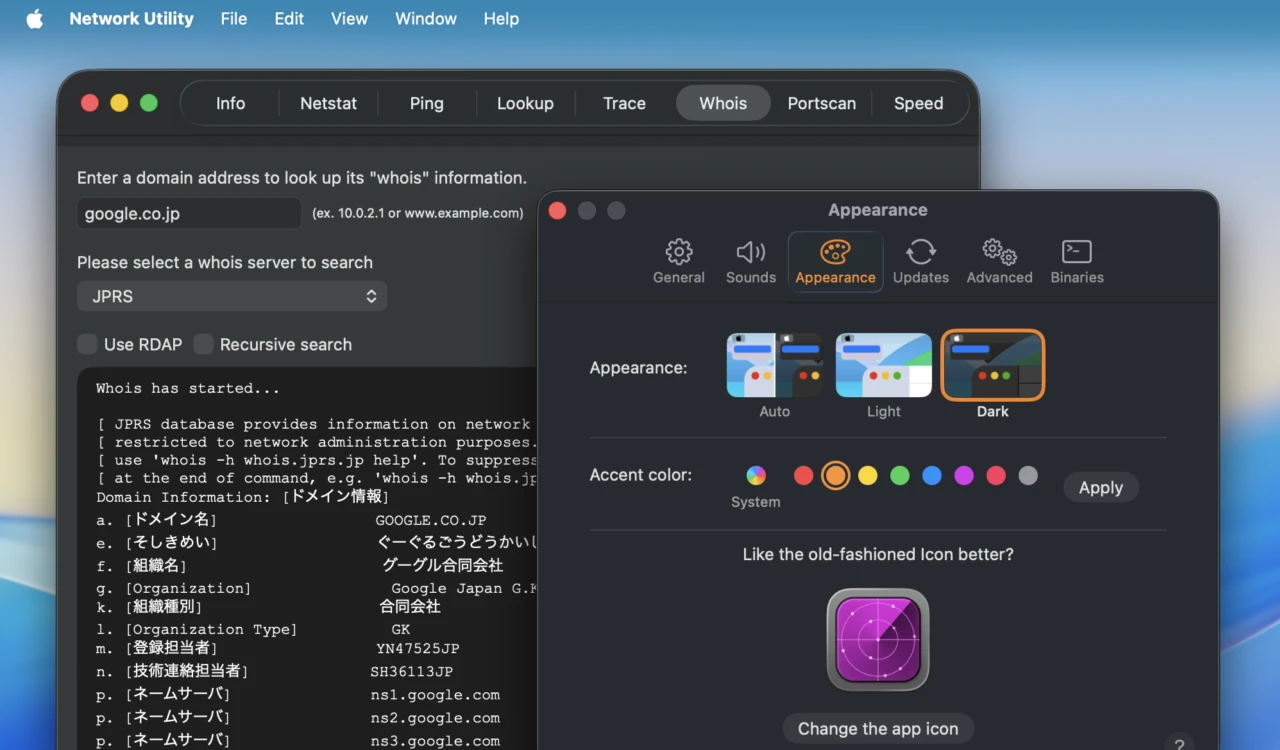
Neo Network Utility v2.0のシステム要件は引き続きmacOS 13.0 Ventura以降のIntel/Apple Silicon Macで、アプリは無料で公開されているので、ネットワークユーティリティの代替アプリが欲しい方は試してみてください。
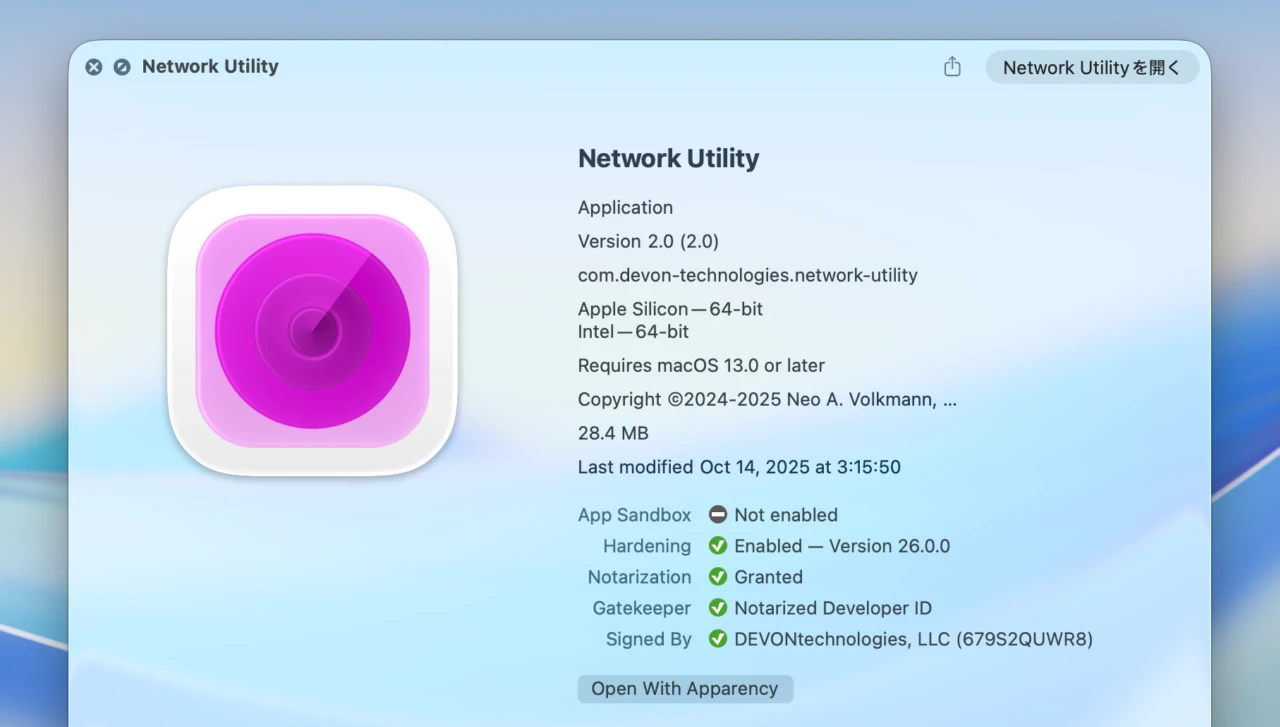
Neo Network Utility v2.0のリリースノート
This update brings Neo Network Utility into the macOS Tahoe era with a refreshed design, including menu icons, pill-shaped buttons, and a modern tab view. We added support for concurrent tool usage in multiple windows, quick tool switching via menu or keyboard commands, and visual link status indicators. With location services enabled, you can also see the SSID and BSSID. In addition, we improved the user interface consistency, made more tool settings persistent, and reorganized the settings for clarity. We also fixed a few issues and removed the outdated Finger tool.
- New
- Neo Network Utility supports macOS Tahoe with menu command icons, pill-shaped buttons, and a Tahoe-style tab view. It also comes with a (literally) shiny new icon.
- Tools can be used concurrently in multiple windows.
- You can switch tools with menu commands and keyboard commands.
- The link status also displays a visual indicator in the Info tab.
- With location services enabled, Neo Network Utility can show SSID and BSSID.
- The Whois tab features RDAP.
- Neo Network Utility uses a custom port scanner (`strike`) that is now part of the app.
- Set your preferred color scheme and accent color in the Settings.
- Create links to the included shell commands to use them outside the app from a terminal.
- The Settings let you open the corresponding help page.
- Improved
- Added JPRS to WHOIS providers.
- Added option to select the interface to use for the speed test.
- More consistent tool tabs, more consistent use of font sizes.
- Almost every tool setting or property is now persistent.
- Reorganized some settings for clarity.
- Fixed
- The Speed Test heading would not be displayed on macOS Ventura. Fixed.
- Switching to IPv6 for Ping did not work since version 1.1.2. Fixed.
- Trailing or leading whitespaces would break some tools. Fixed.
- Some checkboxes would not react to clicks on their labels. Fixed.
- The USB adapter vendor wasn’t reliably displayed. Fixed.
- The Copy button would sometimes interfere with the scroll bar. Fixed.
- Localization.
- Removed
- Removed the Finger tool (can be re-enabled with the hidden setting `Setting-ShowFinger`).
- Includes PCIe ID List (2025-07-11) and ICANN RDAP 0.0.24. Compiled with Xcode 26.
- Neo Network Utility – DEVONtechnologies
- Neo Network Utility 2.0 – DEVONtechnologies
コメント