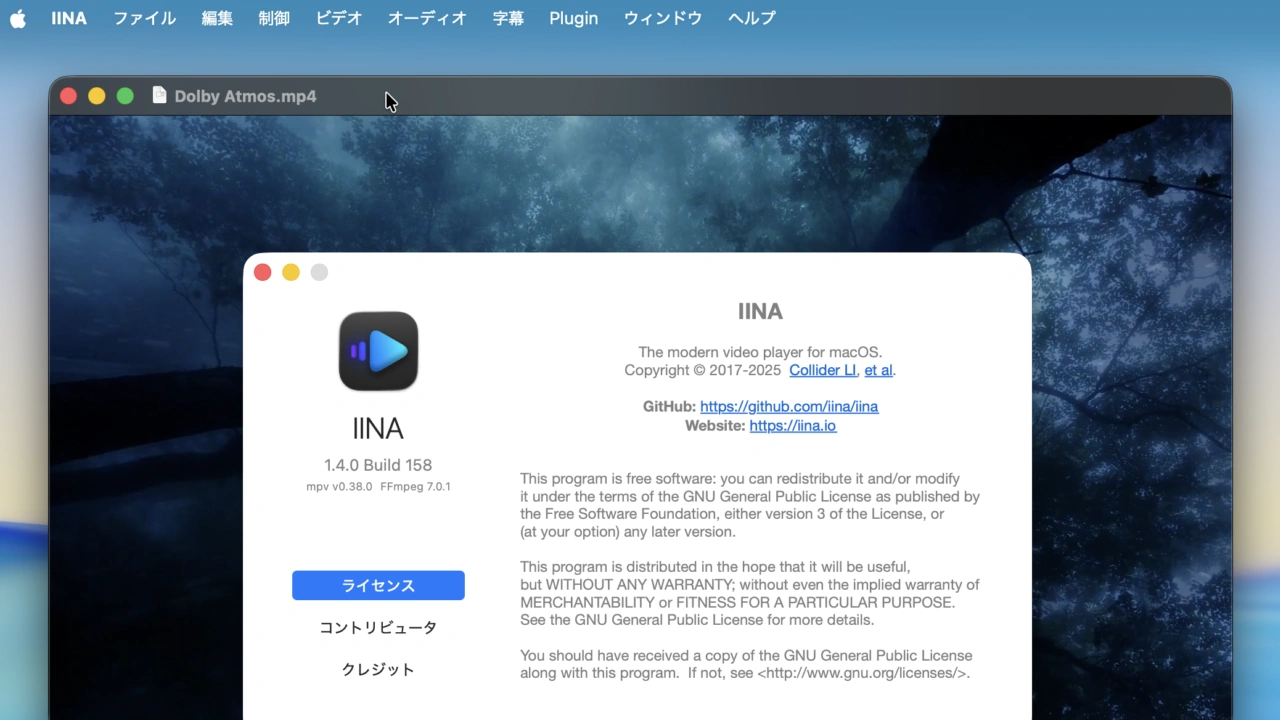

ユーザーがJavaScriptで機能を拡張できるプラグインシステムや空間オーディオ、WebP/JPEG-XLでのHDRスクリーンショットなど多くの新機能を追加したMac用メディアプレイヤー「IINA v1.4.0」がリリースされています。詳細は以下から。

Linux用のメディアプレイヤーmpvとFFmpegをベースに、Mac独自の機能を追加したオープンソースのメディアプレイヤー「IINA」を開発するProject IINAは現地時間2025年09月15日、04月からBeta版を公開した開発を続けてきた「IINA for Mac v1.4.0」を正式にリリースしたと発表しています。
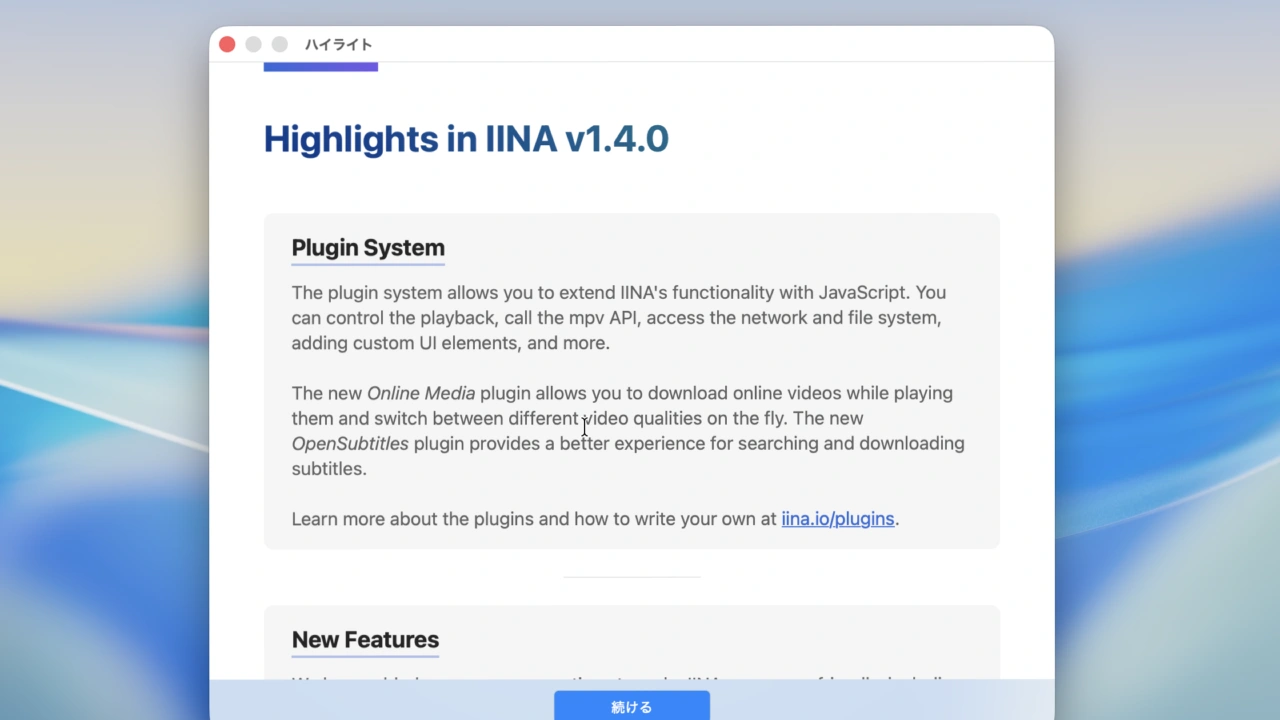
Plugin System
The plugin system allows you to extend lINA’s functionality with JavaScript. You can control the playback, call the mpv API, access the network and file system,adding custom Ul elements, and more.リリースノートより抜粋
IINA v1.4.0で追加された最も大きな新機能な、JavaScripを利用してユーザーが機能を拡張できるプラグインシステムで、mpv APIの利用やyt-dip/youtube-dlを利用しYouTubeなどのオンライン動画をダウンロードできるOnline Media、字幕を検索できるOpenSubtitlesがサンプルとして提供されています。
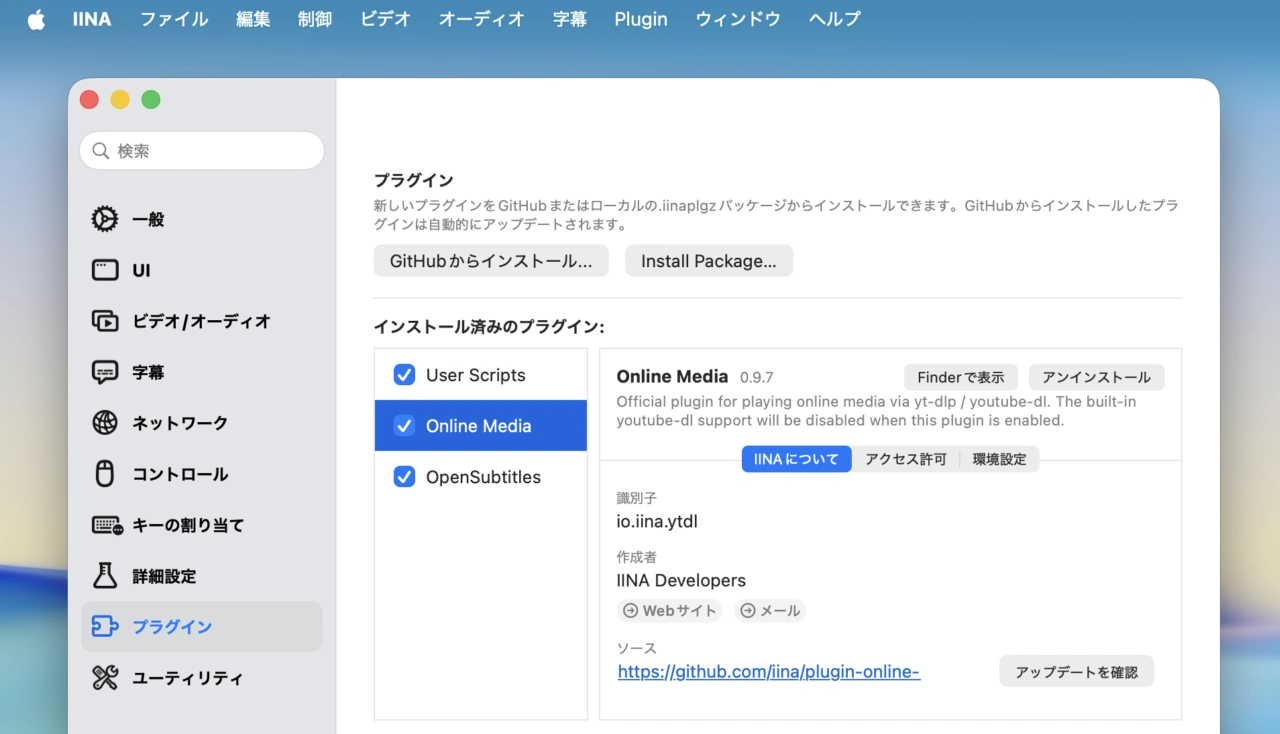
IINA v1.4.0のJavaScriptプラグイン
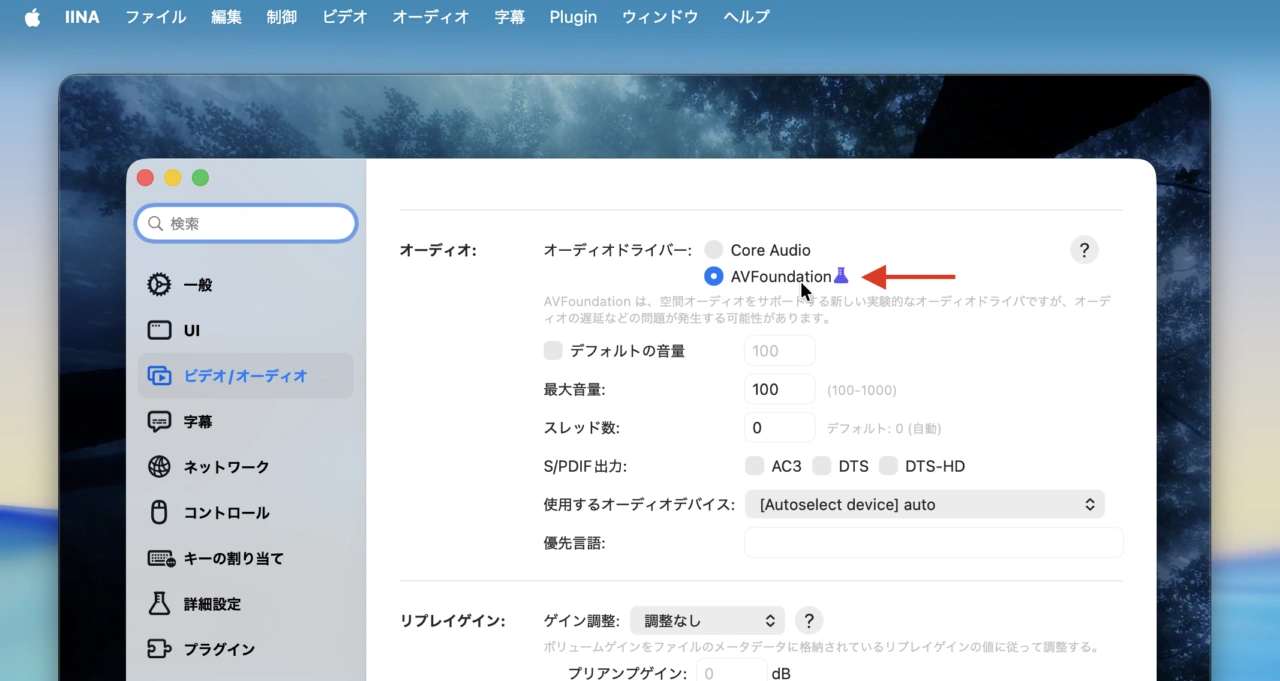
また、IINA v1.4.0では、オーディオドライバをCoreAudioとAVFoundationから選択可能で、AVFoundationでは空間オーディオ(Spatial Audio)での再生が実験的にサポート、動画のスクリーンショットではWebPとJPEG-XL形式でHDRスクリーンショットもされています。
IINA v1.4.0ではシステム要件もIntel MacはmacOS 10.15 Catalina以降、Apple Silicon MacはmacOS 12 Monterey以降に変更**されていますが、オンスクリーンコントロール(OSC)の常時表示や最新のmacOS 26 Tahoe UIへの対応、60項目を超える不具合修正と改善が行われているのでユーザーの方はアップデートしてみてください。
IINA v1.4.0
The Plugin System is Now Available
IINA 1.4.0 introduces a plugin system that lets users extend IINA’s functionality with JavaScript plugins.
Learn more about the plugin system at http://iina.io/plugins/. IINA 1.4.0 ships with several built-in plugins, including:
- Online Media (iina/plugin-online-media): Enhances the experience of playing online media.
- One-click yt-dlp update
- On-the-fly video/audio quality selection
- Video downloading
- OpenSubtitles (iina/plugin-opensub): Lets users search and download subtitles from OpenSubtitles with a user-friendly sidebar interface.
- User Scripts (iina/plugin-userscript): Allows users to add code snippets to customize IINA’s behavior.
IINA v1.4.0 (New)
- The plugin system is enabled by default.
- Improved user interface for macOS Tahoe #5544.
- Added support for Hebrew #4867, Croatian #4966, and Indonesian locales.
- The playback history window now respects the system’s reduce motion settings #4870.
- Added a new option to always show the OSC #4366.
- Added an option to disable embedded subtitles #501; overhauled subtitles menu #4235, #507.
- You can now double-click an input config name to rename it #4960.
- Added support for ReplayGain #4915.
- You can now use ESC to close the subtitle download OSD #4996.
- Added support for screenshots in WebP #3225 and JPEG-XL formats for HDR content #3852.
- Added support for mpv’s ‘screenshot window’ command #4505.
- Added an option to select Core Audio or AVFoundation as the audio driver #5137. Spatial Audio is supported when using AVFoundation #3444. AVFoundation is experimental and may cause delays in some scenarios.
- Added support for adjusting secondary subtitles in the quick settings panel #5020.
- Added an option to enable the screensaver when playing audio #4954.
- Added settings to suppress certain OSD messages #4991.
- Added “Show Current File in Finder” under the File menu #5001.
- Added a new “scale” level to ASS subtitle override levels #5050.
- Separated ASS subtitle override level settings for primary and secondary subtitles #4433.
- Show OSD when loop status changes #5055.
- Added support for saving EQ presets #525.
- Added an option to enable repeat mode by default #2139.
- Allow dropping m3u playlist files into the Welcome window #5178.
- Support cover artwork in the “Now Playing” widget #5336.
- The Online Media plugin now has options to load subtitles and auto-generated subtitles.
- The Online Media plugin now supports raw yt-dlp options.
- Added DSD/DSF file association #5381.
- Added “folder” association for third-party app support #5488.
- Added drag-and-drop support for m3u and m3u8 playlists #5311.
- Added new settings to disable mouse scrolling #5451.
- Added new settings for showing buffering throbber #5580.
- Added new settings to limit the minimize-on-PIP feature to video mode only #5068.
- The modern video player for macOS – Project IINA
- lhc70000/iina: The modern video player for macOS. – GitHub

コメント