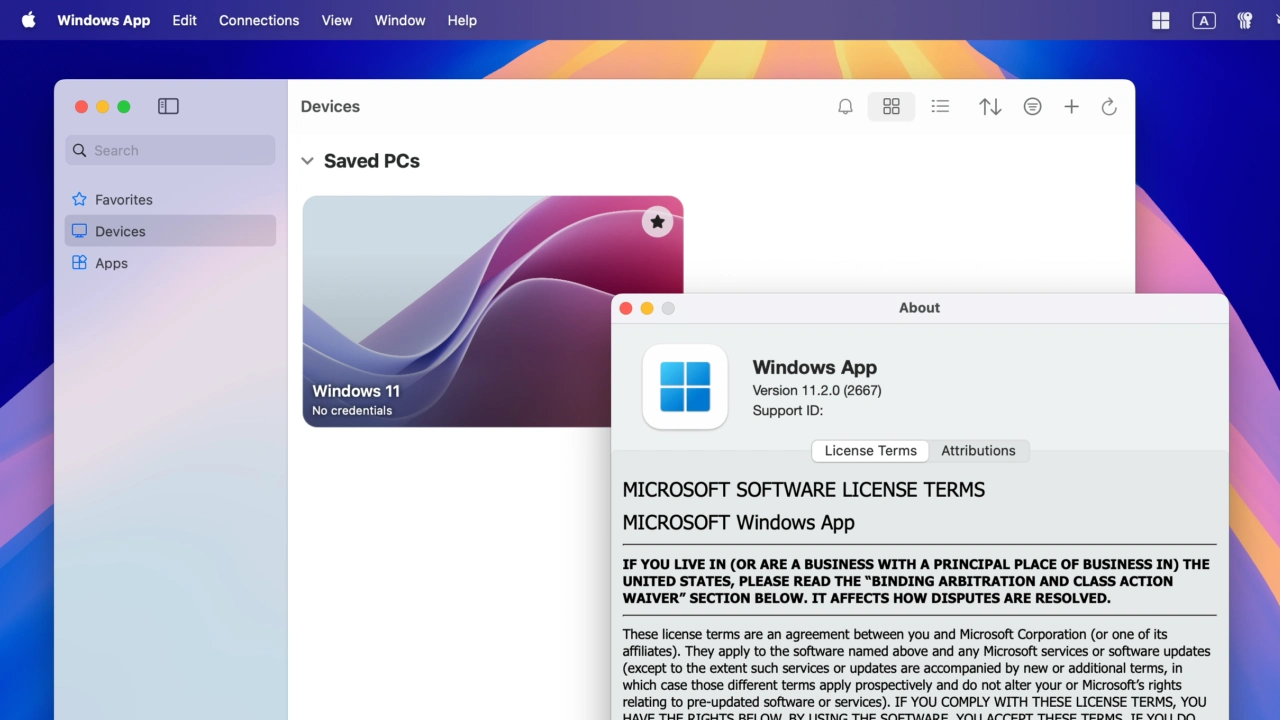

Microsoftがフルスクリーンモード時のタイトルバーやメニューバーの非表示やトラックパッドのピンチ&ズームジェスチャーをサポートしたMac用リモートデスクトップクライアント「Windows App v11.2.0」をリリースしています。詳細は以下から。
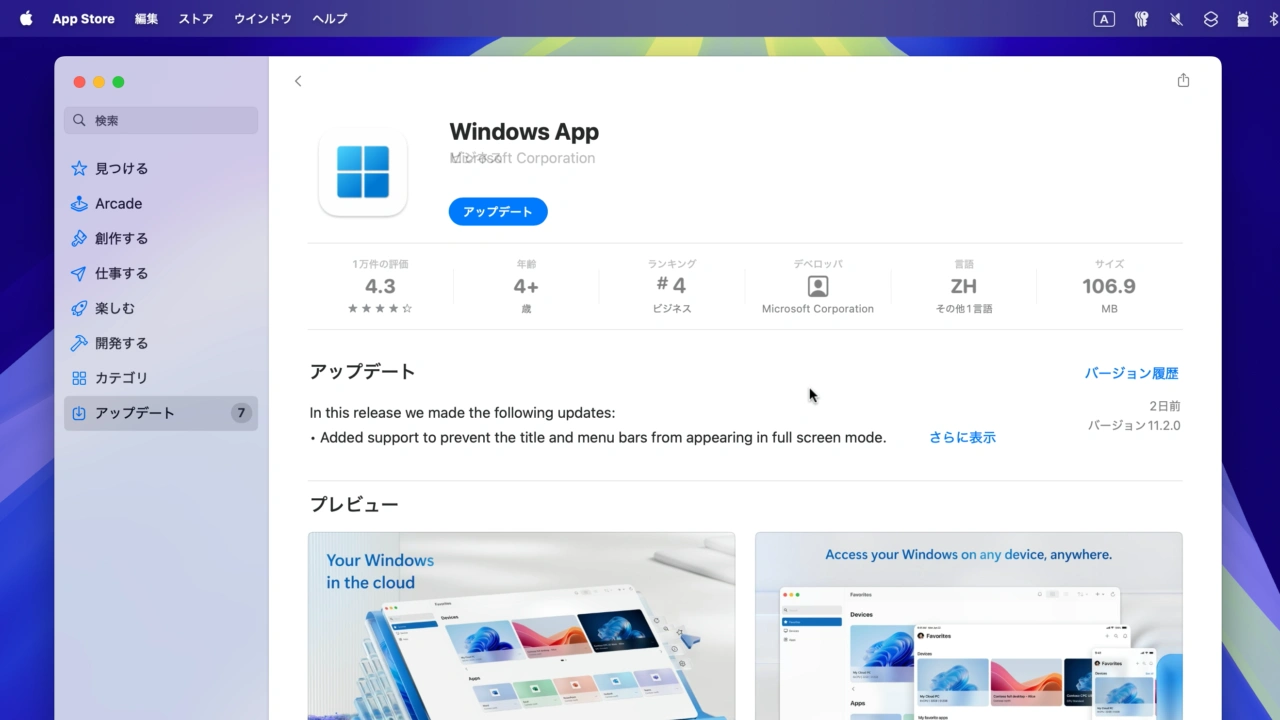
Microsoftは2025年07月26日、同社のリモートデスクトップクライアント「Windows App (旧Microsoft Remote Desktop)」をバージョン11.2.0へアップデートし、フルスクリーンモードの改善やトラックパッドジェスチャーをサポートしたと発表しています。
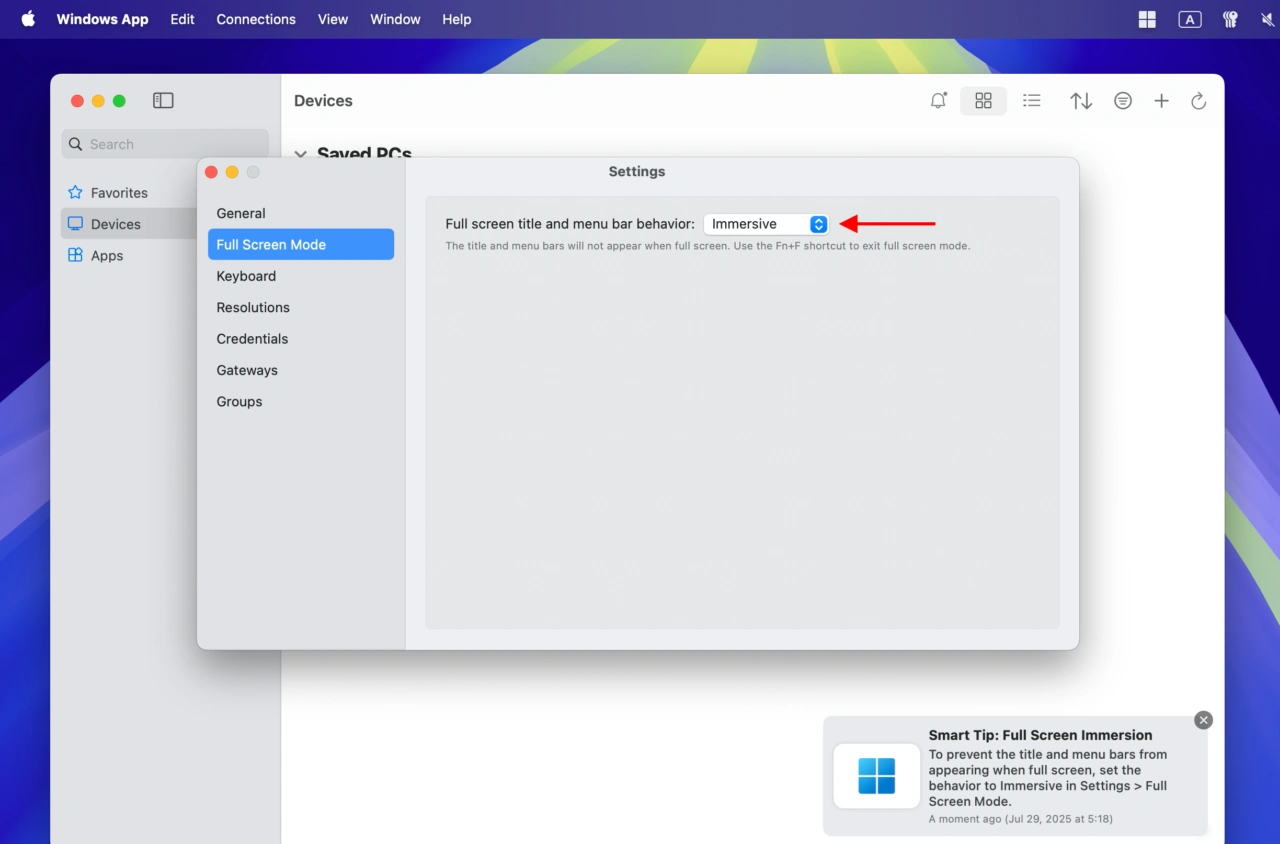
Windows App for Mac v11.2.0では、Windows AppをWindows PCやAzure Virtual Desktopなどをフルスクリーンモードで接続した後に、タイトルやメニューバーを非表示にできる[Immersive (没入型)]設定のオプションが、[Settings…] → [Full Screen Mode]に追加されています。
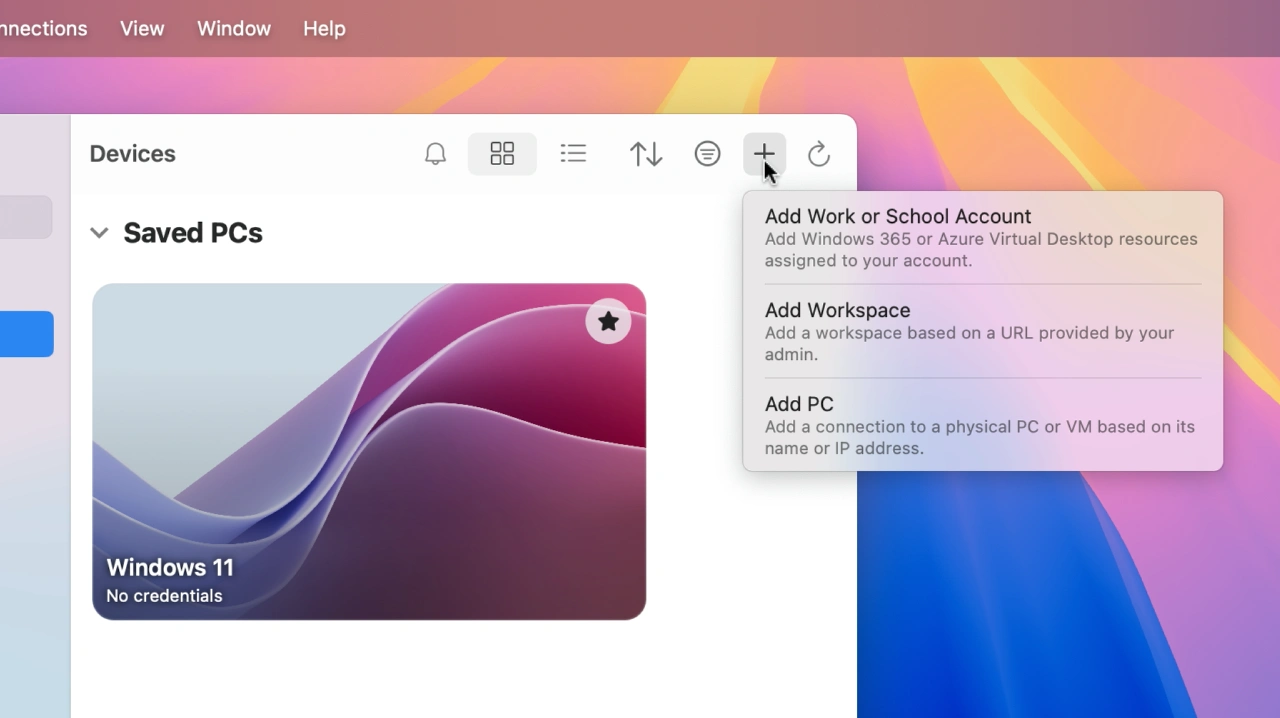
この他、Windows App for Mac v11.2.0では、Magic Trackpadなどのピンチとズームジェスチャーがサポートされ、[Add]メニューにヘルプテキストが追加され、Connection Centerウィンドウのタイル表示でウィンドウサイズのリサイズ動作の改善などが行われています。
また、Microsoftによると、Windows App for Mac v11.2.0はmacOS 12 Montereyをサポートする最後のWindows Appで、今後のアップデートにはmacOS 13 Ventura以降が必要となるそうなので、ユーザーの方は注意してください。
Windows App v11.2.0
In this release we made the following updates:
- Added support to prevent the title and menu bars from appearing in full screen mode.
- Integrated support for trackpad pinch and zoom gestures.
- Improved the Add menu by integrating help text (macOS 15 and later).
- Improved the resize behavior for the Connection Center tile view by leveraging scaling.
- Disabled applicable toolbar commands for empty Favorites, Devices and Apps tabs.
- Added the app version to log file names.
- Fixed some scenarios where the app would hang.
- Hovering over an in-app notification will now prevent it from disappearing.
- Made improvements to the code behind AVD feed discovery.
- Resolved accessibility bugs.
This is the last Windows App version that will support macOS 12. Future updates to Windows App will require macOS 13. If you are using macOS 12, the app will continue to work, but you won’t receive new updates.
- Windows App – Mac App Store

コメント