
macOS Tahoe 26.0.1では、ChromiumベースのブラウザやVS CodeなどElectronアプリでCPU使用率が上昇しアプリが遅くなってしまう自動入力機能の不具合が修正されています。詳細は以下から。

Appleは現地時間2025年09月30日、Apple M3 Ultraチップを搭載したMac Studio (2025)がmacOS Tahoeへアップグレードできない不具合をシュス詠したHotfix「macOS Tahoe 26.0.1」をリリースしましたが、同バージョンではChromiumベースのブラウザやElectronアプリのCPU使用率が上昇してしまう自動入力(Autofill)機能の不具合も修正されているそうです。
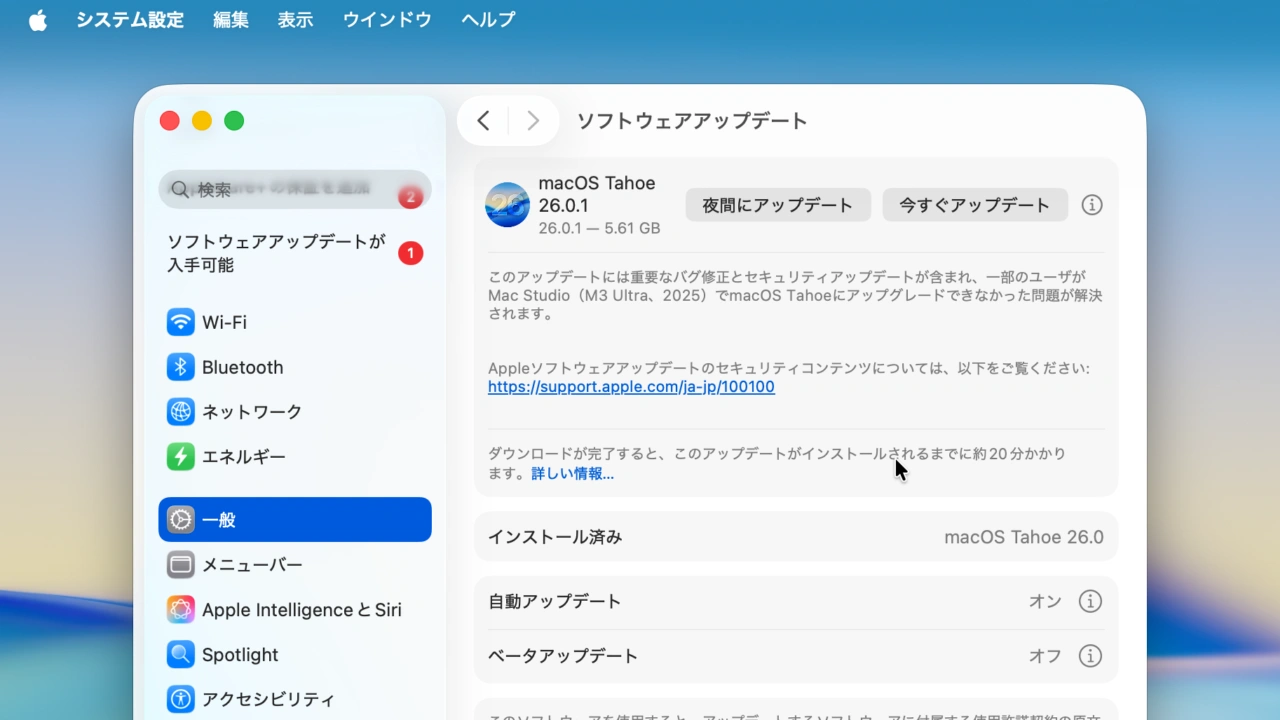
このアップデートには重要なバグ修正とセキュリティアップデートが含まれ、一部のユーザがMac Studio(M3 Ultra、2025)でmacOS Tahoeにアップグレードできなかった問題が解決されます。
リリースノートより抜粋
Apple Authentication ExperienceチームのRicky Mondelloさんによると、macOS Tahoe 26.0.1アップデートは、リリースノートに記載はないものの、Tahoeアップグレード後に報告されていたサードパーティ製アプリに拡張された自動入力(AutoFill)機能が原因で、ChromiumベースのWebブラウザやVS Code、Ghostty、ZedなどのElectronアプリでCPU使用率が上昇し、スクロールが遅くなるなどの不具合が修正されているそうです。
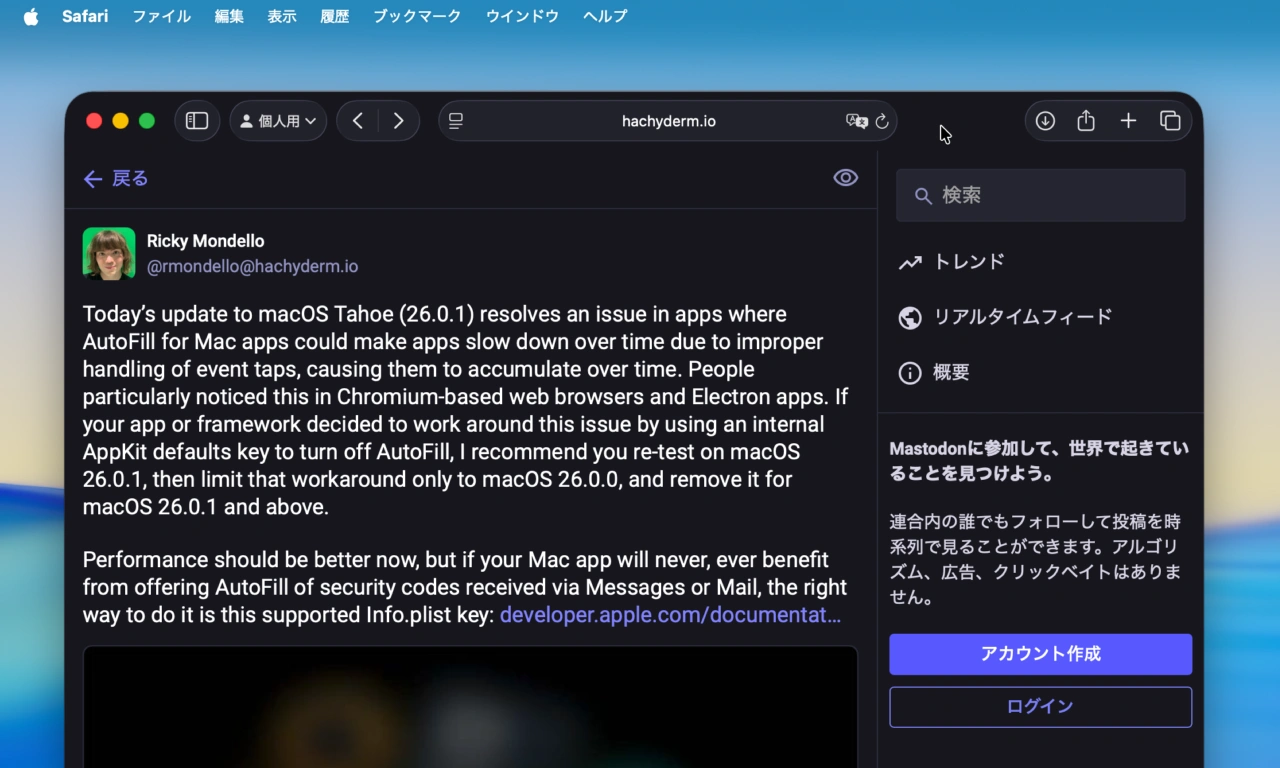
Today’s update to macOS Tahoe (26.0.1) resolves an issue in apps where AutoFill for Mac apps could make apps slow down over time due to improper handling of event taps, causing them to accumulate over time. People particularly noticed this in Chromium-based web browsers and Electron apps.
Ricky MondelloさんのMastdonより
また、Rickyさんは、開発者に対し、もし開発しているアプリやフレームワークが、この問題を回避するためにAppKitのデフォルトキーを利用してAutoFill機能を無効化していた場合は、macOS 26.0.1で再テストを行い、この回避策をmacOS 26.0.0のみに限定し、macOS 26.0.1以降では削除するように勧めており、
This reverse engineering work led its way to a fix in Chrome (subsequently Electron), with credit given back to me! Very cool to see, and happy to help the macOS ecosystem. I hope macOS fixes this huge issue soon. https://t.co/hfRxsF8uZM https://t.co/8dS4FWYrWd pic.twitter.com/7Metxq7ASz
— Mitchell Hashimoto (@mitchellh) September 24, 2025
macOS Tahoeで導入されたメッセージやメールで受信したセキュリティコードの自動入力機能をアプリ内で利用する必要がなければ、以下のInfo.plistキーを利用して欲しいとコメントしています。
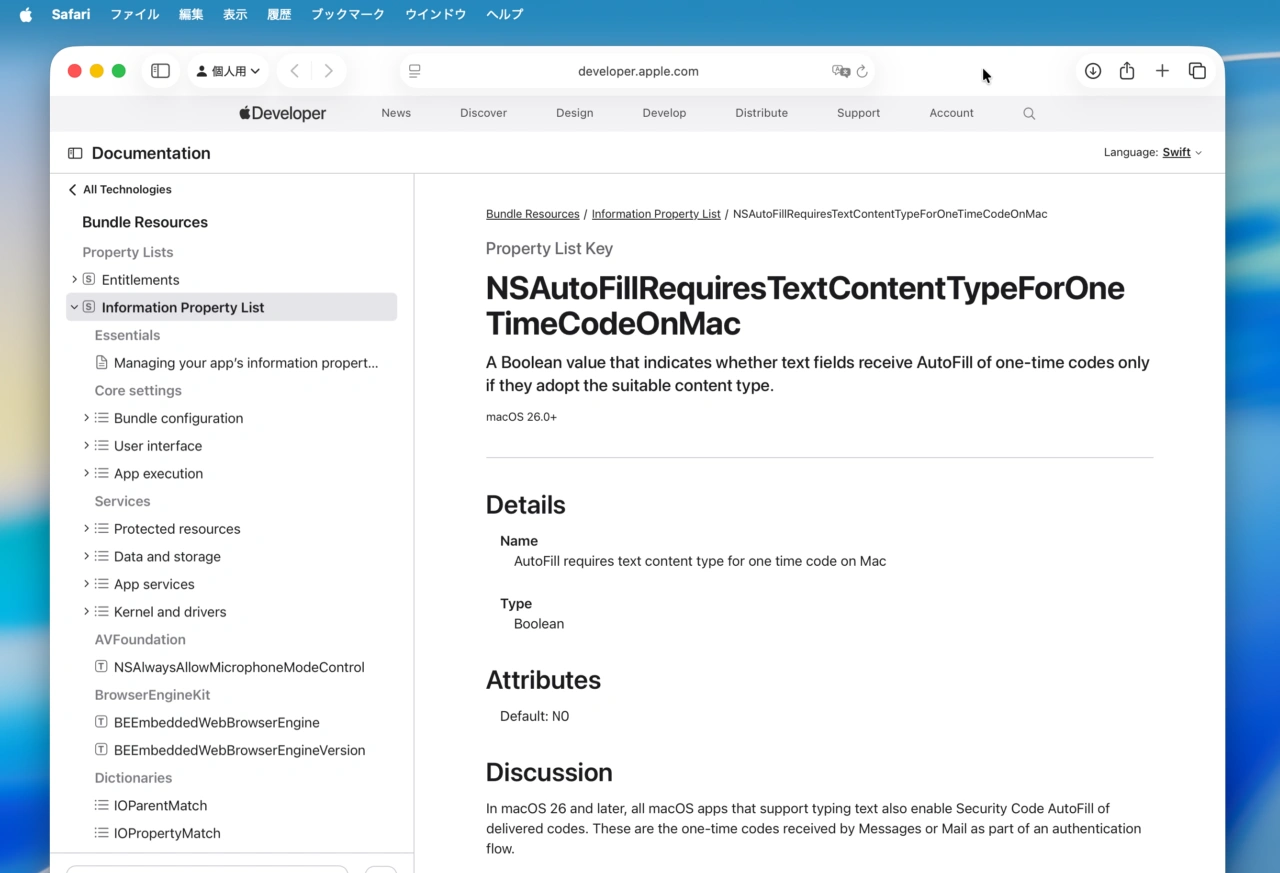
In macOS 26 and later, all macOS apps that support typing text also enable Security Code AutoFill of delivered codes. These are the one-time codes received by Messages or Mail as part of an authentication flow.
AutoFill is available when all of the following are true:
- Messages or Mail detects a one-time code.
- A text-input experience is active, such as a text field having focus.
- Fewer than three minutes elapses since detection of the code.
NSAutoFillRequiresTextContentTypeForOneTimeCodeOnMac
- NSAutoFillRequiresTextContentTypeForOneTimeCodeOnMac – Apple Developer Documentation

コメント