
LogitechがMX Creative ConsoleとActions Ring機能を改善し、macOS 13 Venturaのサポートを終了した「Logi Options+ v2.1」をリリースしています。詳細は以下から。

スイスLogitech(日本ではロジクール)は現地時間2026年03月23日、MacとWindowsに対応した同社のキーボード&マウス用ユーティリティLogi Options+の最新バージョンとなる「Logi Option+ v2.1.854976(macOS) & v2.1.854977(Windows)」のロールアウトを開始したと発表しています。
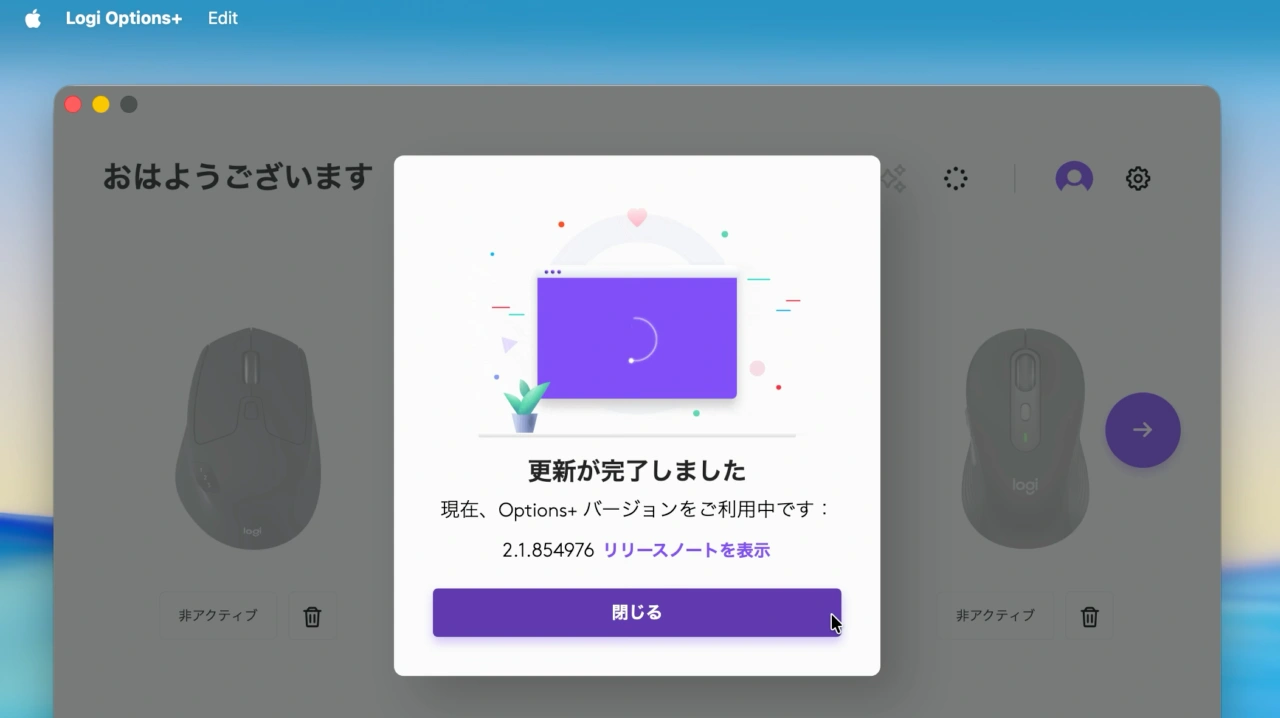
Logi Option+ v2.1では、MX Creative ConsoleとActions Ringで追加”+”ボタンを別のデバイスからクリックした場合でも、あらゆるデバイス用のプロファイルがインポート可能になり、マルチアクションの表示がアップデートされ、各項目を開かなくても内容を確認できるようになった他、アイコンエディタがよりシンプルになったそうです。
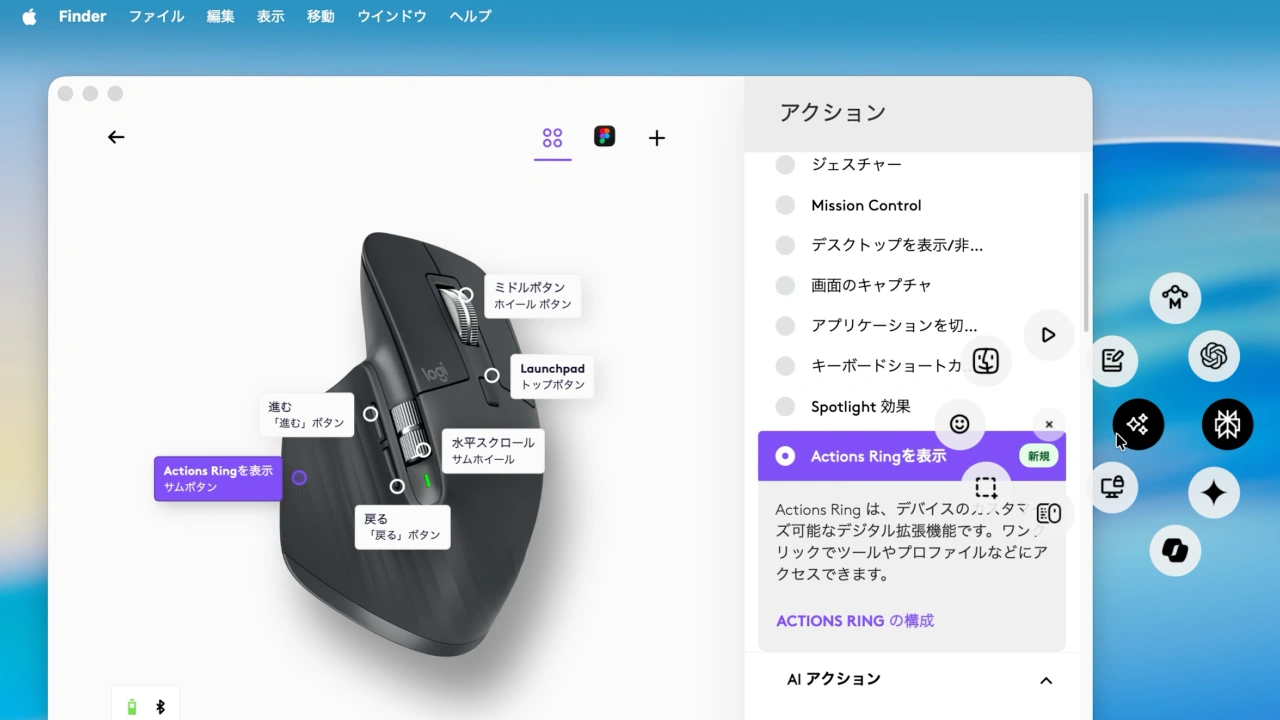
Logi OptionのAction Ring
また、Logi Option+ v2.1ではWebカメラMX BrioとBrio 500でShow Modeの有効/無効を切り替えた際にメッセージが表示されるようになり、Options+ UIにフォーカスされていない場合、カメラのプレビューが一時的に停止するようになったそうです。
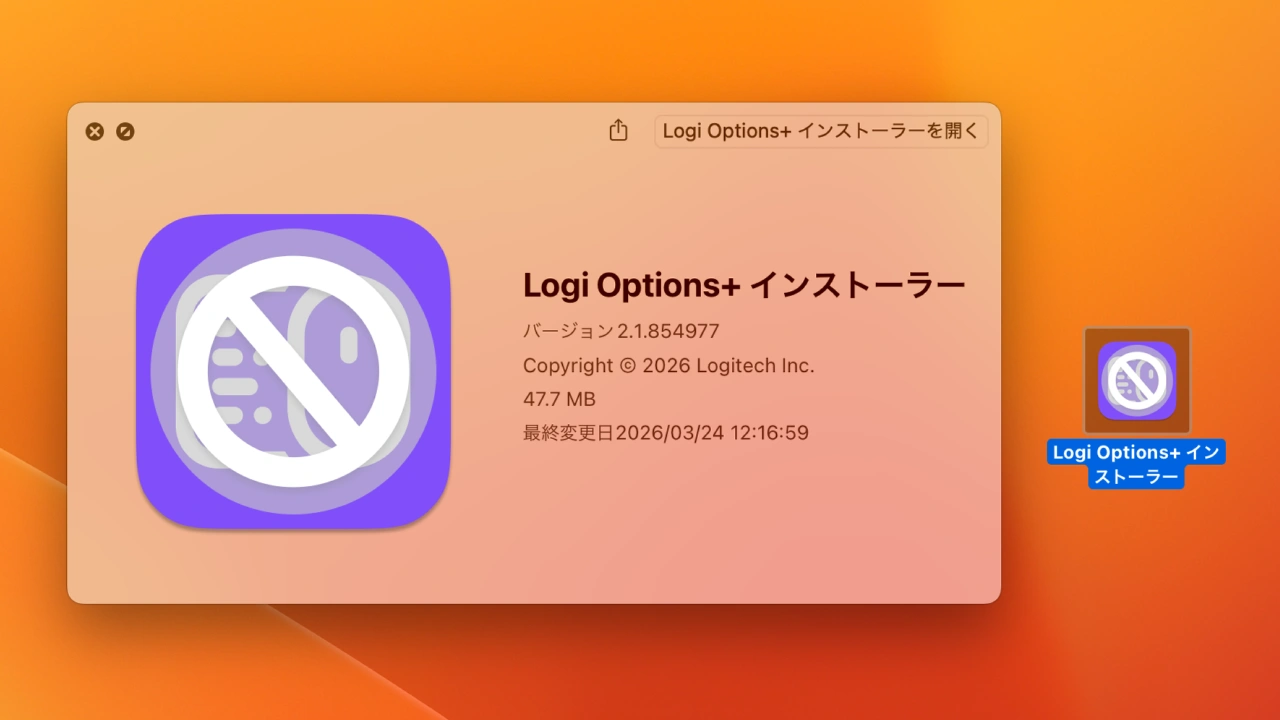
Logi Option+ v2.1ではmacOS 13 Venturaが非サポートに
なお、Logi Option+ v2.1 for Macではシステム要件が更新され、macOS 13 Venturaのサポートが終了し、システム要件がmacOS 14 Sonoma以降のIntel/Apple Silicon Macとなっているので注意して下さい。
Logi Options+ 2.1.854976のリリースノート
MX Creative Console & Actions Ring
- Import Profiles: Now you can import a profile for any device, regardless if you clicked on the “+” add button from a different device.
- MULTI-ACTION: Updated the view of the multi-action, so you can visualize its content without having to open each individual item.
- ICON EDITOR: Simplified the options available and renamed the buttons for more clarity.
- Various Bug fixes and improvements:
- Fixed the double profile extension when importing profiles.
- Correctly displaying Analog element that were displayed as discrete on Actions Ring overlay
- Duplicated actions inside Multiactions are now independent.
- Fixed the “Open Application” action text not updating.
- Multiple UI visual fixes.
New Features
- Added an overlay message when Show Mode is activated or deactivated for MX Brio or Brio 500.
- Added webcam preview pausing when the Options+ UI is no longer in focus. This reduces possible conflicts with other apps that want to use the webcam. This new behavior can be switched off in the webcam settings.
- Dropped support for macOS Ventura.
- Logi Options+ – Logicool
- Logi Options+ Release Notes – Logitech
コメント