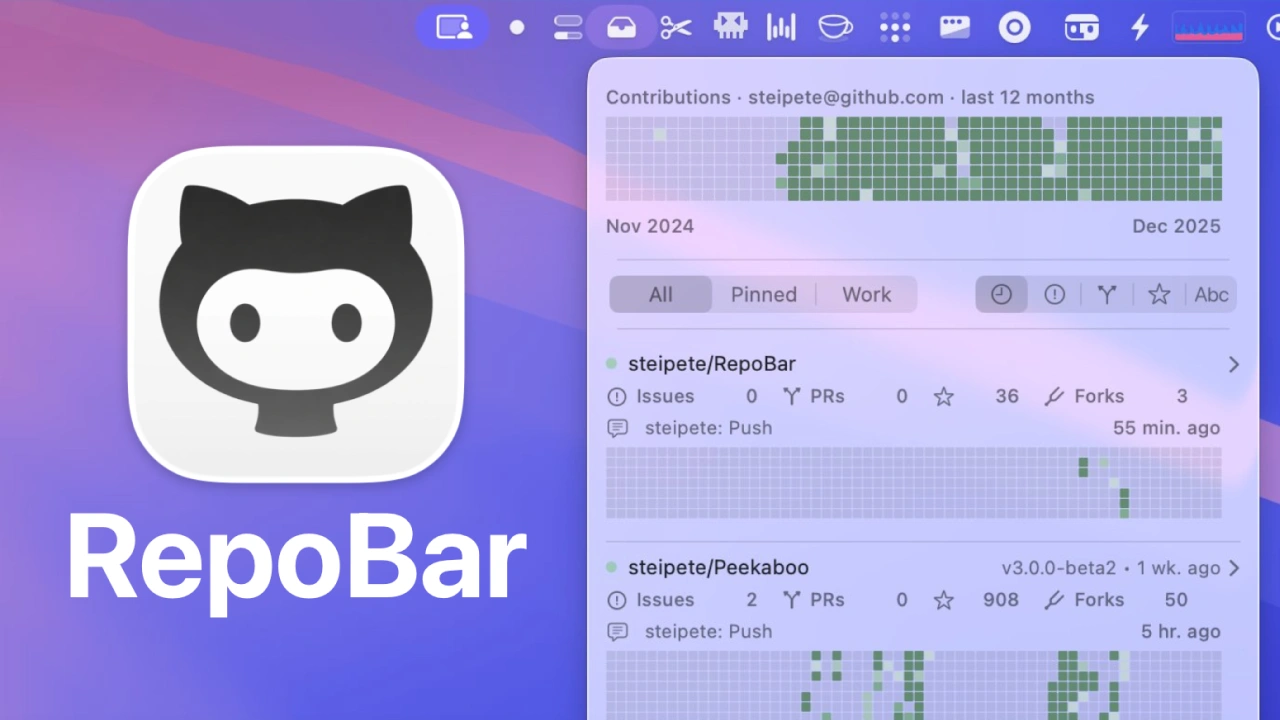

GitHubリポジトリのステータスをメニューバーから素早く確認できるMacアプリ「RepoBar」がリリースされています。詳細は以下から。

GitHubでプロジェクトを管理する際、Continuous Integration(CI)やIssue、Pull Requestsなどの情報をチェックしたいときがありますが、その様な際にGitHubやリポジトリを開かずに各ステータスをMacのメニューバーから素早く確認できる「RepoBar」が新たにリリースされています。

RepoBar is a focused macOS menu bar app that surfaces the signal you care about: CI status, issues and PR counts, releases, traffic, and a compact activity heatmap for every repo you pin.
macOS Menu Bar intelligence for GitHub – RepoBar
RepoBarを公開したのはPSPDFKitを開発し現在はAIエージェントの開発に携わっているオーストリアのPeter Steinbergerさんで、
New RepoBar update is out! Now with a tiny viewer for changelogs, and you can fully customize the menu.
brew install –cask steipete/tap/repobarhttps://t.co/dMqc96hx1V pic.twitter.com/ez7bhsm7ng— Peter Steinberger (@steipete) December 31, 2025
使い方は公式サイトやHomebrewからRepoBarをダウンロード&インストールしてGitHub Authで認証するだけで、CIのステータスやIssues、PR、Release、Traffic、Contribution Heatmapを表示できるようになります。
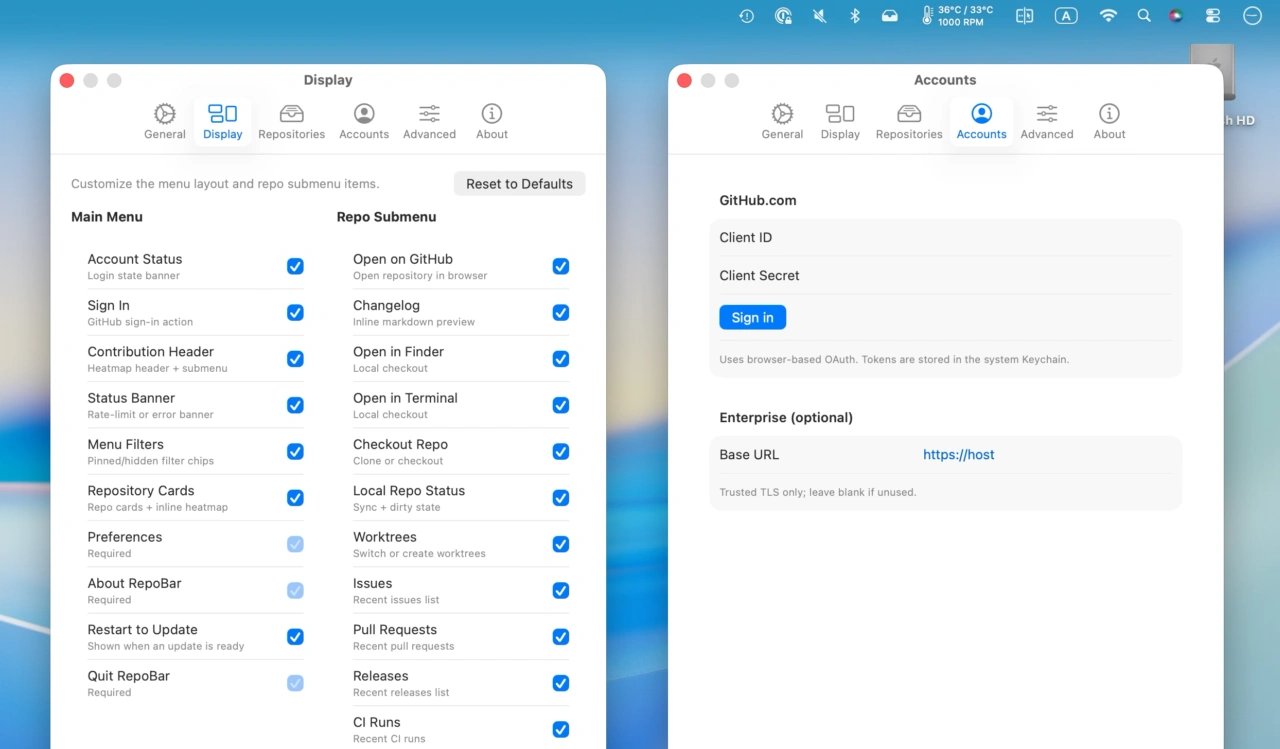
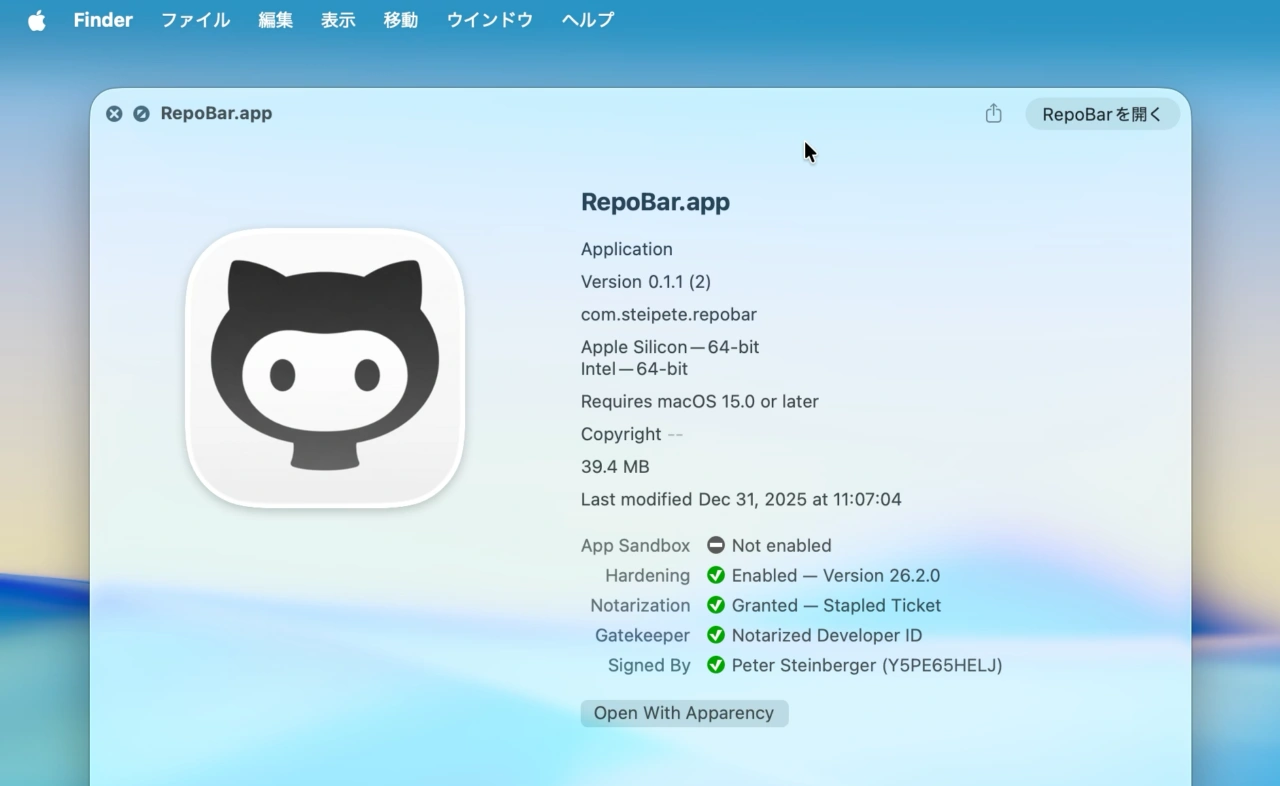
RepoBarのシステム要件はmacOS 15 Sequoia以降のIntel/Apple Silicon Macで、アプリはPeterさんの開発者署名&公証通過済みがGitHubリポジトリからダウンロードできるので、興味のある方はチェックしてみてください。
brew install --cask steipete/tap/repobar

コメント