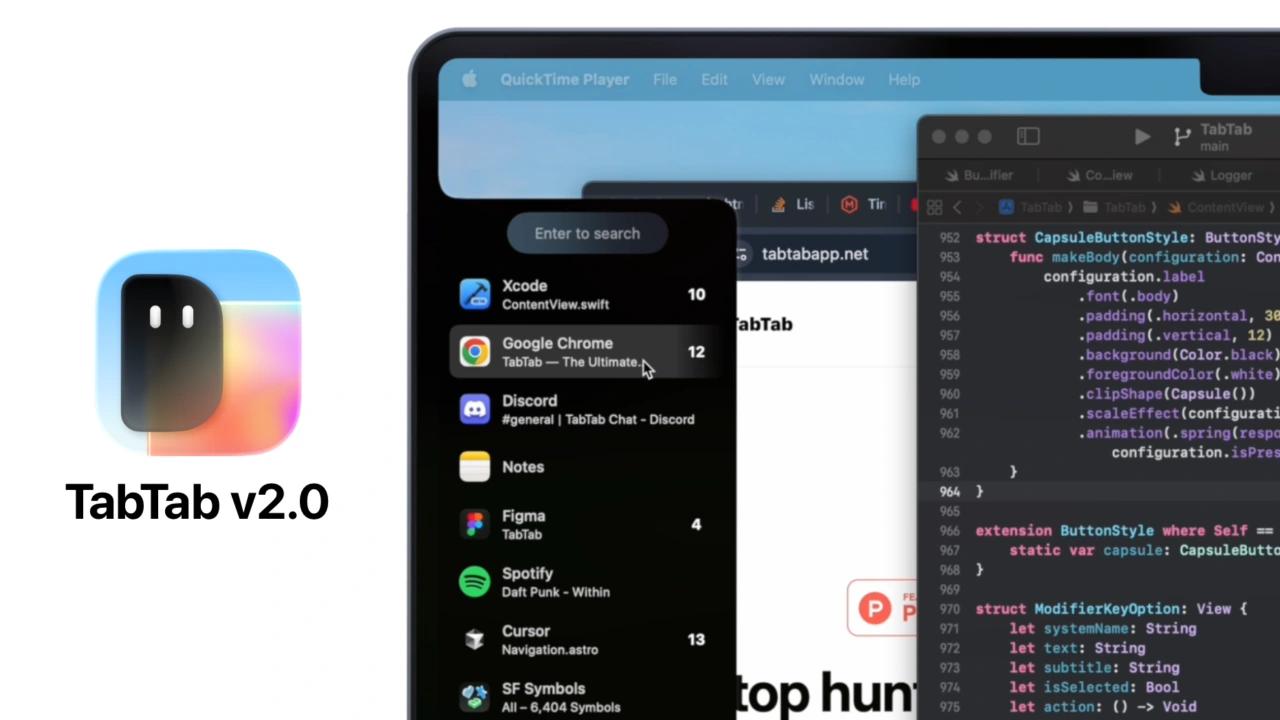

ウィンドウごとのタブのグループ化やURLでのタブ検索が可能になった、SafariやChrome、Firefox、Xcode、Terminalなどのタブを表示してくれるMacアプリ「TabTab v2.0」がリリースされています。詳細は以下から。
TabTabはシンガポールのRichard Qiさんが昨年末から開発しているMac用タブ検索アプリで、SafariやChrome、Firefox、Edge、Braveなどブラウザタブに加え、XcodeやFinder、Terminal、VSCodeなどタブをサポートするアプリで開いているタブをリスト表示/串刺し検索することが出来ますが、このTabTabのメジャーアップデートとなる「TabTab v2.0」がリリースされています。
🎨 Fresh New Look
TabTab has a new look to better align with macOS 26. Redesigned icon and website at tabtabapp.netリリースノートより抜粋
TabTabはこれまで、タブを個別にリスト化し表示してきましたが、TabTab v2.0ではウィンドウごとにタブをグループ化し、よりコンパクトに表示されるようになり、左右キーでタブグループページを移動することが可能になっています。
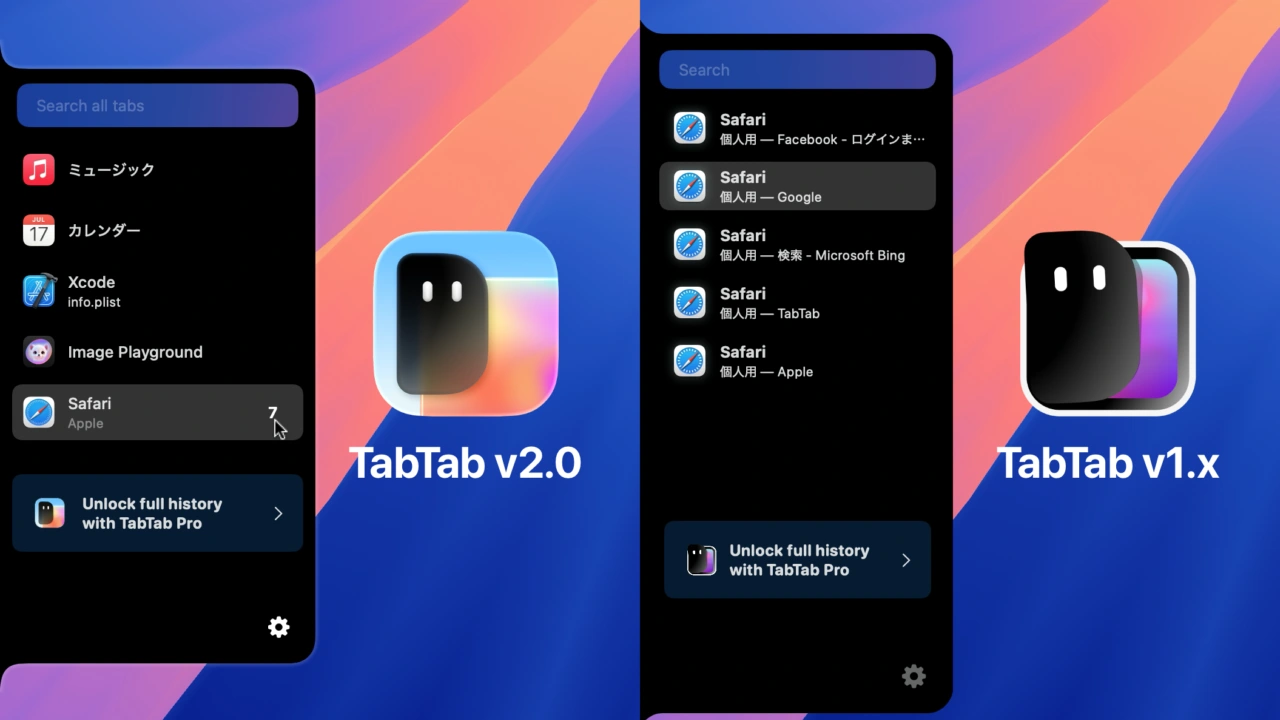
TabTab v2.0とv1.xのタブ表示
タブのグループ化は、TabTabの設定から無効化することも可能なため、TabTab v1.xと同じくタブの個別表示も引き続き可能で、グループタブモードでは各ブラウザのfavicon表示に対応し、URLでのタブ検索も可能になっています。
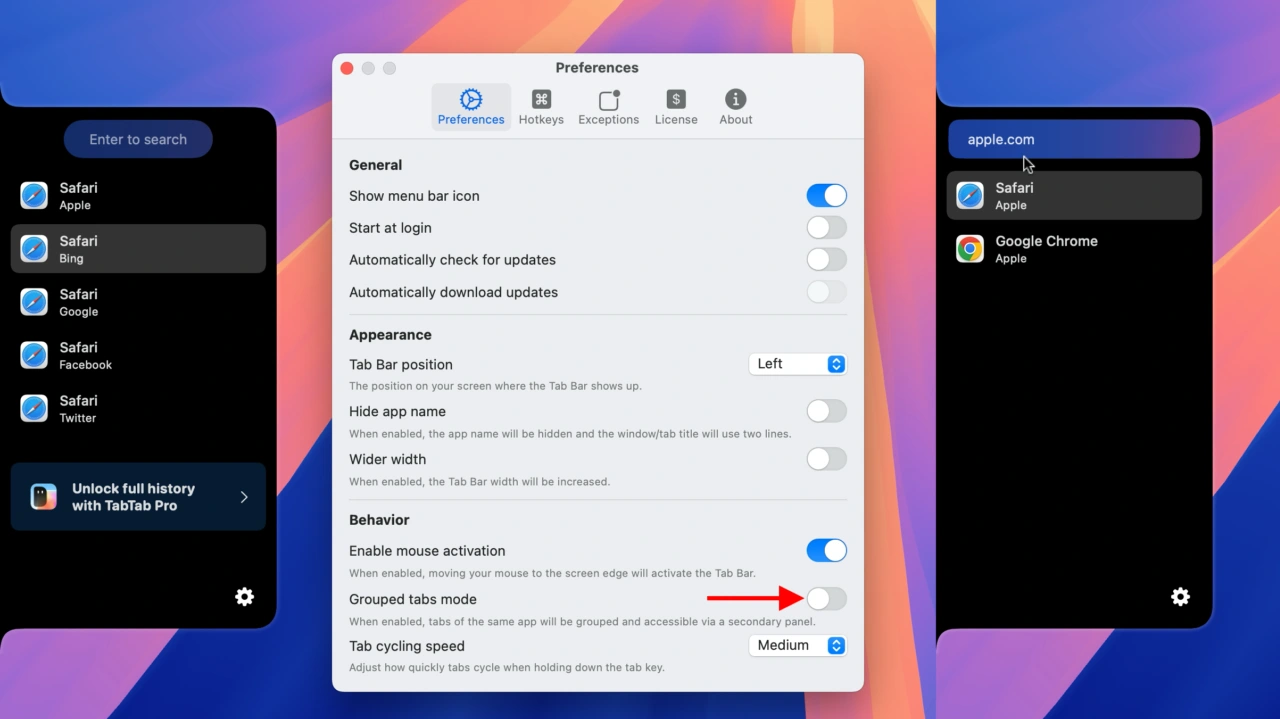
タブの個別表示とURL検索
また、サポートブラウザとしてはSafariやChrome、Brave、Edgeに加え、新機能の開発終了が発表された後も熱心なユーザーが多いArcブラウザも追加サポートされたそうです。
Arc Browser will finally be supported in the next TabTab update :>
sorry it took this long lol pic.twitter.com/0GljAeSDcT
— Richard Qi 🐟 (@riccqi) July 29, 2025
TabTab v2.0のシステム要件はmacOS 14 Sonoma以降のIntel/Apple Silicon Macで、全ての機能を利用するには24.00ドルのTabTab Proライセンスを購入する必要がありますが、5つのタブ表示に対応したトライアル版が無料で公開されているので、気になる方は試してみてください。
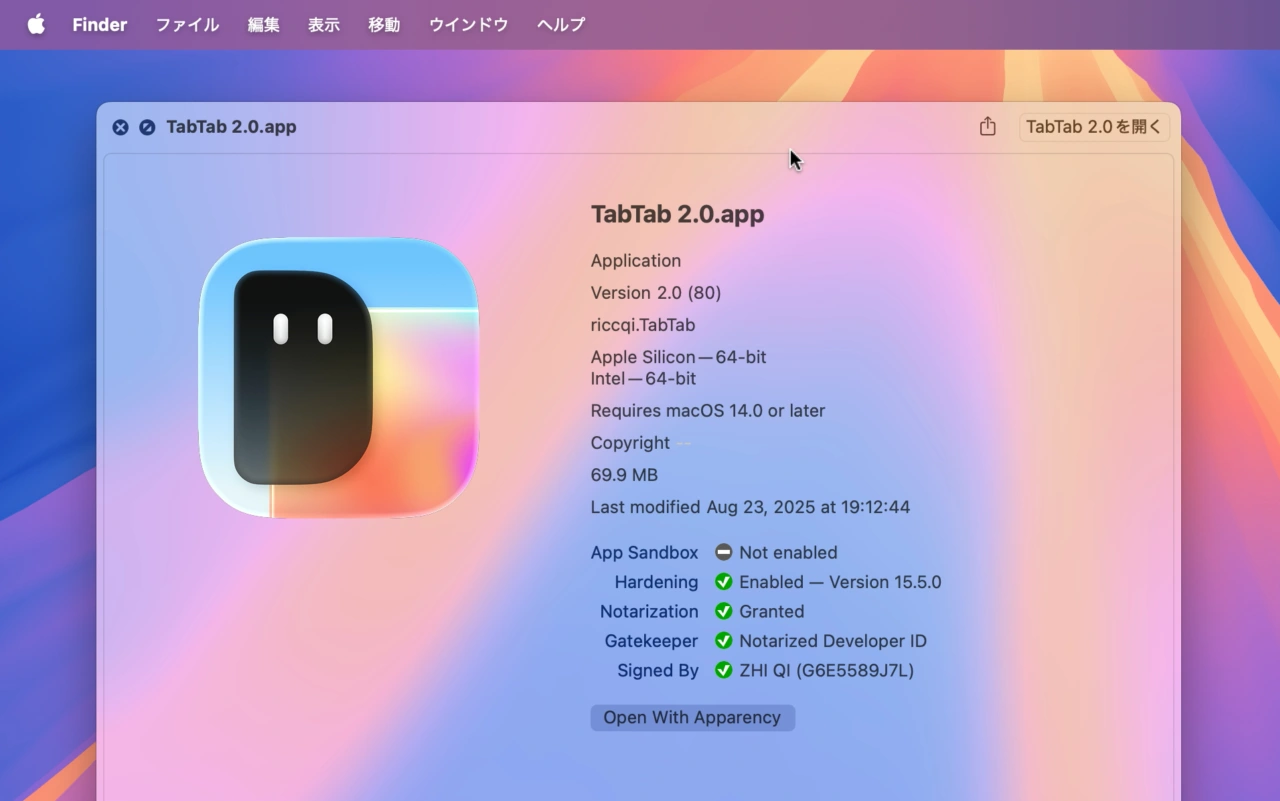
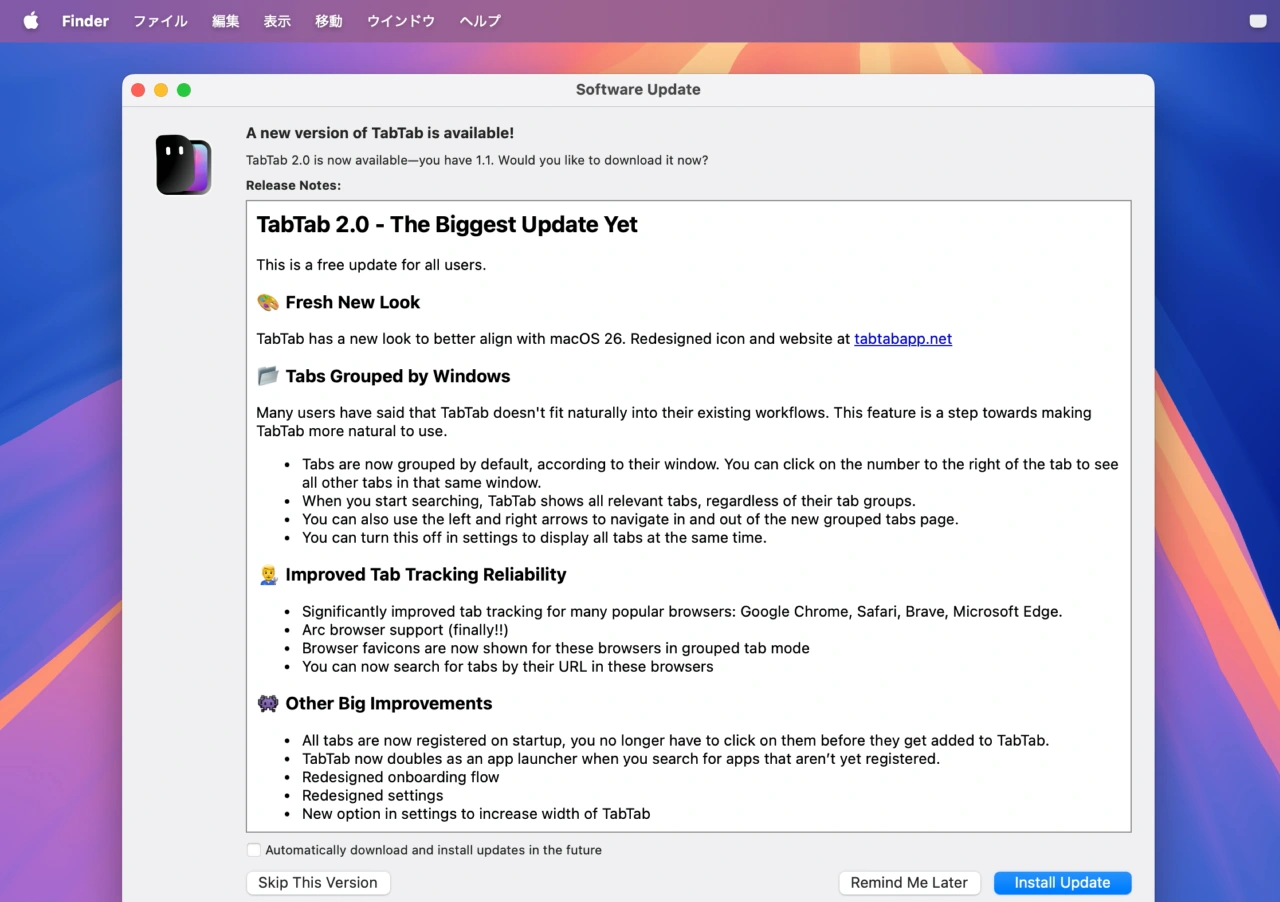
TabTab 2.0 – The Biggest Update Yet
🎨 Fresh New Look
TabTab has a new look to better align with macOS 26. Redesigned icon and website at tabtabapp.net
📂 Tabs Grouped by Windows
Many users have said that TabTab doesn’t fit naturally into their existing workflows. This feature is a step towards making TabTab more natural to use.
- Tabs are now grouped by default, according to their window. You can click on the number to the right of the tab to see all other tabs in that same window.
- When you start searching, TabTab shows all relevant tabs, regardless of˙ their tab groups.
- You can also use the left and right arrows to navigate in and out of the new grouped tabs page.
- You can turn this off in settings to display all tabs at the same time.
👨🔧 Improved Tab Tracking Reliability
- Significantly improved tab tracking for many popular browsers: Google Chrome, Safari, Brave, Microsoft Edge.
- Arc browser support (finally!!)
- Browser favicons are now shown for these browsers in grouped tab mode
- You can now search for tabs by their URL in these browsers
👾 Other Big Improvements
- All tabs are now registered on startup, you no longer have to click on them before they get added to TabTab.
- TabTab now doubles as an app launcher when you search for apps that aren’t yet registered.
- Redesigned onboarding flow
- Redesigned settings
- New option in settings to increase width of TabTab

コメント