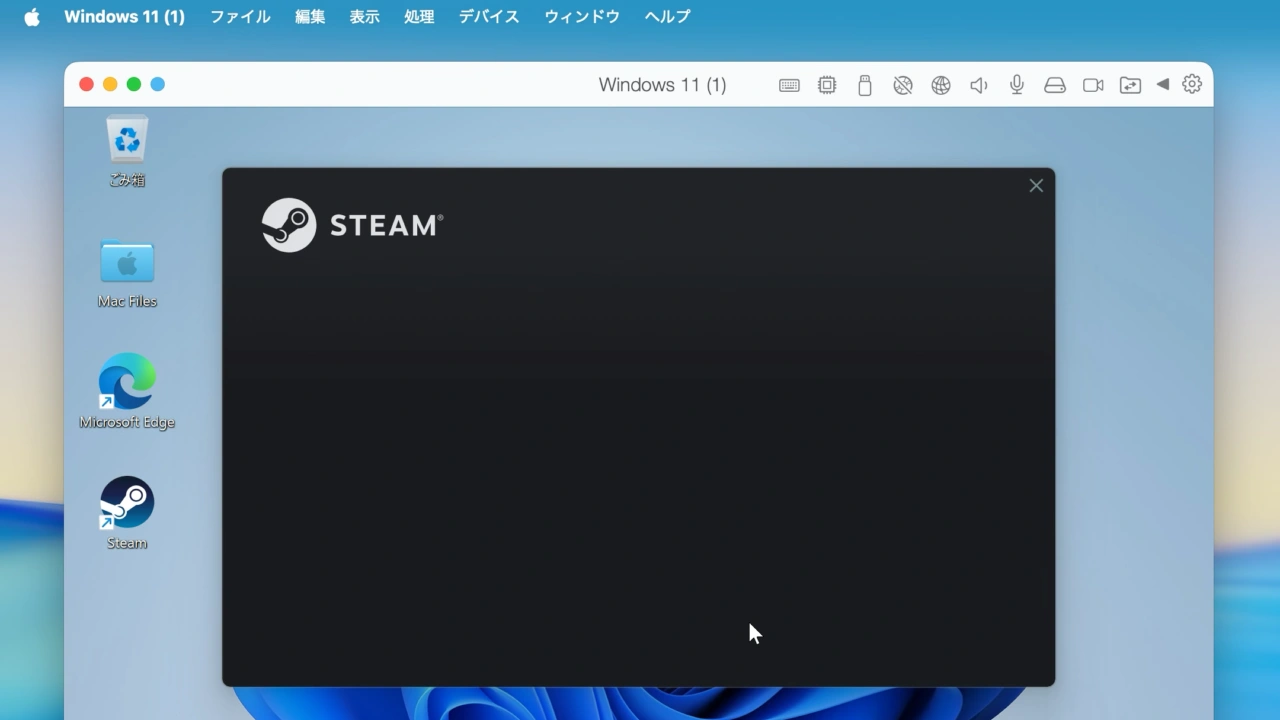

ParallelsがParallels Desktop for Mac v26.3アップデート後にWindows 11仮想マシンでSteamなどx86アプリが起動しなくなる不具合が確認されたとしてサポートページを公開しています。詳細は以下から。

Alludo(旧Corel)傘下のParallels International GmbH.は2026年03月25日、macOS 26 TahoeやWindows 11 25Hをサポートした「Parallels Desktop 26 for Mac v26.0」の3度目のマイナーアップデートとなる「Parallels Desktop 26 for Mac v26.3.0」をリリースしましたが、
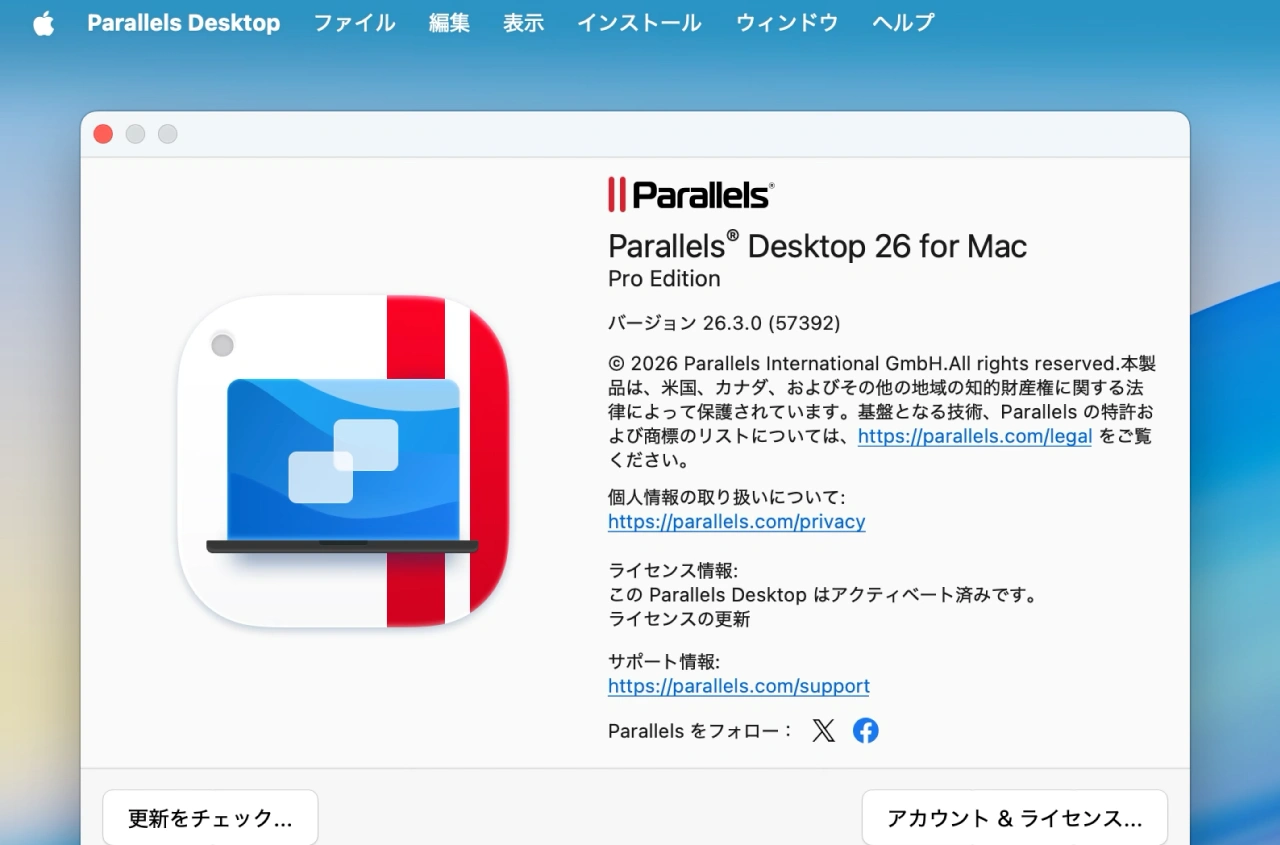
Parallels Desktop for Mac v26.3
Parallelsが現地時間2026年03月30日公開したサポートページによると、このParallels Desktop 26 for Mac v26.3.0では、Windows 11 on Arm仮想マシン上でSteamなどのx86アプリが起動しなくなる、アプリが起動しかけた後に終了するなどの不具合が確認されているそうです。
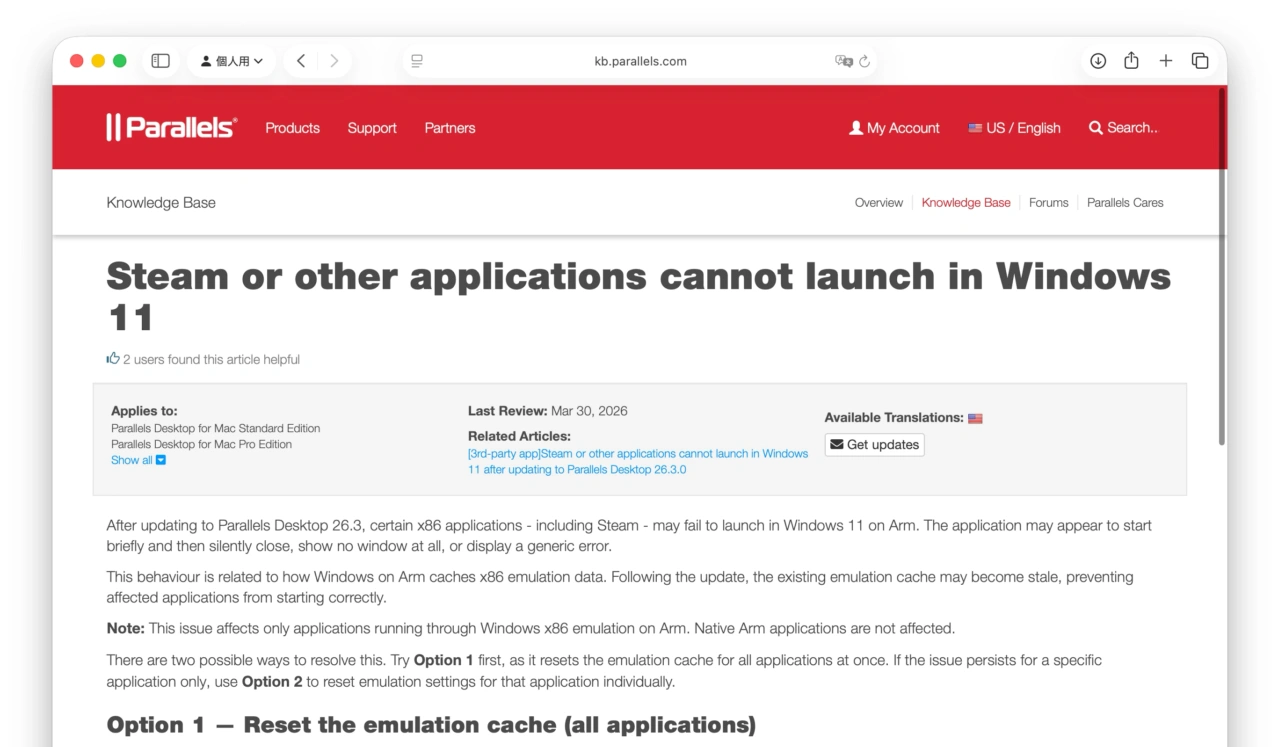
After updating to Parallels Desktop 26.3, certain x86 applications – including Steam – may fail to launch in Windows 11 on Arm. The application may appear to start briefly and then silently close, show no window at all, or display a generic error.
Steam or other applications cannot launch in Windows 11 – Parallels Support
解決策
Parallelsによると、この問題はWindows 11 on Armがx86エミュレーションキャッシュを削除しないことに問題があるために発生しているそうで、Win + Sからのcmdでコマンドプロンプトを起動し、管理者権限で以下のコマンドでキャッシュを削除しアプリを再起動してほしいとコメントしています。
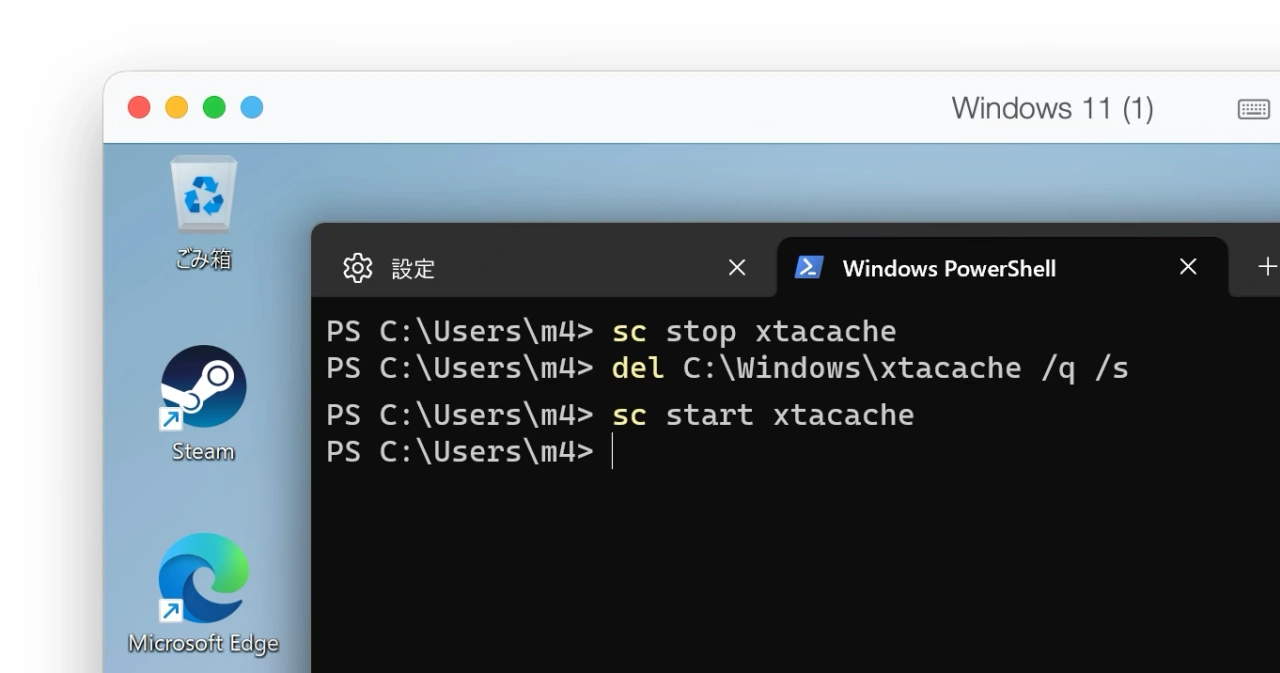
sc stop xtacache
del C:\Windows\xtacache /q /s
sc start xtacache
また、Parallelsは全てのエミュレーションキャッシュを削除したくないユーザー向けに解決策のOption 2としてsteam.exeなど特定のアプリのキャッシュだけを削除する方法も公開しているので、問題が発生している方はチェックしてみて下さい。
Option 2
- Locate the application’s .exe file. For Steam, this is typically at:
- Right-click the .exe file and select Properties.
- Go to the Compatibility tab.
- Under the Windows on Arm section, click Change emulation settings.
- Select Use safe emulation and click OK.
- Click OK again to close Properties.
- Restart the application.
C:\Program Files (x86)\Steam\steam.exe
- 新しいParallels® Desktop 26 for Mac – Parallels Desktop
- Steam or other applications cannot launch in Windows 11 – Parallels Support


コメント