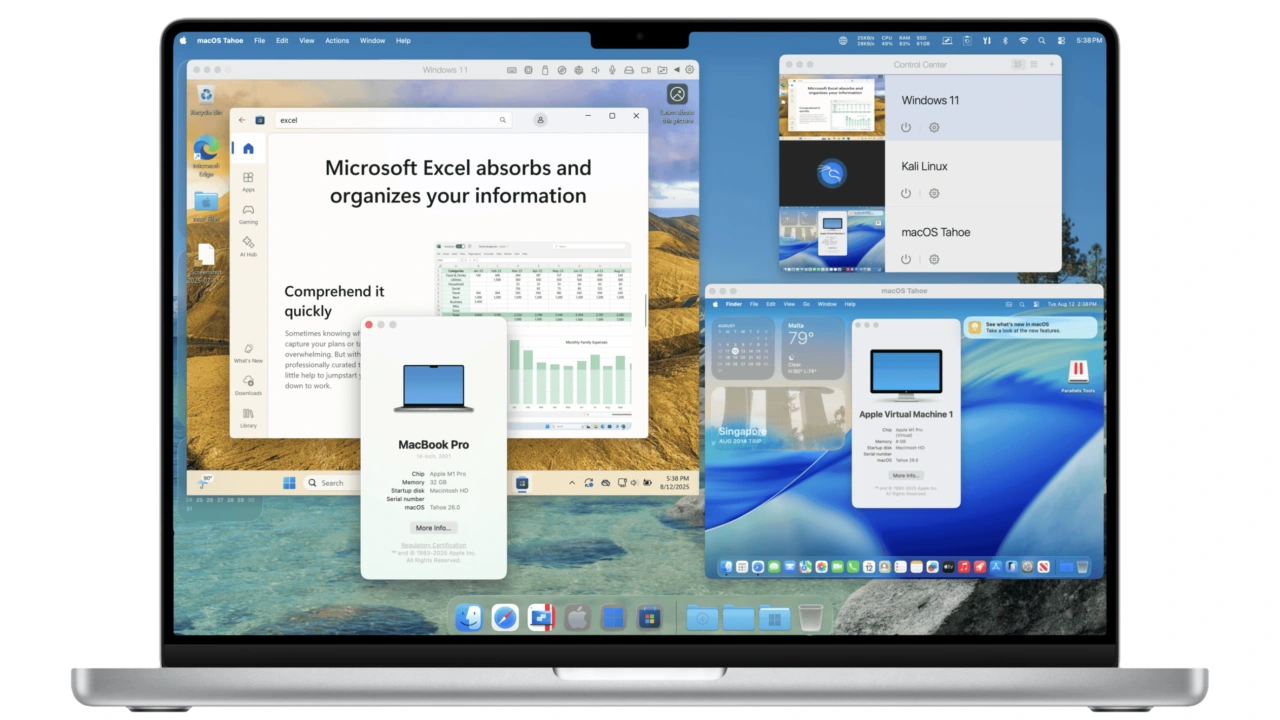

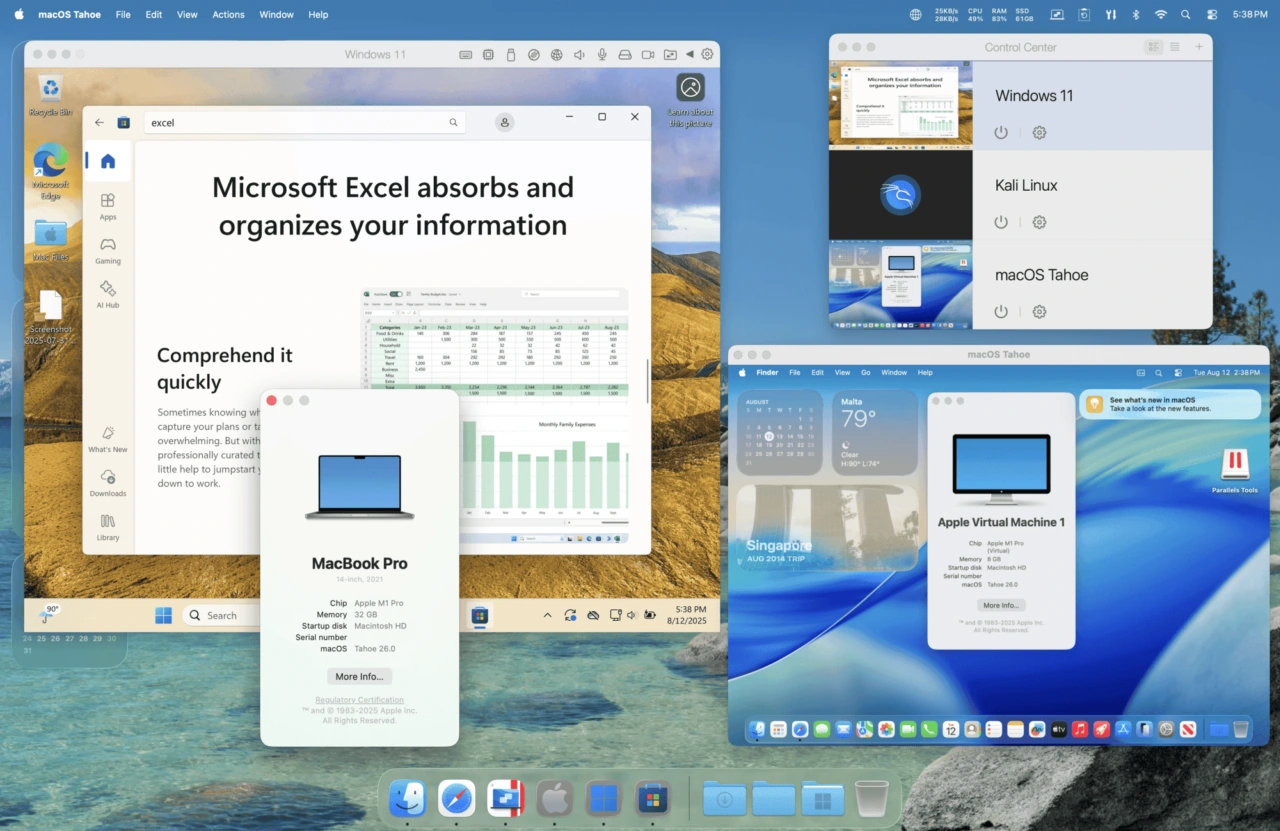
ParallelsがmacOS 26 TahoeとWindows 11 25H2をサポートする「Parallels Desktop 26 for Mac」をリリースしています。詳細は以下から。

Alludo(旧Corel)傘下のParallels International GmbH.は現地時間2025年08月25日、IntelとApple Silicon Mac上でWindowsやLinux仮想マシンを作成&実行できる仮想化ソフトウェアParallels Desktopシリーズの最新バージョンとなる「Parallels Desktop 26 for Mac v26.0.0 (以下、Parallels Desktop v26)」をリリースしたと発表しています。

It’s ready for the latest versions of macOS and Windows, packed with new features and enhancements, and I’m excited to show you what it can do starting August 26, 2025.
Key takeaways:
- What individual users will see in Parallels Desktop 26, including support for macOS Tahoe 26 plus an updated look and feel to match Apple’s latest OS
- Which new features IT admins and businesses can expect—now and in the near future
- How Parallels Desktop evolved in 2025 and what that means for next year
Meet Parallels Desktop 26: Optimized for macOS Tahoe, ready for IT, designed for every user – Parallels
Corelによると、Parallels Desktop v26では、Appleが今年の秋にリリースを予定しているLiquid Glassデザイン対応の「macOS 26 Tahoe」に対応する「Ready for macOS Tahoe 26*」となっている他、同じく秋にリリースが予定されているWindows 11の大規模アップデート「Windows 11 25H*」にも対応。
また、AppleはmacOS 26 Tahoeでアプリ終了後もバックグラウンドで動作し続けるプロセスを検出しユーザーに通知する機能を実装すると発表していますが、Parallels Desktop v26はこの仕様に対応し、セットアップ処理やCoherenceモードが正常に動作し続けるようになっています。
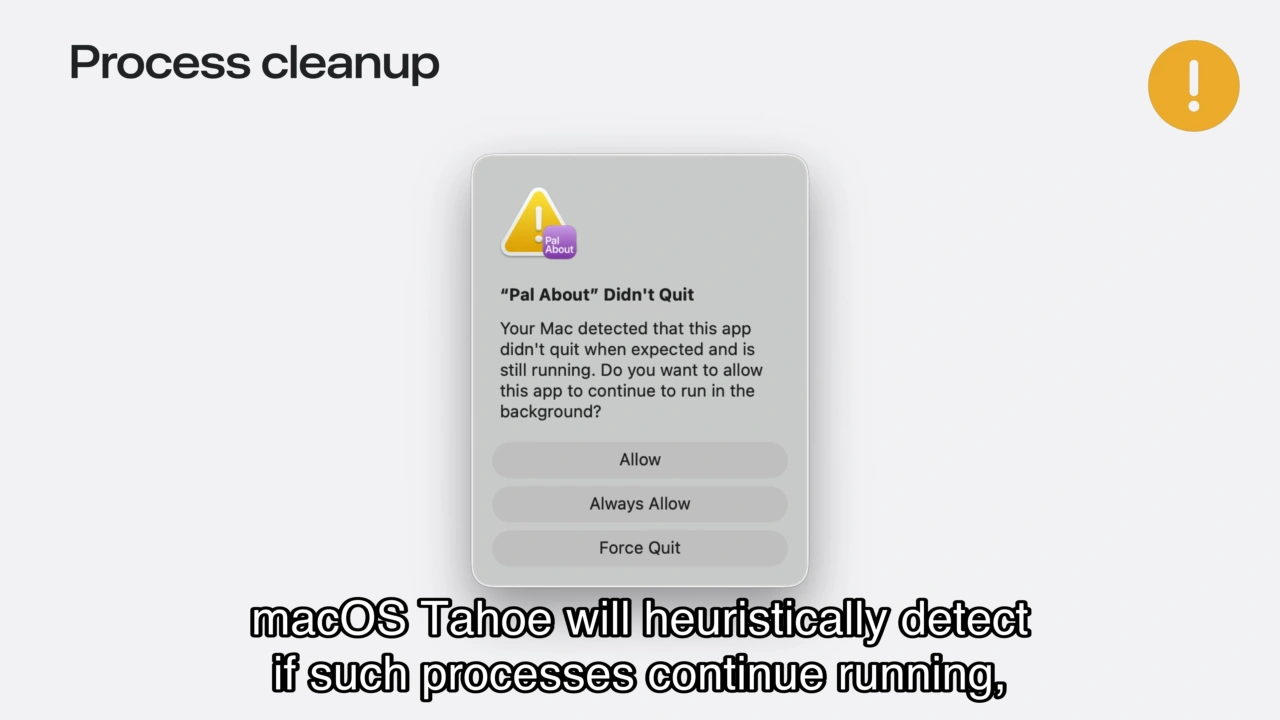
macOS 26 Tahoe Background Process detect clean up
なお、Parallelsは現在、macOS 15 SequoiaやWindows 11 24H2をサポートした「Parallels Desktop v20 for Mac」をMac App Storeなどで販売していますが、既にお気付きの通り、AppleがmacOS Tahoeでバージョニングを西暦(2026)の二桁に変更するのに合わせ、Parallels Desktopも次期バージョンを「Parallels Desktop v26」へ変更しているそうです。

この他、Parallels Desktop v26ではWindows仮想マシン側からMacホストのストレージ空き容量を確認できるようにストレージ管理機能が改善され、大規模Windowsソフトウェアのインストール時に空き容量を正確に確認し、Macのレスポンス低下を防止することが可能になっており、
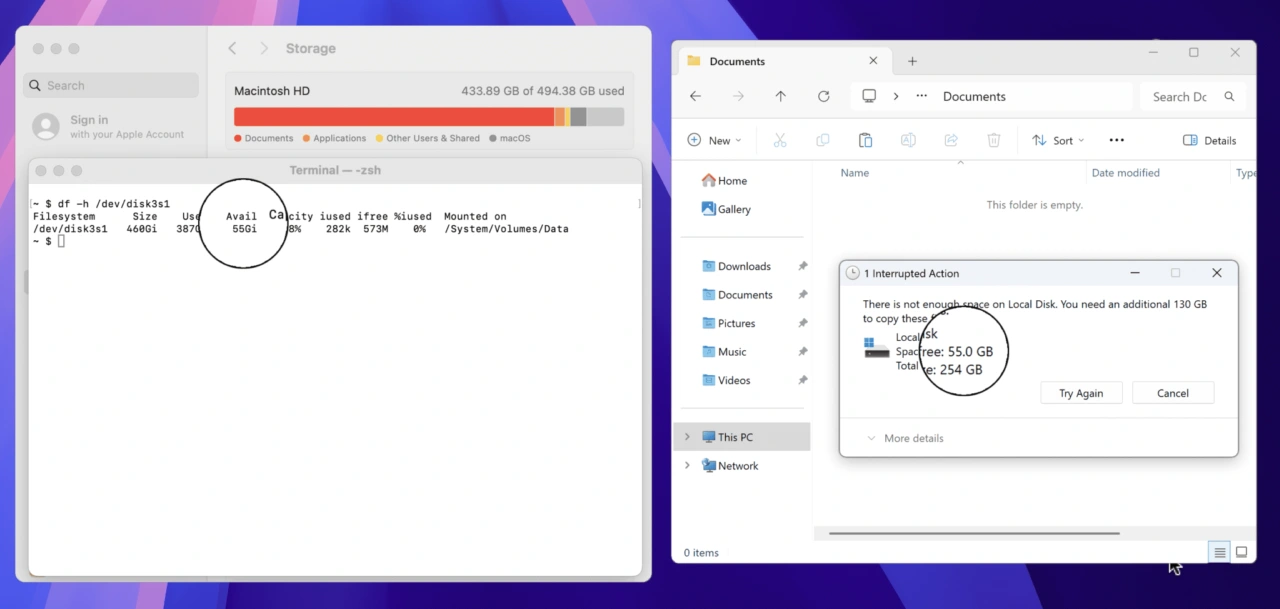
Windows仮想マシンとMacホストの空き容量の一致。
Persona 5 Royalが起動時にクラッシュ問題の修正、Apple Silicon MacでUbuntu 24.04.2、Fedora 42、Debian 12.6、Kali 2024.2など、Intel MacでUbuntu 24.04、Fedora 40、Debian 12.6、Mint 21.3など最新のLinuxディストリビューションのサポートが行われ、本日より14日間利用可能なトライアル版の公開が始まっているので、気になる方は公式サイトをチェックしてみてください。
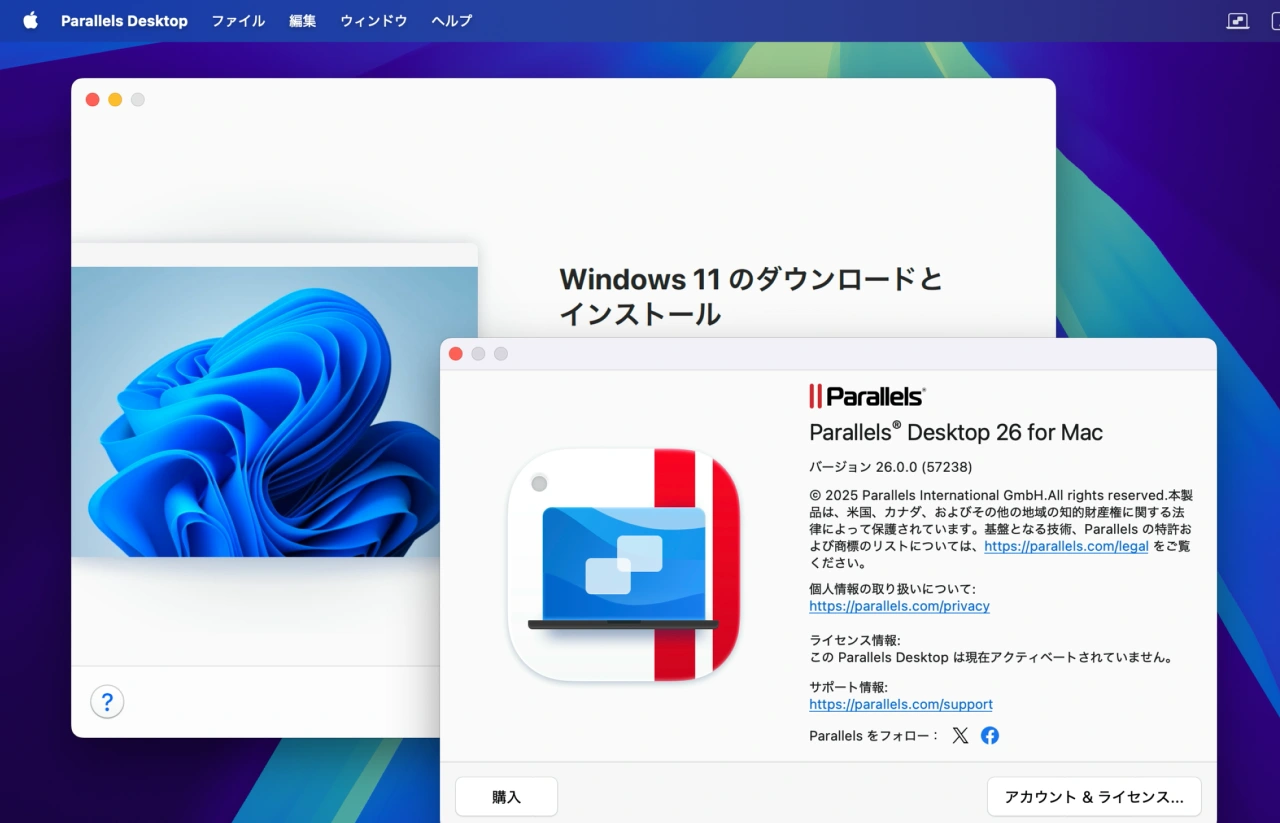
Parallels Desktop v26 トライアル版
Parallels Desktop 26 for Mac 26.0.0 (57238)リリースノート
The new major Parallels Desktop version 26.0.0 (build 57238) includes many under-the-hood upgrades aimed at better supporting the latest version of macOS. Parallels Desktop 26 follows Parallels Desktop 20 to bring the version number in line with Apple’s new macOS versioning.
All editions of Parallels Desktop 26 for Mac
- Ready for macOS Tahoe 26.
Parallels Desktop 26 supports the upcoming macOS Tahoe 26 as a primary OS on Mac and as a virtual machine, so you can upgrade your Mac computers once the new operating system becomes available.
Look and Feel
- Brings updated icons across the board on Macs running macOS Tahoe 26.
Windows on Mac
- Enables Windows to accurately assess the available disk space on your Mac, helping you avoid harming your Mac’s responsiveness by installing overly large Windows software.
- Improves the behavior of full-screen Windows apps in Coherence mode, enabling your Mac to go to sleep mode normally.
- Fixes the issue that caused Persona 5 Royal to crash on launch in Windows 11 virtual machines.
Linux on Mac
- Apple silicon Macs: Adds out-of-the-box support for new Linux distributions, such as Ubuntu 24.04.2, Fedora 42, Debian 12.6, and Kali 2024.2.
- Intel Macs: Adds out-of-the-box support for new Linux distributions, such as Ubuntu 24.04, Fedora 40, Debian 12.6, and Mint 21.3.
- Fixes the issue that prevented Parallels Tools for Linux from installing correctly on CentOS 10 running on Intel Macs.
Parallels Desktop 26 for Mac Business & Enterprise Edition
- Adds the ability for system administrators to manage and monitor virtual machine software updates using Jamf scripts.
- Regenerates unique identifiers for virtual machines deployed from Golden Images to ensure smooth Intune enrollment.
- 新しいParallels® Desktop 26 for Mac – Parallels Desktop
- Meet Parallels Desktop 26: Optimized for macOS Tahoe, ready for IT, designed for every user – Parallels

コメント