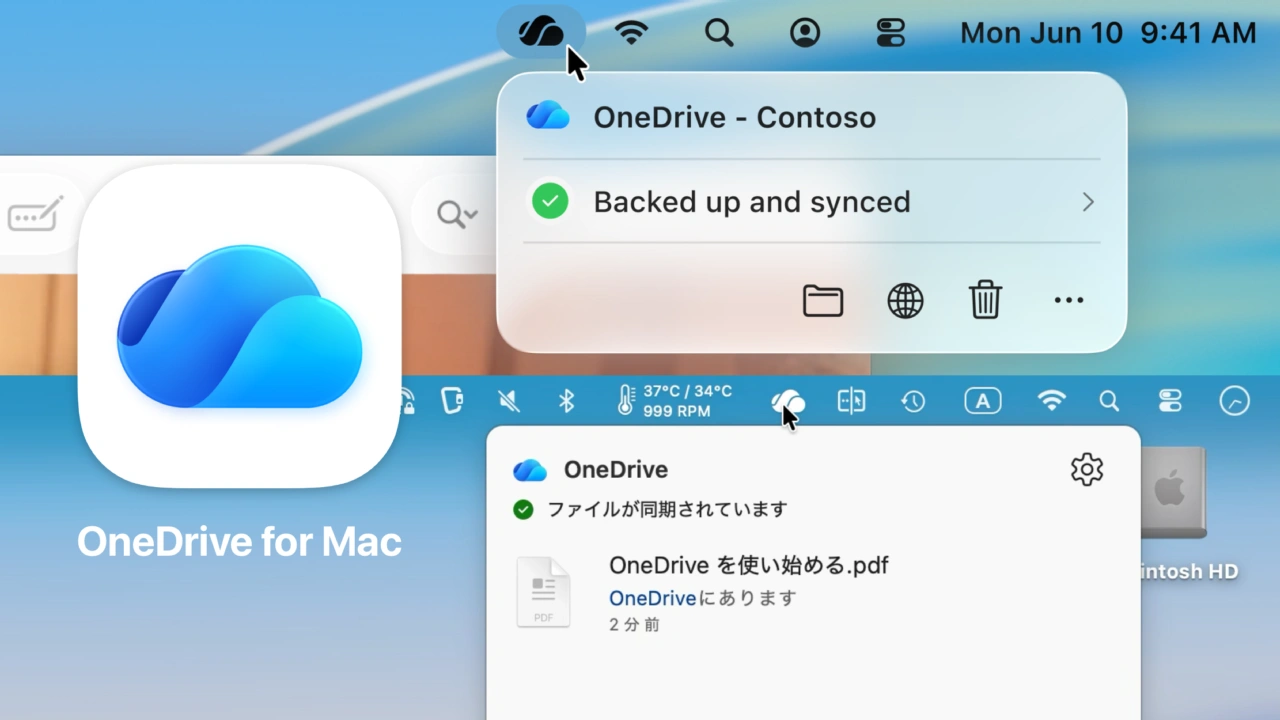

MicrosoftがLiquid Glass対応やSwiftUIで再設計したActivity Centerなど、よりmacOSネイティブ化したクラウドストレージクライアント「OneDrive for Mac」のInsider版を公開しています。詳細は以下から。
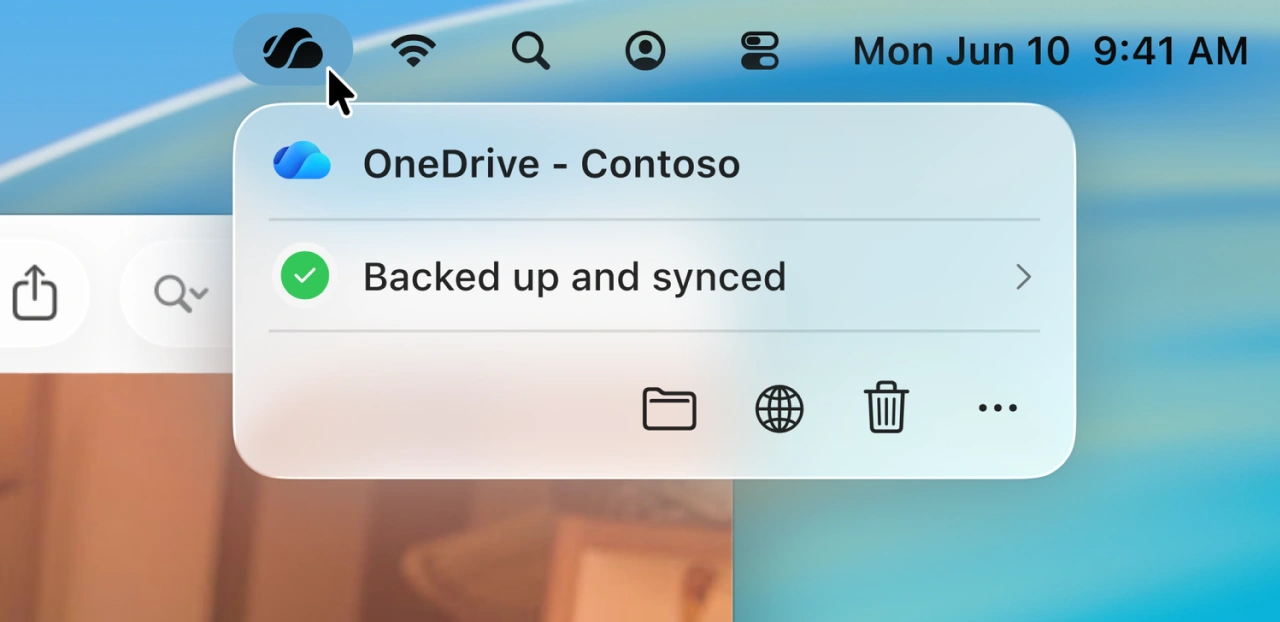
MicrosoftのAIビジネス部門でカスタマーサクセスのVPを務めるMike Carteさんは現地時間2026年02月19日、Mac向けに提供しているクラウドストレージサービスOneDriveのクライアントアプリ「OneDrive for Mac」のInsder版で、新たにLiquid Glassデザインへの対応を開始したと発表しています。
OneDrive on macOS is a core part of the OneDrive ecosystem, designed to deliver a great experience for working with your files directly on your Mac. Over the years, we’ve continued to improve OneDrive for Mac, and we’ve also listened closely to your feedback. We want OneDrive to feel truly native on macOS, with a fast, reliable sync experience you can count on every day.
OneDrive on Mac gets Liquid Glass with an All-New Activity Center – OneDrive Blog
Carteさんによると、今後OneDrive for Macに提供される機能は大きく2つあり、1つはmacOS 26 Tahoe以降でのLiquid Glassデザインへの対応、そしてもう1つはメニューバーアイコンをクリックすると表示されるOneDriveとの同期や進行状況を表示するActivity CenterのSwiftUIでの刷新で、
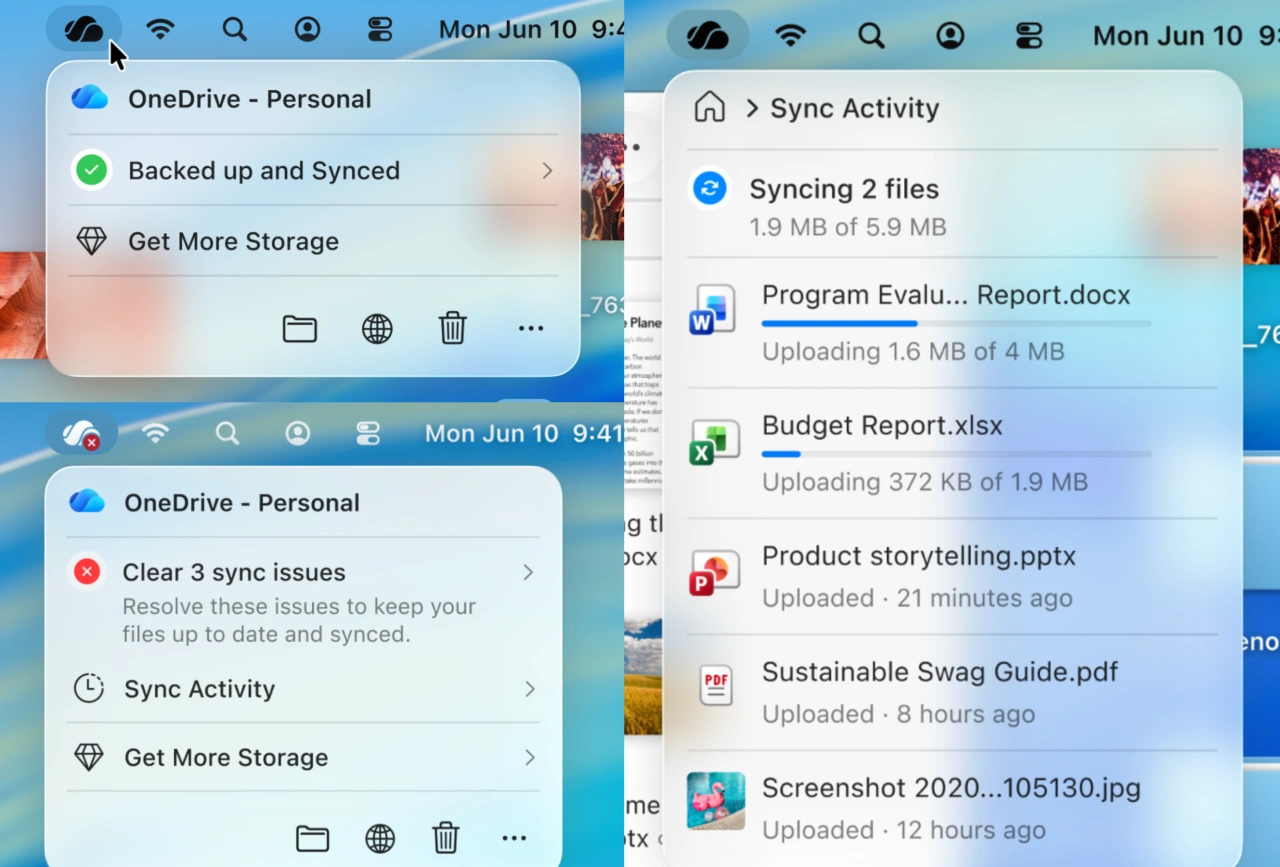
この刷新により、OneDrive for Macは現在リリースされているQt製のアプリより、より素早く理解しやすいステータスが表示できるようになる他、VoiceOverやキーボードアクセスなども可能になるそうです。
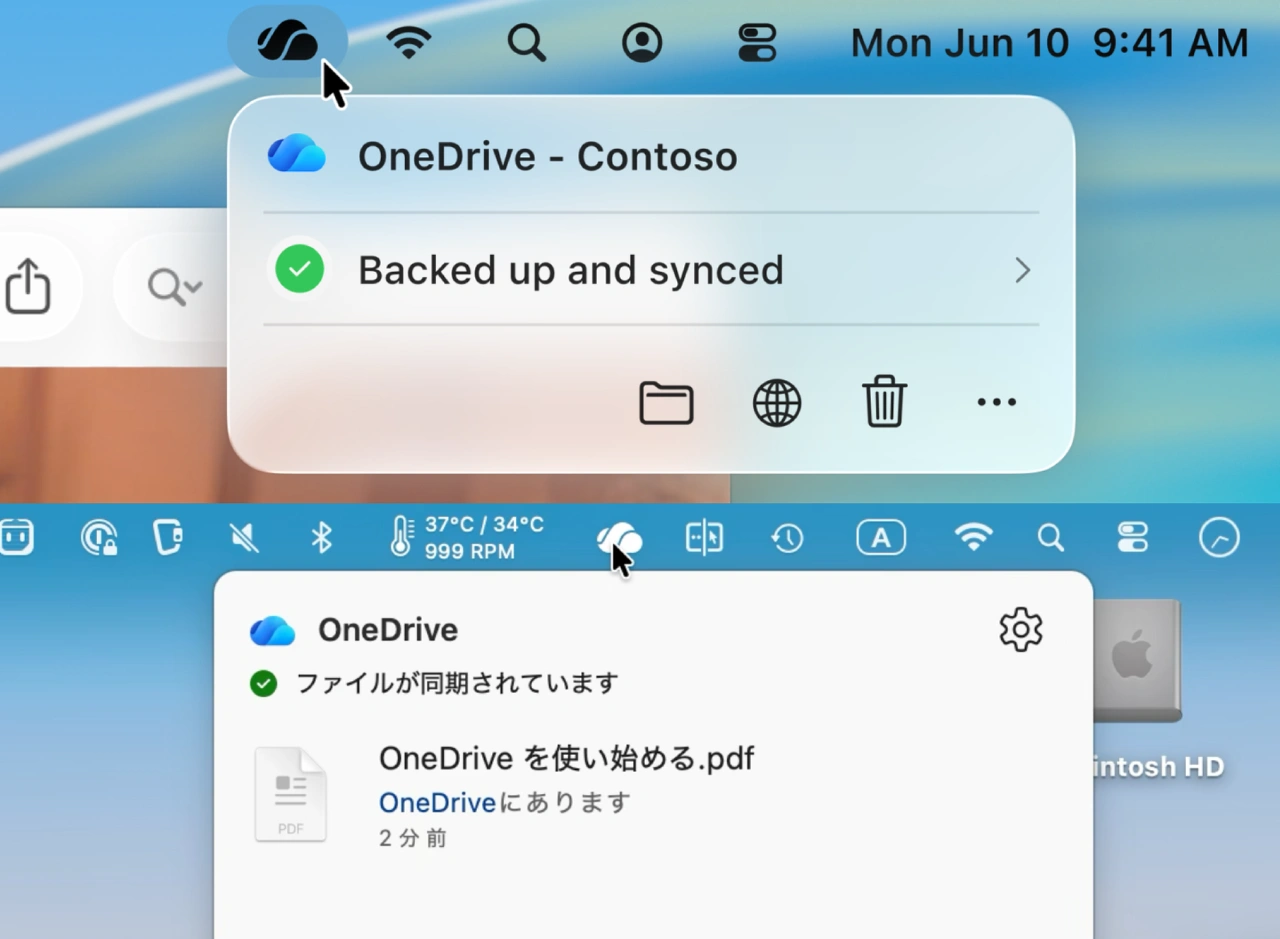
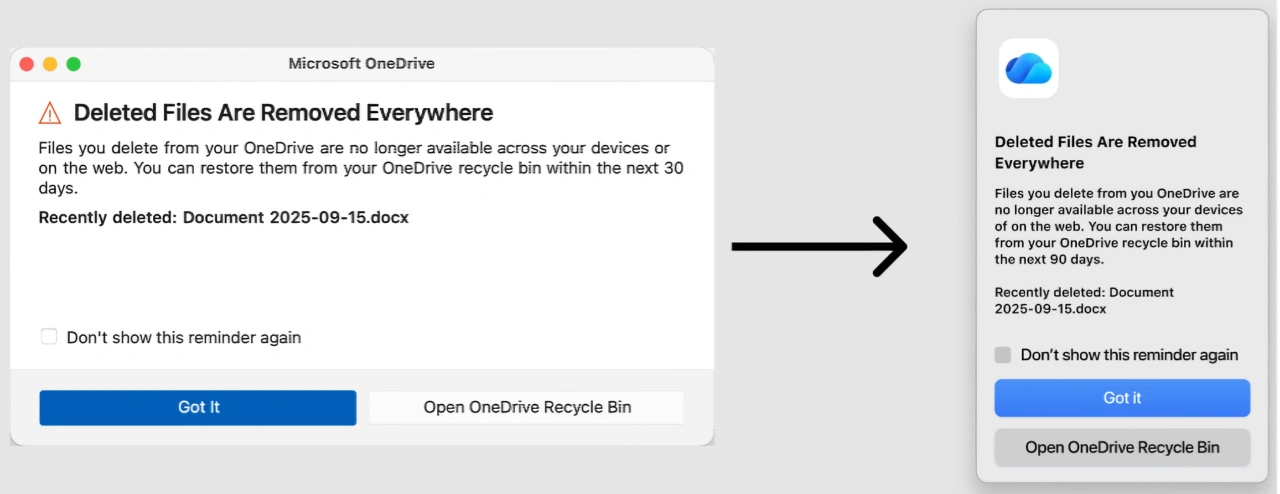
Liquid GlassとSwiftUIに対応したOneDrive for Macは現在Build 26.017としてInsiderメンバー向けにロールアウトが開始されており、同バージョンでは警告や操作方法等のダイアログもmacOSネイティブになるそうなので、気になる方はInsider版ヘアクセスしてみてください。
- OneDrive – Mac App Store
- OneDrive on Mac gets Liquid Glass with an All-New Activity Center – OneDrive Blog

コメント