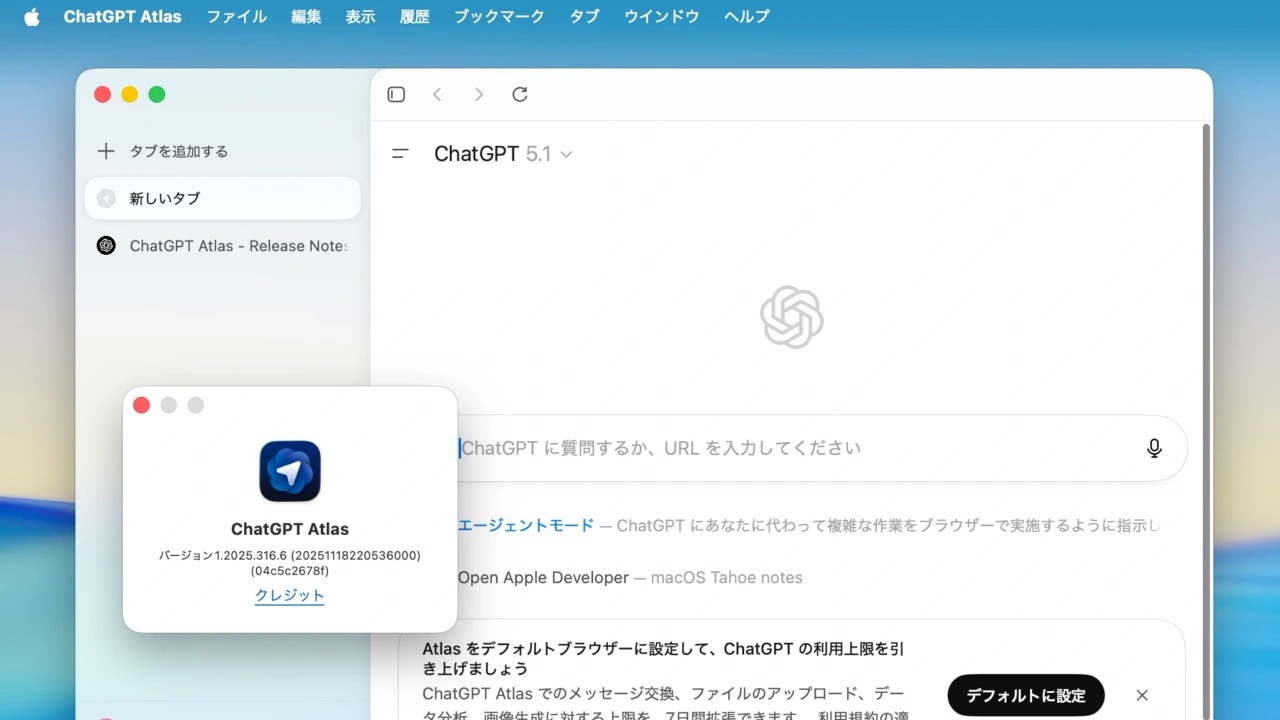

OpenAIのChatGPT搭載ブラウザ「Atlas」が垂直タブや複数タブの選択、デフォルト検索エンジンの設定、iCloudパスキーなどに対応しています。詳細は以下から。

米OpenAIは2025年10月21日、同社の対話型AI「ChatGPT」を組み込んだサイドバーや、複雑なブラウザ操作をユーザーに代わりChatGPTが処理してくれるエイジェントモードなどを備えたWebブラウザ「ChatGPT Atlas」をmacOS向けにリリースしましたが、11月18日付けで、この「Atlras for macOS」にいくつかの新機能を実装したと発表しています。
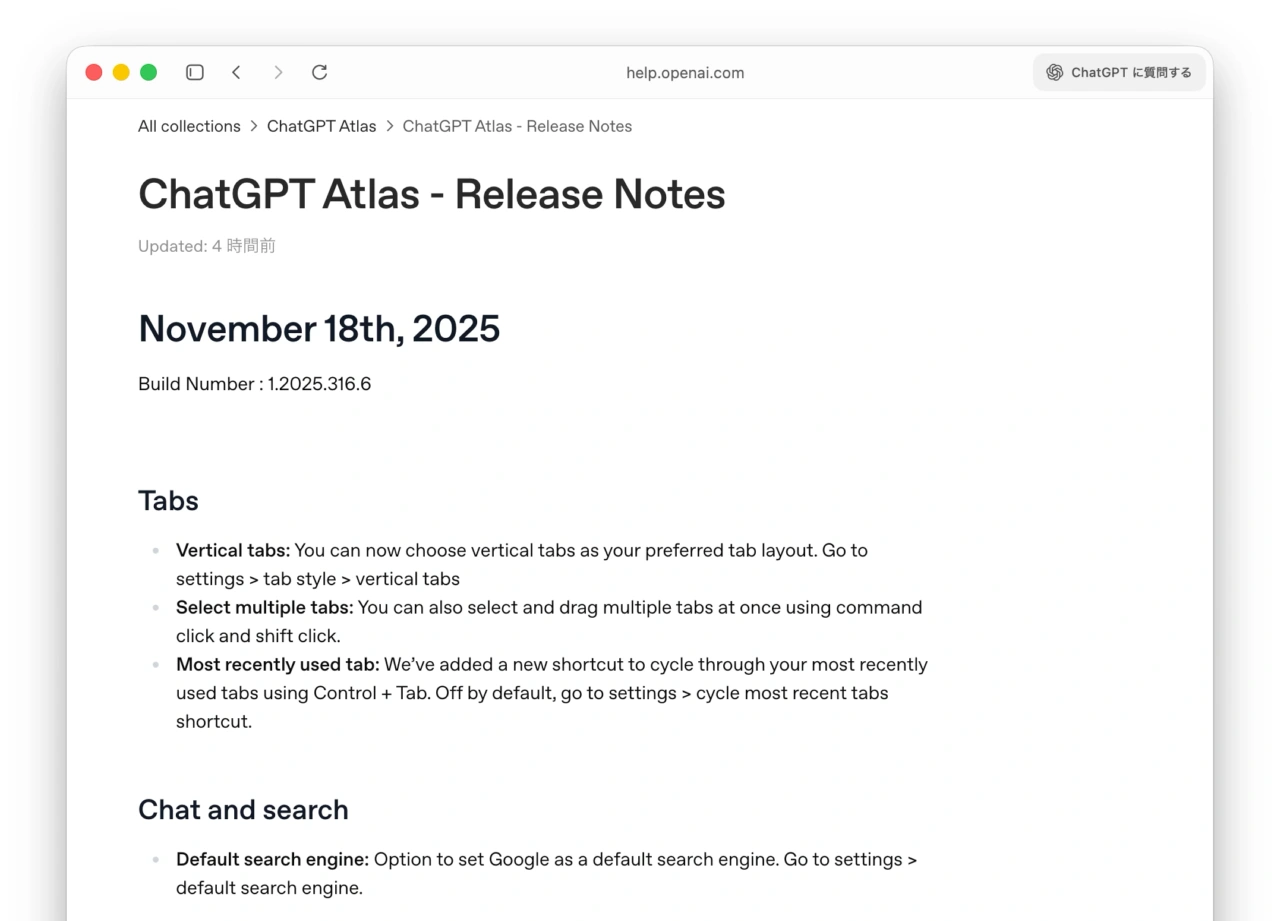
Vertical tabs: You can now choose vertical tabs as your preferred tab layout. Go to settings > tab style > vertical tabs
リリースノートより
11月18日にリリースされたChatGPT Atlas Build 1.2025.316.6では、ユーザーからの要望が多かった「垂直タブ(Vertical Tabs)」がサポートされ、設定の[一般] → [タブのスタイル]から水平のクラシックタブの他に、スクロールタブと垂直タブを選択できるようになった他、デフォルトの検索エンジンをGoogleに設定する機能も追加されています。
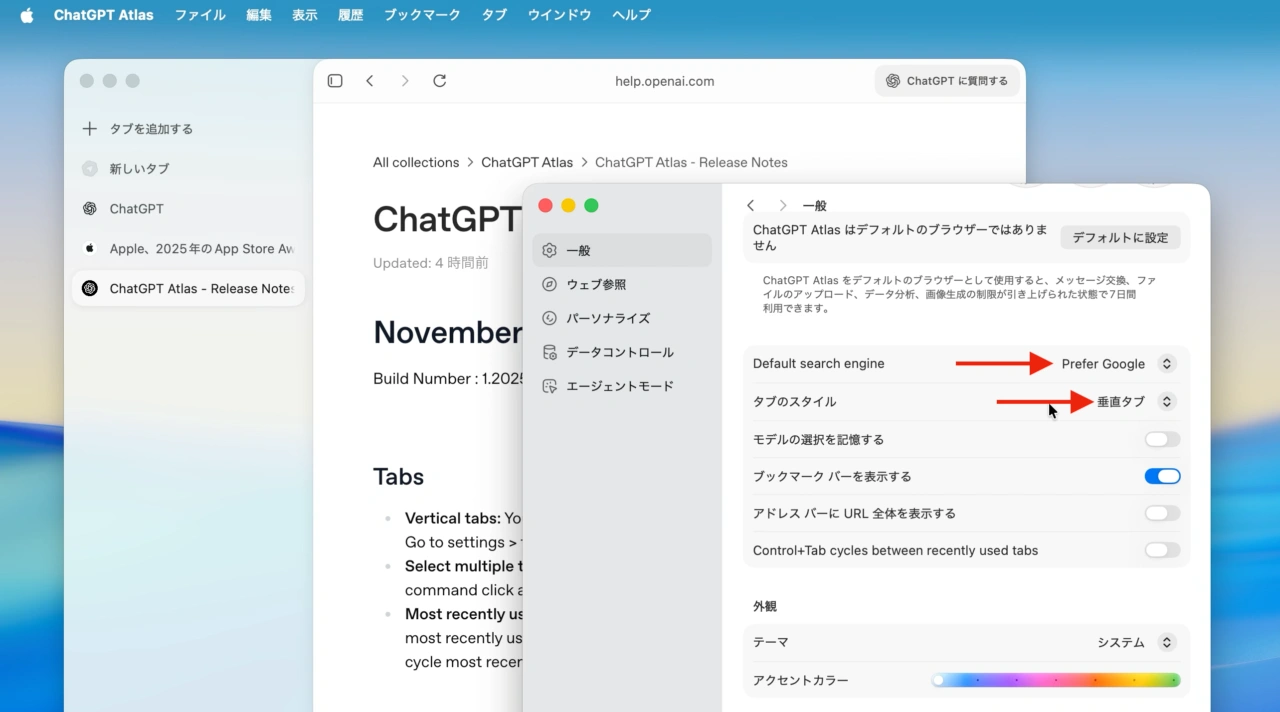
ChatGPT Atlas for macOSの垂直タブとGoogle検索エンジン
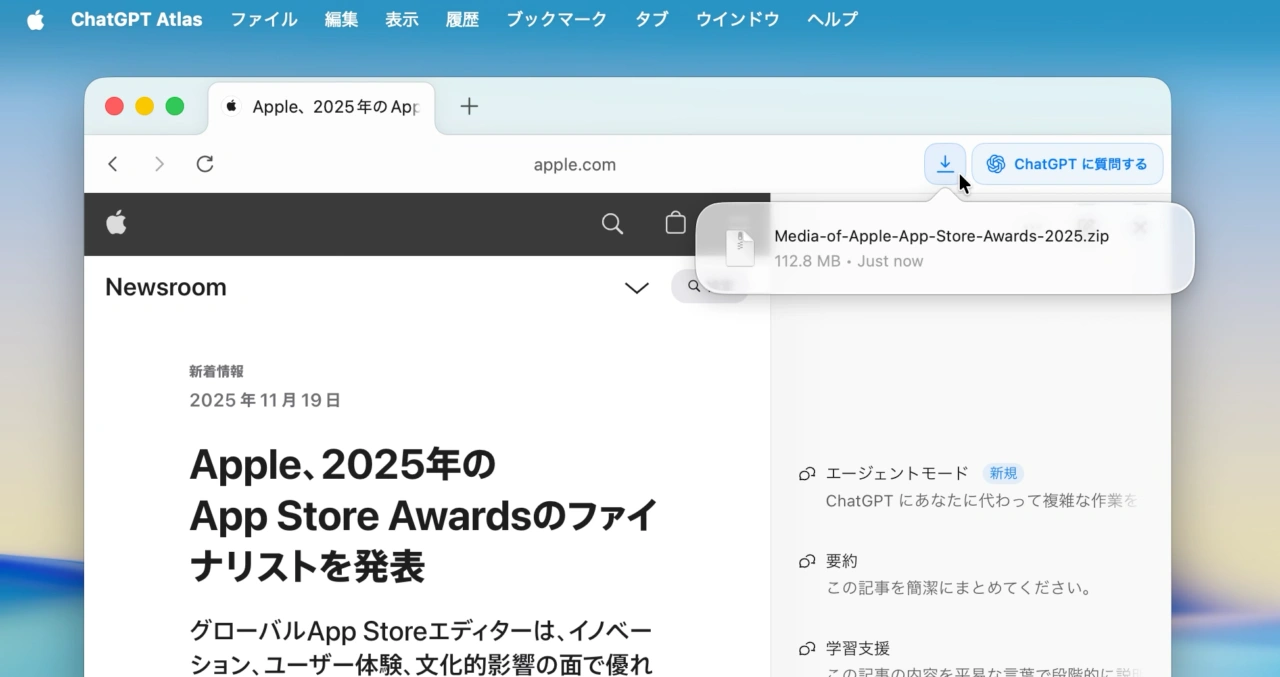
また、タブはCommandキーを押すことで複数のタブを同時に選択できるようになり、最近使ったタブへ切替えるショートカットキー[Control + Tab]*が追加され、「ChatGPTに質問」サイドバーでは挿入ボタンの追加とレスポンスの改善が行われ、ダウンロードUIも現在のダウンロード状態が分かるように改善されています。
この他、ChatGPT Atlasでは初期設定時に既存のブラウザの拡張機能を取り込むインポート機能(既存ユーザーへは今後提供)、iCloudパスキーへの対応、新しいショートカットキーなどが追加されているので、ユーザーの方はアップデートしてみてください。
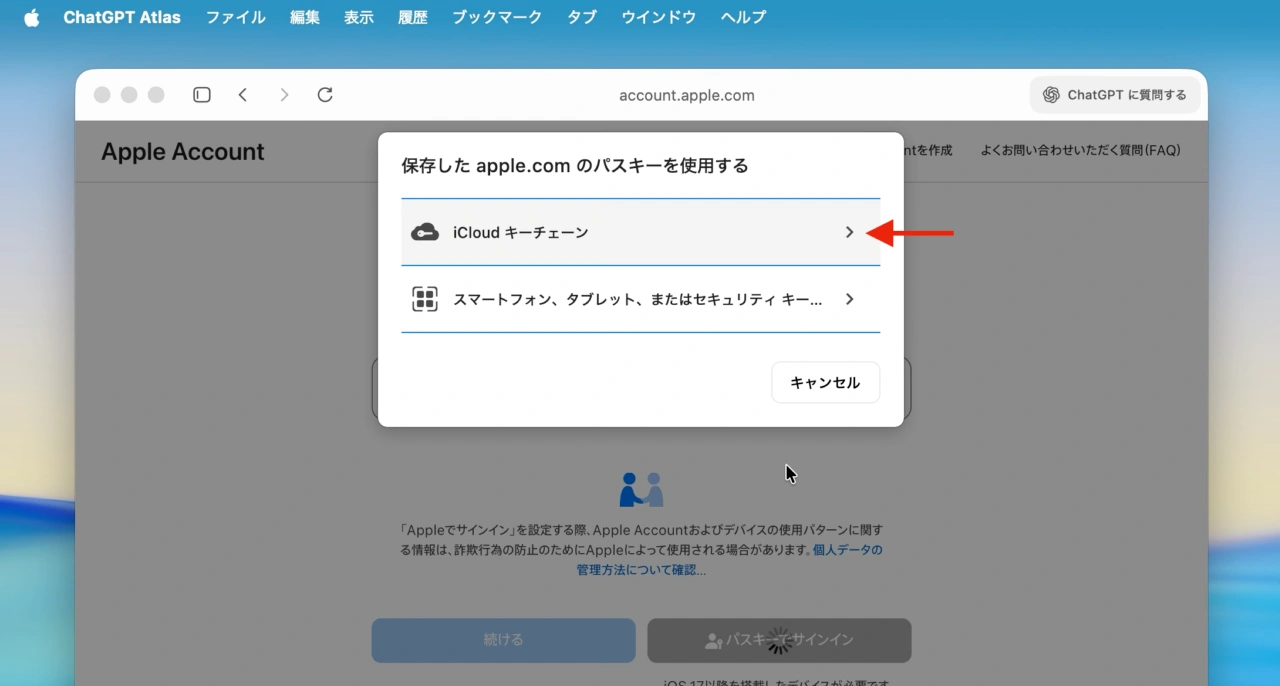
iCloudパスキー
なお、ChatGPT Atlasのプロダクトリーダーを務めるOpenAIのAdam Fryさんは、来週初めに更に多くの機能を実装するとコメントしています。
New ChatGPT Atlas release out! Just hit "update" in the top right. https://t.co/mJ6IJW0YKu
– extensions import
– icloud passkeys
– new downloads ui
– setting to use control + tab to cycle to most recently used tab
– select multiple tabs at once (shift + click)
– ability to set… pic.twitter.com/jWoNPHcx7V— Adam Fry (@adamhfry) November 19, 2025
November 18th, 2025
Build Number : 1.2025.316.6
Tabs
- Vertical tabs: You can now choose vertical tabs as your preferred tab layout. Go to settings > tab style > vertical tabs
- Select multiple tabs: You can also select and drag multiple tabs at once using command click and shift click.
- Most recently used tab: We’ve added a new shortcut to cycle through your most recently used tabs using Control + Tab. Off by default, go to settings > cycle most recent tabs shortcut.
Chat and search
- Default search engine: Option to set Google as a default search engine. Go to settings > default search engine.
Ask ChatGPT Sidebar
- Insert from Ask ChatGPT sidebar: We’ve added an “Insert” button in the Ask ChatGPT sidebar when you’re getting writing help and making edits.
- Faster responses: When browser memories are enabled, responses should be faster
Other updates
- Extensions import: Now you can import extensions from your current browser when you download Atlas. Coming soon for existing Atlas users.
- Downloads UI: Now you can more easily see your downloads in Atlas with an improved downloads interface.
- iCloud Passkeys: Save and use iCloud keychain passkeys.
New shortcuts
- Search chats from new tab page Command + K
- Open conversation history sidebar from new tab page Command + Shift + S
- When in tab search (Command + Shift + A) use Shift + Return to insta-zoom the selected tab to the left of your tab strip.
- ChatGPT Atlas – Release Notes – OpenAI
コメント