
ターミナルからMac App Storeで公開されているアプリの検索やインストールが可能なコマンドラインツール「mas v3.0.0」がリリースされています。詳細は以下から。
masコマンドは、元IBMでクラウド部門のエンジニアをされていたAndrew Naylorさんが2015年に公開したコマンドラインツールで、Mac App Storeに公開されているアプリの検索やインストール/アンインストールをターミナルからコマンドで行うことが可能で、AndrewさんがAppleにジョインされた後は、Ross Goldbergさんらがメンテナンスを行っていますが、このコマンドの最新バージョンとなる「mas v3.0.0」がリリースされています。
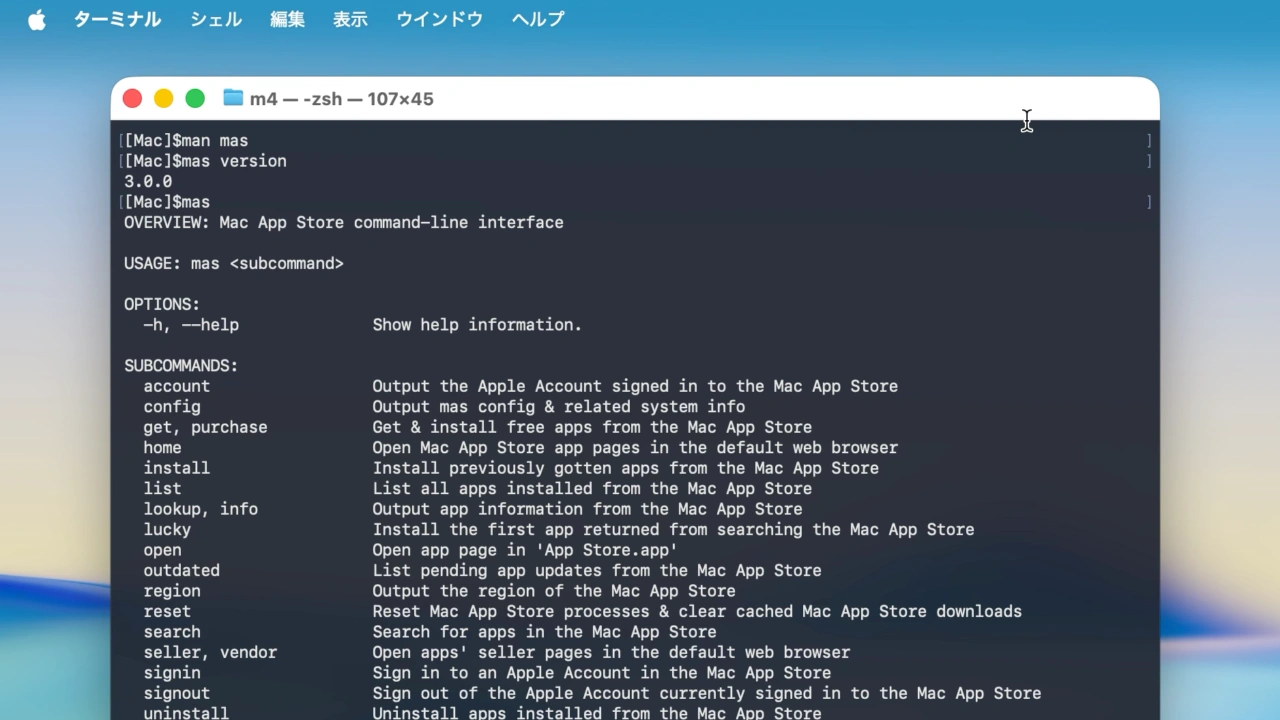
mas 3.0.0 is being released with many other previously completed changes so that they can be used without the disruptive change to core mas functionality in mas 4.0.0.Numerous problems in the detection of app updates have now been fixed. Unfortunately, this has rendered mas outdated slower, and mas update a decent amount slower. The commands will run faster if you supply app ID arguments to limit the apps that must be checked.
mas v3.0.0のリリースノートより
Rossさんによると、mas v3.0.0では現在macOS 26.1やmacOS 15.7.2、14.8.2で発生しているgetやinstall、lucky、purchase、update、upgradeなどがエラーとなる不具合は修正されておらず、これらの修正を予定している次期メジャーアップデートの「mas v4.0.0」へ向けた改善版で、新たにアプリのアップデート検出の精度が向上する一方、“mas outdated”や“mas update”の実行時間は遅くなっているそうです。
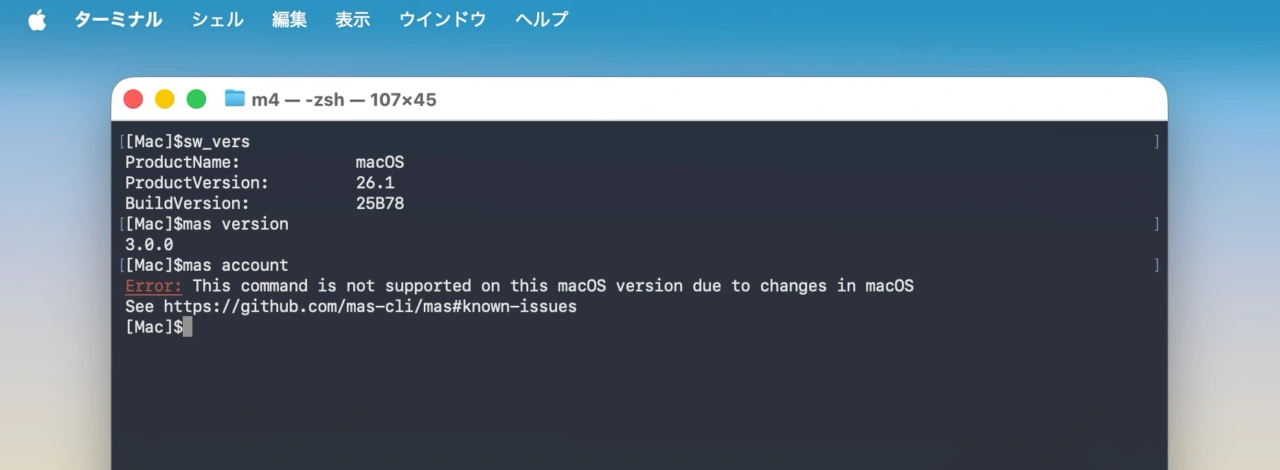
mas v3.0.0
また、アプリのBundle ID (com.apple.dt.Xcode)がADAM ID (app ID)に代わり利用できるようになったため、アプリのアップデートや検索がわかりやすくなり、“mas search”からiOS/iPadOSアプリの検索結果が除外、マニュアルで利用している各用語をApple Storeの公式用語に統一、Homebrewインストール時にマニュアルが“man mas”が追加されるようになってるそうなので、ユーザーの方はアップデートしてみてください。
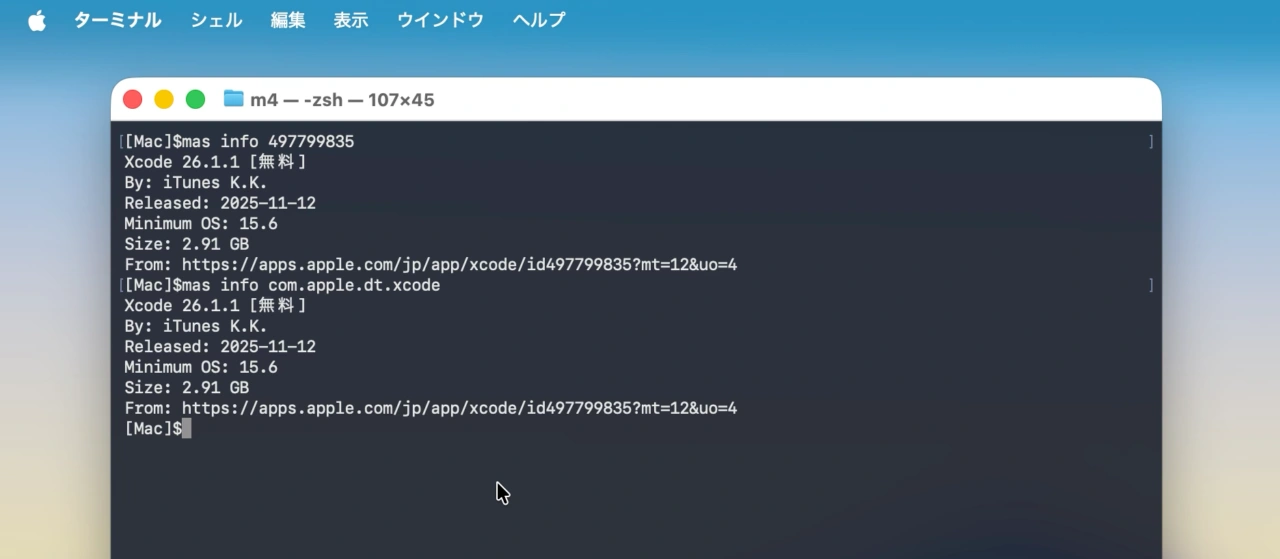
mas info com.apple.dt.Xcode
brew install mas

コメント