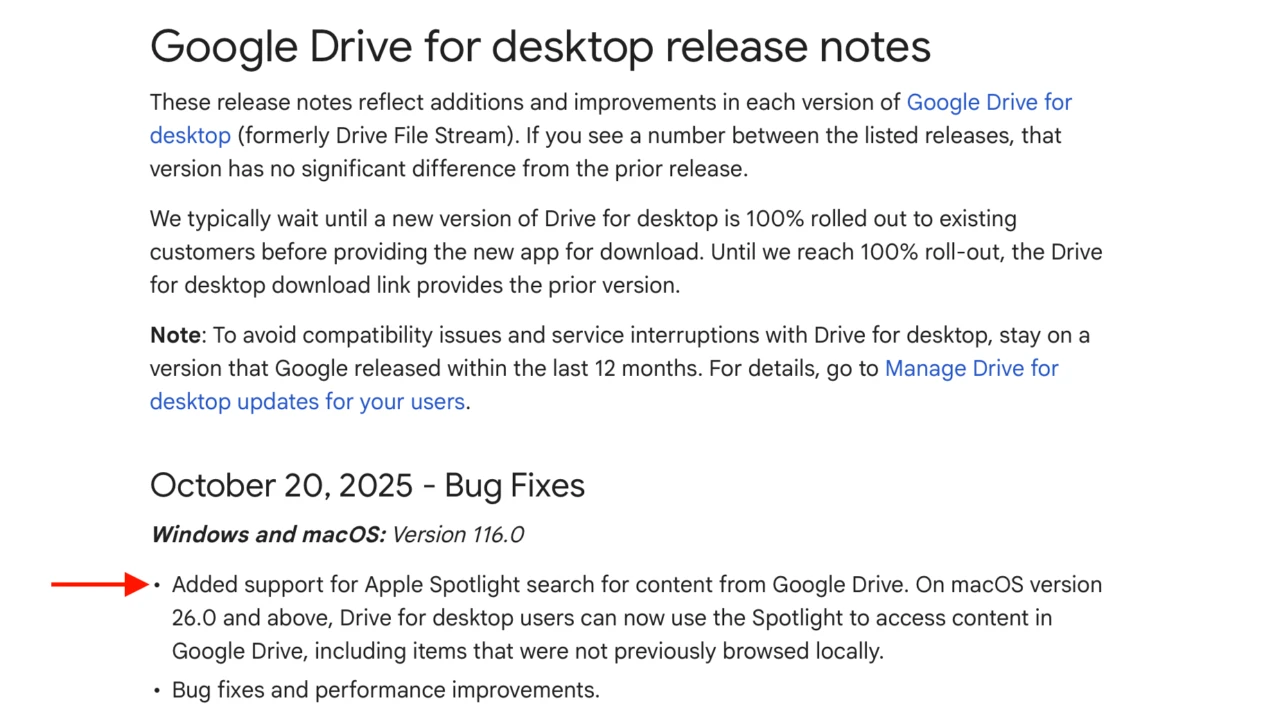

GoogleがmacOS 26 TahoeのSpotlight検索でGoogle Drive内のコンテンツを検索できる機能を追加した「Google Drive for Desktop v116.0」のロールアウトを開始しています。詳細は以下から。
Googleは現地時間2025年10月20日、同社のクラウドストレージサービスGoogle Driveのデスクトップクライアント「Google Drive for Desktop」をバージョン116.0へアップデートし、macOS 26.0 Tahoe以降でGoogle DriveのコンテンツがSpotlightで検索できるようになったと発表しています。
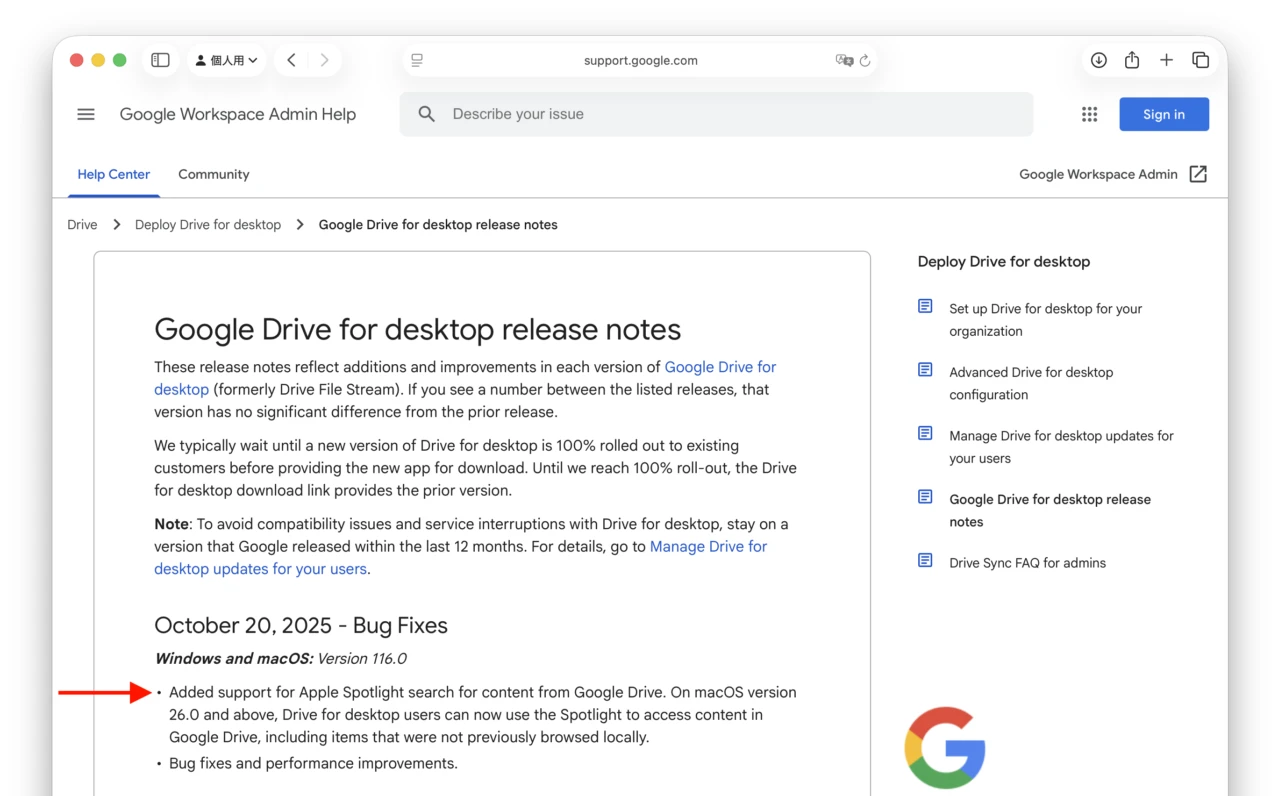
Added support for Apple Spotlight search for content from Google Drive. On macOS version 26.0 and above, Drive for desktop users can now use the Spotlight to access content in Google Drive, including items that were not previously browsed locally.
リリースノートより抜粋
これまでGoogle Drive内のコンテンツは、デスクトップクライアントの検索機能を利用し検索しなければヒットしませんでしたが、GoogleによるとmacOS 26.0 Tahoe以降では、Spotlight検索を利用しGoogle Drive内のコンテンツにアクセスできるようになっており、このアイテムには、これまでローカルで閲覧されなかったアイテムも含まれているそうです。
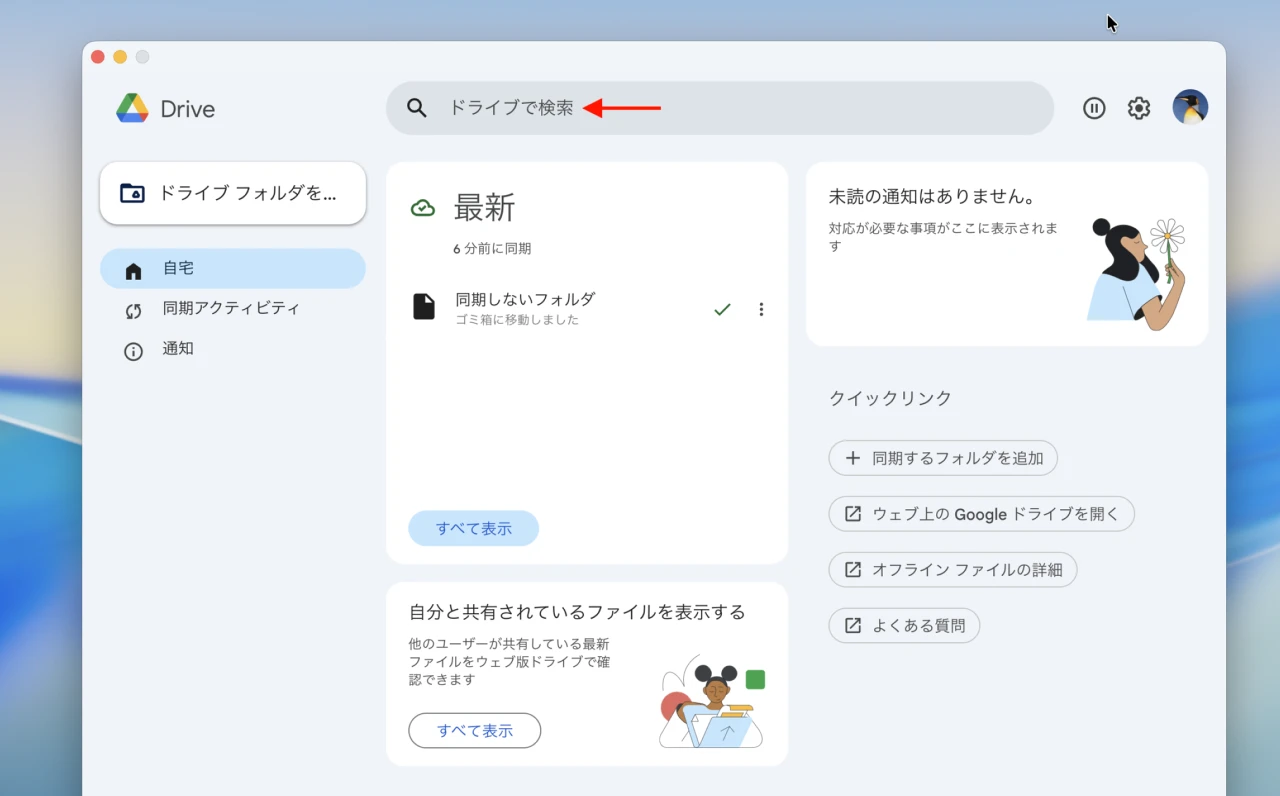
Google Drive for Desktopアプリの検索機能
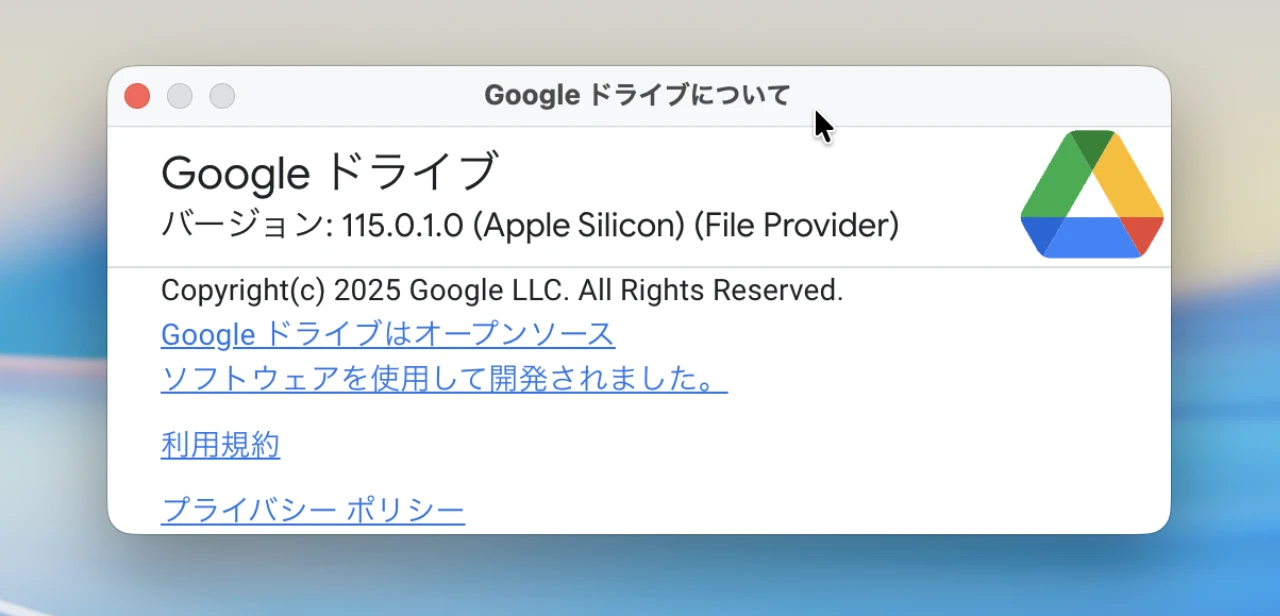
Spotlight検索をサポートしたGoogle Driveのバージョンは116.0以降で、本日よりロールアウトが開始され数週間かけて全ユーザーに提供されるそうなので、アップデートされた方は試してみてください。
おまけ
なお、AppleはmacOS 26 TahoeのFile Provider APIにクラウドストレージサービスに保存されているファイルやフォルダをOS側から検索できる「NSFileProviderSearching」を追加しており、Google Driveもこれを利用しているようなので、今後DropboxやOneDriveなどのサードパーティ製クラウドサービスでも採用されると思われます。
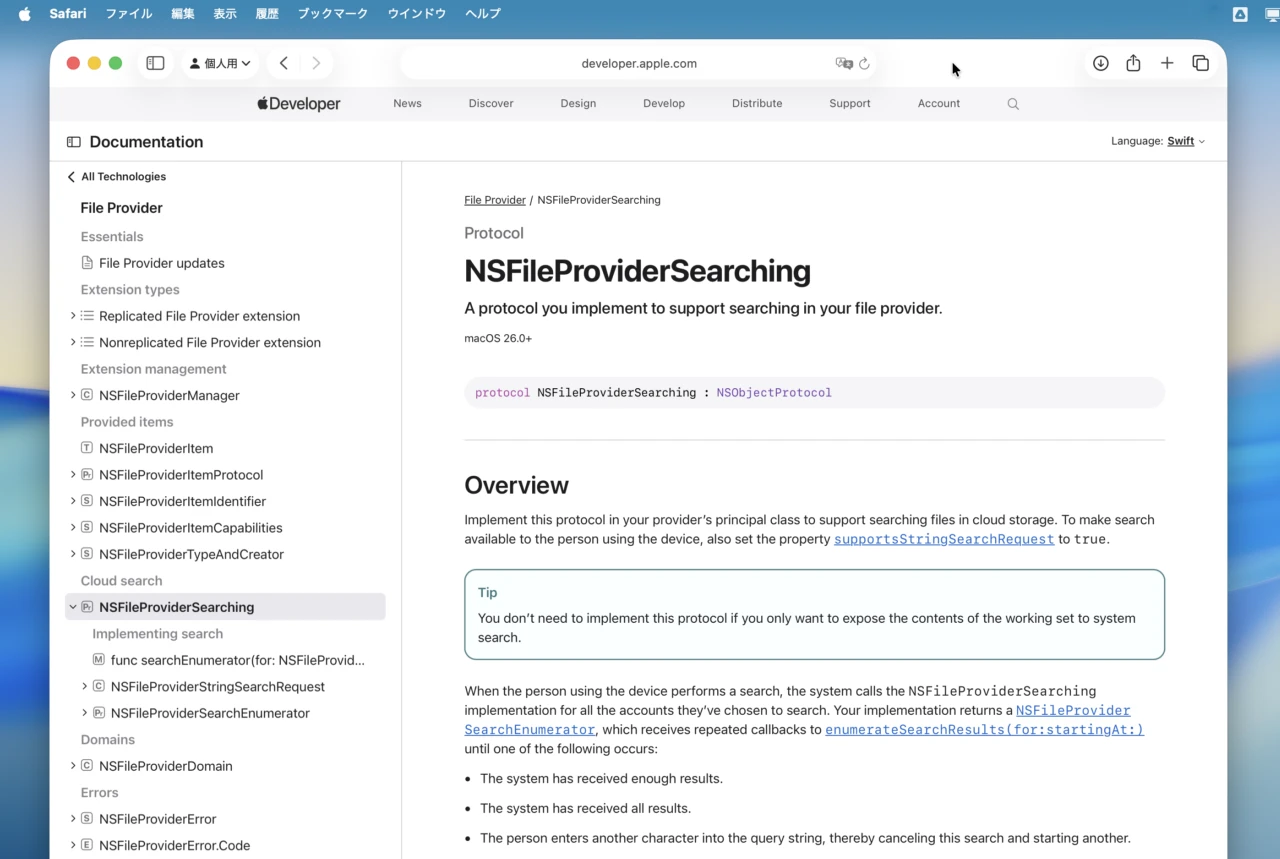
Implement this protocol in your provider’s principal class to support searching files in cloud storage. To make search available to the person using the device, also set the property supportsStringSearchRequest to true.
NSFileProviderSearching | Apple Developer Documentation
コメント