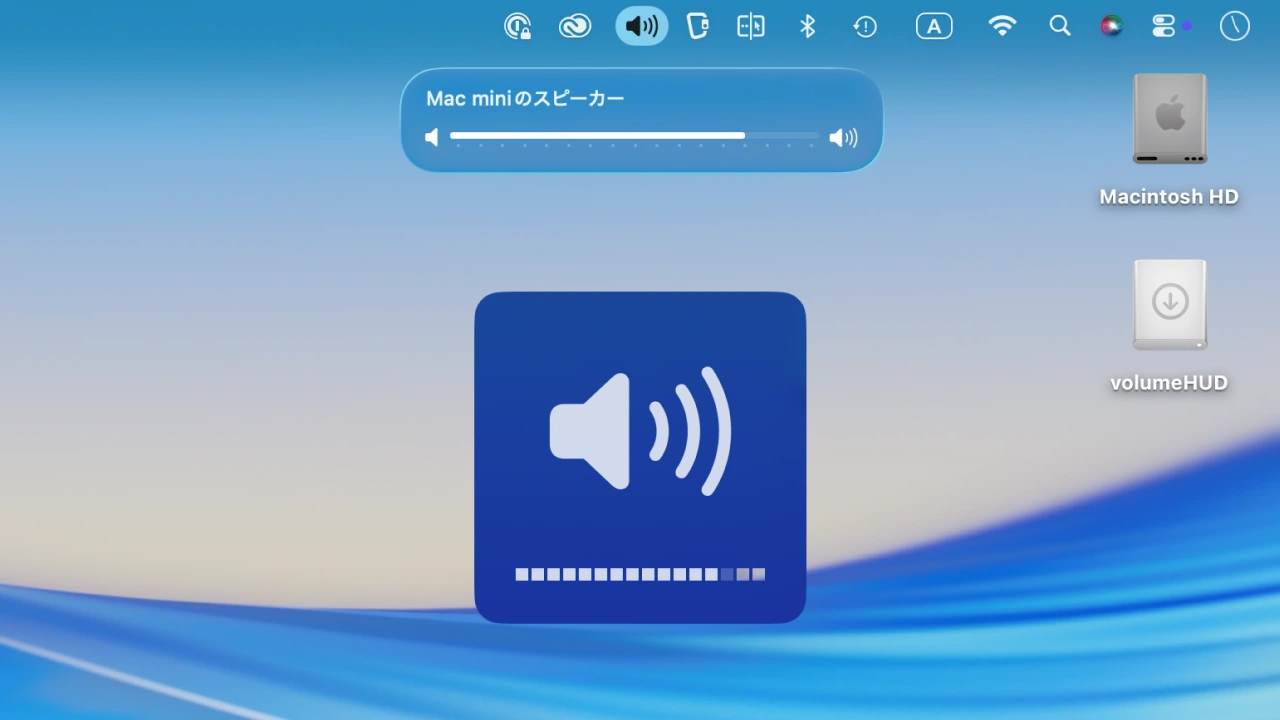

macOS 26 TahoeでiOS風に変更されたボリューム・インジケータをmacOS 15 Sequoia以前のデザインに戻す「VolumeHUD」アプリがリリースされています。詳細は以下から。
Appleは2025年09月に開催したWWDC25の基調講演で、macOS 26 Tahoeではメニューバーを完全に透明化し、iOS/iPadOSのようなコントロールセンターを導入することでディスプレイをより広く感じられるようにすると発表し、正式にリリースされたmacOS 26 Tahoeでは発表されたとおりにメニューバーが透明化され、
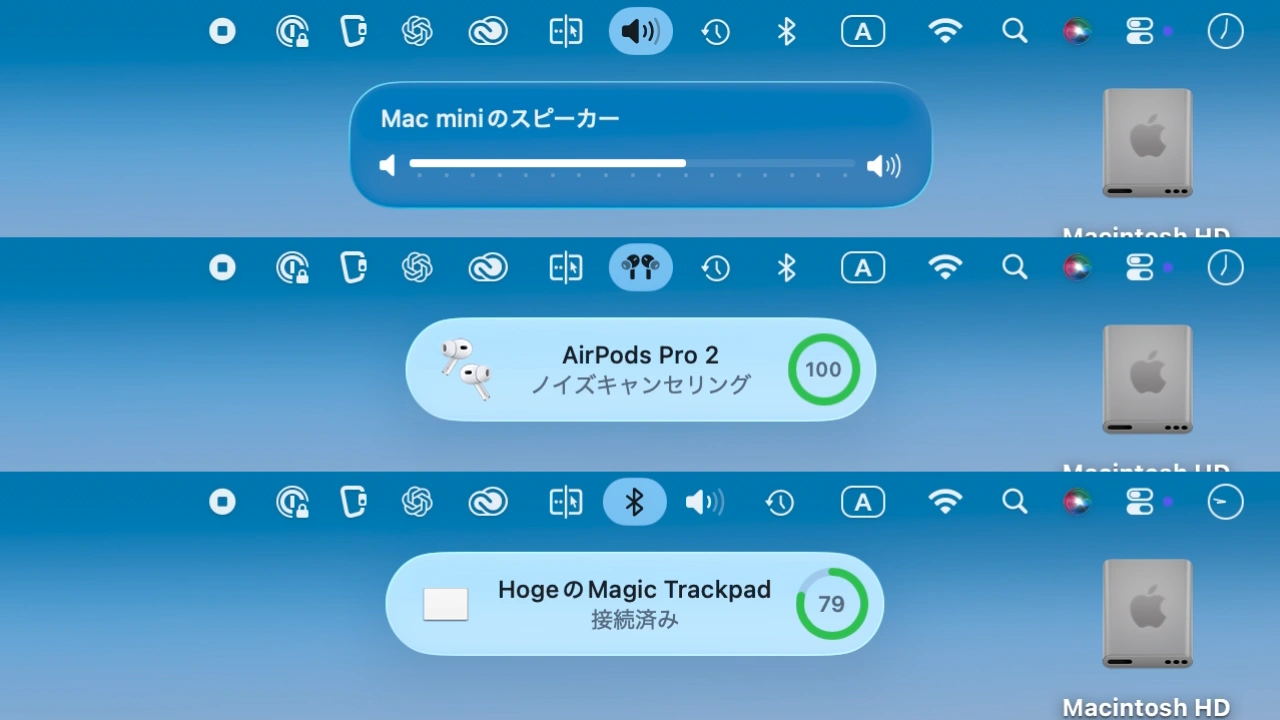
macOS 26 TahoeのHUD
加えて、ディスプレイ上に表示されてきたボリュームや輝度のインジケータ(HUD)がメニューバーに移動しましたが、このメニューバーに移動したボリュームHUDを画面中央で再現し、元のデザインに戻すアプリ「volumeHUD」が新たにリリースされています。
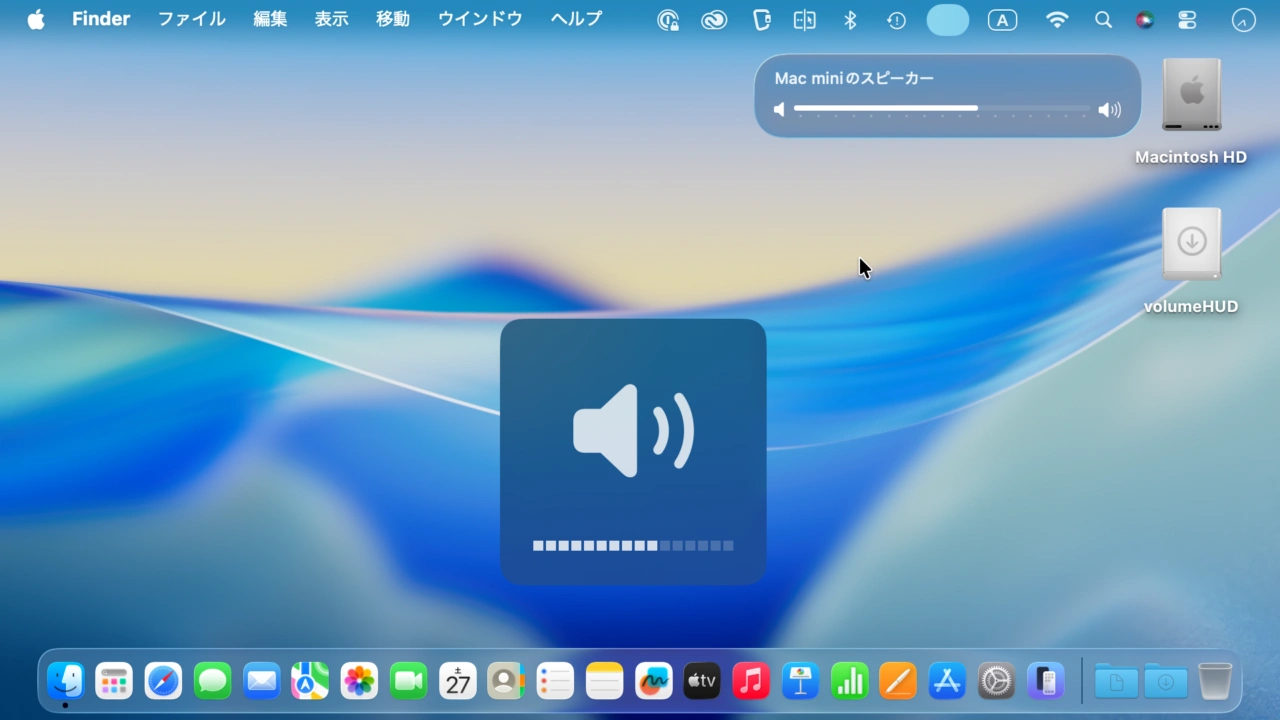
volumeHUD
VolumeUHDを開発したのはInternational Republican Instituteのセキュリティマネージャーを務めるDanny Stewartさんが開発したボリュームインジケータアプリで、Mac OS X時代から約25年親しまれてきた古いボリュームインジケータ、見づらいUIのインジケータに変更されたためVolumeUHDアプリを開発したそうで、
With macOS Tahoe, Apple has revamped Control Center, and as part of this they decided to replace the nice reliable volume indicator of 25 years with a tiny popover in the corner of the screen that’s even smaller than a notification. It’s barely visible, especially against light backgrounds, and it disappears faster than I remember where to look for it. Even after months on the Tahoe beta, I still haven’t gotten used to it. It’s bad UI.
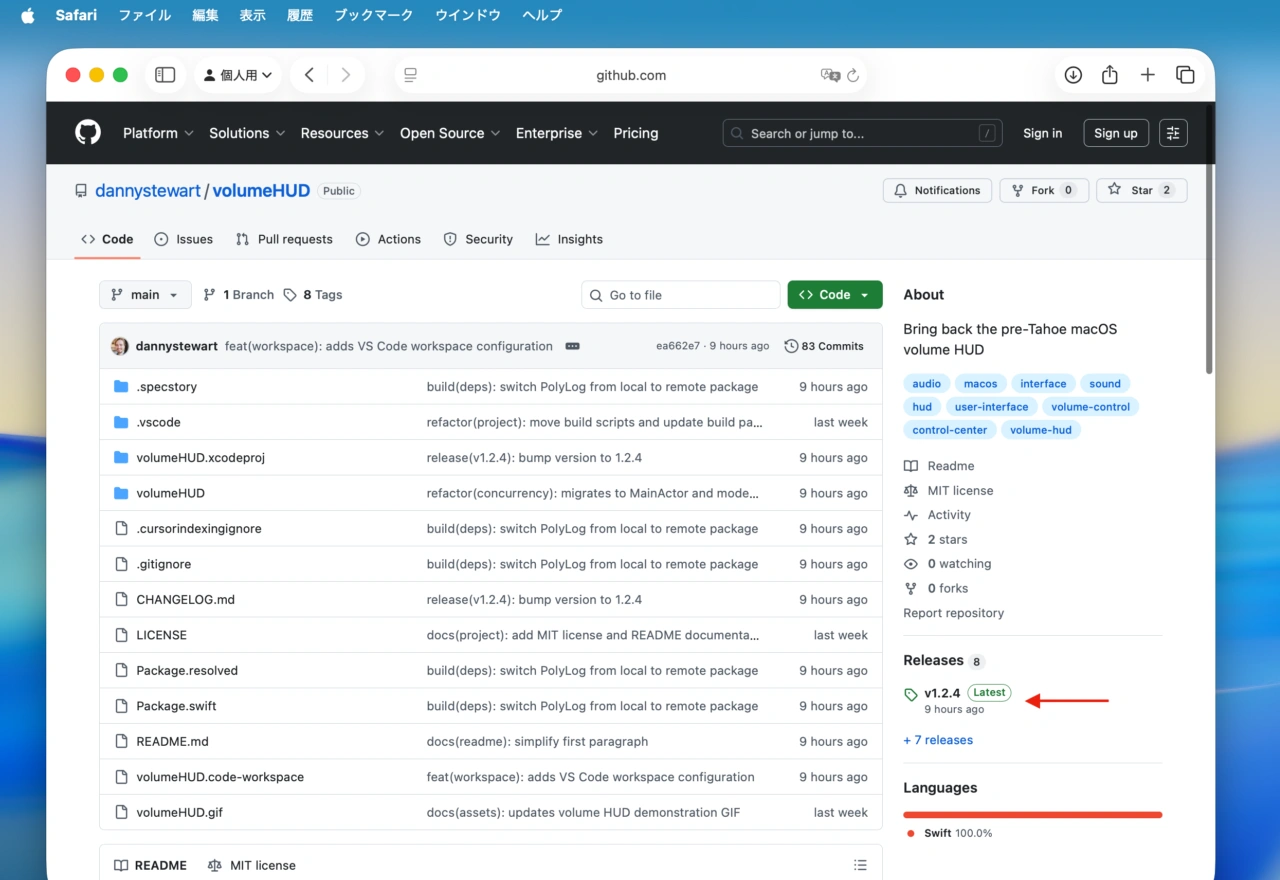
dannystewart/volumeHUD: Bring back the pre-Tahoe macOS volume HUD – GitHub
VolumeUHDにはUIは存在せず*、アプリを公式リポジトリからダウンロードしてアプリケーションフォルダに移動し、起動すればボリュームの変更を感知し、macOS 15 Sequoia以前のmacOSと同じように画面中央にインジケータが表示されるようになっています。
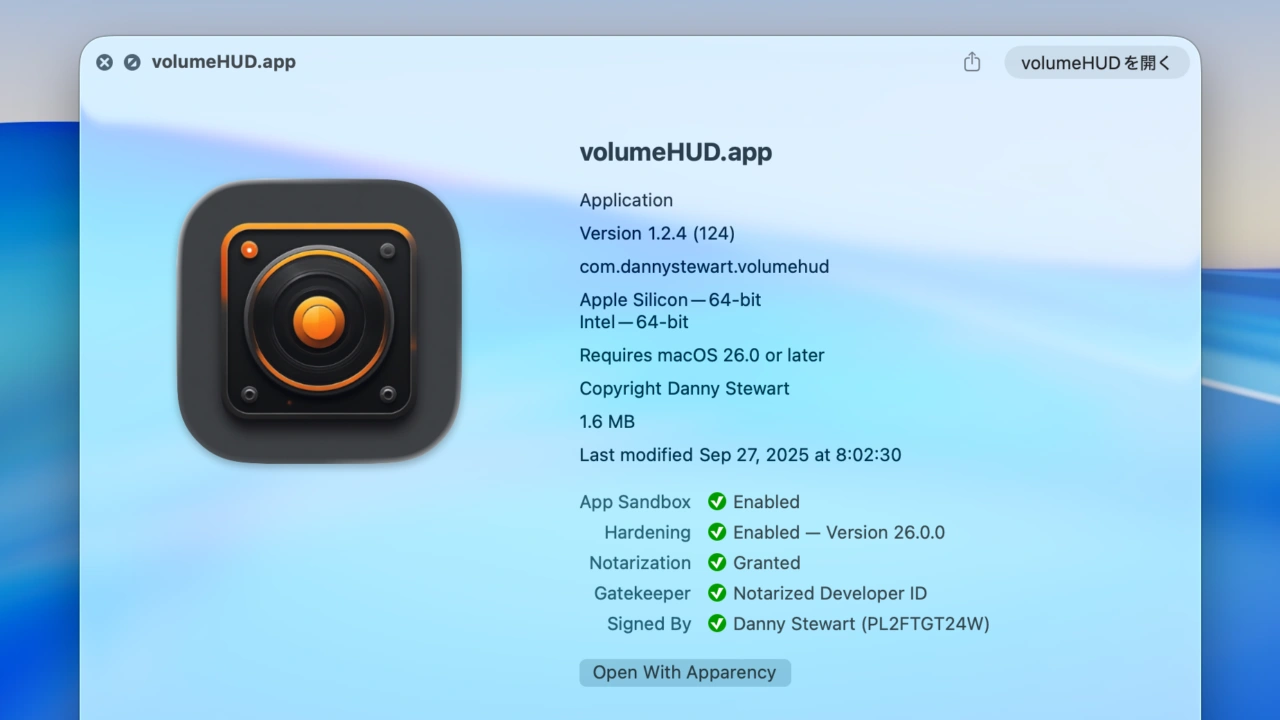
Stewartさんは、今回Macアプリを始めて開発したそうですが、VolumeUHDはAppleの公証も取得されており、オープンソース(MITライセンス)で開発され、brewでもインストールできるようになっているので、macOS Tahoeのボリュームインジケータが見づらい方は試してみてください。
brew install dannystewart/apps/volumehud
コメント