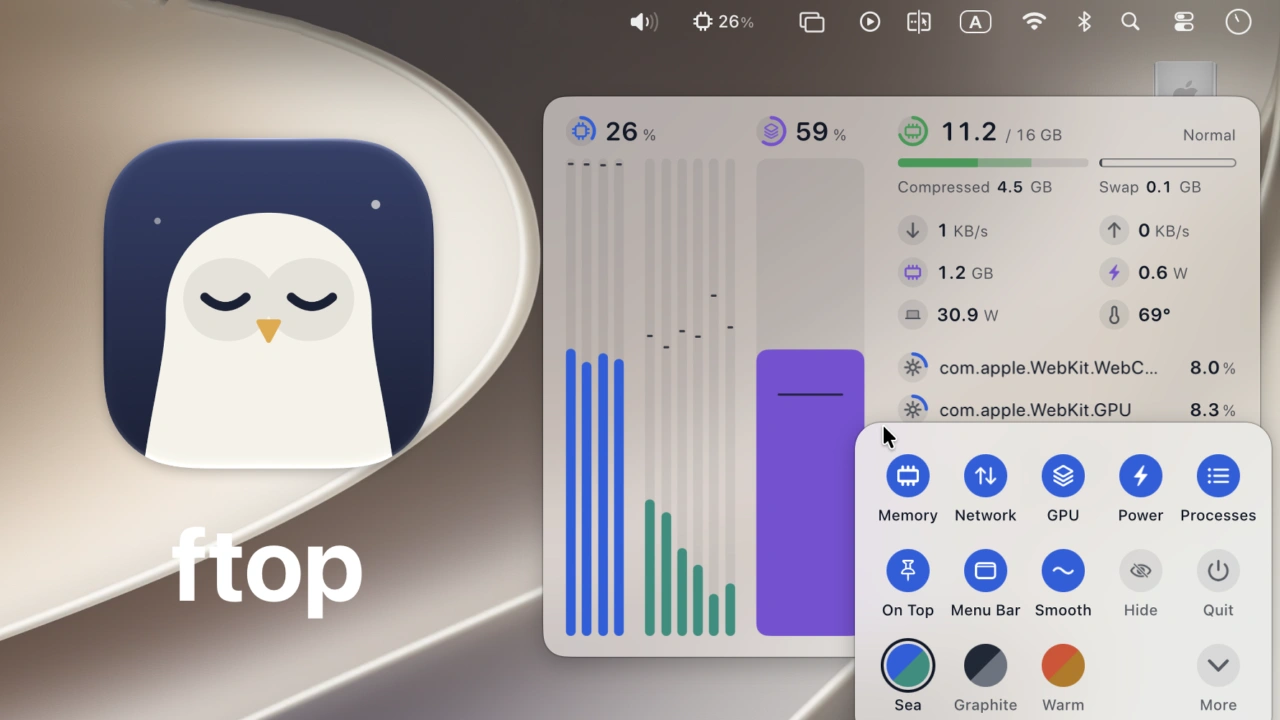

レスポンシブデザインのフローティングパネルを採用したApple Silicon Mac用システムモニタアプリ「ftop」がリリースされています。詳細は以下から。

ローカルLLMや長いビルドを実行中、CPUやメモリ、消費電力などの値を監視するためにtopコマンドを実行したターミナルをデスクトップ上に常時開いておく場合がありますが、その様な際にターミナルに代わりMacのテスクトップ上にフローティングパネルでMacのシステム情報を表示しておけるシステムモニタアプリ「ftop」が新たにリリースされています。
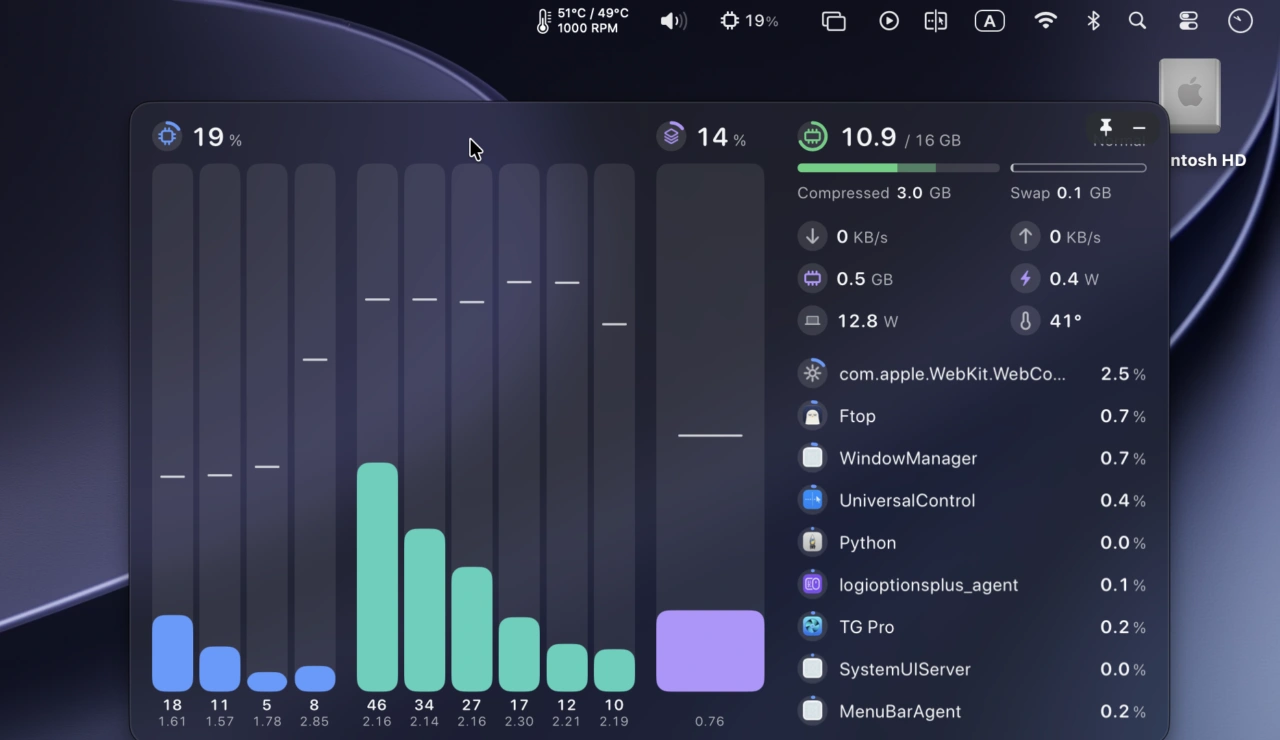
ftop replaces the terminal monitor you keep open in a spare tab with a native window you can leave anywhere on the desktop. It is for the moments when the machine is working hard — a local model running, an agent compiling, a long build — and you want to see at a glance what the cores, memory, and network are doing, and which app is responsible.
Nongfsq/ftop: A small, quiet system monitor for Apple Silicon Macs – GitHub
ftopを開発&公開したFrank(@Nongfsq)さんによると、ftopはLinux用システムモニタアプリ「btop」をベースにApple Silicon Mac用に開発したシステムモニタアプリで、レスポンシブデザインを採用しウィンドウを表示していない隙間に様々なサイズで配置することが可能。
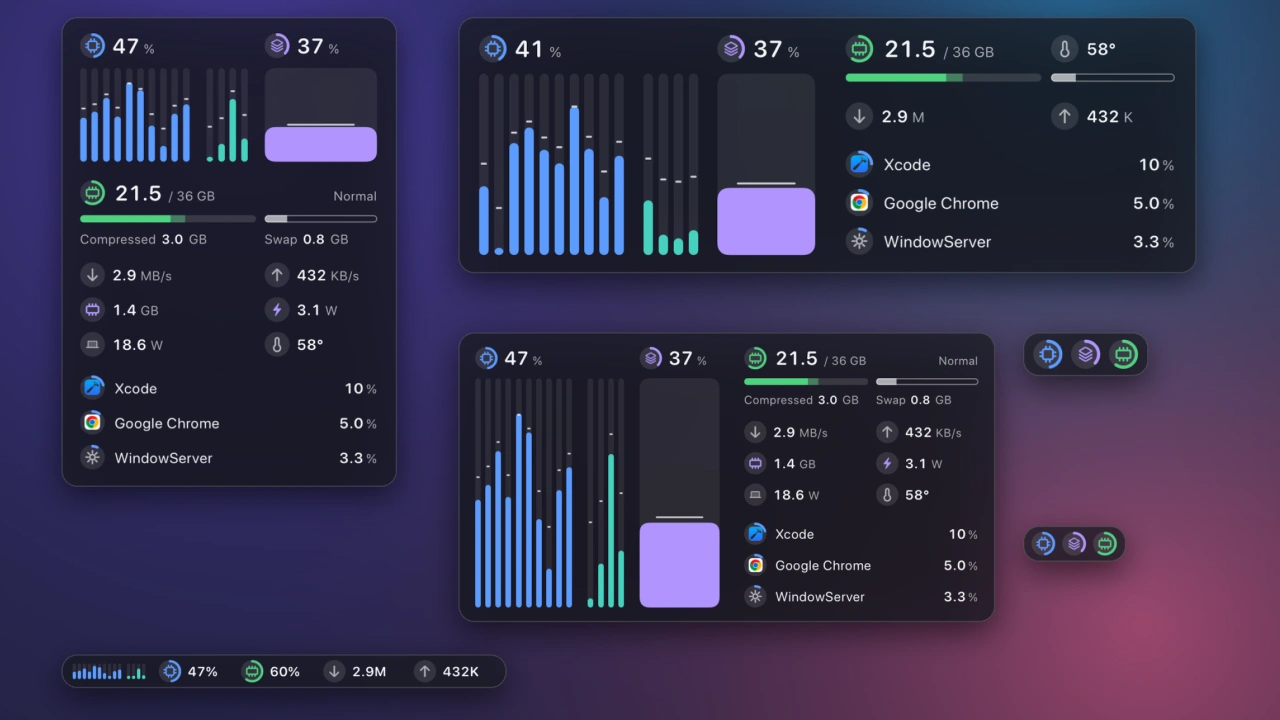
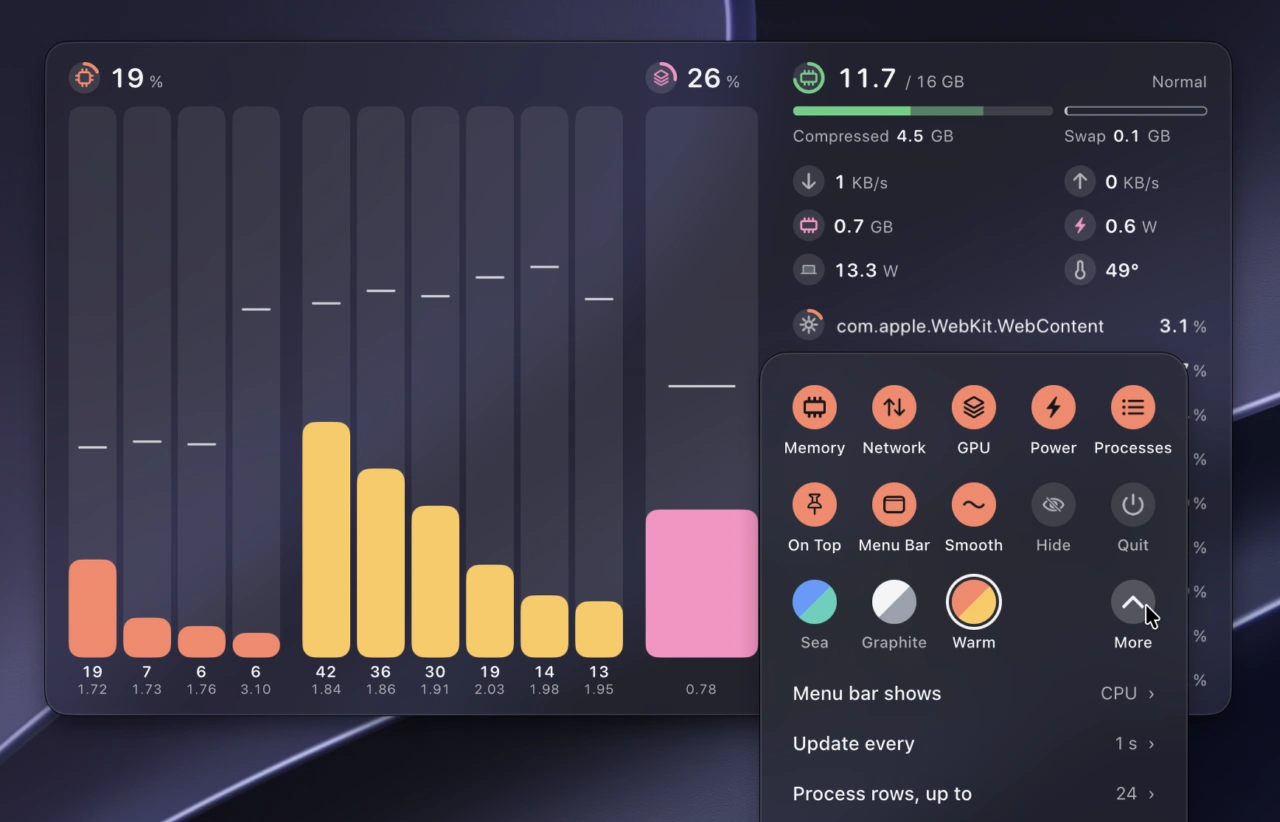
ftopはApple Silicon Mac専用となっており、デフォルトではCPU(P-/E-Core)とGPU、メモリ、ネットワーク、電力が表示されていますが、ユーザーが必要な値だけを表示できるようになっており、ライトとダークモード、常に最前列に表示、メニューバーアイコン、カラー、更新頻度の変更も可能です。
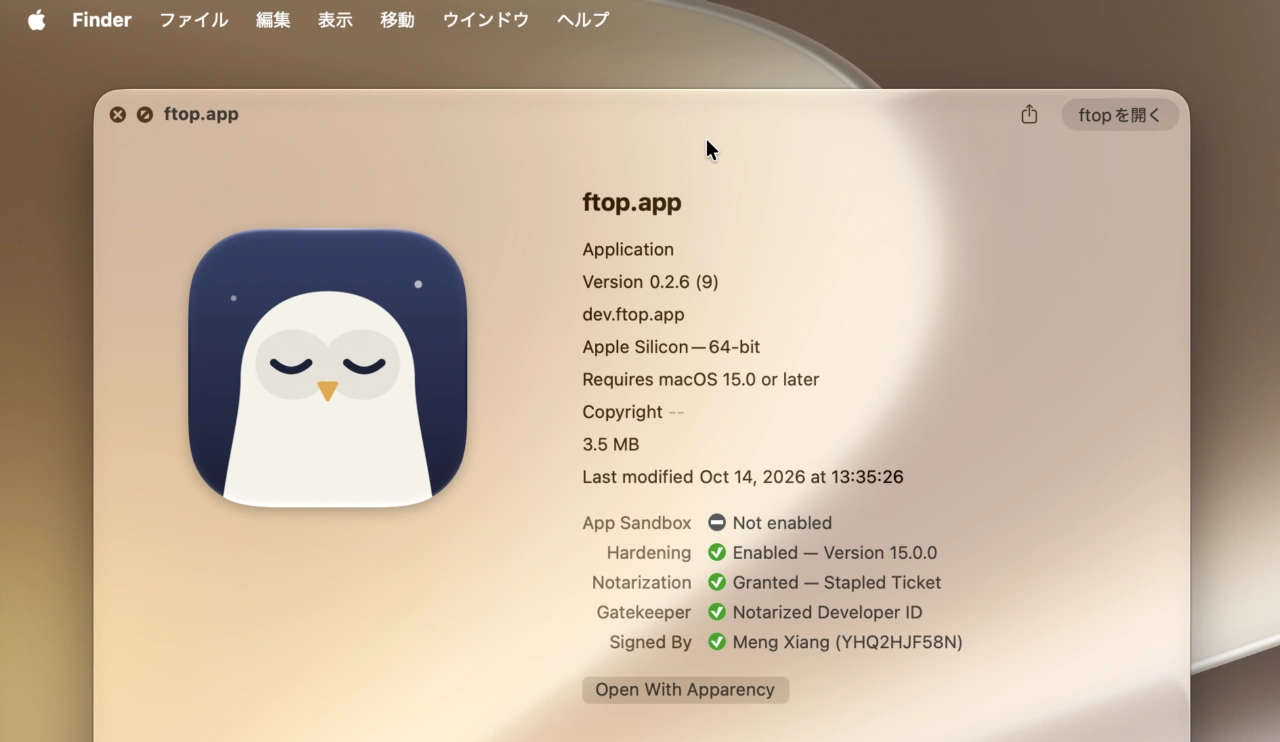
ftopのシステム要件はmacOS 15 Sequoia以降のApple Silicon Macのみの対応で、アプリはオープンソースで開発されており、昨日リリースされたftop v0.2.6では開発者署名(@LiberSociety)とAppleの公証を取得して公開したそうなので、Macのシステム情報を常に確認したい方は試してみて下さい。


コメント