
OpenAIがマルチプロフィールや他のブラウザからのパスワードやブックマーク、機能拡張のインポート、ショートカットによるタブの移動、垂直タブのホバー表示などをサポートした「ChatGPT Atlas for macOS」をリリースしています。詳細は以下から。

米OpenAIは2025年10月21日、同社の対話型AI「ChatGPT」を組み込んだサイドバーや、複雑なブラウザ操作をユーザーに代わりChatGPTが処理してくれるエイジェントモードなどを備えたWebブラウザ「ChatGPT Atlas for macOS」をリリースしましたが、12月18日付けで、この「Atlras for macOS」がアップデートされ、マルチプロフィール機能などをサポートしています。
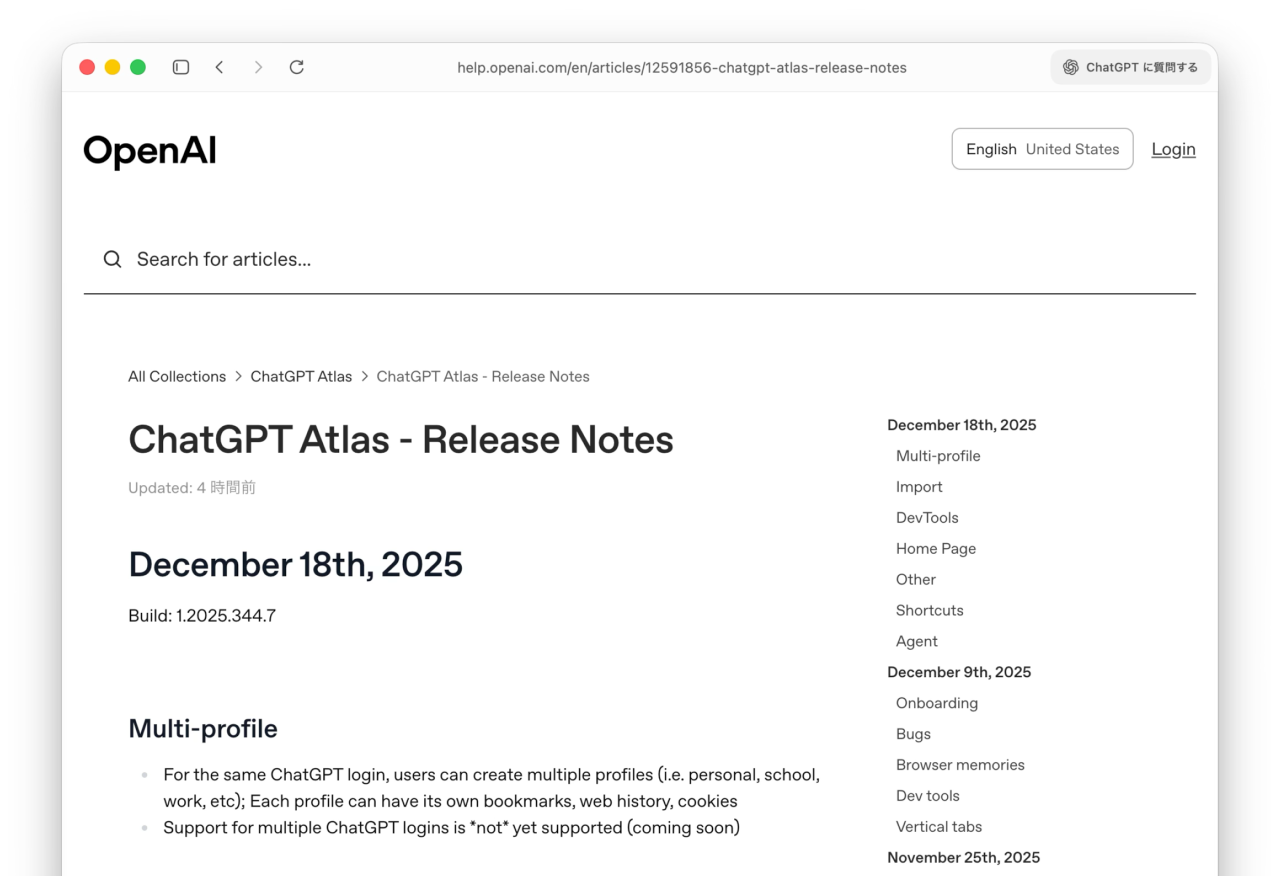
For the same ChatGPT login, users can create multiple profiles (i.e. personal, school, work, etc); Each profile can have its own bookmarks, web history, cookies
リリースノートより
新たにリリースされたChatGPT Atlas for macOS Build 1.2025.344.7では、同じChatGPTアカウントを個人や学校、仕事用など複数の用途で利用できるよう、マルチ・プロフィールを作成できるようになり、ChromeやFirefoxのプロフィール機能と同じように各プロフィールは独自のブックマークや履歴、Cookieを持つことができるようになっています。
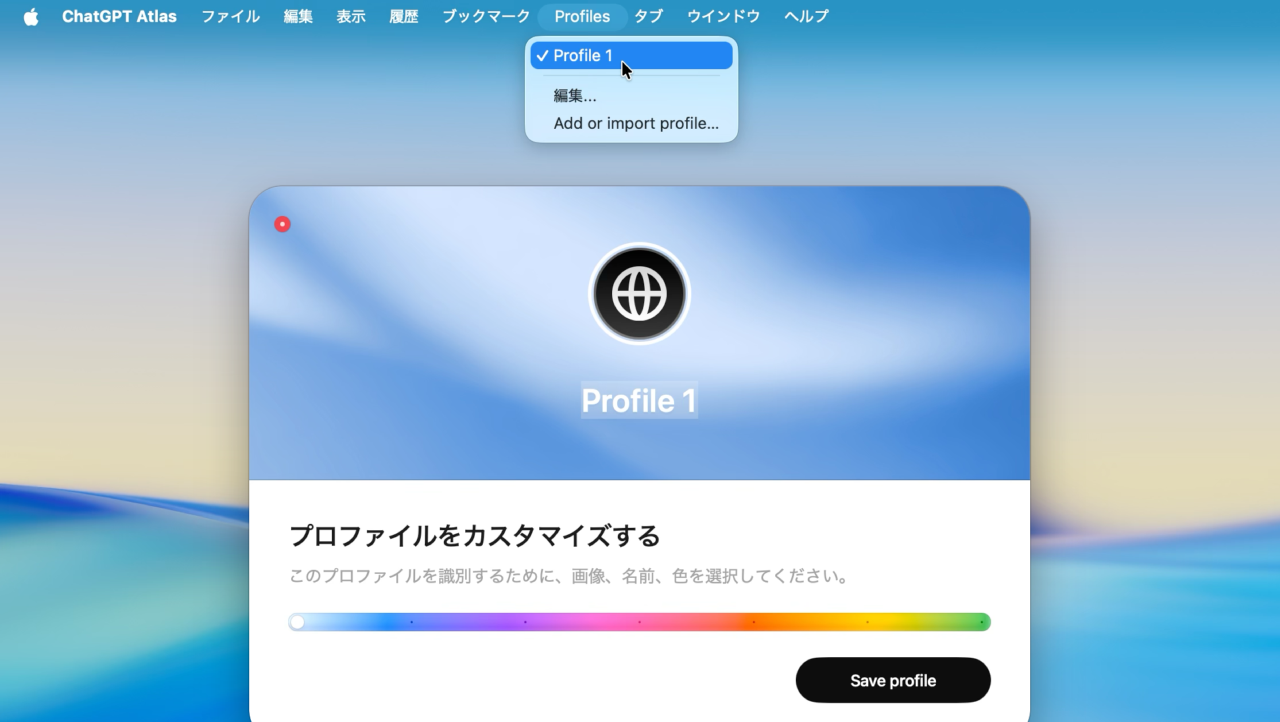
ChatGPT Atlas for macOSのマルチプロフィール
また、これまで初回セットアプ時にしかできなかった、SafariやChromeなど他のWebブラウザからのパスワードやブックマーク、機能拡張、履歴データのインポート機能が、いつでもインポートできるようになっています。
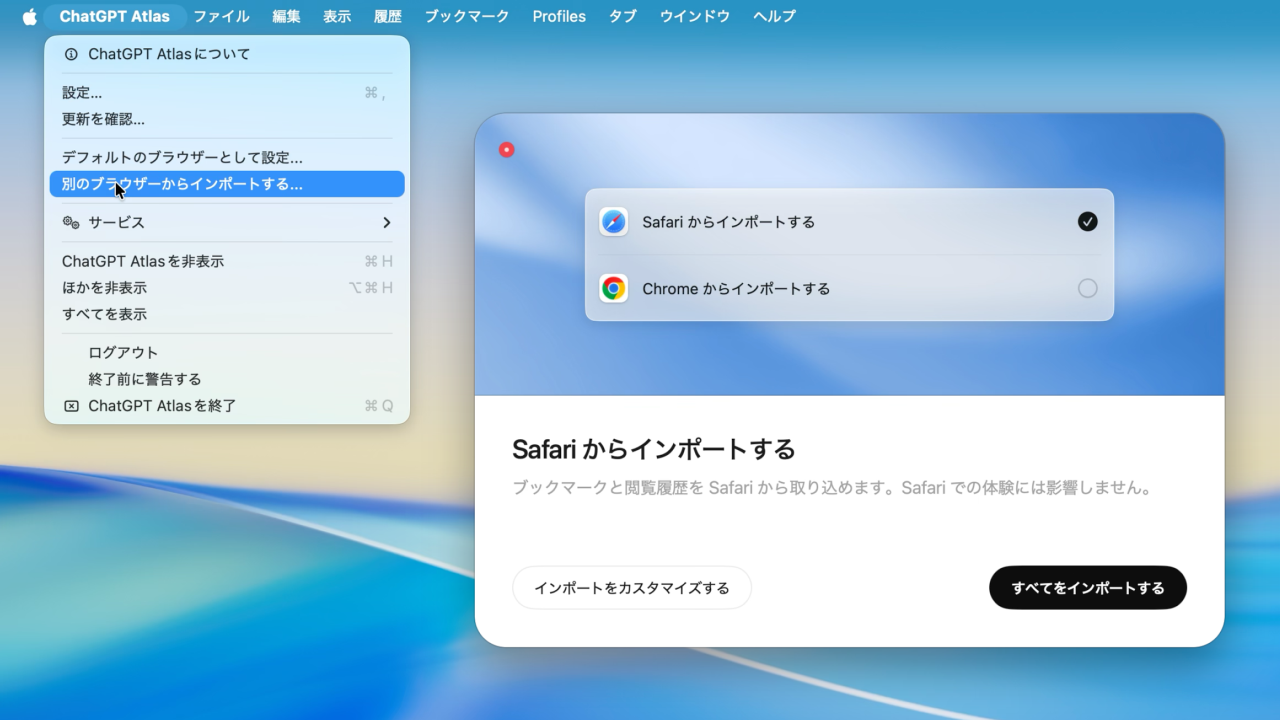
ChatGPT Atlas for macOSのインポート
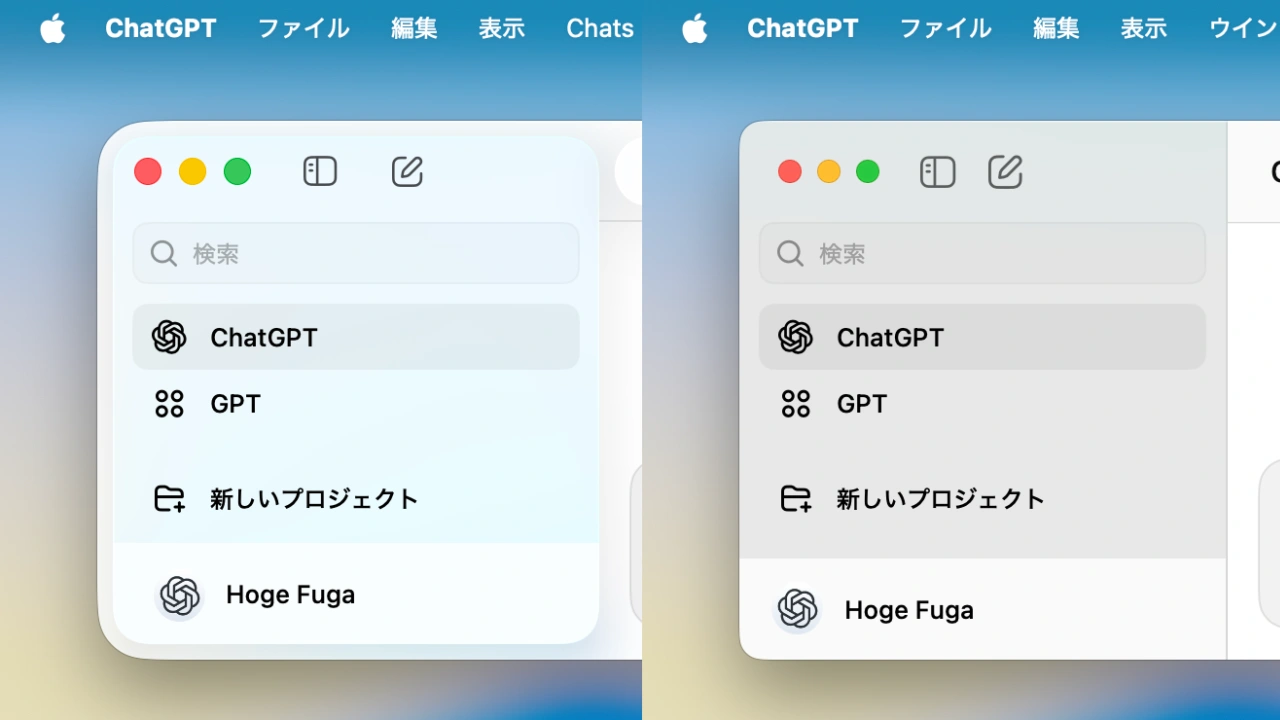
ChatGPT Atlas for macOSは11月のアップデートで垂直タブをサポートしましたが、今回のアップデートでは、その垂直タブリストを閉じた状態で、マウスカーソルを左側にホバーするとリストが表示されるようになり、Ctrl + Cmd + 矢印キーでタブを移動できるショートカットキーが追加されています。
この他、ChatGPT Atlas for macOS Build 1.2025.344.7では、DevToolsの改善や下書きしたプロンプトの保持、最近閉じたタブメニューが追加され、複数の不具合の修正やメモリ使用率の改善も行われているそうで、
Atlas weekly release is here, last one before the holidays:
– Multi-profile: Multiple browser profiles ('personal', 'school', 'work') for the same ChatGPT login; multiple ChatGPT logins coming soon
– Selectively import things like extensions or passwords, even after… pic.twitter.com/WzoBekYtws
— Adam Fry (@adamhfry) December 18, 2025
ChatGPT Atlasのプロダクトリーダーを務めるOpenAIのAdam Fryさんは今回のアップデートが、ホリデー前の最後のアップデートで、ホリデー明けにはタブグループ機能も実装するとコメントしているので、ユーザーの方はアップデートしてみてください。
December 18th, 2025
Build: 1.2025.344.7
Multi-profile
- For the same ChatGPT login, users can create multiple profiles (i.e. personal, school, work, etc); Each profile can have its own bookmarks, web history, cookies
- Support for multiple ChatGPT logins is *notyet supported (coming soon)
Import
- You can now select individual components to import at any time (not just initial onboarding) → Passwords, Bookmarks, Extensions, History
- Atlas will notify users if there are parts of onboarding they haven’t completed
DevTools
- Persist size of dev tools per window
- Pressing any of the keyboard shortcuts for the Dev Tools window (Cmd+Option+I, Cmd+Option+J, Cmd+Option+C) now closes the dev tools window if it’s docked.
Home Page
- Draft prompts on the home page will still be there if you go to another site, then press back
- Copy and paste fix for devtools
Other
- Recently Closed Tabs added to History menu
- Permissions prompt UI polish
- Fixed bug with tabs getting lost in rare occasions
- Better back button behavior for tabs opened from tabs
- Use material blur background for settings menus
- Possible fix for too-high memory use
Shortcuts
- Ctrl+Cmd+Left (or Right/Up/Down) now moves the selected tab one space
- ChatGPT Atlas – Release Notes – OpenAI
コメント