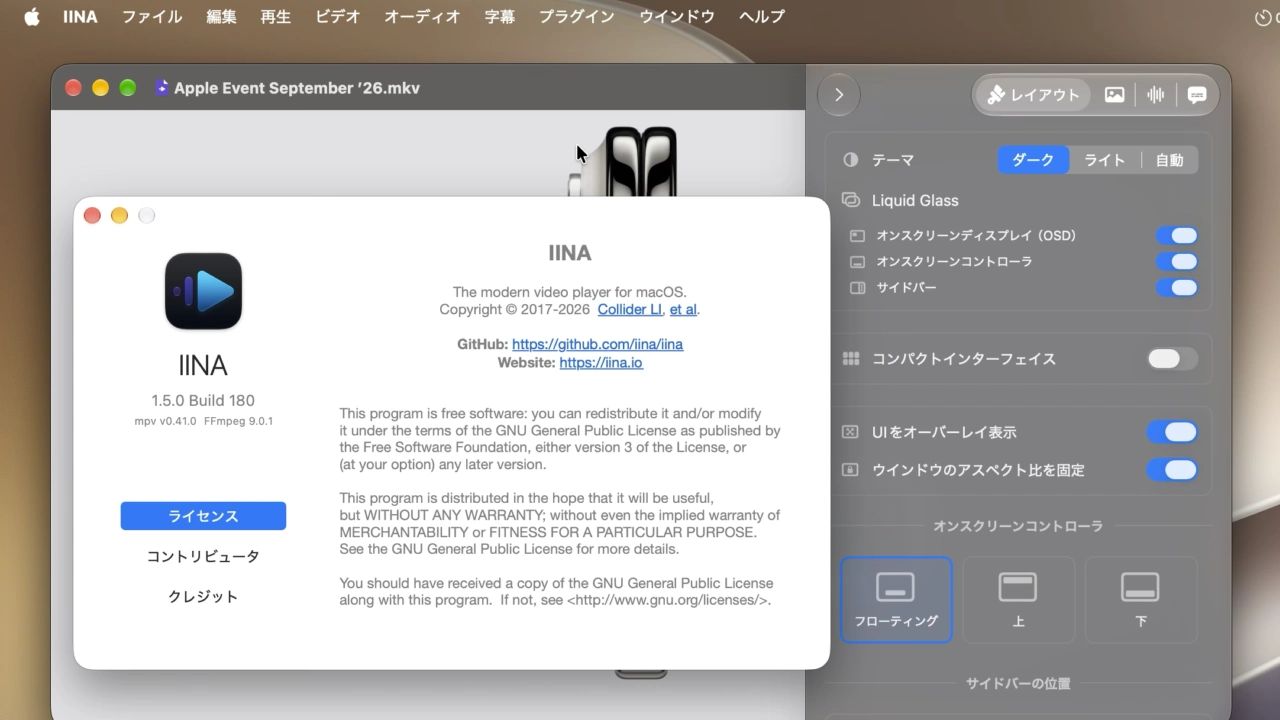

Liquid Glassと動画内のテキスト認識表示をサポートし、新しい設定ウィンドウとレイアウト設定が追加されたMac用メディアプレイヤー「IINA v1.5.0」が正式リリースされています。詳細は以下から。

Linux用のメディアプレイヤーmpvとffmpegをベースに、Mac独自の機能を追加したオープンソースのメディアプレイヤー「IINA」を開発するProject IINAは現地時間2026年10月03日、Beta版を公開し開発を進めてきたメディアプレイヤー「IINA for Mac v1.5.0」を正式にリリースしたと発表しています。
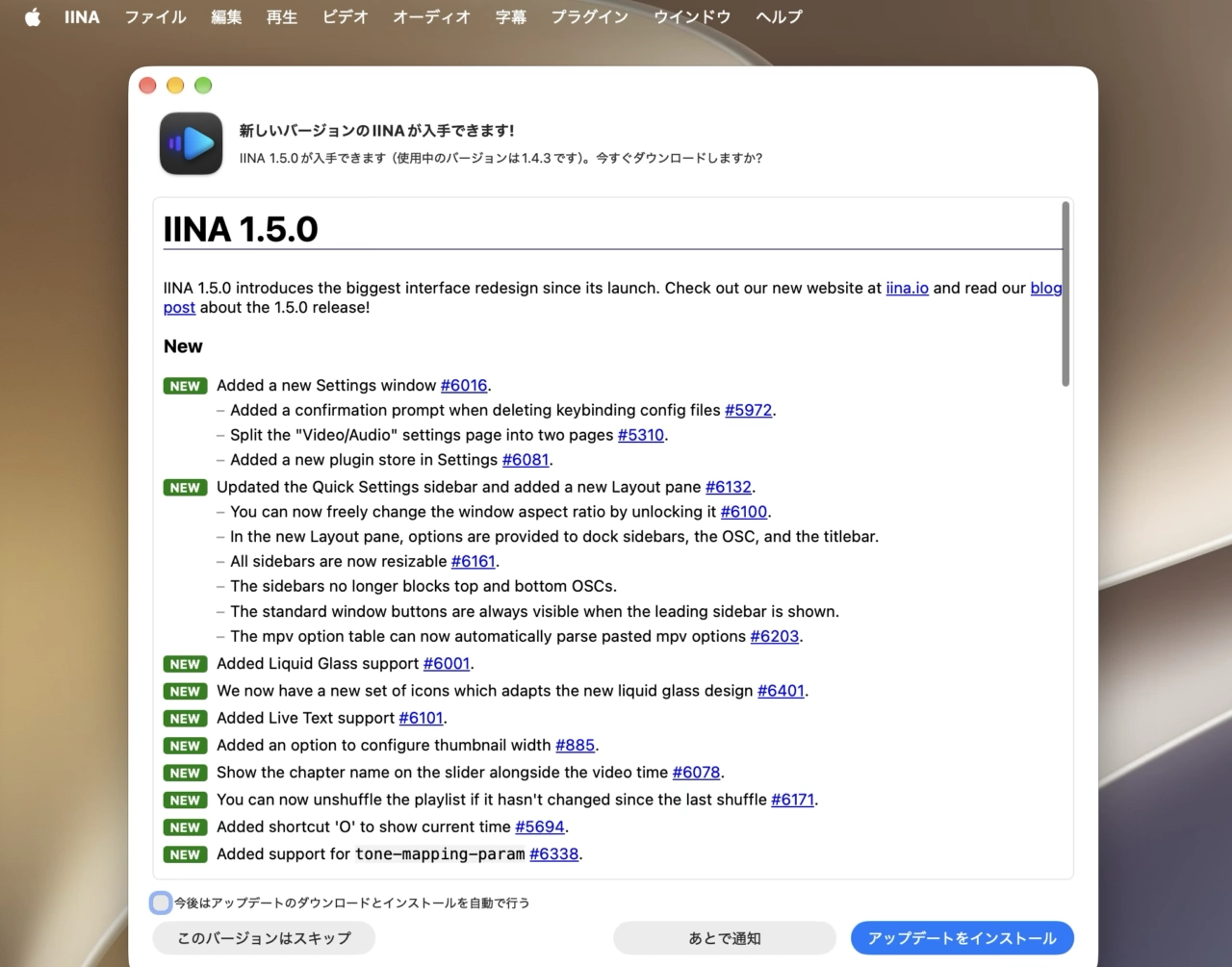
IINA 1.5.0 introduces the biggest interface redesign since its launch.In-app auto update will be published within 24 hours.
リリースノートより抜粋
IINA for Mac v1.5.0
米ジョージア工科大学の博士課程に在籍し、IINAプロジェクトのメンテナーを務めるHechen Li(@lhc70000)さんによると、IINA v1.5.0はIINAリリースがリリースされた2017年以降で、最も大きくUIが刷新されており、その1つとしてmacOS 26 Tahoe以降ではLiquid Glassに対応。
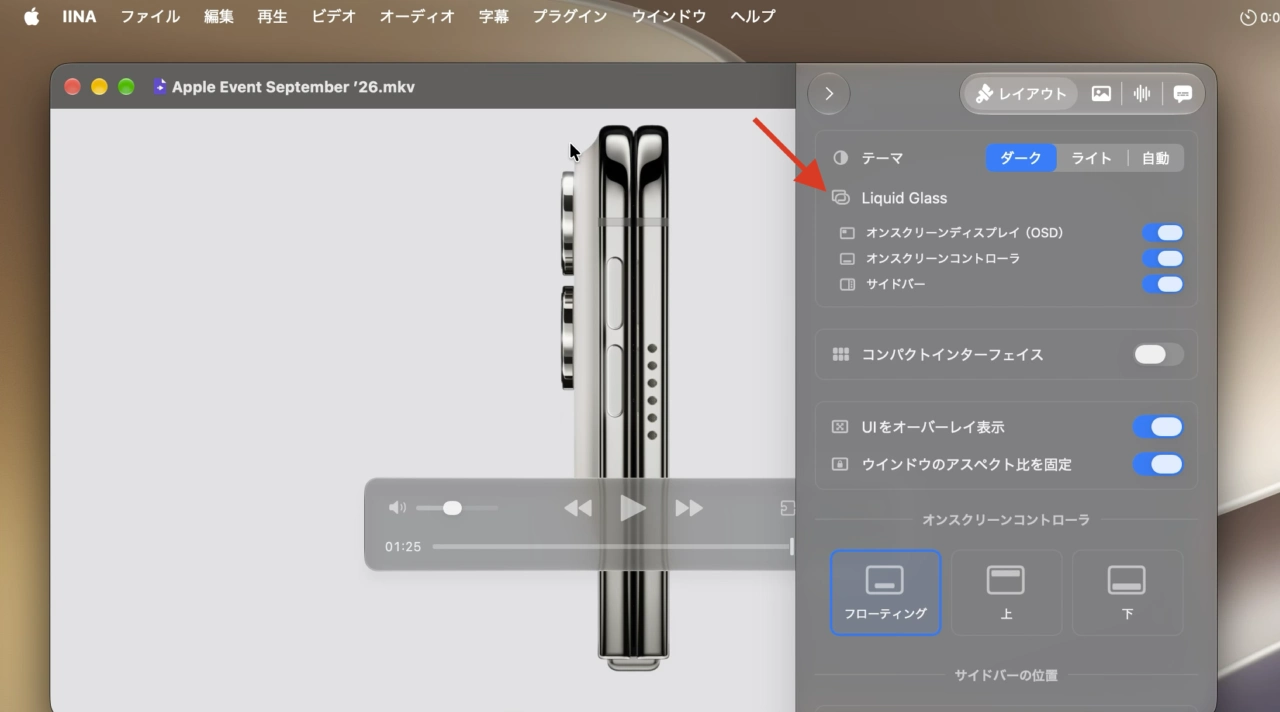
IINA for Mac v1.5.0のLiquid Glass設定
また、縦横比の固定レイアウトを解除できる設定が追加され柔軟にウィンドウサイズを変更できるようになったほか、サイドバーもリサイズをサポートし、上下のオンスクリーンコントローラー(OSC)が遮られることもなくなっています。
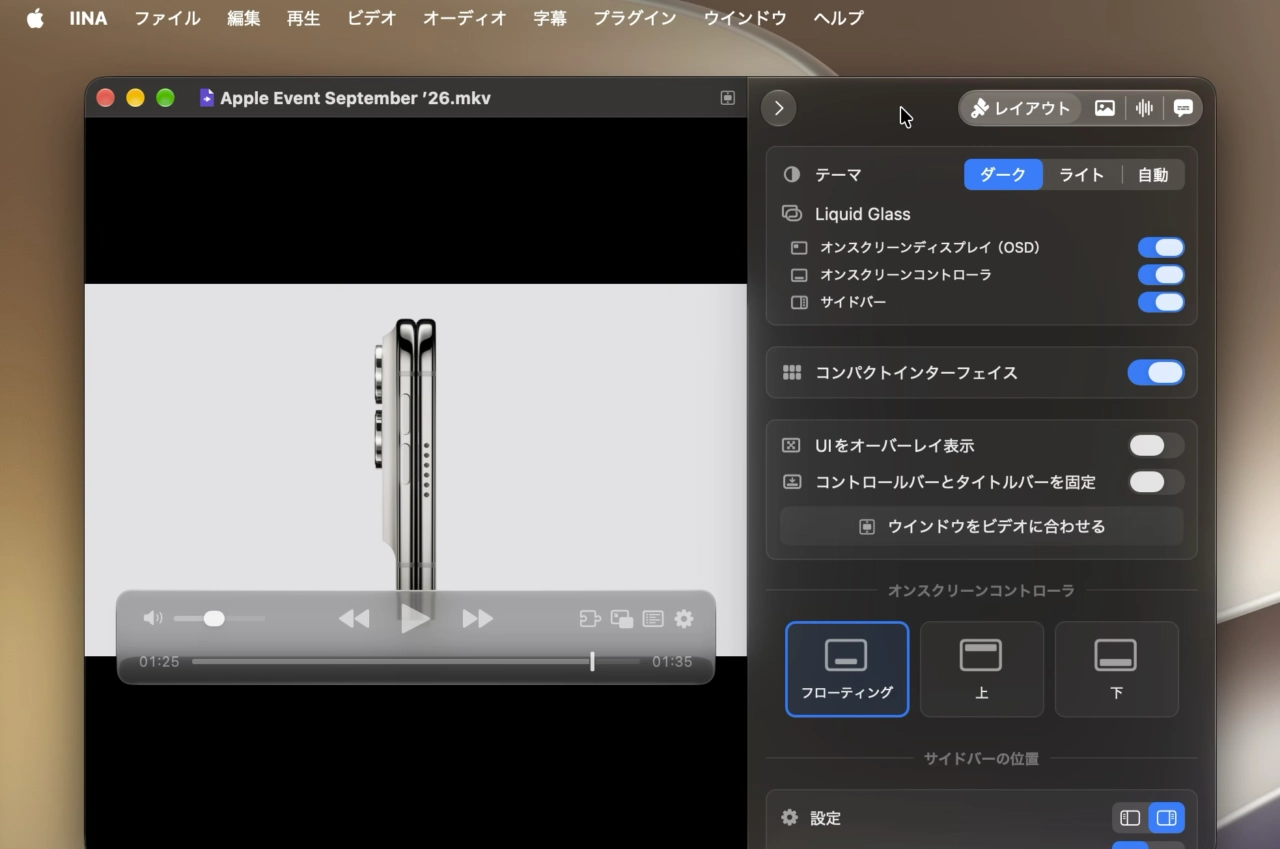
テキスト認識(Live Text)
IINA for Mac v1.5.0ではmacOS 13 Ventura以降のMacで、AppleのVisionKitを利用したテキスト認識表示がサポートされ、一時停止中の動画内に表示されている英語や日本語などの文字を選択し、コピー&ペーストができるようになっており、
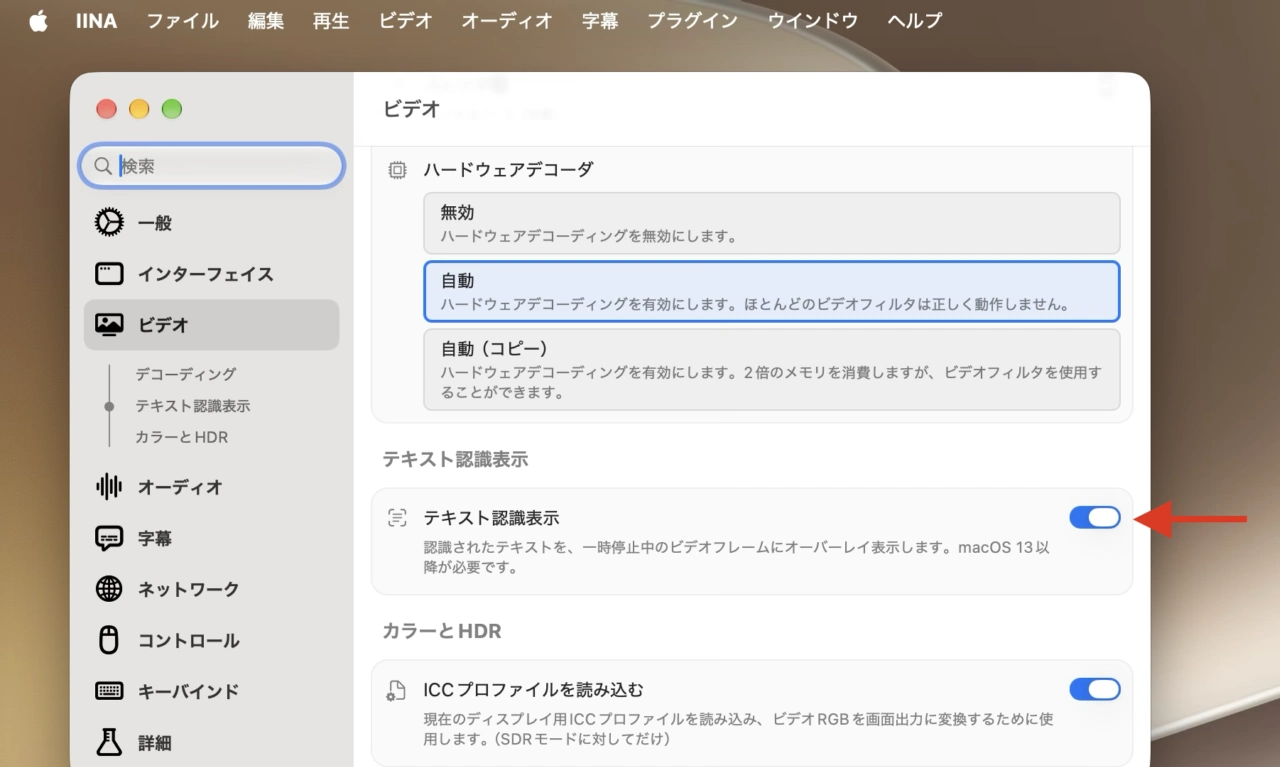
テキスト認識(Live Text)
動画内に映る文字や埋込式の字幕を素早くSpotlight翻訳したり、知らない単語を調べたりすることができるようになったので、海外映画やドラマやアニメを見る方は試してみて下さい。
新しい設定ウィンドウとプラグイン
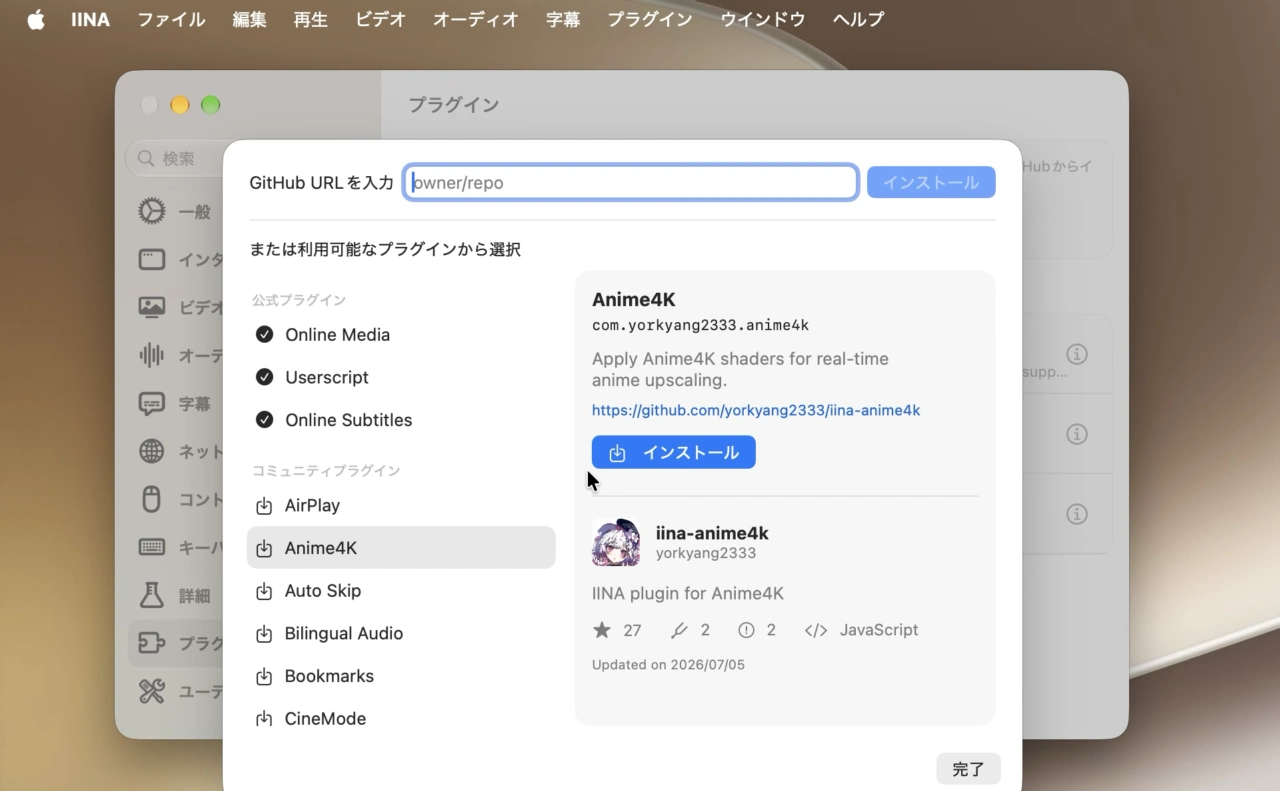
IINA for Mac v1.5.0では設定ウィンドウも刷新され、ウィンドウ内にあるサブメニューもひと目で分かるようになっており、さらにIINA for Mac v1.4から導入されたプラグイン拡張は、プラグインコミュニティからダウンロードするのではなく、設定ウィンドウからプラグインを見つけてワンクリックで導入する事が可能になりました。
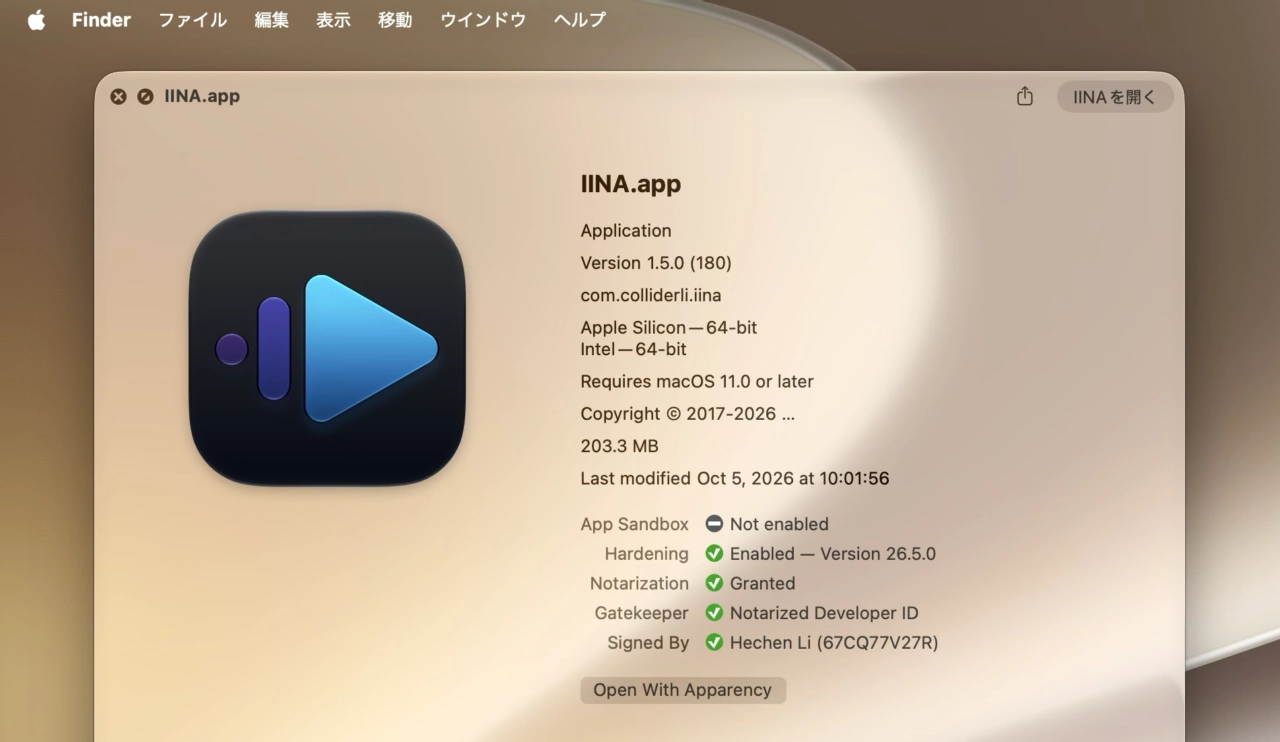
IINA for Mac v1.5.0では、このほかmpvとffmpegのアップデート、40以上の不具合修正と改善が行われっため、最小システム要件がmacOS 10.15 CatalinaからmacOS 11 Big Surへ引き上げられましたが、引き続きIntel Macのサポートは継続されているので、QuickTime Playerより高機能なメディアプレイヤーをお探しの方は試してみて下さい。
IINA v1.5.0
IINA 1.5.0 brings the biggest UI redesign since its launch.
Please note that beta versions are not stable. Please open an issue if you find a bug. We aim to release the stable 1.5.0 (and a new website) in late September.
New
- Added a new Settings window #6016.
- Updated the Quick Settings sidebar and added a new Layout pane #6132.
- Added a confirmation prompt when deleting keybinding config files #5972.
- Split the “Video/Audio” settings page into two pages #5310.
- Added a new plugin store in Settings #6081.
- Added Liquid Glass support #6001.
- You can now freely change the window aspect ratio by unlocking it #6100.
- In the new Layout pane, options are provided to dock sidebars, the OSC, and the titlebar.
- All sidebars are now resizable #6161.
- The sidebars no longer blocks top and bottom OSCs.
- The standard window buttons are always visible when the leading sidebar is shown.
- The mpv option table can now automatically parse pasted mpv options #6203.
- We now have a new set of icons which adapts the new liquid glass design #6401.
- Added Live Text support #6101.
- Added an option to configure thumbnail width #885.
- Show the chapter name on the slider alongside the video time #6078.
- You can now unshuffle the playlist if it hasn’t changed since the last shuffle #6171.
- Added shortcut ‘O’ to show current time #5694.
- Added support for tone-mapping-param #6338.
- The modern video player for macOS – Project IINA
- lhc70000/iina: The modern video player for macOS. – GitHub
コメント