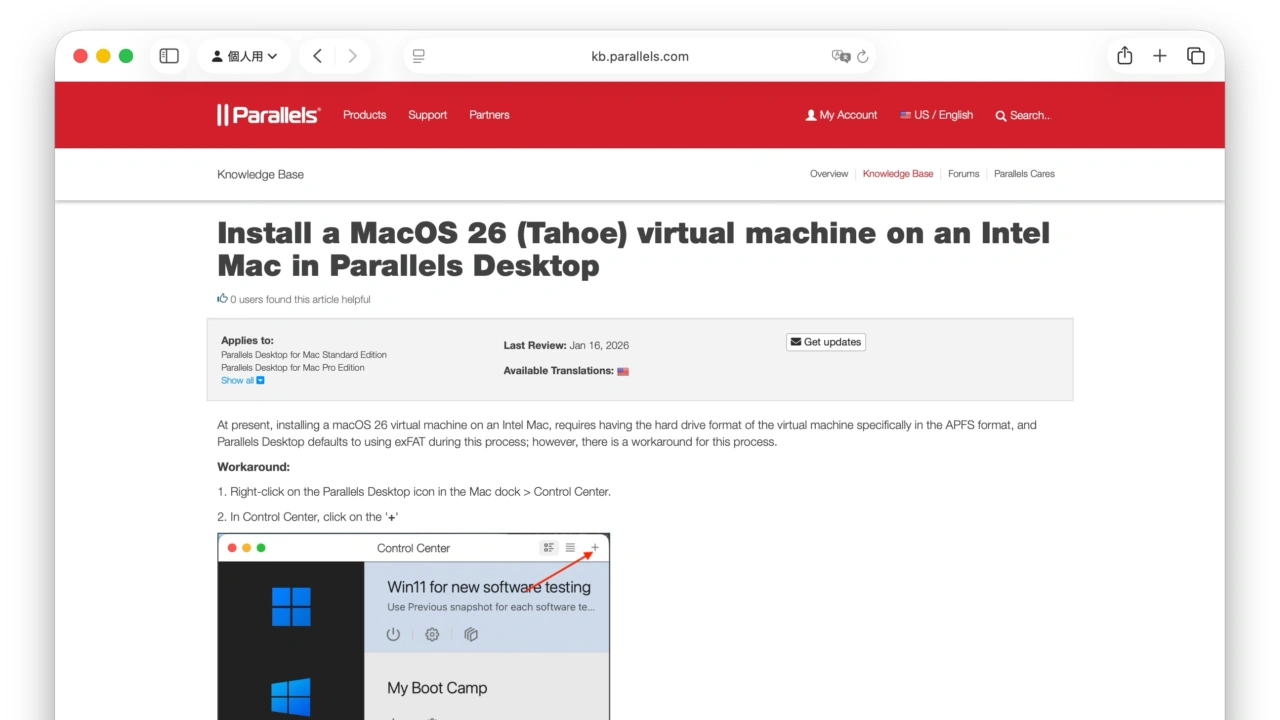

ParallelsがmacOS 26 Tahoe仮想マシンはAPFSと8GB以上のメモリが必要となっており、Intel Mac上でデフォルト設定でTahoe仮想マシンを作成すると仮想マシンが起動しない問題があるとしてサポートページを公開しています。詳細は以下から。

Alludo(旧Corel)傘下のParallels International GmbH.は現地時間2026年01月14日、Mac/Windows 11仮想マシン上の共有ファイルにアクセスできない問題などを修正した「Parallels Desktop for Mac v26.2.1」を公開しましたが、同時に昨年09月に公開していた「Intel MacでmacOS 26 Tahoe仮想マシンのインストールが完了しない」不具合に関しての解決策を公開しています。

Intel Mac Only: Installation of macOS 26 as virtual machine cannot be completed by using recovery partition or full image .app file; upgrading existing virtual machine of previous version(Ventura; etc) to Tahoe causes a black screen, resulting in inability to use macOS 26 virtual machine on Intel Macs
macOS Tahoe 26 сompatibility status with Parallels Desktop – Parallels
対応策
この不具合はmacOS 26 Tahoeリリース時から、Intel Mac上でmacOS 26 Tahoe仮想マシンをリカバリーパーティションやフルインストーラー(.app)から作成しようとするとインストールが完了しない、macOS 15 Sequoia以前の仮想マシンをTahoeへアップグレードしようとするとブラックスクリーンが発生するというもので、
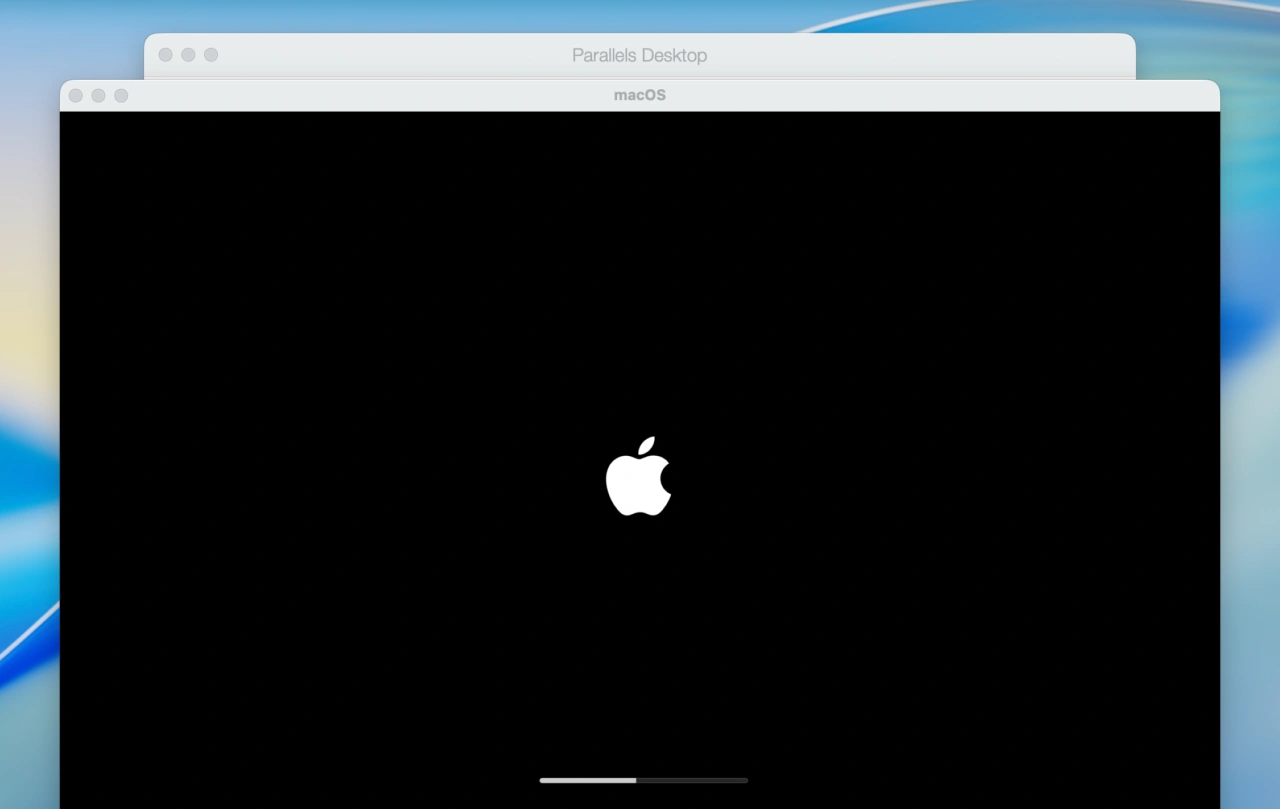
Parallelsによると、Intel MacではTahoe仮想マシンに8GB以上のメモリが割り当てられていないと以下のようなエラー画面が出るため、この様な画面が出た場合はParallels Desktopの仮想マシン設定からメモリ容量を上げるとTahoe仮想マシンが起動するようになるそうです。
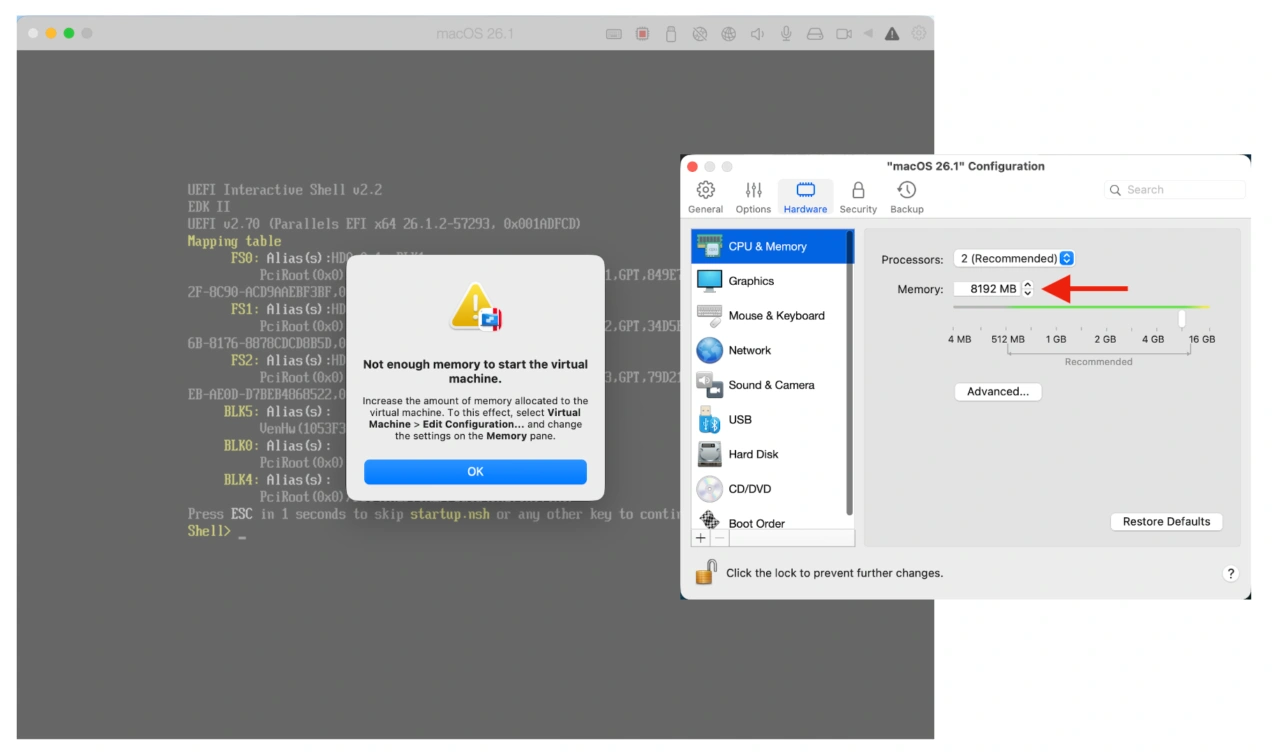
Note: macOS 26 (Tahoe) requires 8GB of memory as a minimum, and if the system has allocated less than 8GB, you will see the error message below:
Install a MacOS 26 (Tahoe) virtual machine on an Intel Mac in Parallels Desktop – Parallels
また、同じくIntel MacでmacOS 26 Tahoe仮想マシンを作成する/下位のmacOSをmacOS 26 Tahoeへアップグレードする際、ファイルシステムフォーマットがAPFSでなければならないという制限が追加されたそうで、古いParallels Desktopデフォルトの仮想システムボリュームをexFATフォーマットで作成している場合は、
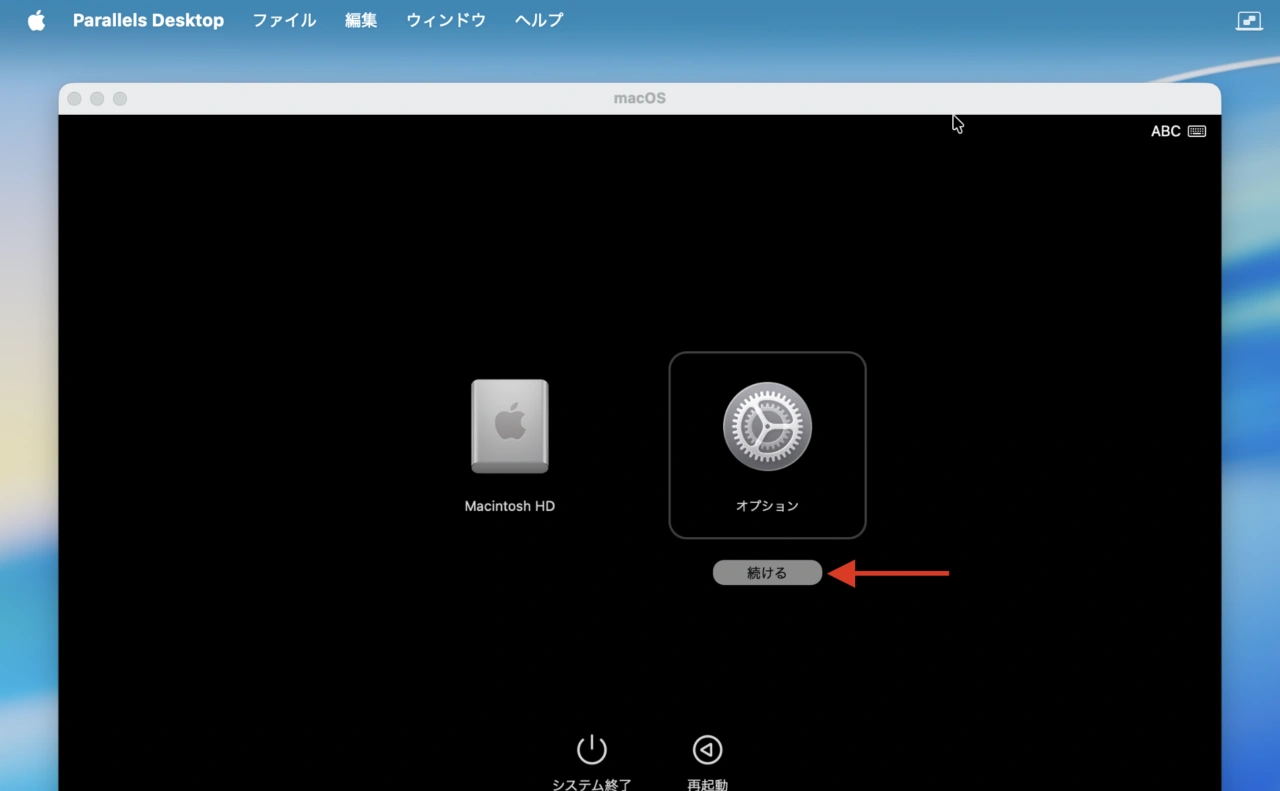
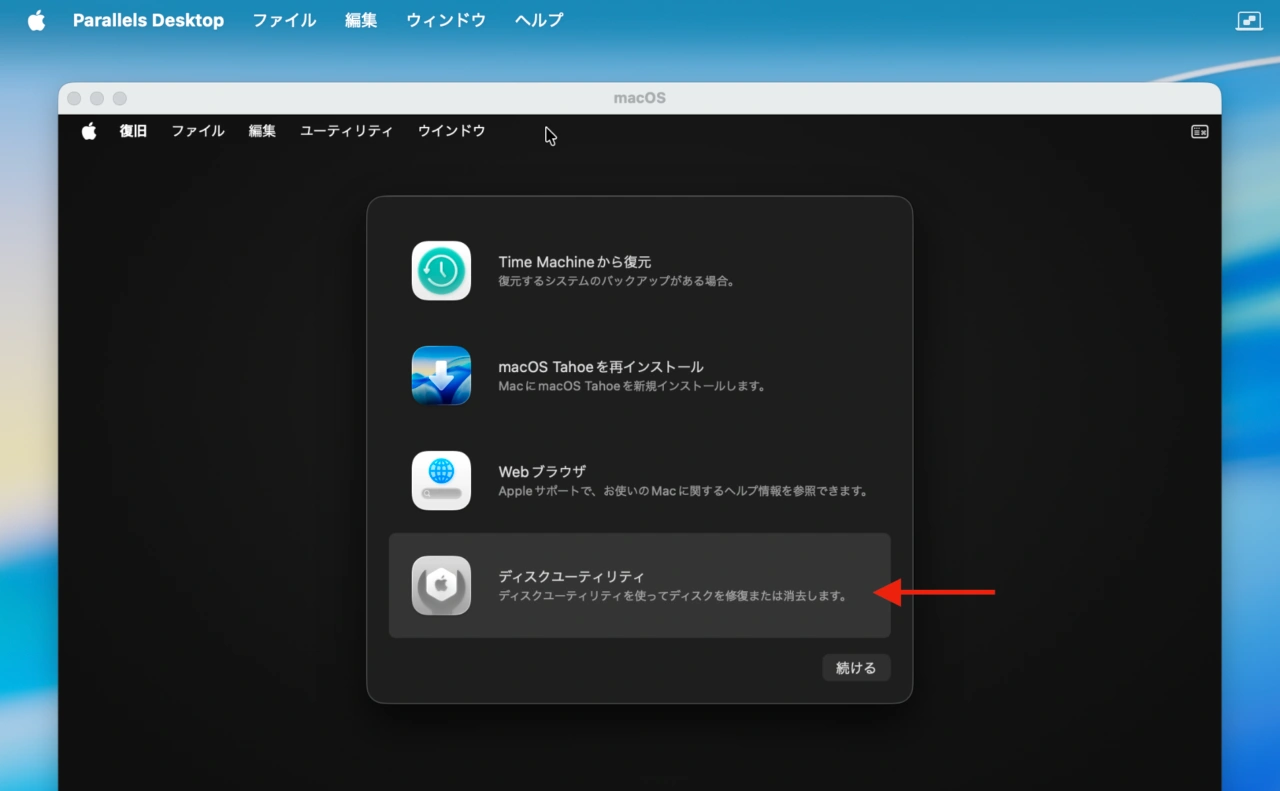
リカバリーモードのオプション
仮想マシンをリカバリーモードで起動し、リカバリーモードのオプションから[ディスクユーティリティ]を選択して、Macintosh HDボリュームをAPFSでフォーマットし、再度[macOS Tahoeの再インストール]を選択すれば、Intel MacでもTahoe仮想マシンが利用できるようになるそうなので、Intel Macで新旧の仮想マシンを管理されている方は試してみてください。
コメント