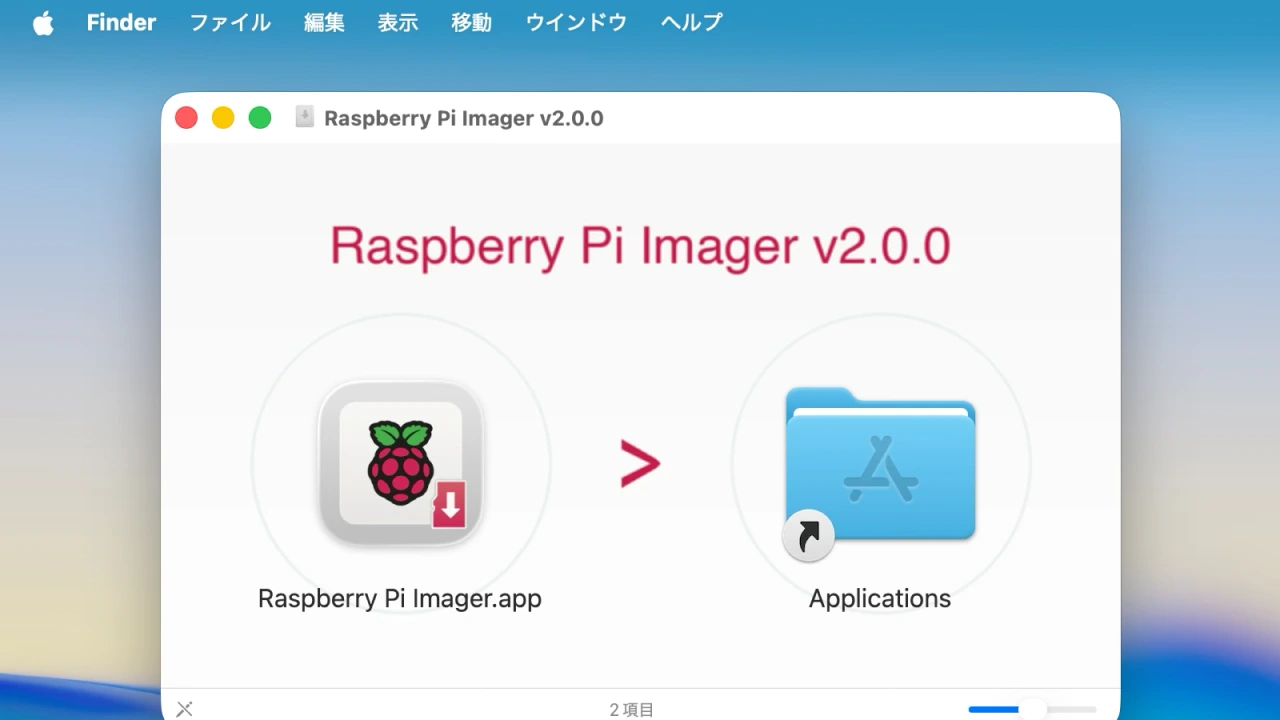

Raspberry Pi公式のブートメディア作成ツール「Raspberry Pi Imager v2.0 for Mac/Windows/Linux」がリリースされています。詳細は以下から。
英Raspberry Pi Foundationは現地時間2025年11月24日、オープンソースで開発しているMac/Windows/Linux対応のRaspberry Pi OS用のブートメディア作成ツール「Raspberry Pi Imager」のメジャーアップデート版となる「Raspberry Pi Imager v2.0」を正式にリリースしたと発表しています。
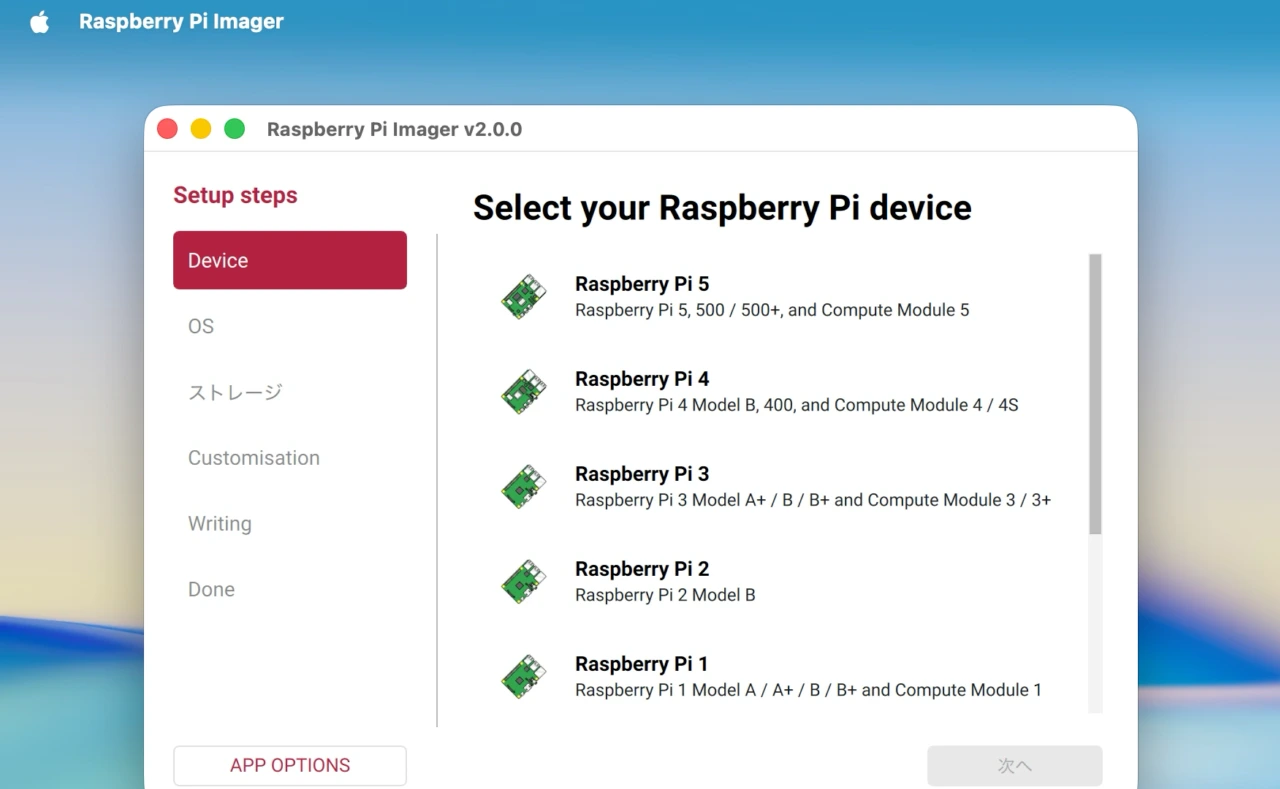
Today, I’m delighted to introduce Raspberry Pi Imager 2.0: a complete reimagining of the application that’s been brewing in our development pot for the past year. It brings a new wizard interface, the opportunity to pre-configure Raspberry Pi Connect, and improved accessibility for screen readers and other assistive technologies.
A new Raspberry Pi Imagerより抜粋
Raspberry Pi Imagerは2020年03月にバージョン1.0がリリースされ、その後対応するRaspberry Pi OSのバージョンやCLIツール、メディアのフォーマット機能、ユーザーIDやWi-Fiパスワードの事前設定機能が追加されてきましたが、約1年前から開発が進められってきた「Raspberry Pi Imager v2.0」はUIが見直され、step-by-step式のウィザードインターフェイス(UI)を採用し、サイドバーからOSのカスタマイズメニューに移動できるようになっています。
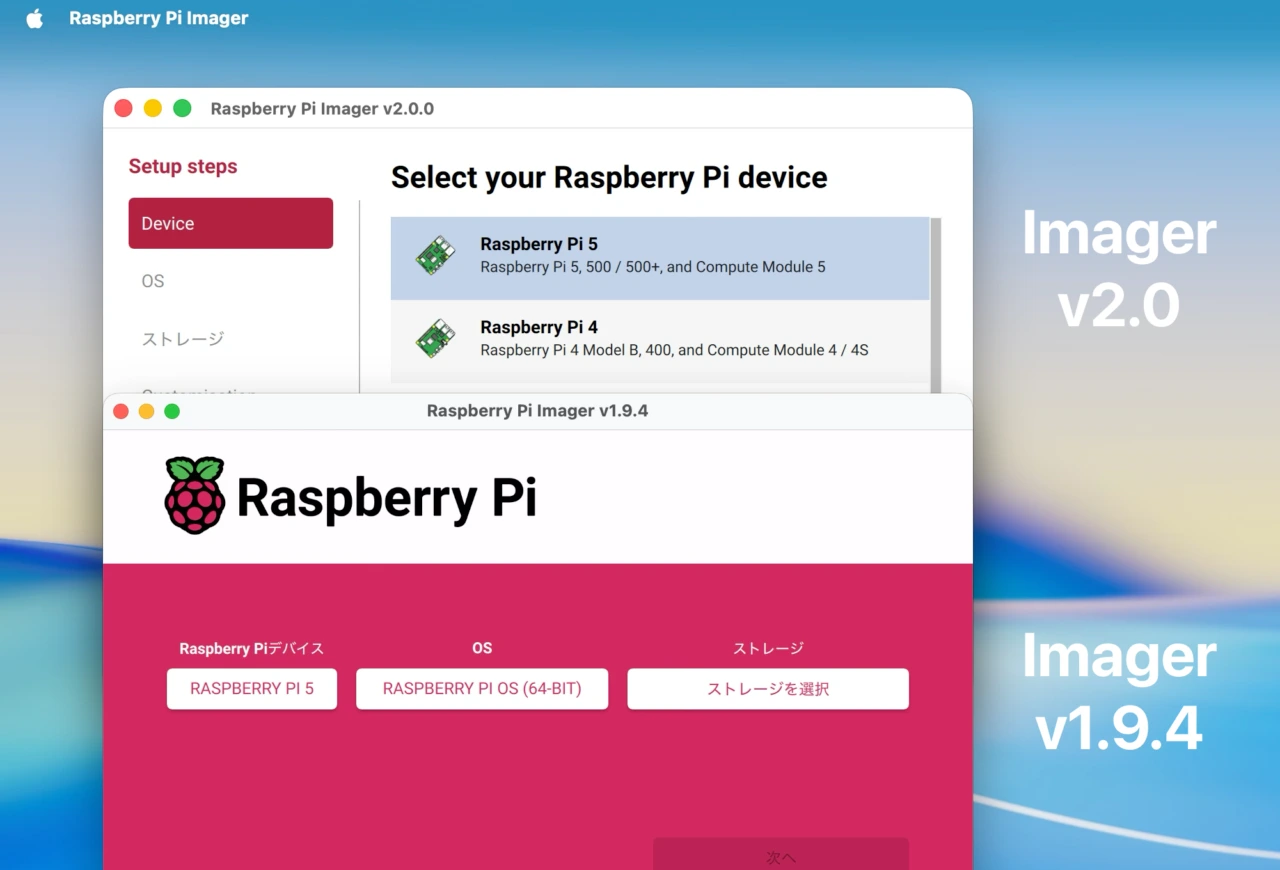
Raspberry Pi Imager v2.0とv1.9.4
新しいウィザードUIの導入以外にも、ユーザーからの要望が多かったインターネット経由でRaspberry Piにアクセスできる「Raspberry Pi Connect」のプレ設定に対応し、初期起動後に直ぐにリモートアクセスを行うことが可能になっています。
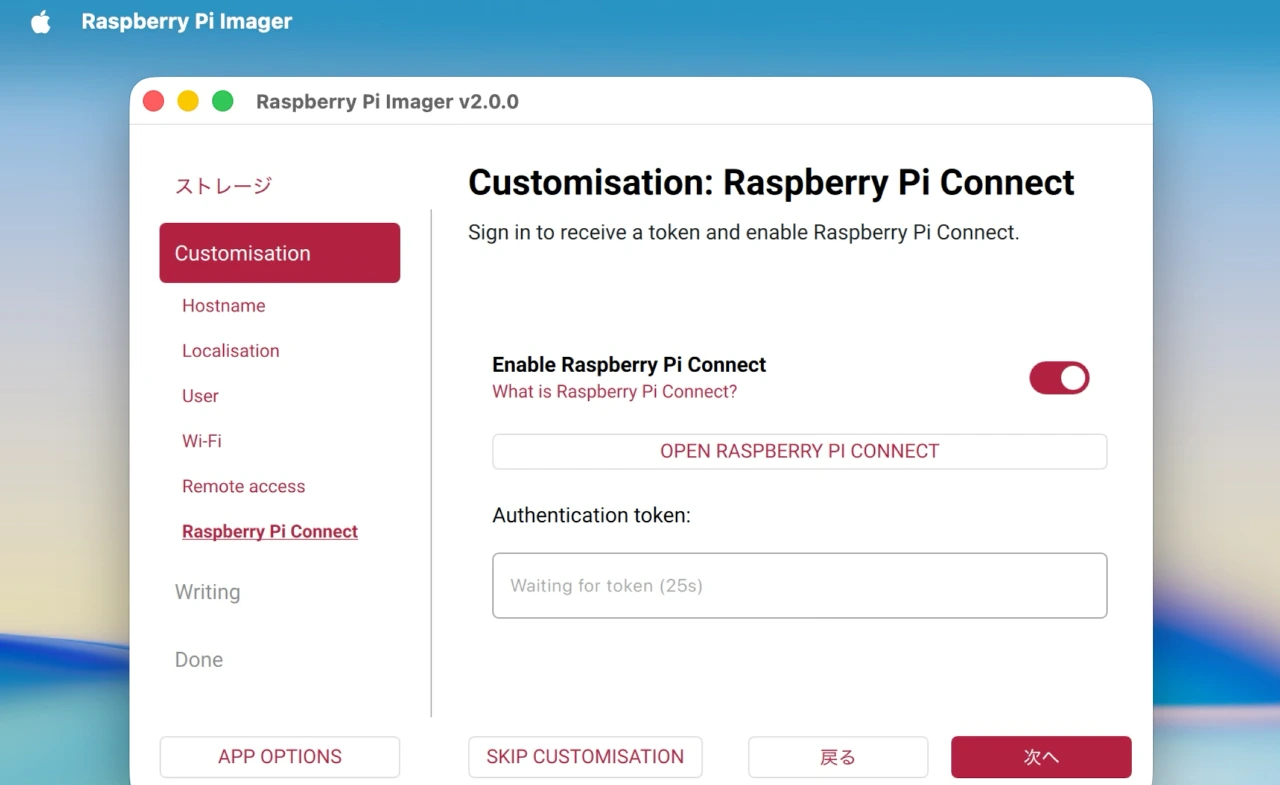
Raspberry Pi Connectの瀬底画面。
また、Raspberry Pi Imager v2.0ではアクセシビリティも改善しており、全ての操作要素にラベルが追加されスクリーンリーダーで操作できるようになった他、Raspberry Redを基調としたUIの視認性が高いカラースキーム、全ての操作がキーボードのみで可能になっています。
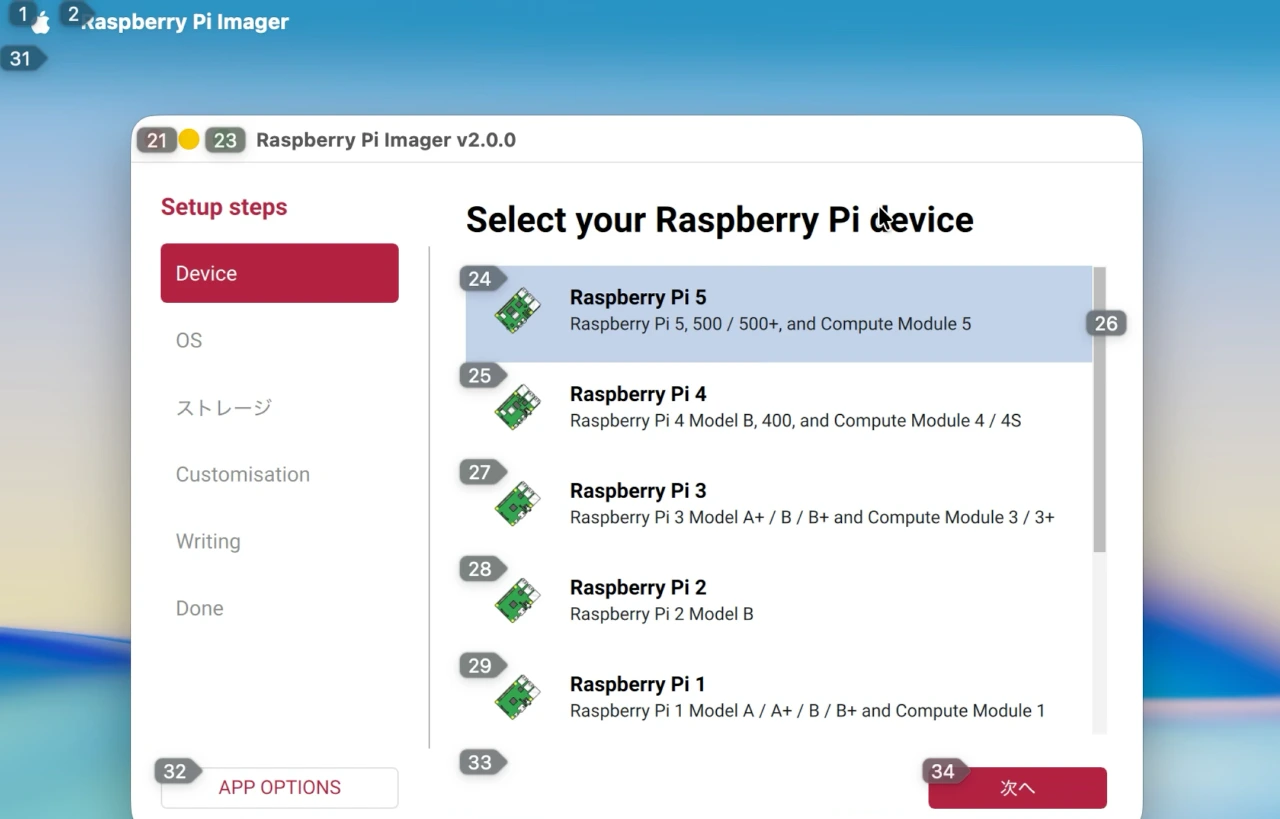
音声コントロールもしやすくなったRaspberry Pi Imager v2.0
一方、バージョンアップに伴い依存関係の大規模リファクタリング、今年04月にリリースされた新しいQt 6.9が採用されたため、Mac版のシステム要件はmacOS 11 Big SurからmacOS 12 Monterey以降のIntel/Apple Silicon Macへ引き上げられているので注意してください。
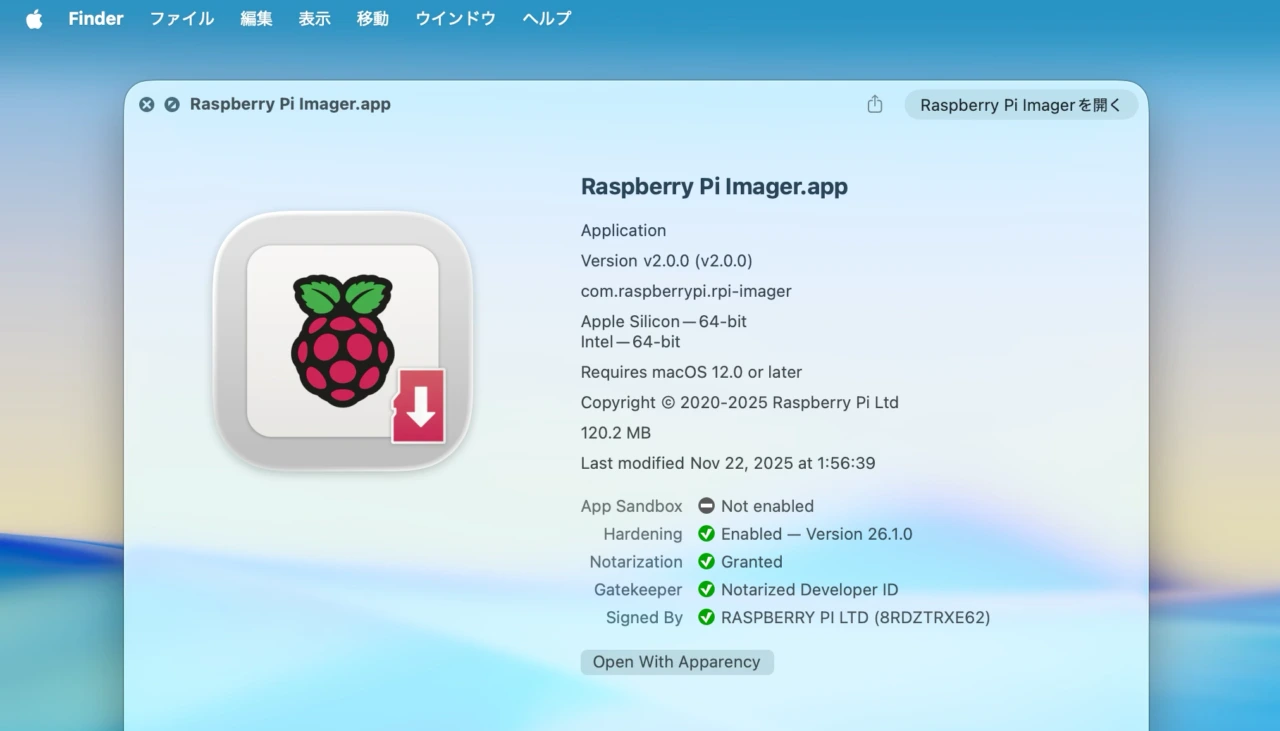
Raspberry Pi Imager v2.0
Raspberry Pi Imager V2
v2.0.0: A new Imager
What’s Changed
- New UI
- New installer for Windows
- New back-end writing algorithms
- New download algorithms
- Accessbility annotations throughout
- Raspberry Pi Connect integration
- Keyboard navigation
- Enhanced guardrails
- New CLI-only package
- So, so much more.
- A new Raspberry Pi Imager – Raspberry Pi
- raspberrypi/rpi-imager Raspberry Pi Imaging Utility – GitHub
コメント