
macOS 26 Tahoeでは「OpenSSH 10.0p2」が同梱され、FileVaultでロックされたデータボリュームをSSH経由でリモートから解除することが可能になっています。詳細は以下から。

Appleは現地時間2025年09月15日、Liquid Glassデザインを採用した「macOS 26 Tahoe」を正式にリリースしましたが、同バージョンではOpenSSHがmacOS 15.6.1の「OpenSSH v9.9p2」から「OpenSSH v10.0p2」へアップデートされています。
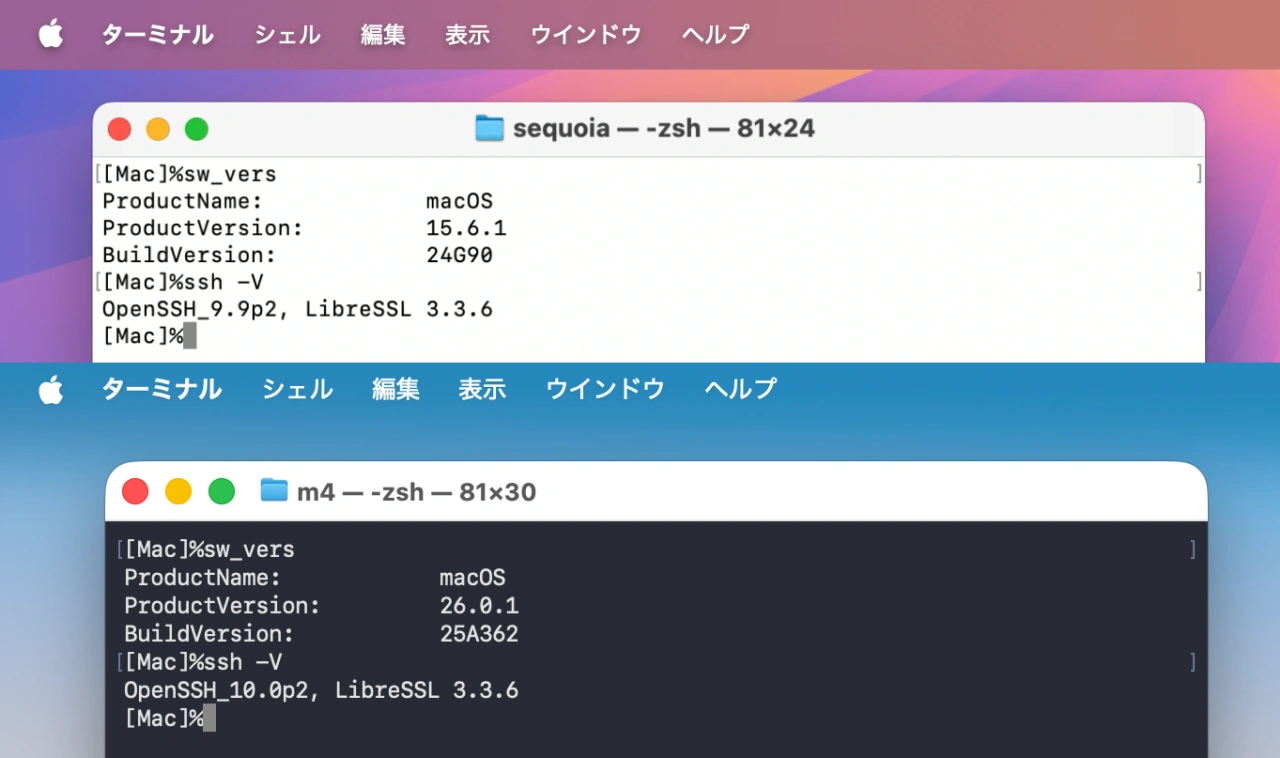
macOS 15 SequoiaとmacOS 26 TahoeのOpenSSH
Apple Silicon Macに対応するmacOS 11 Big Sur以降のmacOSに搭載されているOpenSSHのバージョンは以下の通りで、OpenSSH v10.0p2では弱いDSA署名アルゴリズムのサポートが完全に削除され、プロトコルのユーザー認証フェーズを処理するコードが接続ごとに起動する”sshd-session”バイナリから新しい”sshd-auth”バイナリ以降され、攻撃面が縮小されていますが、
macOSとOpenSSHのバージョン
| OpenSSH | macOS |
|---|---|
| OpenSSH 10.0p2 | macOS 26.0 Tahoe |
| OpenSSH 9.9p2 | macOS 15.5 Sequoia |
| OpenSSH 9.9p1 | macOS 15.4 Sequoia |
| OpenSSH 9.8p1 | macOS 15.0 Sequoia ~ macOS 15.3 Sequoia |
| OpenSSH 9.7p1 | macOS 14.6 Sonoma ~ |
| OpenSSH 9.6p1 | macOS 14.4 Sonoma ~ macOS 14.5 Sonoma |
| OpenSSH 9.4p1 | macOS 14.1 Sonoma ~ macOS 14.3 Sonoma |
| OpenSSH 8.5p1 | macOS 12.0.1 Monterey ~ macOS 14.0 Sonoma |
| OpenSSH 8.1p1 | ~ macOS 11.5 Big Sur |
Appleは同時に、macOSのOpenSSHにリモートログインが有効なFileVaultでロックされたボリュームを持つMacに、sshでアクセスし、リモートでFileVaultのロックを解除できるようになっています。
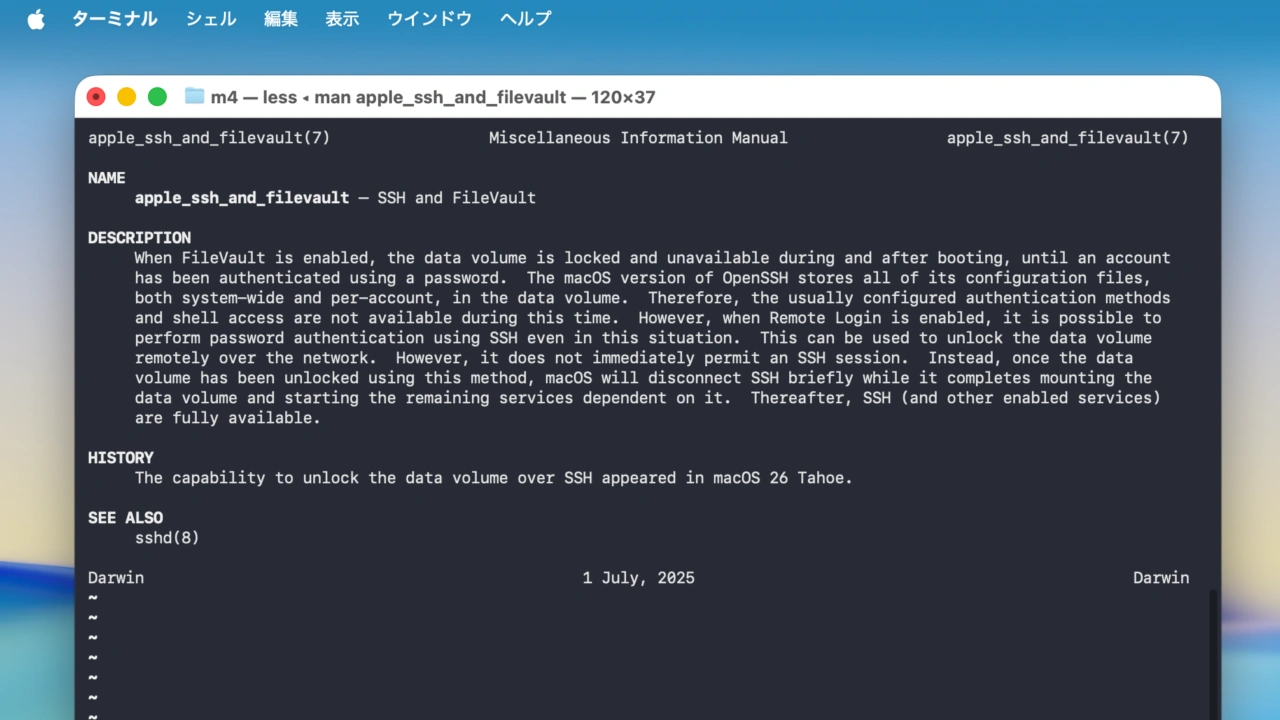
When FileVault is enabled, the data volume is locked and unavailable during and after booting, until an account has been authenticated using a password. The macOS version of OpenSSH stores all of its configuration files, both system-wide and per-account, in the data volume. Therefore, the usually configured authentication methods and shell access are not available during this time. However, when Remote Login is enabled, it is possible to perform password authentication using SSH even in this situation. This can be used to unlock the data volume.
The capability to unlock the data volume over SSH appeared in macOS 26 Tahoe.man apple_ssh_and_filevaultより
sshでFileVaultを解除
この機能はmacOS 26 Tahoeから導入されたmacOSのOpenSSHのオプションで、これまでのmacOSではFileVaultが有効になったデータボリュームがある場合、物理的にMacへアクセスしFileVaultをアンロック後し、リモートセッションを開始しなければなりませんでしたが、Tahoeではリモートログインが有効になっている場合、
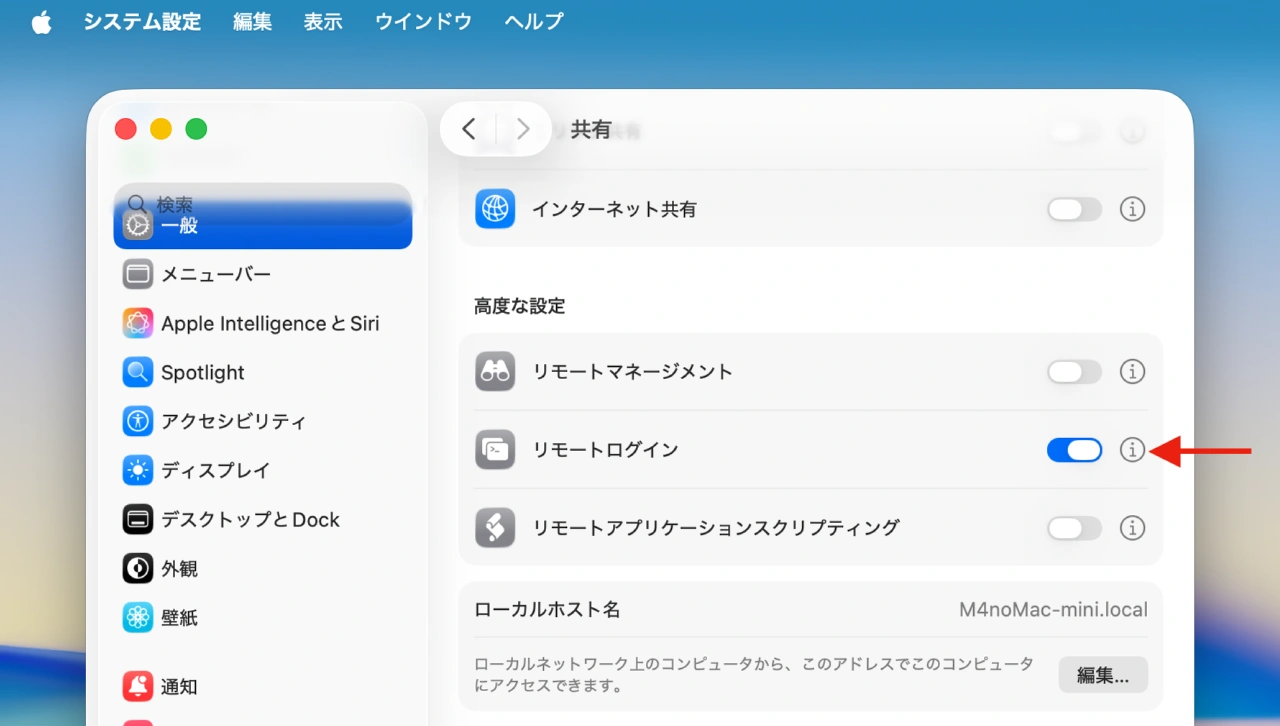
リモートログインが有効でネットワーク接続が利用可能な場合、再起動後に、FileVaultのロックをsshで解除できるようになりました。詳しくは、apple_ssh_and_filevaultのマニュアルページを参照してください。
macOS Tahoe 26のエンタープライズ向けの新機能より
sshでFileVaultで暗号化されたデータボリュームを解除することが可能になり、解除されたデータボリュームがmacOSに再マウントされると、sshセッションを開始できるようになっています。
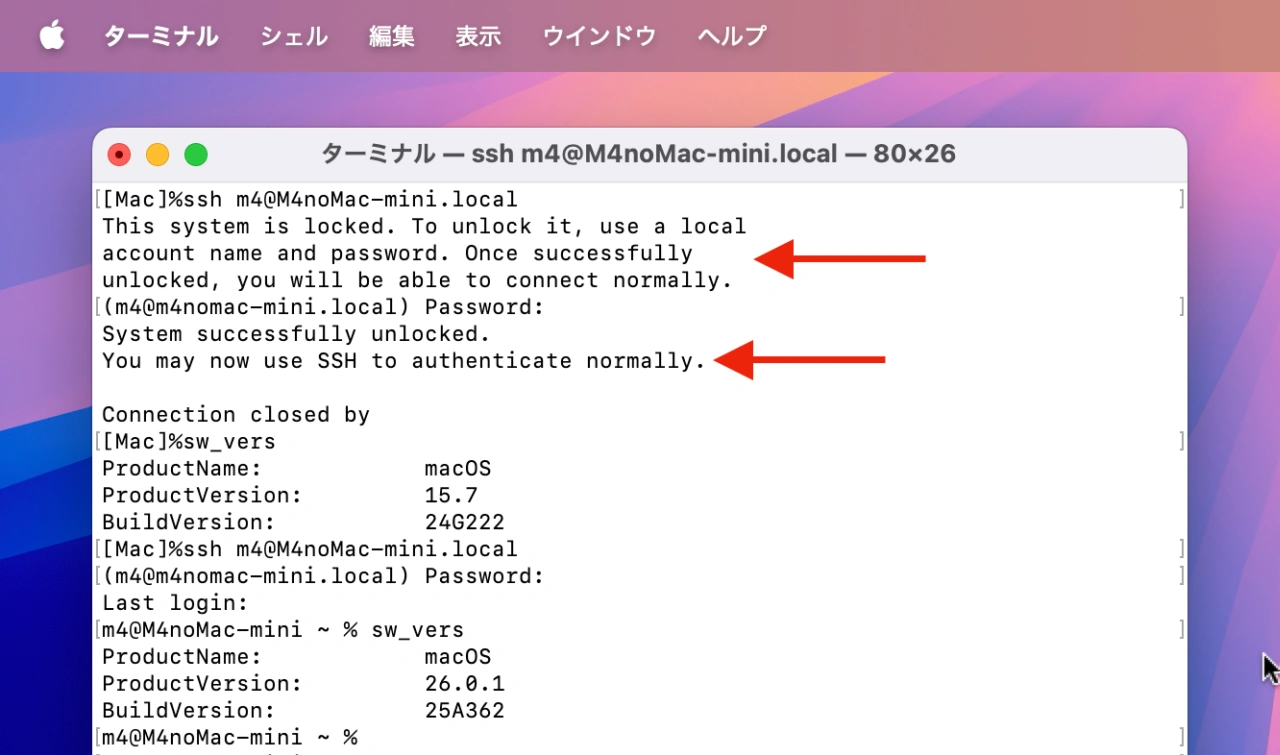
This system is locked. To unlock it, use a local account name and password. Once successfully unlocked, you will be able to connect normally.
sshセッションより
- macOS 26 Tahoeの新機能と不具合まとめ
コメント