
次期macOS 26.1 TahoeではLiquid Glassデザインを無効化できるオプションが廃止されるようです。詳細は以下から。
Appleが現地時間2025年09月15日にリリースした「macOS 26 Tahoe」では、他のiOS/iPadOS 26やwatchOS 26と同じくvisionOSからインスパイアされた柔軟性のあるガラス調の「Liquid Glass」デザインが採用されているものの、
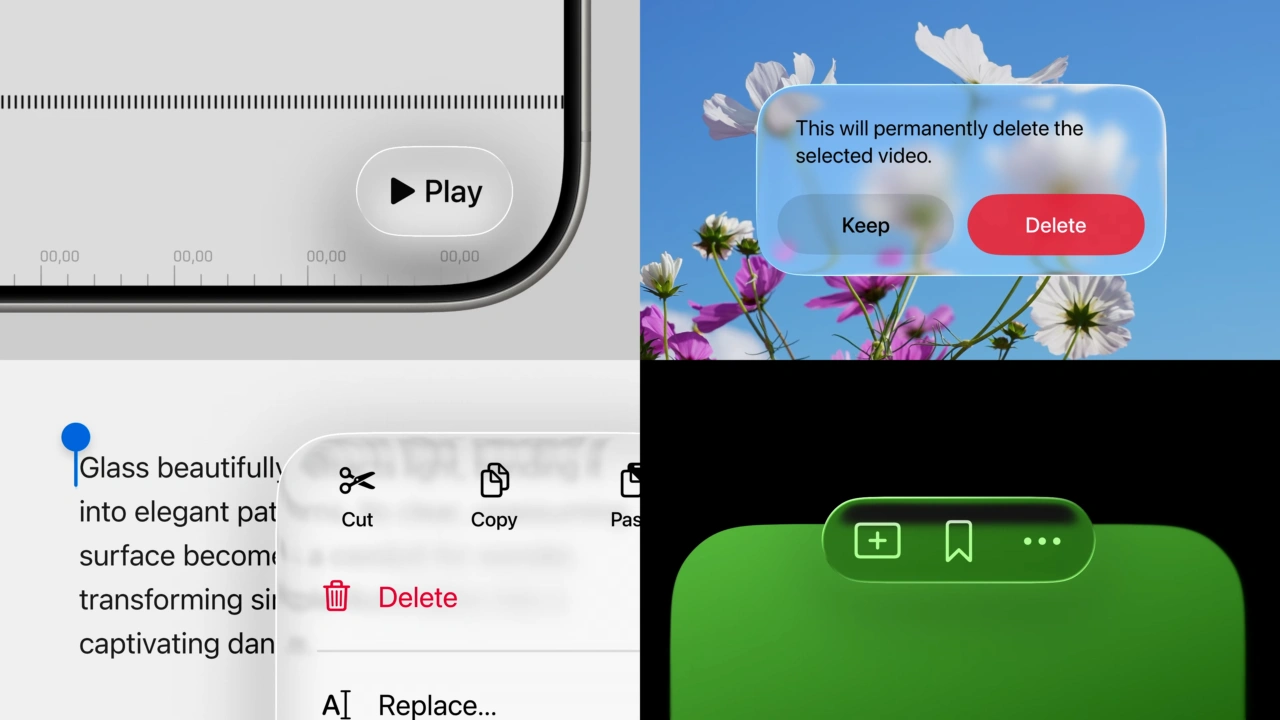
Liquid Glass Design
現在リリースされているmacoS 26.0.xでは、このデザインシステムを無効化するプロパティリストキー“com.apple.SwiftUI.DisableSolarium”が用意されており、このキーを有効にすることでmacOS Tahoeでも旧macOSのUIに戻すことが出来ますが、Appleは次期macOS 26.1 Tahoeで、このオプションキーを廃止するようです。
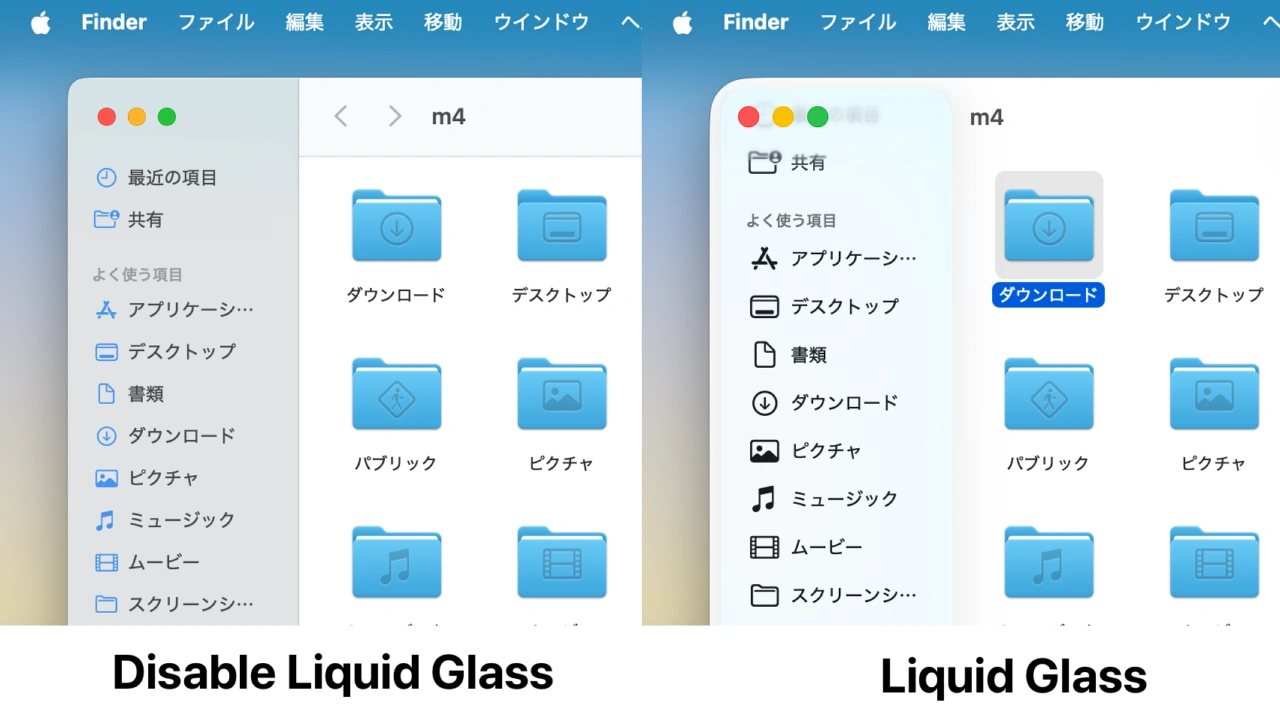
defaults write -g com.apple.SwiftUI.DisableSolarium -bool YES
これは、macOS 26.0.xでLiquid Glassデザインを無効化できるアプリ「SolidGlass」のIssuesで報告されており、現在Appleが開発者向けに公開している「macOS 26.1 Tahoe」のBeta版では、SwiftUICore.frameworkから上記のプロパティーリストが削除され、Liquid Glassデザインをユーザーが無効化することができなくなっているそうです。
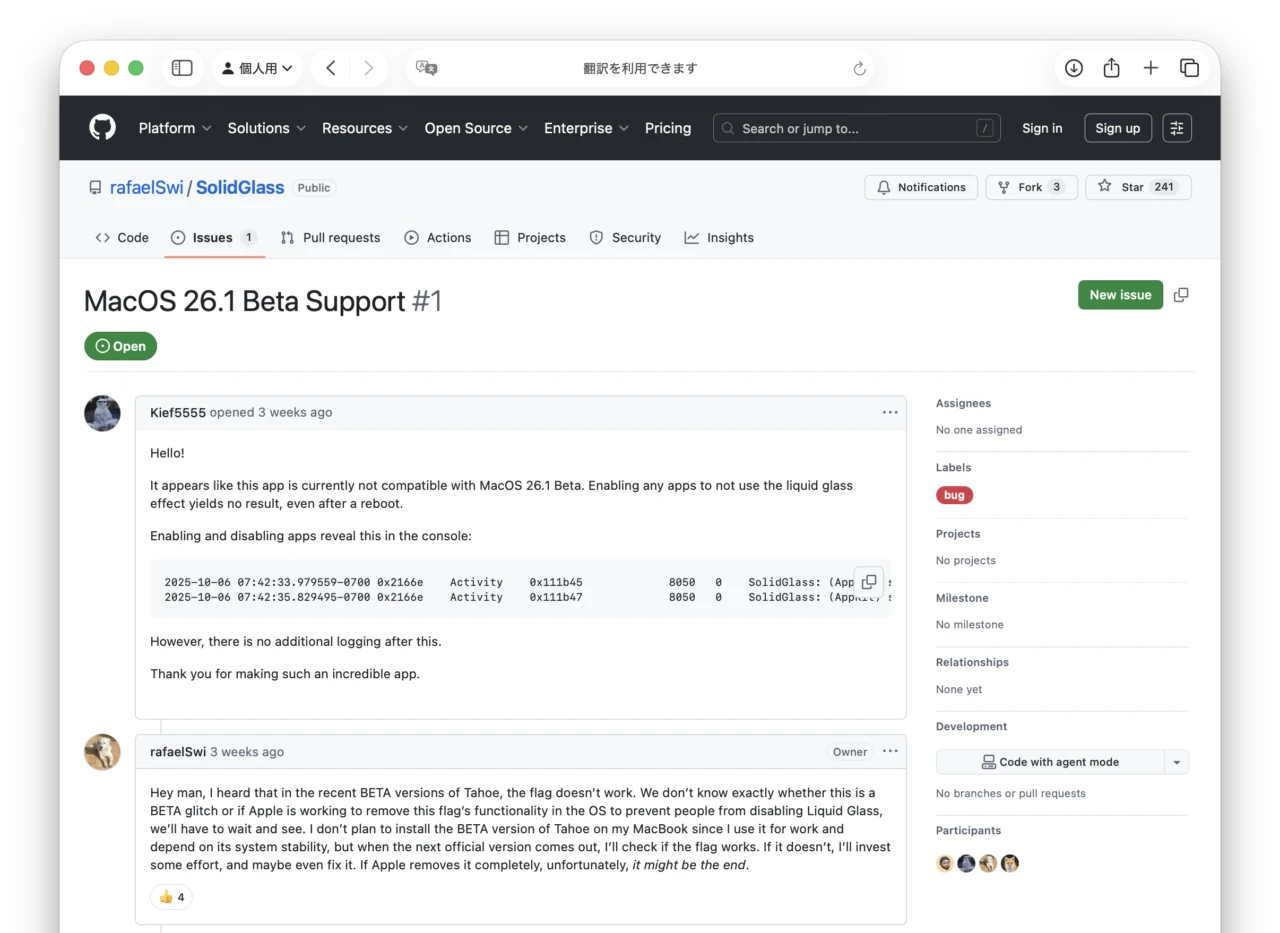
Bro Yesterday I installed BETA 4 on a MacBook I don’t use for work to test if any flags had a similar effect, and unfortunately, it seems there really isn’t a simple way to disable Liquid Glass.[…] However, I’m going to try to automate that process. The problem is that it necessarily needs to create a copy of the app. I can’t change the info.plist of official apps without having to disable SIP, and personally, any app that requires disabling SIP is hot garbage.
MacOS 26.1 Beta Support · Issue #1 · rafaelSwi/SolidGlass – GitHub
SolidGlassを開発するRafael Neuwirthさんは、macOS 26.1でもAppleのSystem Integrity Protection(通称rootless)を無効化して、アプリをコピーすることで動作する場合があったと報告していますが、Liquid Glassデザインを無効化するのにSIPを無効化してアプリをコピーしなければいけないアプリは死んだも同然(dead software)だとして、SolidGlass v1.3アップデートで次期macOS 26.1の正式リリースの状態によっては開発を終了するという警告を追加しているので、今後はLiquid Glassデザインに慣れていくしかないようです。
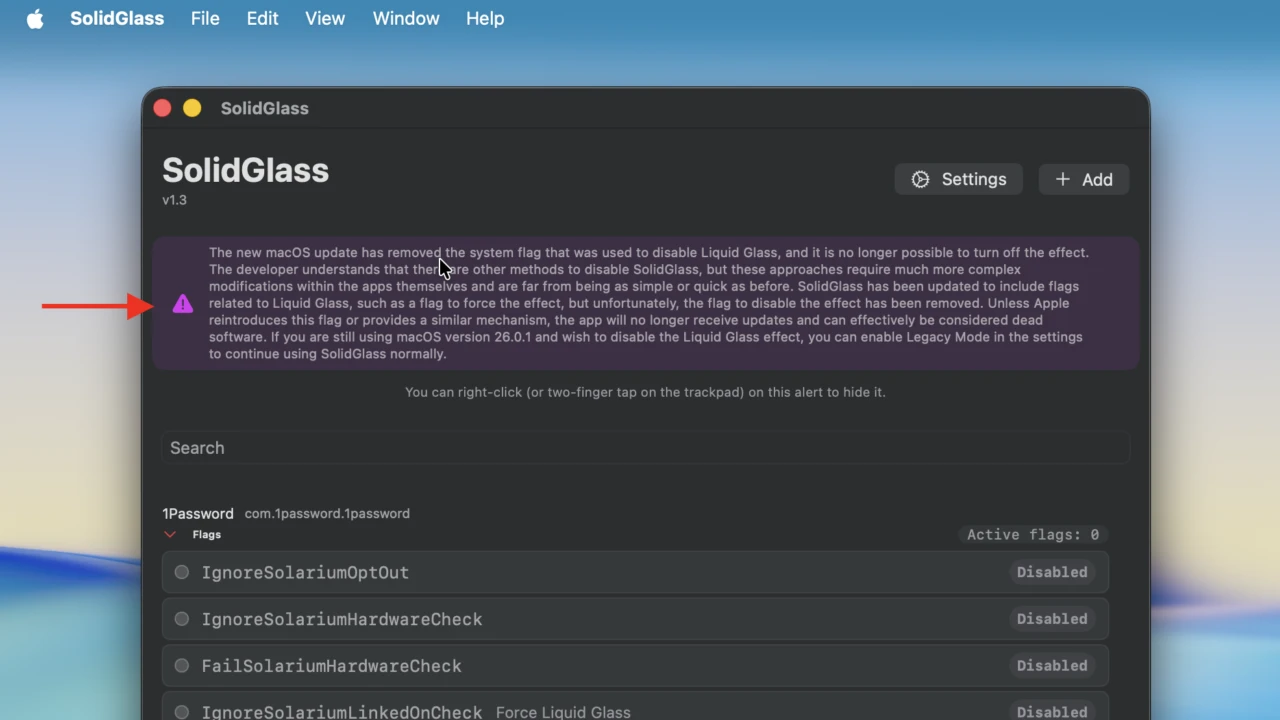
The new macOS update has removed the system flag that was used to disable Liquid Glass, and it is no longer possible to turn off the effect.[…]unless Apple reintroduces this flag or provides a similar mechanism, the app will no longer receive updates and can effectively be considered dead software.
SolidGlass v1.3より
おまけ
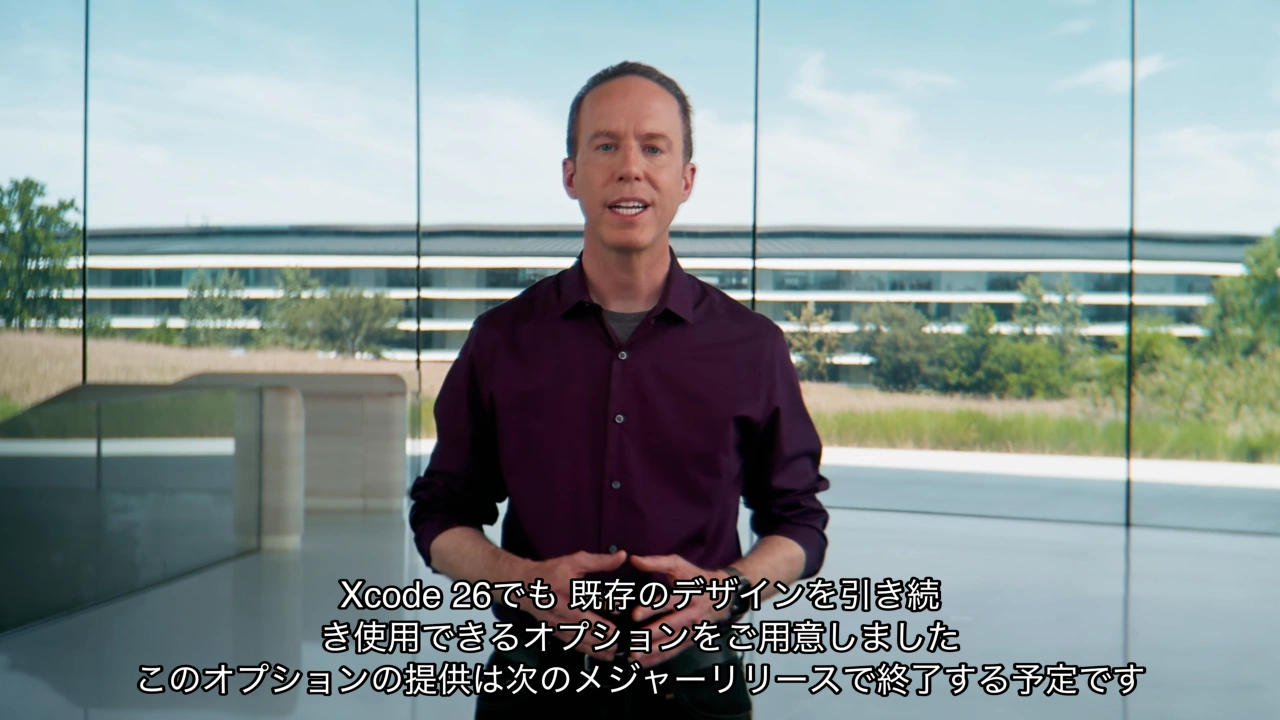
なお、AppleはXcode 26にiOS/iPadOS 26でアプリのLiquid Glassデザインを一時的に無効にする「システム 互換モード (Compatibility Mode)」オプションを導入していますが、こちらは次期メジャーリリース(iOS/iPadOSやXcode 27)での廃止が予告されており、
If YES, the system runs the app using a compatibility mode for UI elements. The compatibility mode displays the app as it looks when built against previous versions of the SDKs.
UIDesignRequiresCompatibility – Apple Developer Documentation
macOS 26.1 TahoeやiOS/iPadOS 26.1ではLiquid Glassデザインを無効化することは出来ませんが、Liquid Glassデザインの見え方(透明度)をデフォルトの「Clear」だけでなく、見やすい色合い付きの「Tinted」に変更できるオプションが追加されるようです。
New Liquid Glass settings in Tahoe 26.1 Beta 4 pic.twitter.com/mQNmnTFcpK
— Andreas Storm (@avstorm) October 20, 2025
コメント