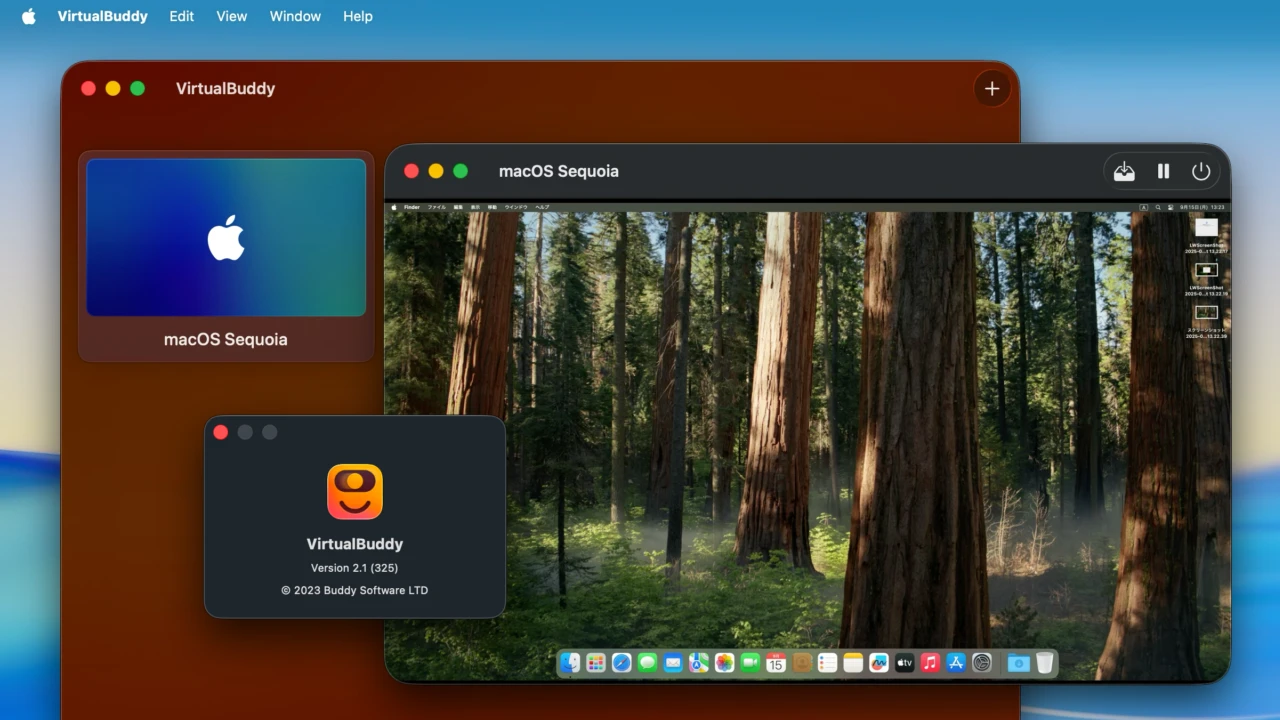

UTMで作成したmacOS仮想マシンのインポートとmacOS 26 Tahoeでの不具合を修正した仮想化ソフトウェア「VirtualBuddy v2.1」がリリースされています。詳細は以下から。

Buddy SoftwareのGuilherme Ramboさんは現地時間2025年09月14日、オープンソースで開発しているAppleのVirtualizationフレームワーク(AVF)を採用した仮想化ソフトウェア「VirtualBuddy」シリーズの最新バージョンとなる「VirtualBuddy v2.1」をリリースしたと発表しています。
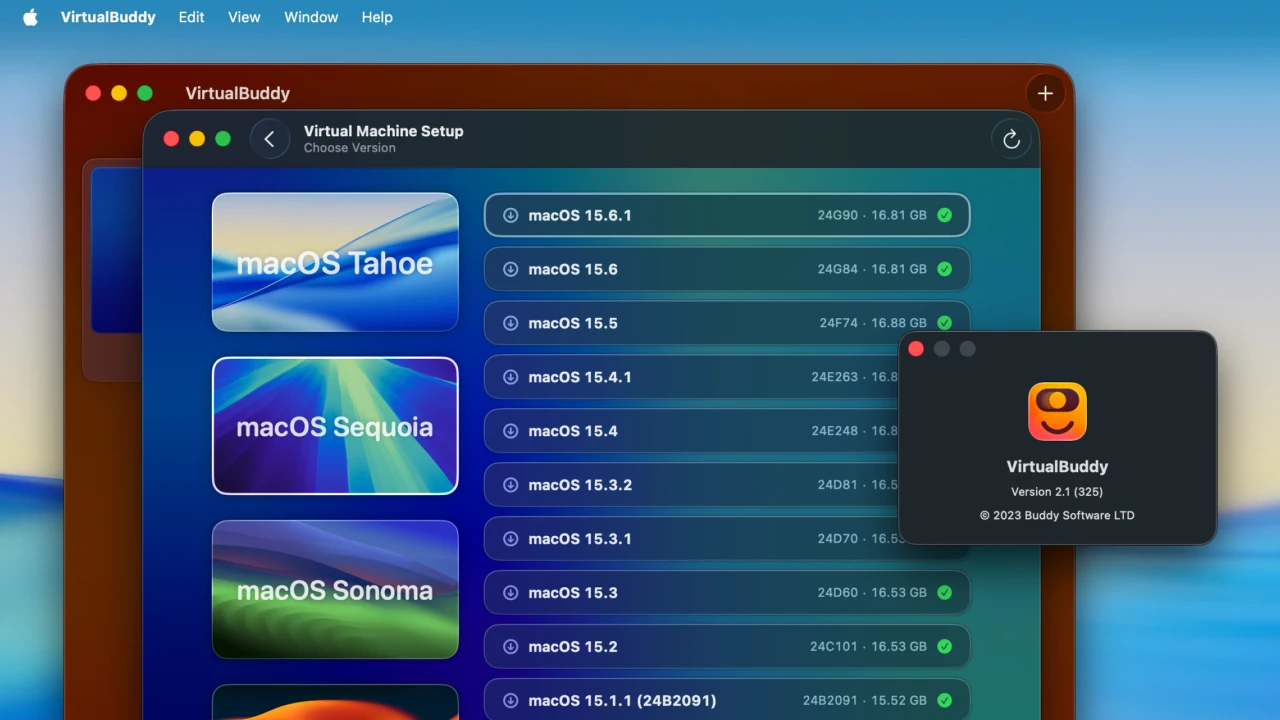
VirtualBuddy v2.1は、同じくAppleのAVFを利用しApple Silicon MacやiPhone、iPad、Vision Proで仮想マシンを作成できる仮想化ソフトウェア「UTM」で作成したmacOS仮想マシンをインポートする機能が追加されており、
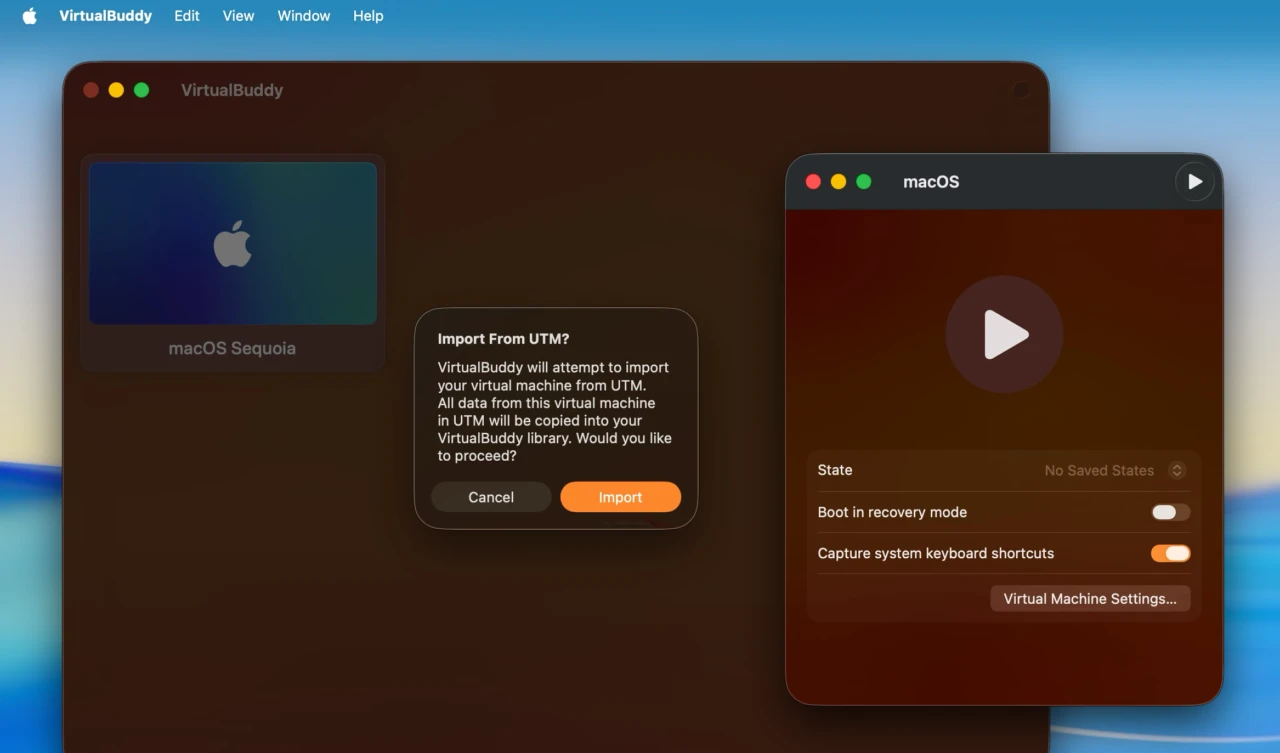
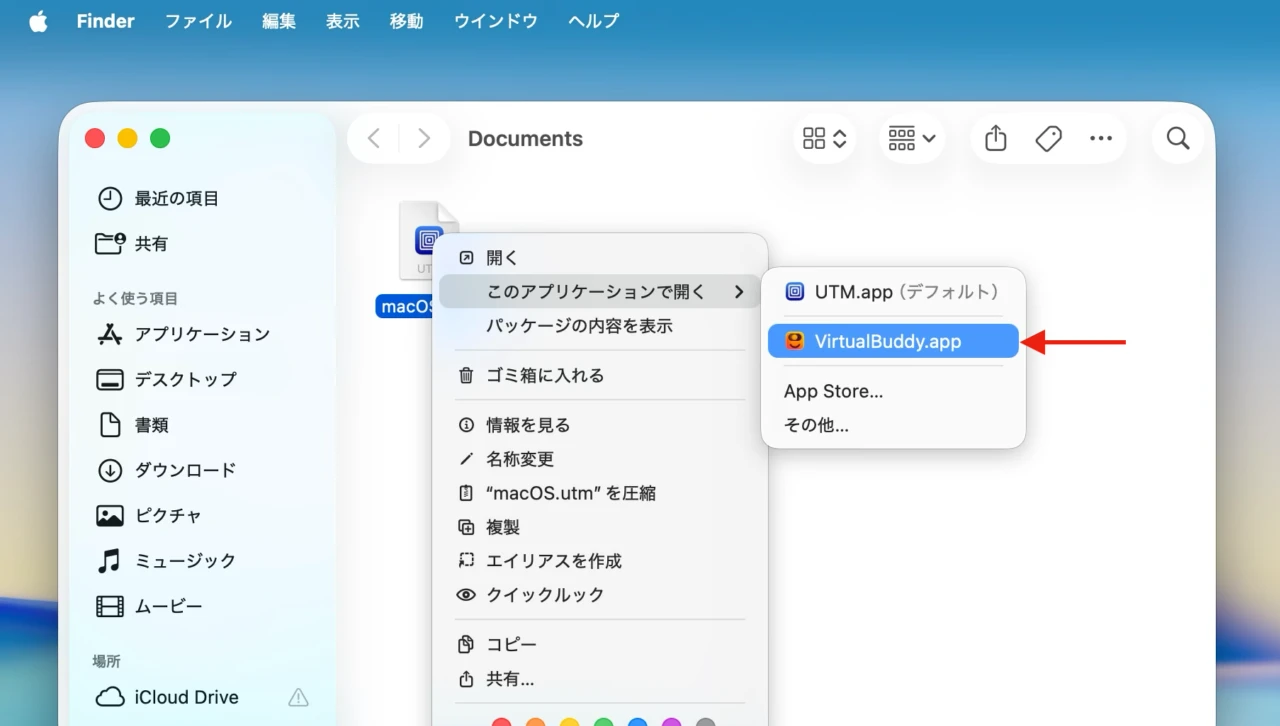
UTMで作成した仮想化マシンファイル(.utm)を右クリックから[このアプリケーション開く] → [VirtualBuddy]を選択、またはDockアイコンにドラッグ&ドロップするだけでUTMで作成したmacOS仮想マシンがVirtualBuddyで起動できるようになります。
また、VirtualBuddy v2.1では起動マシン作成後に自動マウントされるVirtualBuddyGuest(ヘルパーツール)のディスクイメージマウントを有効/無効にできるオプションや、ゲストアプリのディスクイメージが最新のバージョンであることを仮想マシン起動前にチェックする機能、
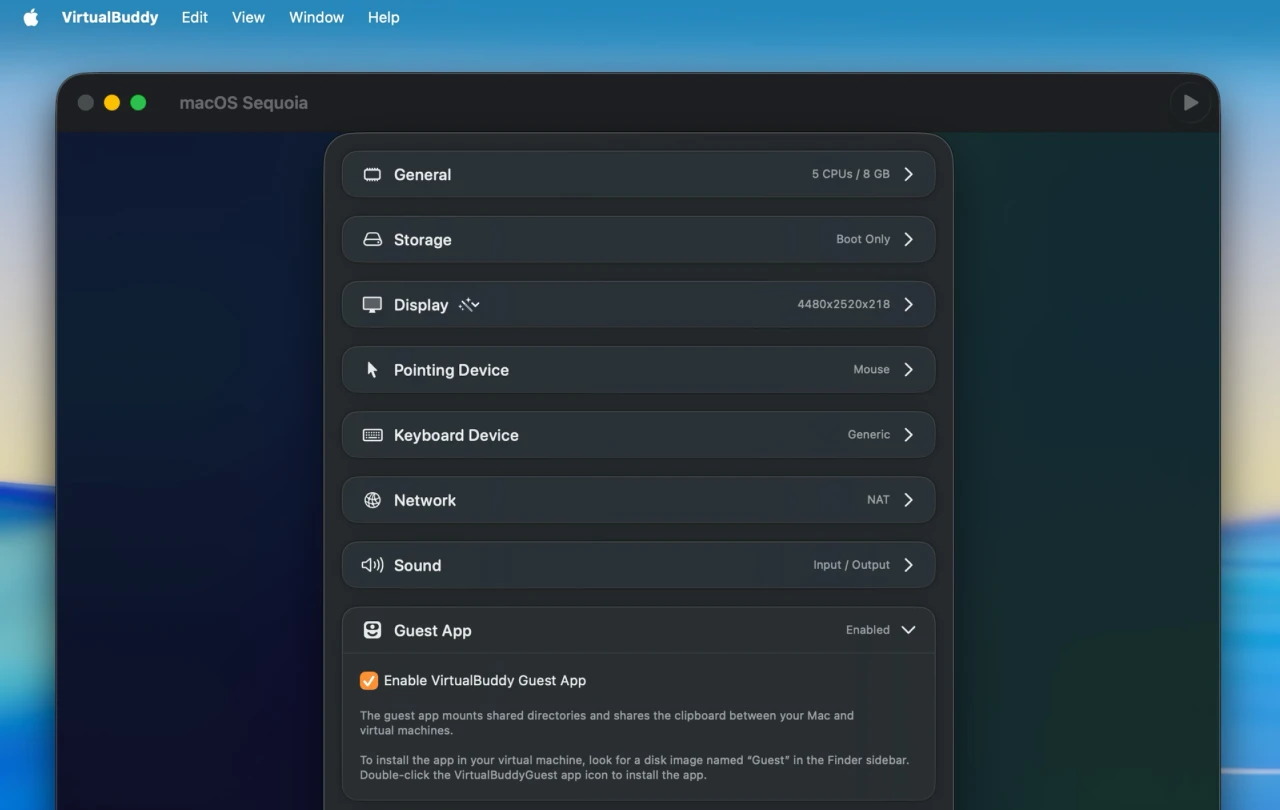
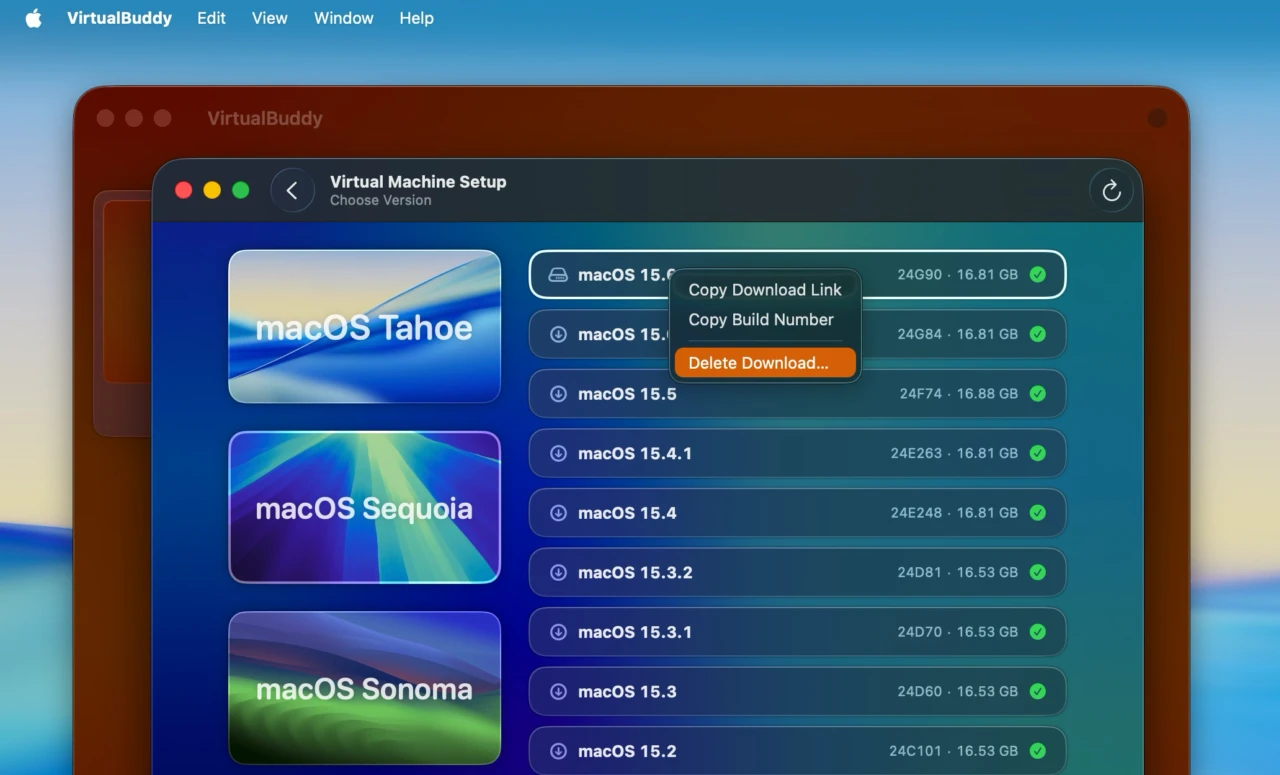
macOSインストーラーカタログをCommand + Rで更新する機能、終了時の確認ダイアログ表示、Linux仮想マシンのディスプレイ解像度がデフォルトで1080pになるなどの改善が行われています。
また、VirtualBuddyは先月リリースされた「VirtualBuddy v2.0」でmacOS 26 Tahoeに初期対応していましたが、VirtualBuddy v2.1ではmacOS 26 Tahoeで仮想マシンウィンドウをフルスクリーンに切り替えた際にアプリがクラッシュする問題も修正されているそうなので、ユーザーの方はアップデートしてみてください。
VirtualBuddy 2.1のリリースノート
New in VirtualBuddy 2.1
- VirtualBuddy can now import macOS virtual machines from UTM; drag a UTM virtual machine file into the VirtualBuddy icon in the Dock or right click a UTM virtual machine file and choose “Open With > VirtualBuddy” ¹
- A new option in macOS virtual machine settings allows enabling or disabling the VirtualBuddyGuest app disk image which is automatically mounted by default
- VirtualBuddy now ensures that the guest app disk image is up to date before starting a virtual machine
- Refresh catalog: use Command+R or the toolbar refresh button to reload the OS version catalog without caching; this is handy for viewing the latest OS releases right after a new build becomes available
- Redesigned app settings screen
- If you try to quit VirtualBuddy while virtual machines are running, a confirmation dialog will appear. This allows you to shut down your machines properly before exiting
- For macOS installations requiring updated device support files, a clearer warning is now shown, along with improved instructions for updating
- Enhanced user interface for empty or deleted libraries
- Updated background for the library view
- New Linux virtual machines now default to a 1080p display resolution to simplify setup with live installers
- A new 4K display preset is now available for Mac and Linux virtual machines
- Right-clicking a macOS version that’s already been downloaded now shows an option to delete the downloaded IPSW
- You’ll need the VirtualBuddyGuest app installed on the guest
- When you create a new virtual machine from the in-app catalog, it starts with the default desktop picture for that release
- Virtual machines created in the past that had screenshot-based thumbnails will now use a VirtualBuddy fallback thumbnail by default
- VirtualBuddy – GitHub
コメント