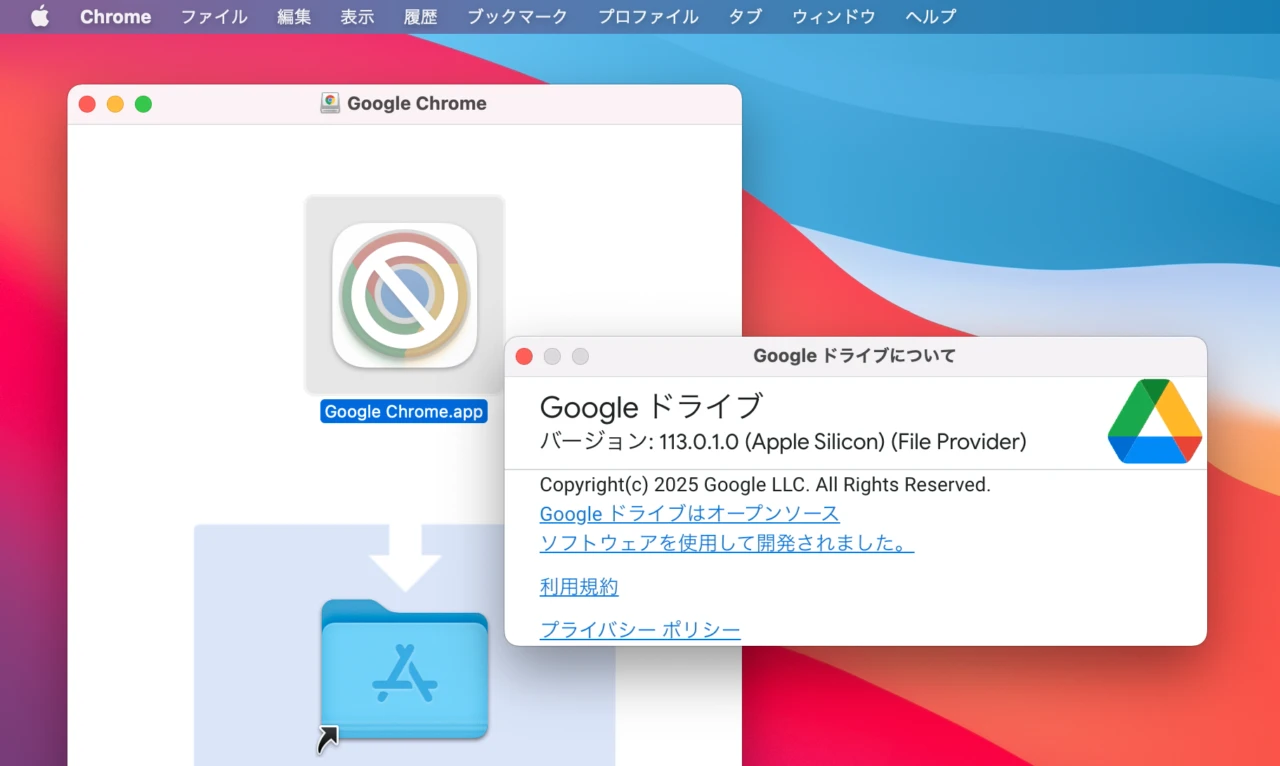

Googleが最小システム要件をmacOS 12.1 Monterey以降としmacOS 11 Big Surのサポートを終了した「Google Drive for Desktop v114.0」のロールアウトを開始しています。詳細は以下から。
Googleは現地時間2025年09月08日、不具合の修正やパフォーマンスを改善したmacOS&Windows対応のGoogle Drive用デスクトップ・クライアント「Google Drive for Desktop v114.0」のロールアウトを開始しましたが、同バージョンではmacOS 11 Big Surを含むmacOS 12.1 Monterey以前のMacのサポートが終了しています。
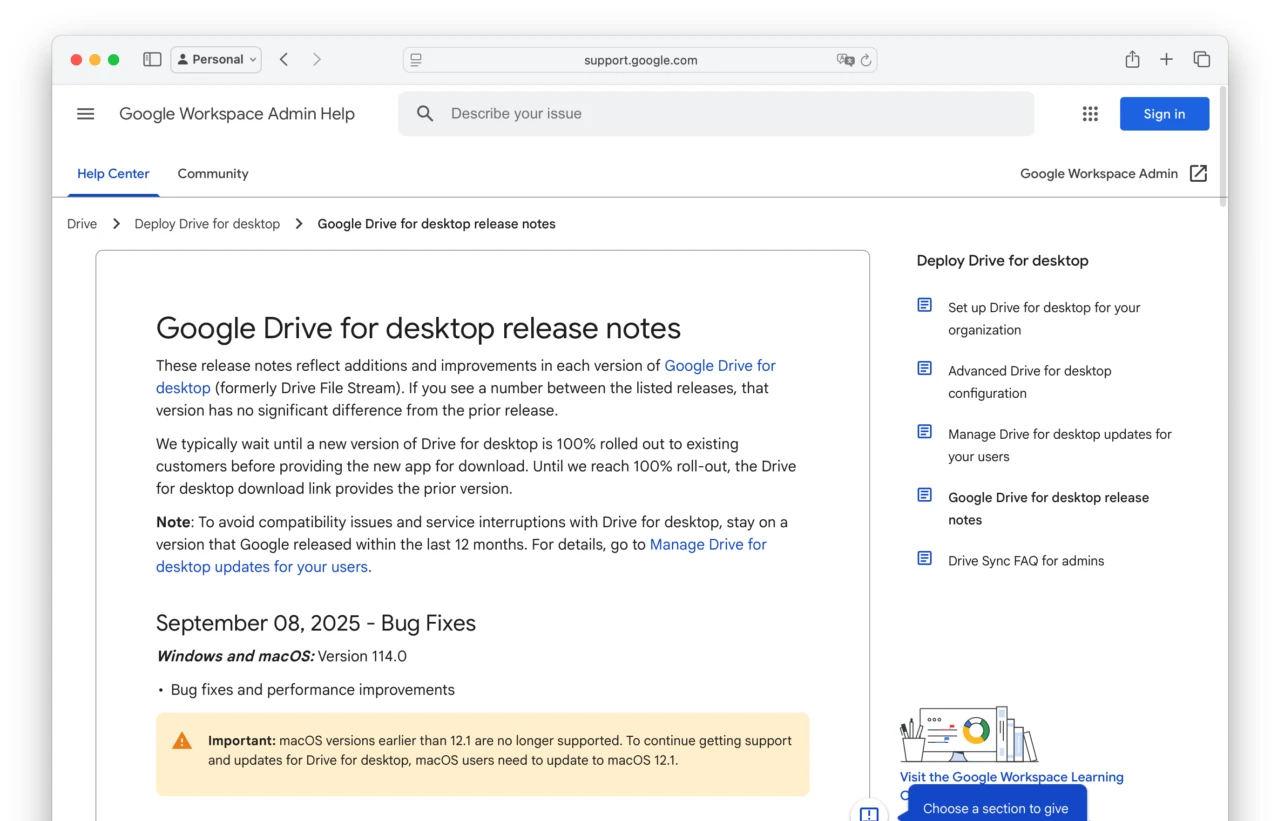
Important: macOS versions earlier than 12.1 are no longer supported. To continue getting support and updates for Drive for desktop, macOS users need to update to macOS 12.1.
リリースノートより
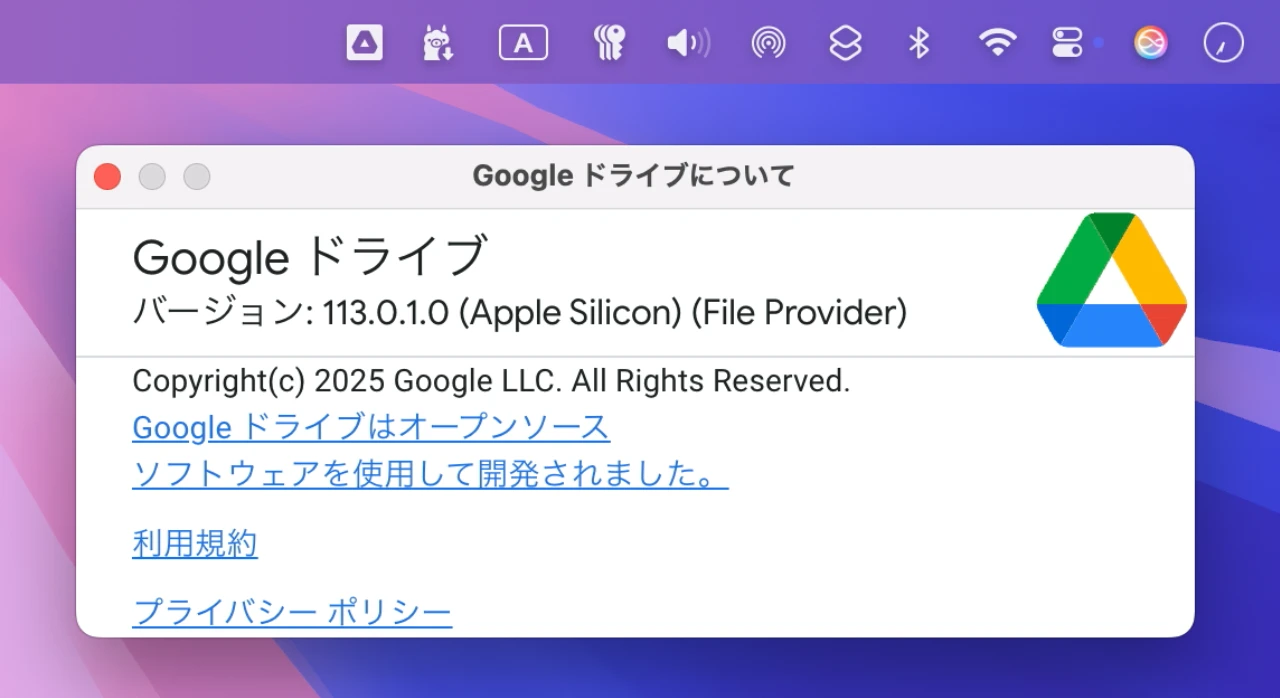
Googleは2024年06月に「Google Drive for Desktop v91.0」でmacOS 10.15 Catalinaのサポートを終了し、それ以降は最小システム要件がmacOS 11 Big Sur以上となっていましたが、今回のアップデートでは更に最小システム要件が引き上げられmacOS 12.1 Monterey以上*となるそうです。
なお、Googleは2025年08月05日にリリースしたブラウザ「Chrome v139」でも、Appleがセキュリティサポートを終了しているmacOS 11 Big Surでセキュリティを維持することは難しくなったとして、Chromeのシステム要件をmacOS 12 Monterey以降に引き上げているので、現在もBig Sur搭載のIntel/Apple Silicon Macを利用されている方は注意してください。
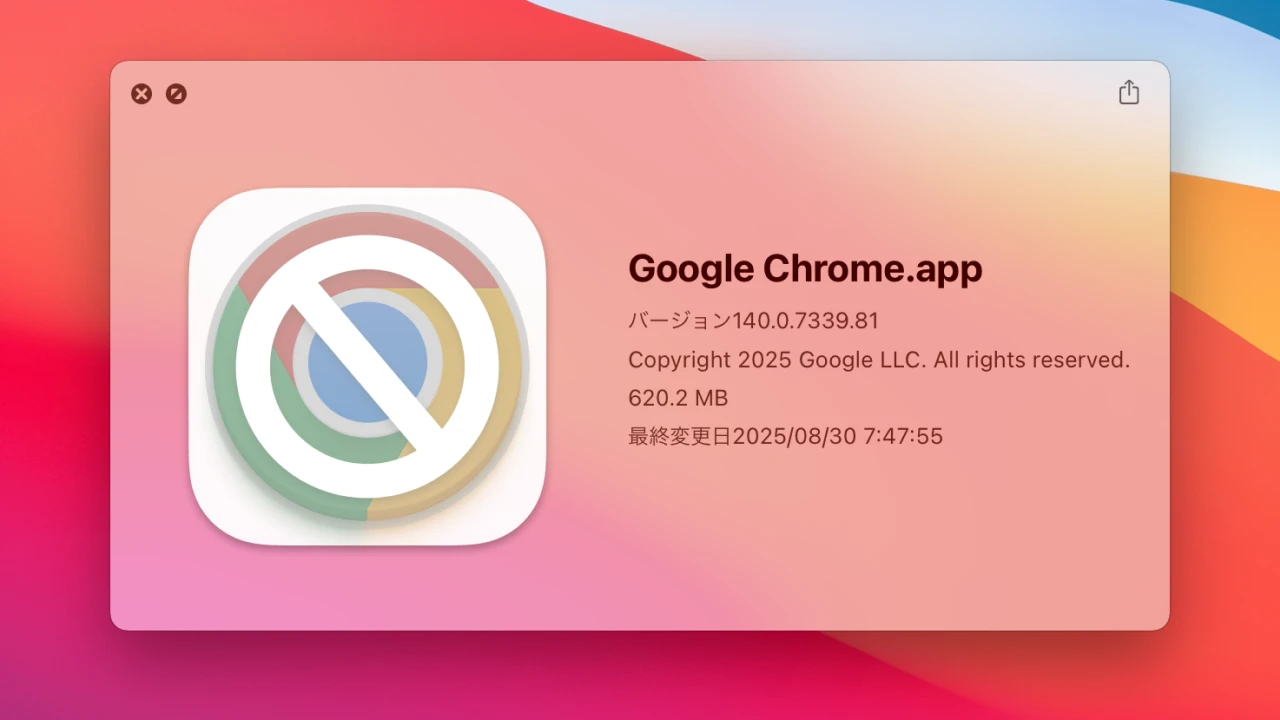
Chrome 138 will be the last release to support macOS 11; Chrome 139+ will no longer support macOS 11, which is outside of its support window with Apple. Running on a supported operating system is essential to maintaining security.
Feature: Chrome will remove support for macOS 11
Google Driveのシステム要件
- 2022年10月:
▶Google Drive v66.0でmacOS 10.13 High Sierraのサポート終了。macOS 10.14 Mojave以上が必要に。 - 2023年01月:
▶Google Drive v69.0でmacOS 10.15.6 Catalina以下のサポート終了。macOS 10.15.7 Catalina以上が必要に。 - 2024年05月:
▶Google Drive v92.0でmacOS 10.15.7 Catalinaのサポート終了。macOS 11.0 Big Sur以上が必要に。 - 2025年09月?:
▶Google Drive v114.0でmacOS 11 Big Surのサポート終了。macOS 12.1 Monterey以上が必要に。
コメント