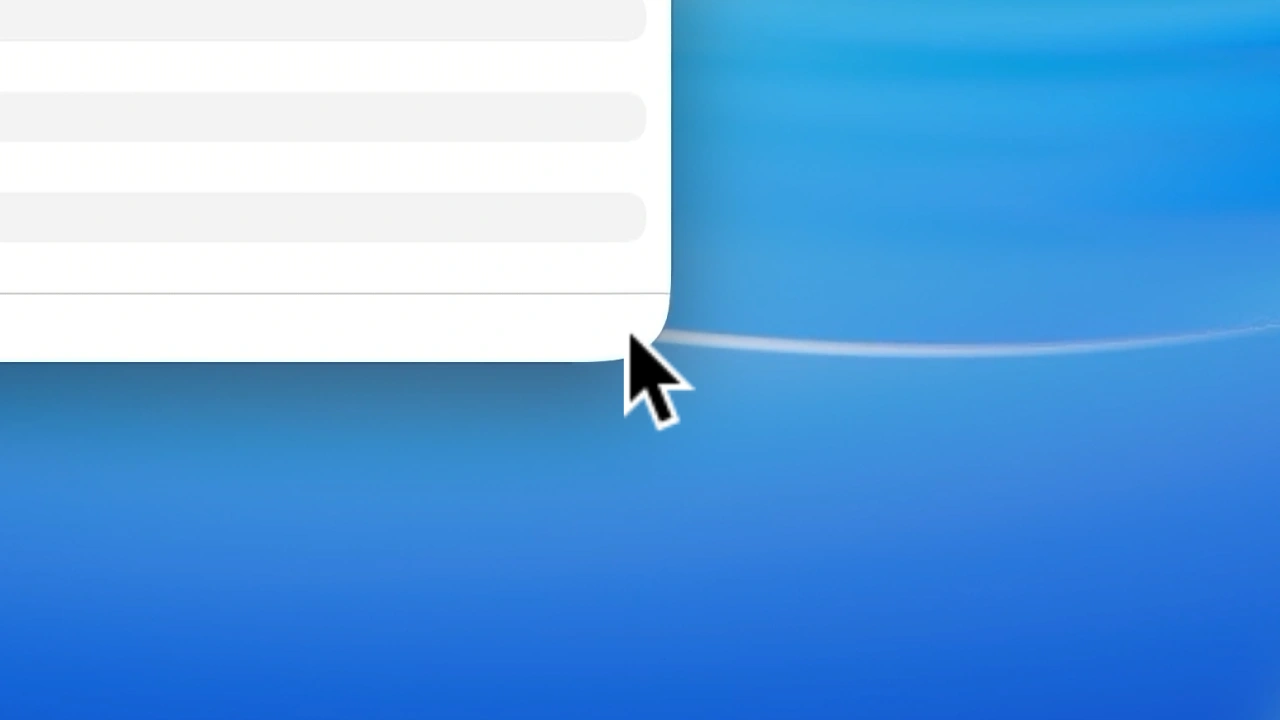

macOS 26 Tahoeのアプリケーションウィンドウのサイズエリアが丸いコーナー形状に沿わない問題は、macOS 26.3でも完全には修正されず継続して修正が行われるようです。詳細は以下から。

Appleは現地時間2026年02月11日、Mac向けにバグの修正とセキュリティアップデートを含んだ「macOS 26.3 Tahoe (25D125)」をリリースしました。
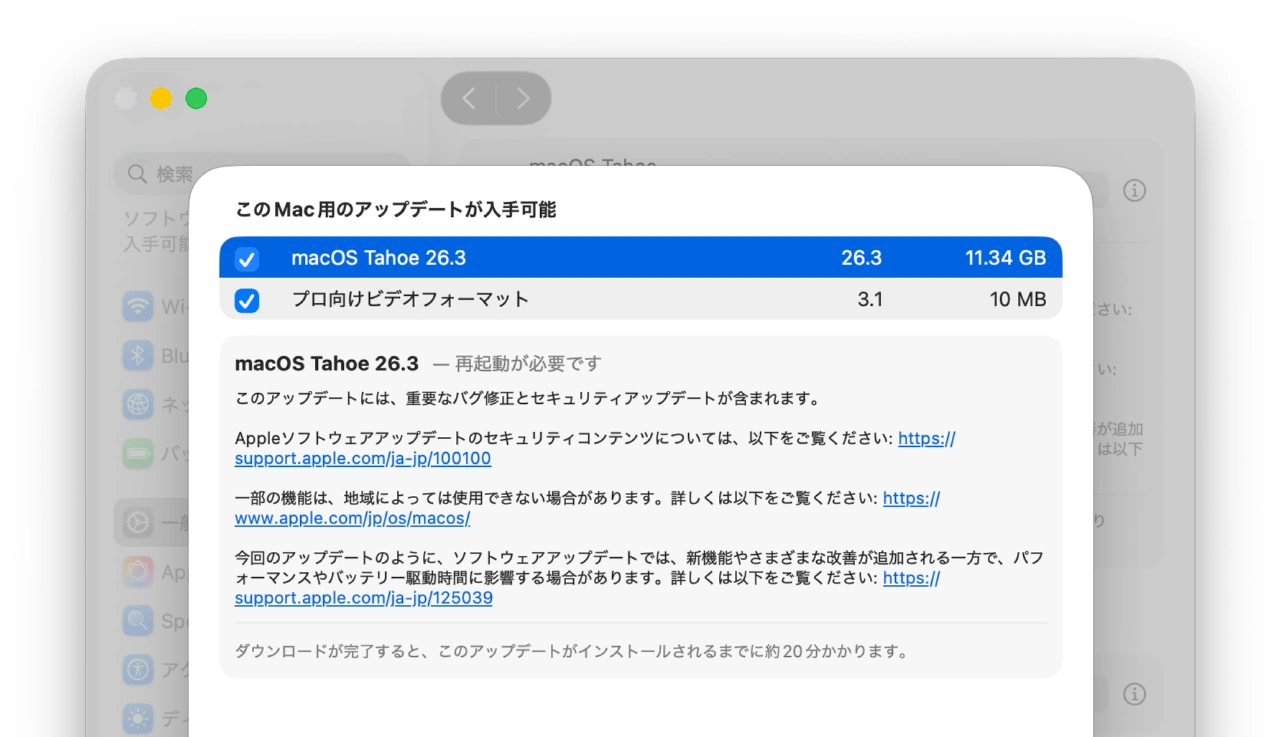
このアップデートには、重要なバグ修正とセキュリティアップデートが含まれます。
リリースノートより抜粋
Appleは一般ユーザー向けのリリースノートには記載しなかったものの、事前に開発者向けに公開されたmacOS 26.3 RC版のリリースノートで、macOS 26.3ではLiquid Glassデザインによりコーナー形状が丸くなったAppKitウィンドウのリサイズエリアを、これまで四角い領域から丸い角に沿うように変更すると発表していました。
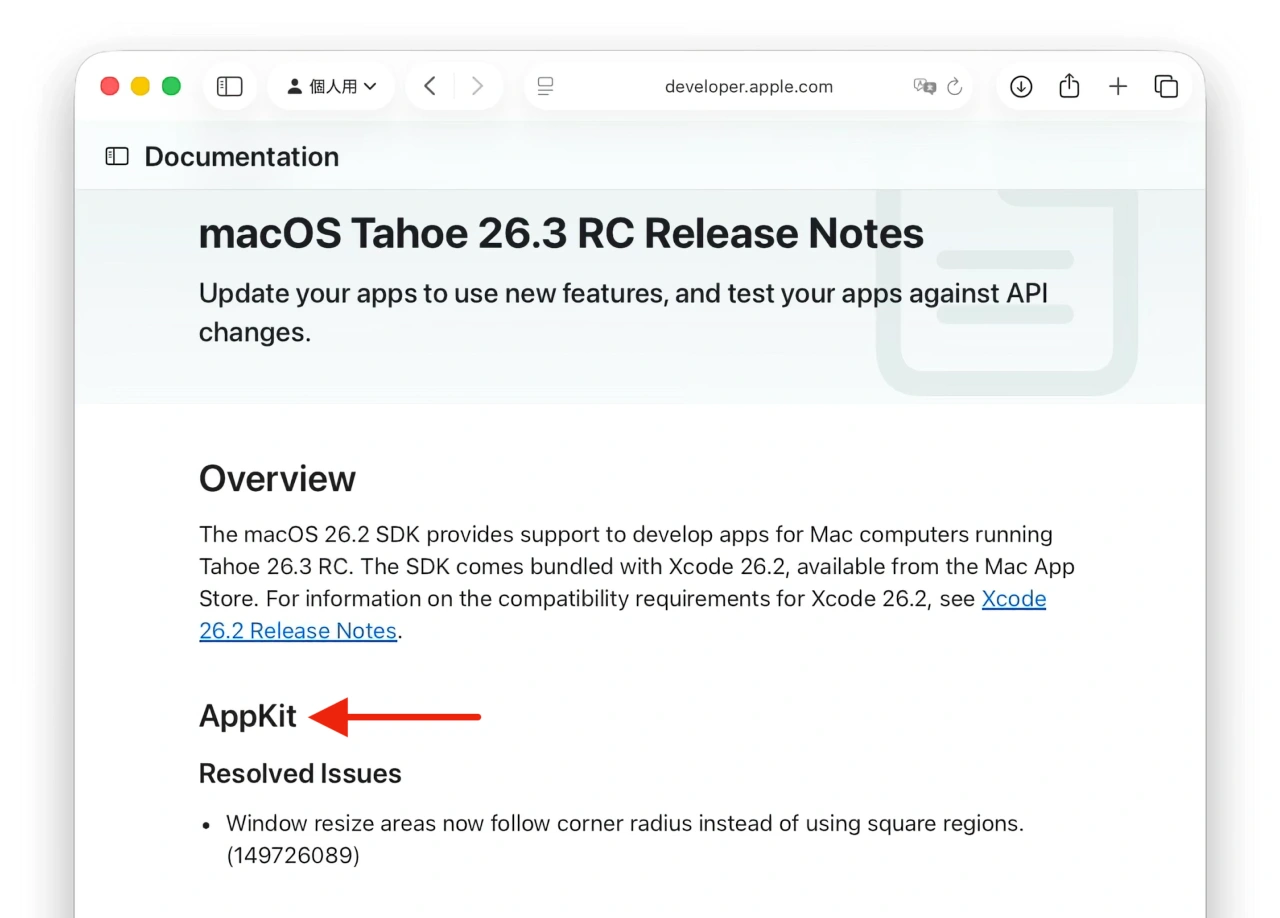
AppKit
- Window resize areas now follow corner radius instead of using square regions. (149726089)
macOS Tahoe 26.3 RC Release Notesより
この問題を公開し、AppleにレポートしていたオーストリアObjective DevelopmentのNorbert Hegerさんは、macOS 26.2とmacOS 26.3 RCでウィンドウのリサイズエリアを実際にミニアプリを作成して確認したところ、AppleはmacOS 26.3 RCで丸い角に沿うようにリサイズエリアを変更したものの、
残念ながらmacOS 26.3 RC版ではウィンドウフレーム上下左右のリサイズエリア(黄色のエリア)も3ピクセルから2ピクセルに減少され、リサイズエリアは直感的になったもののエリア的には14%減少されていたそうです。
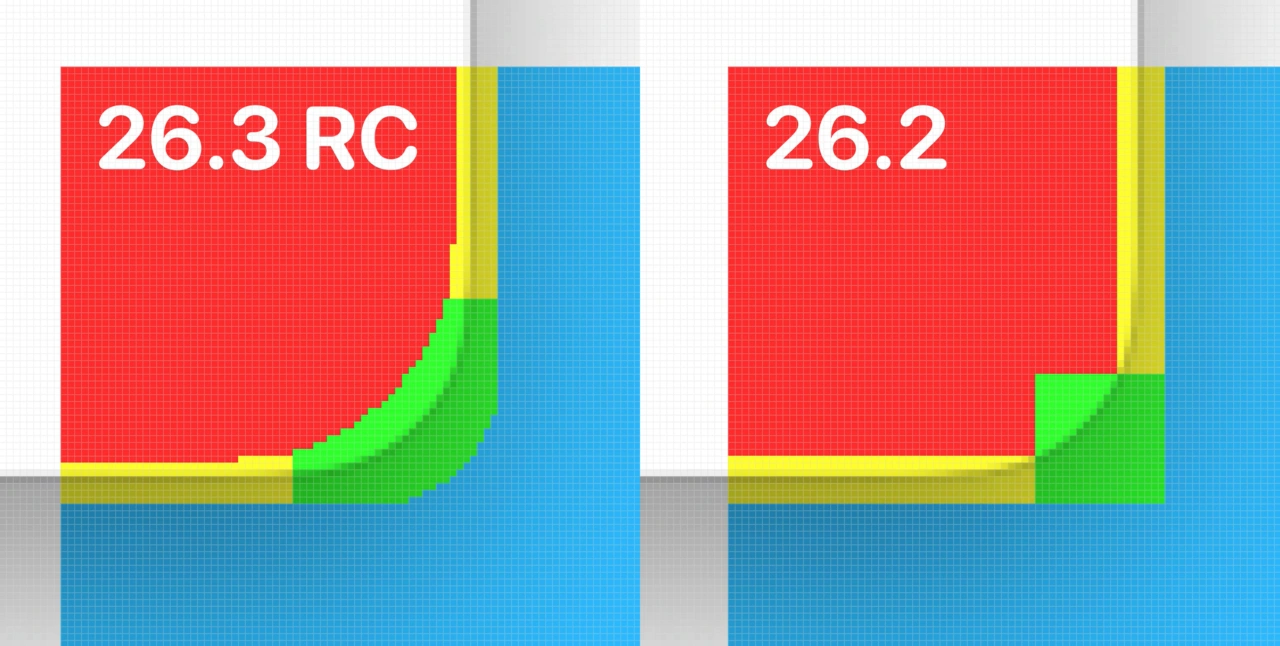
macOS 26.3前後のマウスイベント反応範囲
そのして、02月11日に正式にリリースされたmacOS 26.3 TahoeでHegerさんが再び確認したところ、この修正が完全になくなり、リサイズエリアはmacOS 26.2以前と同じ四角い形状に戻っていたそうで、
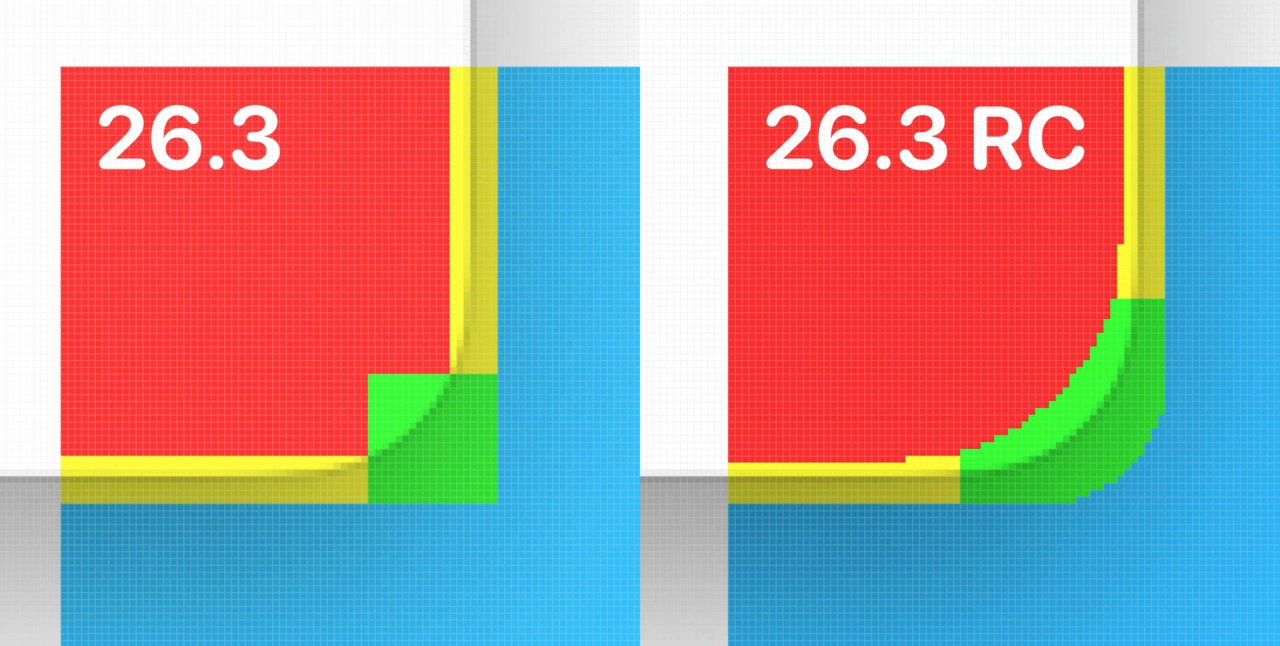
When the final version of macOS 26 was released I was curious if Apple might have further refined the implementation. So I performed the scan once again. But to my big surprise, the fix was not only unrefined – it was completely removed! So we are now back to the previous square regions:
Resizing windows on macOS Tahoe – the saga continues – no.heger
AppleはmacOS 26.3 Tahoe RCで“Resolved Issue”としていたアプリケーションウィンドウのリサイズエリア問題を、正式リリースされたmacOS 26.3 Tahoeのリリースノートで“Know Issue”として再びマークしたので、もうしばらくTahoeのウィンドウのリサイズ問題は続きそうです。
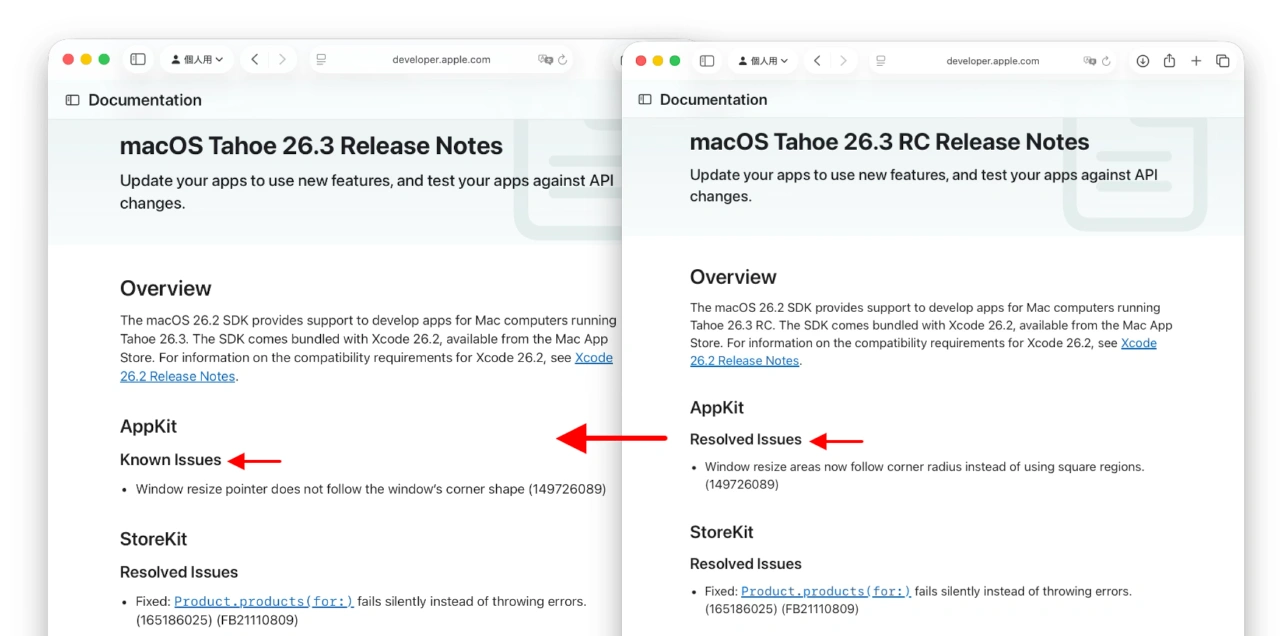
Known Issues
- Window resize pointer does not follow the window’s corner shape (149726089)
macOS Tahoe 26.3 Release Notes – Apple Developer
- macOS Tahoe 26.3 Release Notes – Apple Developer
- Resizing windows on macOS Tahoe – the saga continues – no.heger

コメント
バグを修正しないまま、もう次の(来年の)OSに進んで行って
いつまで経っても安定しないという悪循環が多すぎる
10.5から10.6に上がった時のように派手な新機能はないけど
安定性を重視したバージョンを1つくらい挟んでもいいと思う