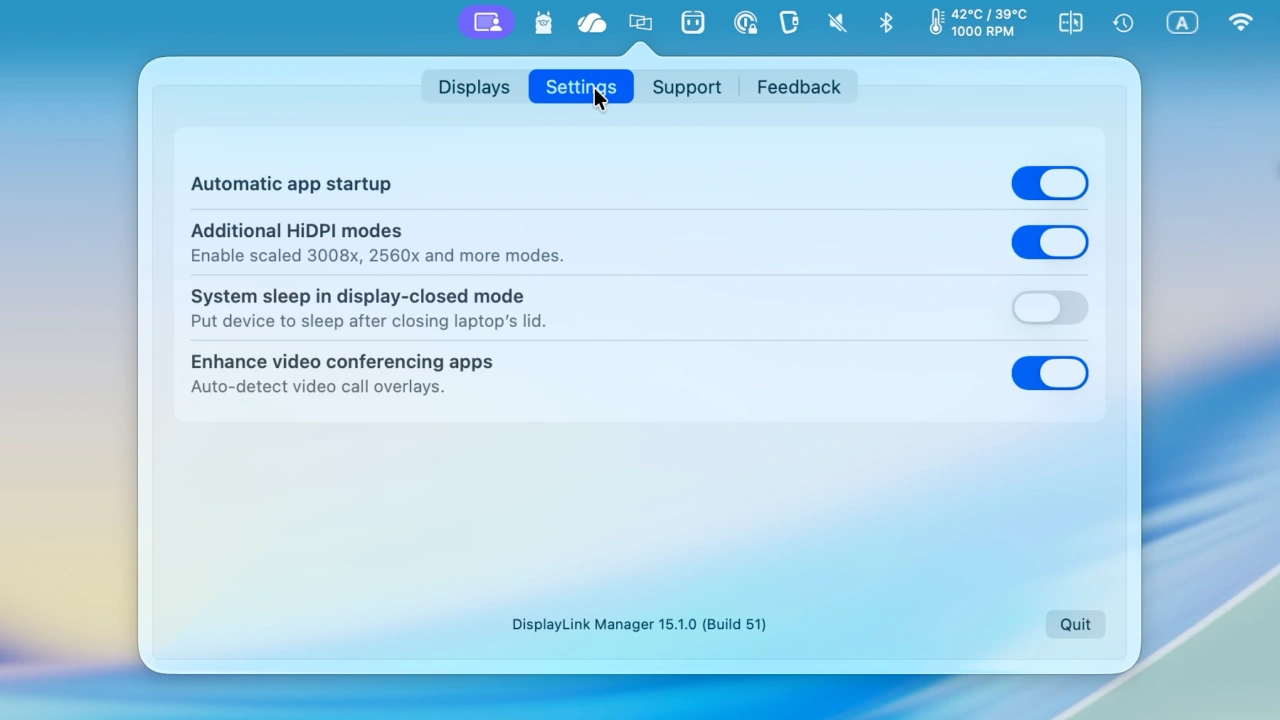

macOS 26 Tahoeでのペン入力やSafariでの4K240Hzスクロール表示を改善しIntel Macでの不具合を修正した「DisplayLink Manager macOS v15.1.0」がリリースされています。詳細は以下から。
米Synaptics傘下の英DisplayLinkは現地時間2026年02月19日、同社のDisplayLinkチップを採用したUSBグラフィックデバイスを利用するのに必要なドライバー&設定アプリの最新バージョンとなる「DisplayLink Manager for Mac v15.1.0」をリリースしたと発表しています。
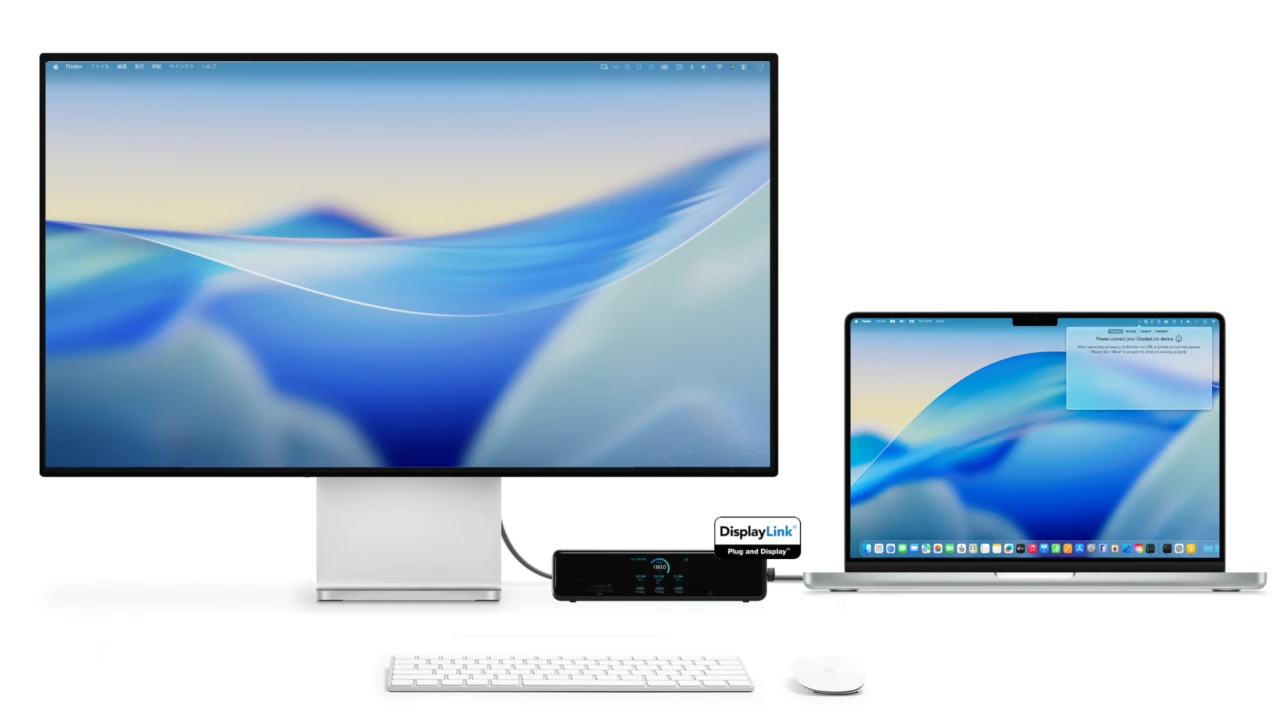
DisplayLink Manager for macOSとAnker Prime ドッキングステーション
DisplayLink Manager macOS v15.1.0は、昨年12月にリリースされた「DisplayLink Manager macOS v15.0.0」のHotfix版で、新機能はありませんが、ディスク容量不足でmacOSがDisplayLink画面を無効化した場合の自動復旧機能や、v14.0で統合されたLogin Screen Extensionの表示の廃止、
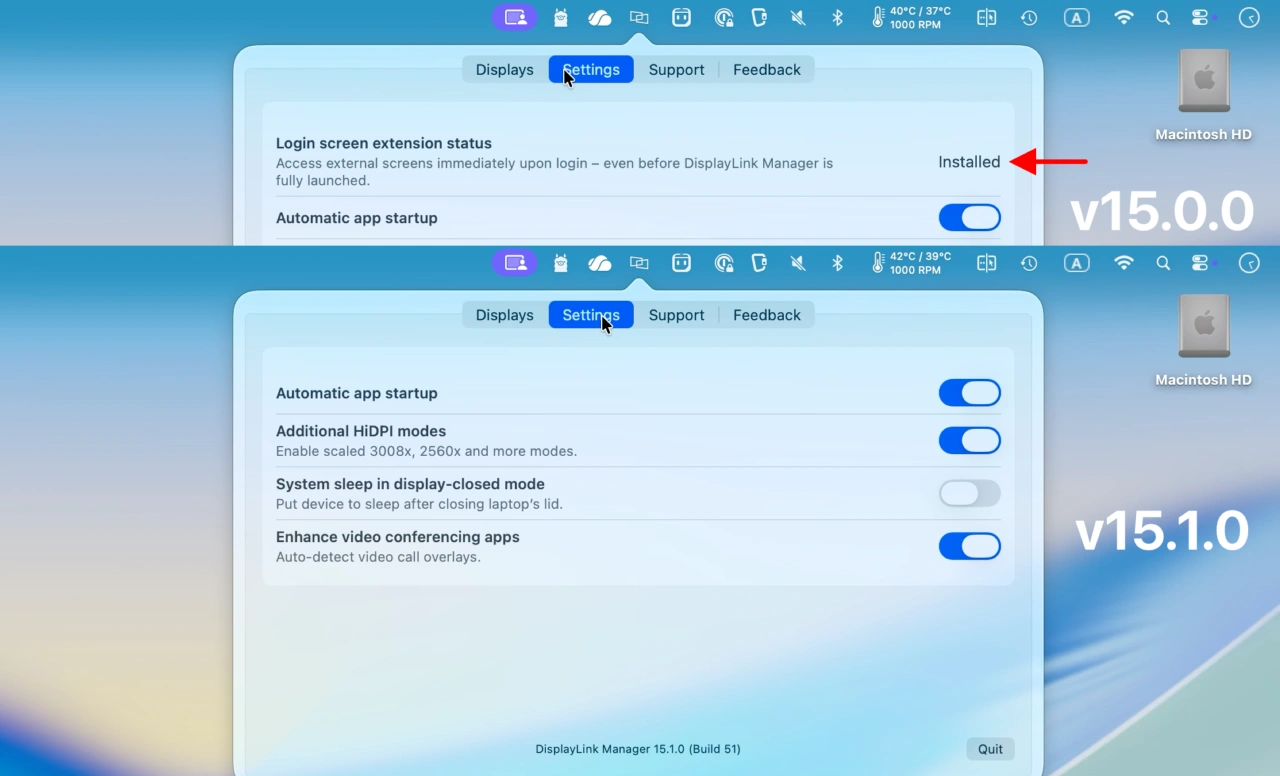
DisplayLink Manager macOS v15.0.0とv15.1.0
4K@240Hz画面でSafariをスクロールするとスクロールが一時停止する問題、Picer画面を長時間表示すると画面がフリーズする問題、Intel Macで60Hz以上のリフレッシュレートを設定するとウィンドウ移動時に表示が切れる(cutting/tearing)問題、macOS 14 Sonoma搭載のIntel Macでウィンドウ移動時にラグが発生する不具合、macOS 26 Tahoeでタッチディスプレイを理鶯した際のペン/スタイラスの反応速度の改善が行われているそうなので、DisplayLinkチップ搭載デバイスをお使いの方はアップデートしてみてください。
DisplayLink Manager macOS app 15.1.0
- Automatically recovers when macOS disables DisplayLink screens due to low disk space. (PS-5471)
- Removed references to the Login Screen Extension to streamline the user interface. (PS‑5509)
- Resolved an issue where image could temporarily hang when scrolling webpages up or down in Safari on 4K 240 Hz displays. (VIFR‑6184)
- Addressed a temporary screen freeze occurring after extended viewing of the ‘Picker’ interface. (VIFR-6228)
- Corrected visible cutting/tearing of windows during movement on Intel-based Macs at refresh rates above 60 Hz. (VIFR-7113)
- [DL-7xxx] Fixed multiple issues involving DisplayPort where there was no display or EDID was missing after system boot, restart or resume from sleep (VIFR‑6963, VIFR‑7207, VIFR‑7211, VIFR‑7254).
- Improved performance on Intel‑based Macs running macOS Sonoma, eliminating frame drops and lag when moving windows on DisplayLink screens. (VIFR-7260)
- Fixed Night Shift failing to activate in clamshell mode. (VIFR-7263)
- Improved pen and stylus input responsiveness on macOS 26 Tahoe across supported devices. (VIFR-7273)
- Fixed a problem causing DisplayLink screens to freeze after resume from sleep with closing the laptop lid. (VIFR‑7307)
- Resolved an issue causing email content to appear invisible in MS Outlook when encryption is enabled on DisplayLink-powered screens. (VIFR‑7338)
- DisplayLink macOS Software for Downloads Section – Synaptics
コメント