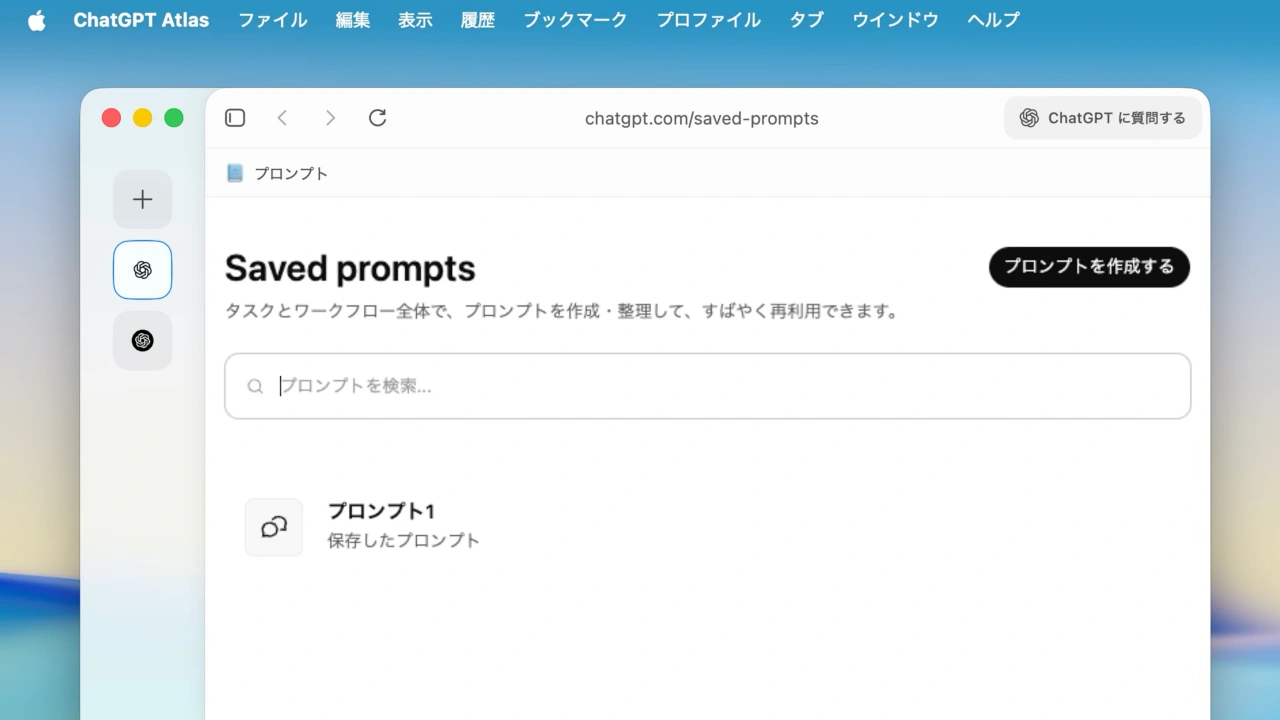

OpenAIのWebブラウザ「ChatGPT Atlas」がよく使うプロンプトの保存やタブの名称変更に対応し、エージェントモードの自動切り替え機能を改善しています。詳細は以下から。

米OpenAIは現地時間2026年02月04日、同社の対話型AI「ChatGPT」を組み込んだWebブラウザ「ChatGPT Atlas for macOS」のBuild 1.2026.28.6のロールアウトを開始し、プロンプトの保存機能などを実装したと発表しています。
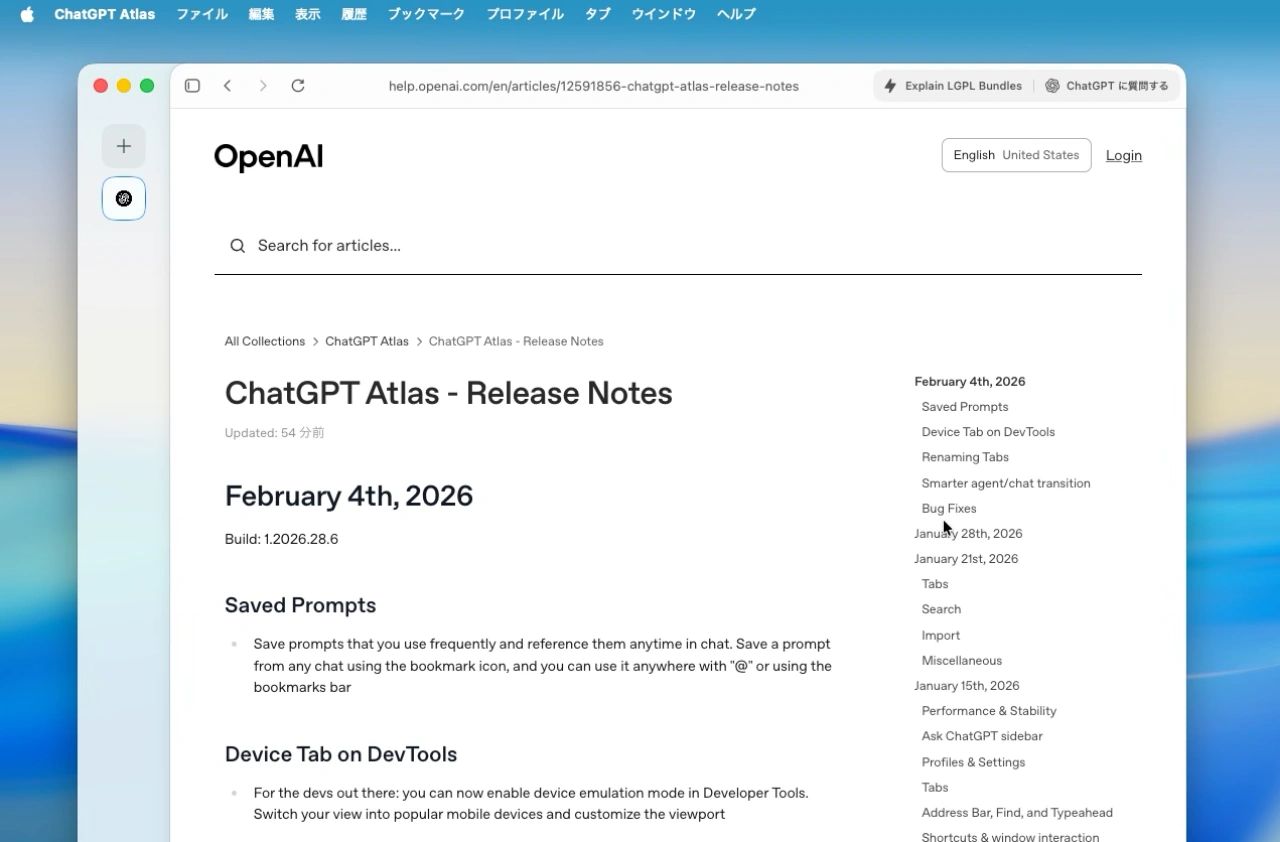
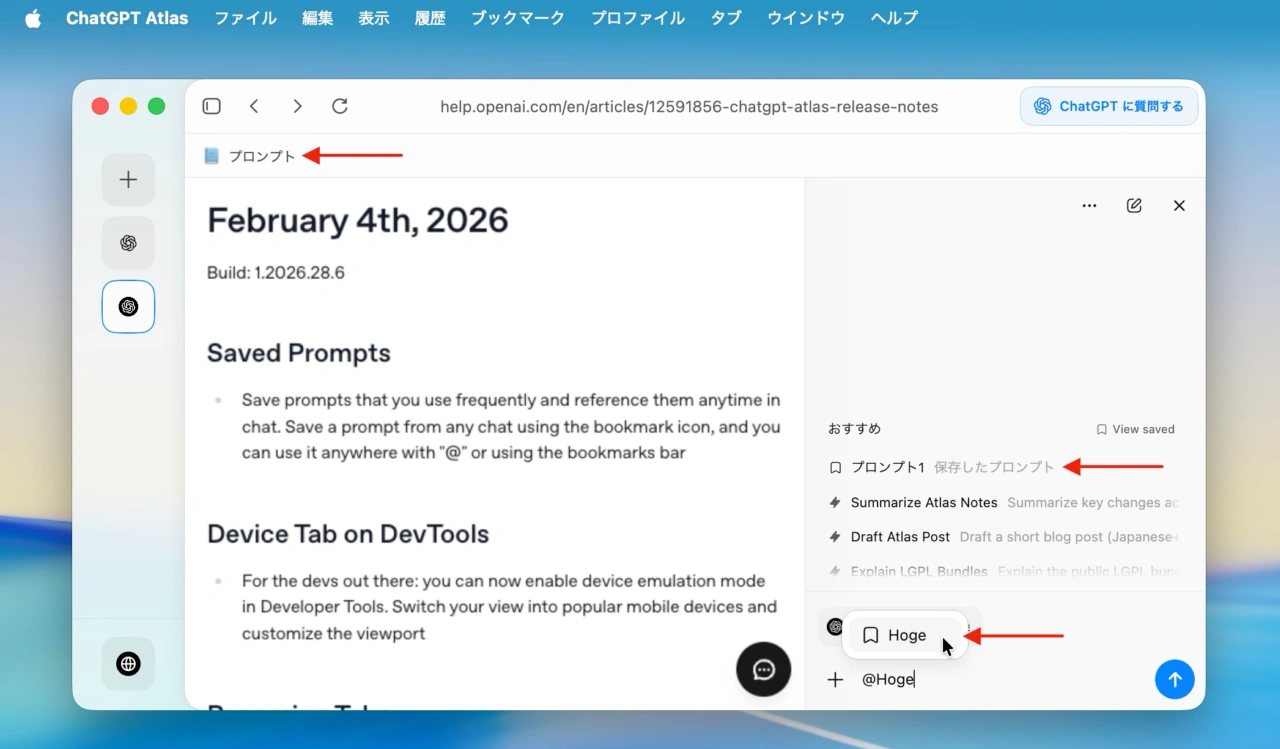
Save prompts that you use frequently and reference them anytime in chat. Save a prompt from any chat using the bookmark icon, and you can use it anywhere with “@” or using the bookmarks bar
ChatGPT Atlas – Release Notes
新しいChatGPT Atlasでは、文章の要約などよく使うプロンプトを保存し、ブックマークバーやチャット内で”@Hoge”などの@(アットマーク)+名前を入力することで素早くチャットに入力することが可能になっています。
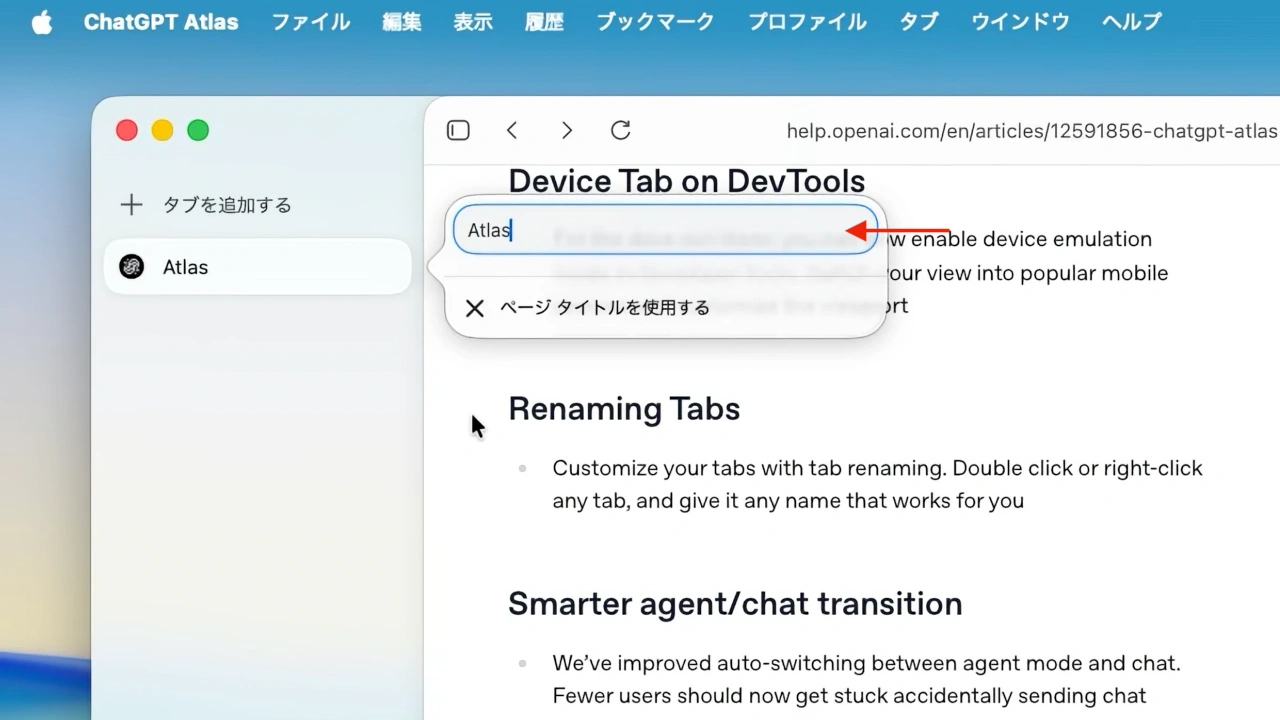
また、タブをダブルクリックまたは右クリックすることでタブの名前を変更できるようになった他、開発者ツールでデバイスエミュレーションモードを有効にできるようになり、一般的なモバイルデバイス表示やビューポートのカスタマイズが可能になりました。
ChatGPT Atlasには、ChatGPTでお馴染みのチャットモードに他に、ブラウザ操作を伴う複雑なタスクをAI(ChatGPT)がユーザーに代わり行ってくれるエージェントモード (Agent)が実装されていますが、今回のアップデートではエージェントモードとチャットモードの自動切り替え機能が改善し、誤ってチャットメッセージをエージェントへ送ってしまうミスが減るようです。
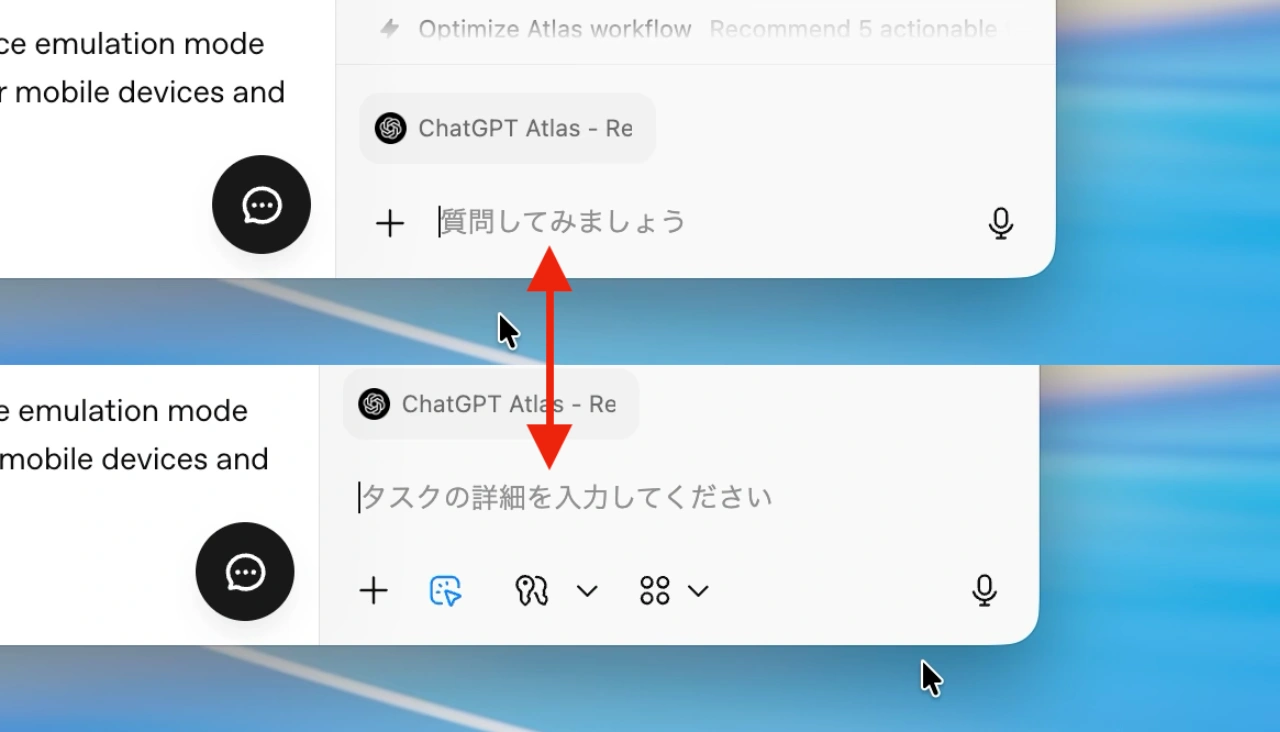
その他、今回のアプデートでは画面にオートフィルが表示されたままになる問題、ブックマークとタブバーで発生していたUIのちらつき、サイドタブの位置ズレ、ChatGTPに質問するサイドバーの提案内容が不正確になる原因となっていたバグなどを修正したそうなので、
February 4th, 2026
Build: 1.2026.28.6
- Saved Prompts
- Save prompts that you use frequently and reference them anytime in chat. Save a prompt from any chat using the bookmark icon, and you can use it anywhere with “@” or using the bookmarks bar
- Device Tab on DevTools
- For the devs out there: you can now enable device emulation mode in Developer Tools. Switch your view into popular mobile devices and customize the viewport
- Renaming Tabs
- Customize your tabs with tab renaming. Double click or right-click any tab, and give it any name that works for you
- Smarter agent/chat transition
- We’ve improved auto-switching between agent mode and chat. Fewer users should now get stuck accidentally sending chat messages into agent mode.
- Bug Fixes
- Fixed an issue where autofill could remain visible after navigating away
- Fixed UI flickering issues in bookmarks and the tab bar
- Fixed intermittent side tab alignment and Find in Page issues
- Fixed several bugs that caused “Ask ChatGPT” sidebar suggestions to be inaccurate
- Fixed an issue causing extension permission prompts to not appear in certain cases
- Fixed picture-in-picture (PiP) continuity issues
- ChatGPT Atlas – OpenAI
- ChatGPT Atlas – Release Notes – OpenAI
コメント